:star2: A cli tool to get all of type definitions(@types/*) for your project dependencies. Happier with typescript :heart:
npm i tyty -g
How To Use
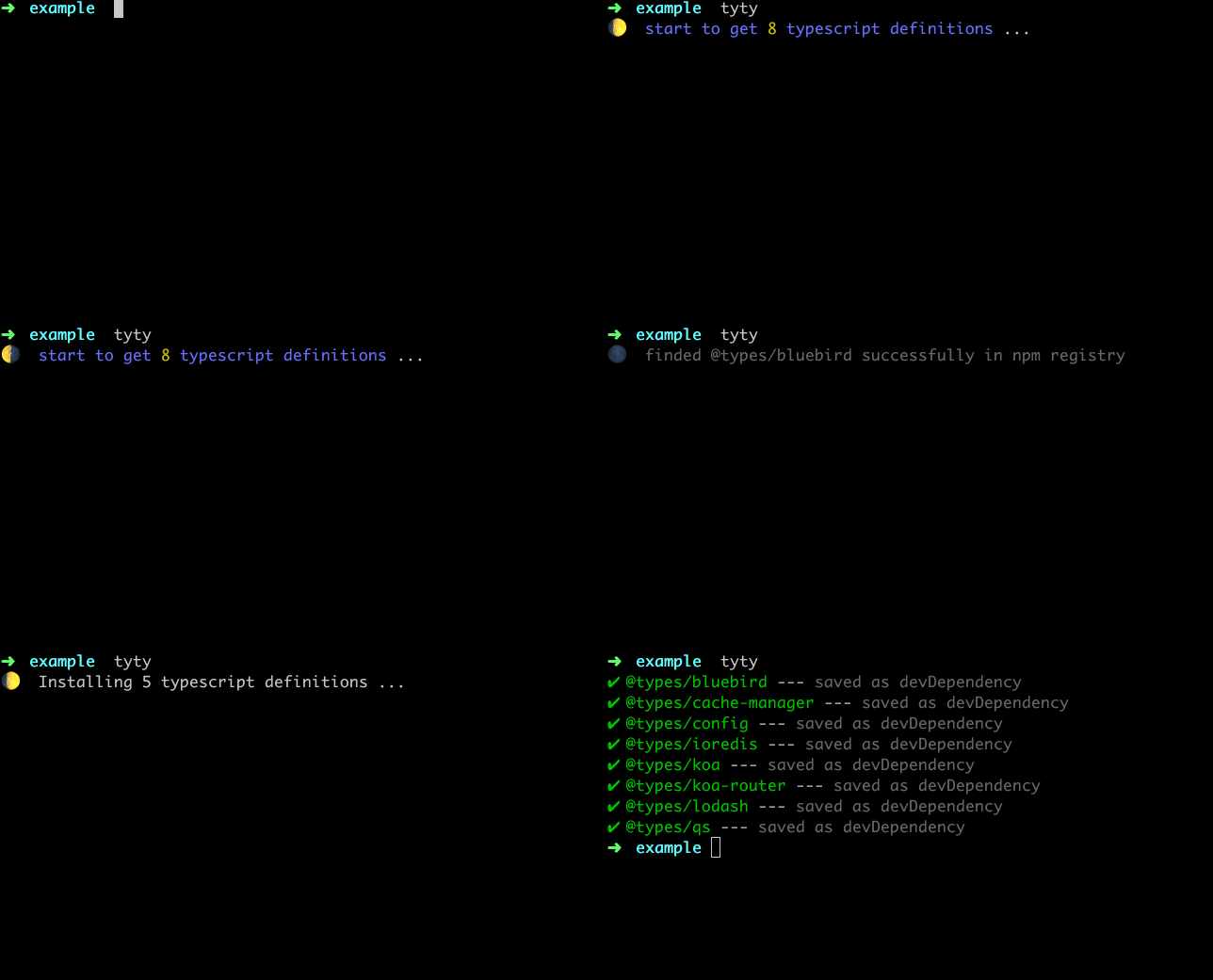
Just open command line in your project, and type tyty + enter. All typescript definitions(@types/*) you need will be downloaded according to package.json.
If package.json not in current folder, tyty will try to find it in superior folder (and repeat if still).
  Usage: tyty [options]

  Options:

    -h, --help      output usage information
    -V, --version   output the version number

    -d, --save-dev  (default) save as dev-dependency
    -s, --save      save as dependency
    -n --npm        (default) install by npm
    -y --yarn       install by yarn
Contributes
- welcome
issuse when have any question, bug, suggestion...
- welcome
fork and Pull Request
- share the tool with friends and colleagues
Todo
- add
-c, --cnpm option. (use cnpm instead of npm to download)





