Syncfusion® WinForms Tool Components
This package contains WinForms Autocomplete, WinForms Docking Manager, WinForms Ribbon, WinForms Tab Control, and WinForms TreeView components for WinForms application.
System Requirements
Autocomplete
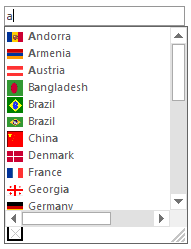
The Syncfusion® WinForms Autocomplete component allows users to enable autocompletion functionality for any edit control. Multiple columns with a header in the autocomplete pop-up provide information for each matching entry. Its rich, built-in feature set includes different autocompletion modes such as suggest and append, appearance customization, and more.
Features Overview | Docs | Online Demo | Support | Forums | Feedback
Getting Started
Docking Manager
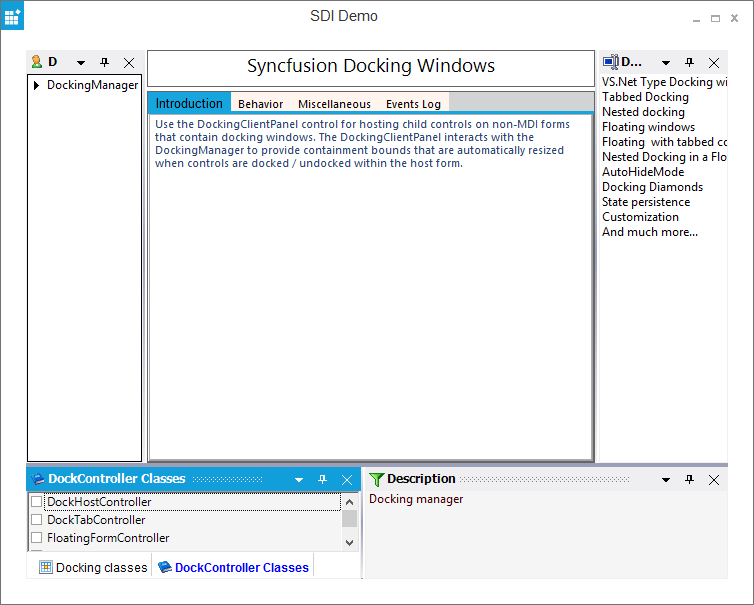
The Syncfusion® WinForms Docking Manager provides an interface to create Visual Studio-like dockable windows in your applications. Dock panels support many interactions like docking, floating, tabbing, auto hiding, and grouping document tabs. The control allows users to resize, move, and change the behavior of windows to create a layout that suits various development models.
Features Overview | Docs | Online Demo | Support | Forums | Feedback
Getting Started
Ribbon
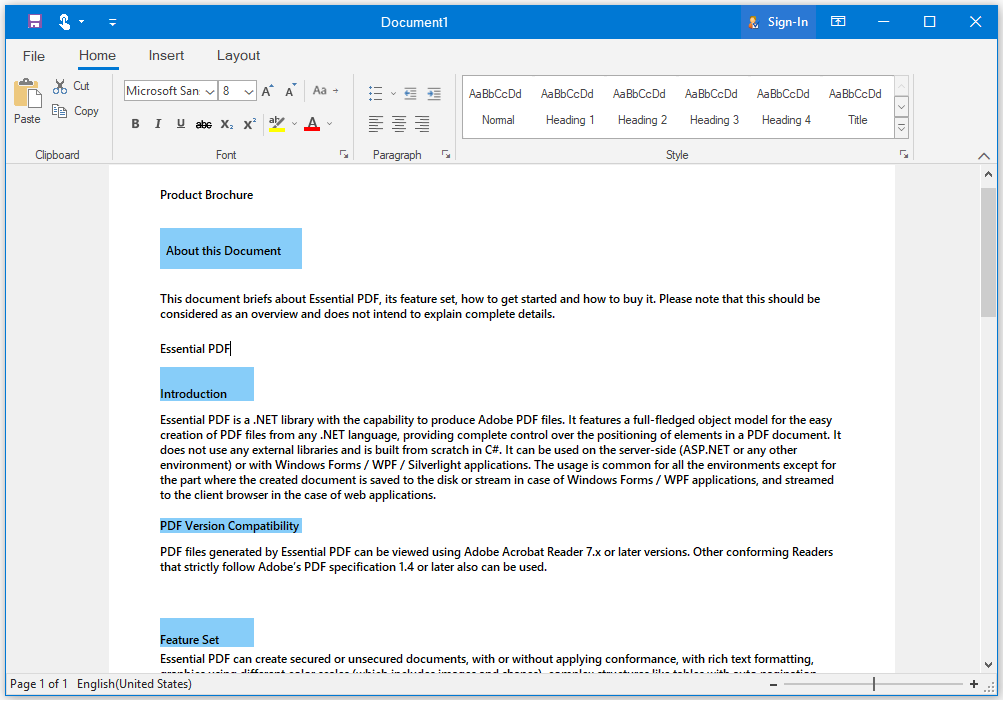
The Syncfusion® WinForms Ribbon accommodates all the tools required for an application in a single, easy-to-navigate user interface similar to Microsoft Office. Its dynamic resizing, keyboard accessibility, and complete customization options help organize an application.
Features Overview | Docs | Online Demo | Support | Forums | Feedback
Getting Started
Tab Control
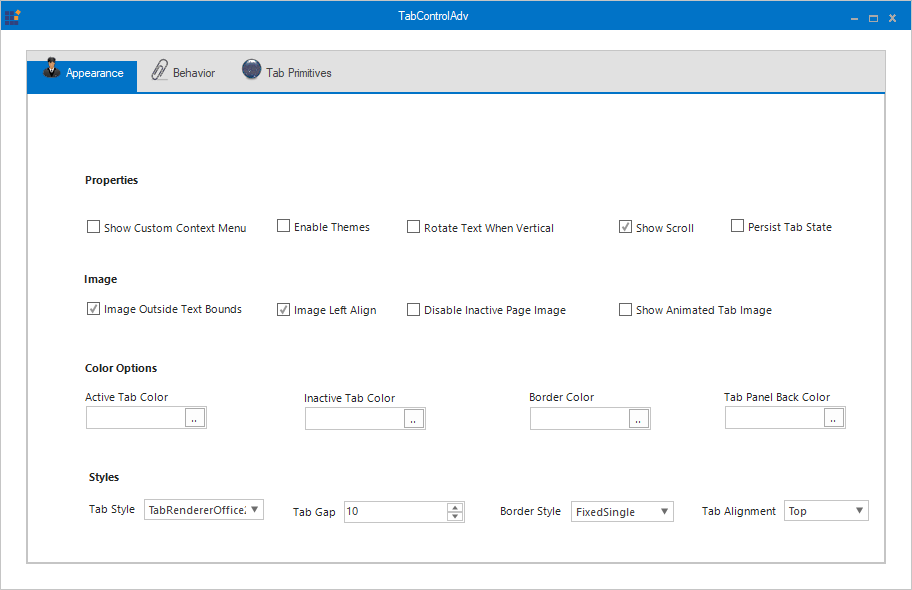
The Syncfusion® WinForms Tab Control provides a simple interface for displaying multiple tabs that arrange content in a compact and organized form in less space. It also provides different tab orientations, text alignment, options to hide or create new tabs, multiline tabs, editable headers, and complete customization options.
Features Overview | Docs | Online Demo | Support | Forums | Feedback
Getting Started
TreeView
The Syncfusion® WinForms TreeView displays a collection of data in hierarchical tree structure and the data in tree view can be expanded and collapsed. TreeViewAdv offers many advanced features like drag-and-drop, load on demand, context menus and data binding that can make the control unique and extraordinary. While the TreeViewAdv exposes some global styles that are to be applied for all the nodes, the TreeNodeAdv lets the users to specify styles for a specific node. The control comes with complete design time support.
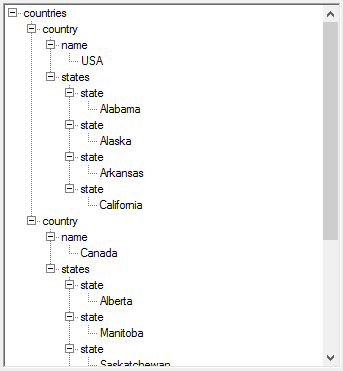
Features Overview | Docs | Online Demo | Support | Forums | Feedback
Getting Started
License
This is a commercial product and requires a paid license for possession or use. Syncfusion® licensed software, including this component, is subject to the terms and conditions of Syncfusion® EULA. You can purchase a license here or start a free 30-day trial here.
About Syncfusion®
Founded in 2001 and headquartered in Research Triangle Park, N.C., Syncfusion® has more than 29,000 customers and more than 1 million users, including large financial institutions, Fortune 500 companies, and global IT consultancies.
Today, we provide 1800+ components and frameworks for web (Blazor, Flutter, ASP.NET Core, ASP.NET MVC, ASP.NET Web Forms, JavaScript, Angular, React, Vue, and jQuery), mobile (.NET MAUI, Flutter, Xamarin, UWP, and JavaScript), and desktop development (WinForms, WPF, WinUI, .NET MAUI, Flutter, Xamarin, and UWP). We provide ready-to-deploy enterprise software for dashboards, reports, data integration, and big data processing. Many customers have saved millions in licensing fees by deploying our software.
sales@syncfusion.com | www.syncfusion.com | Toll Free: 1-888-9 DOTNET





