
PHP Composer Tools
Composer Integration for Visual Studio Code
|
|
Composer "All-in-One" seamlessly integrates Composer and Packagist into Visual Studio Code.
Instantly run composer commands, leverage smart IntelliSense for composer.json,
code lenses, quick actions, schema validation,
browse and search packages, outdated dependency diagnostics, script running,
and full composer task integration — all with almost zero setup.
Only PHP is required. Composer is downloaded automatically.
|
Composer for Visual Studio Code
Composer "All-in-One" provides seamless Composer and Packagist integration in Visual Studio Code. Run Composer commands, leverage advanced IntelliSense for composer.json, access code lenses and quick actions, use schema validation, search packages, get abandoned package warnings, run/manage Composer scripts and much more.
Only PHP needs to be installed. Composer is downloaded and managed automatically for you.
Features
composer.json Editor & IntelliSense
-
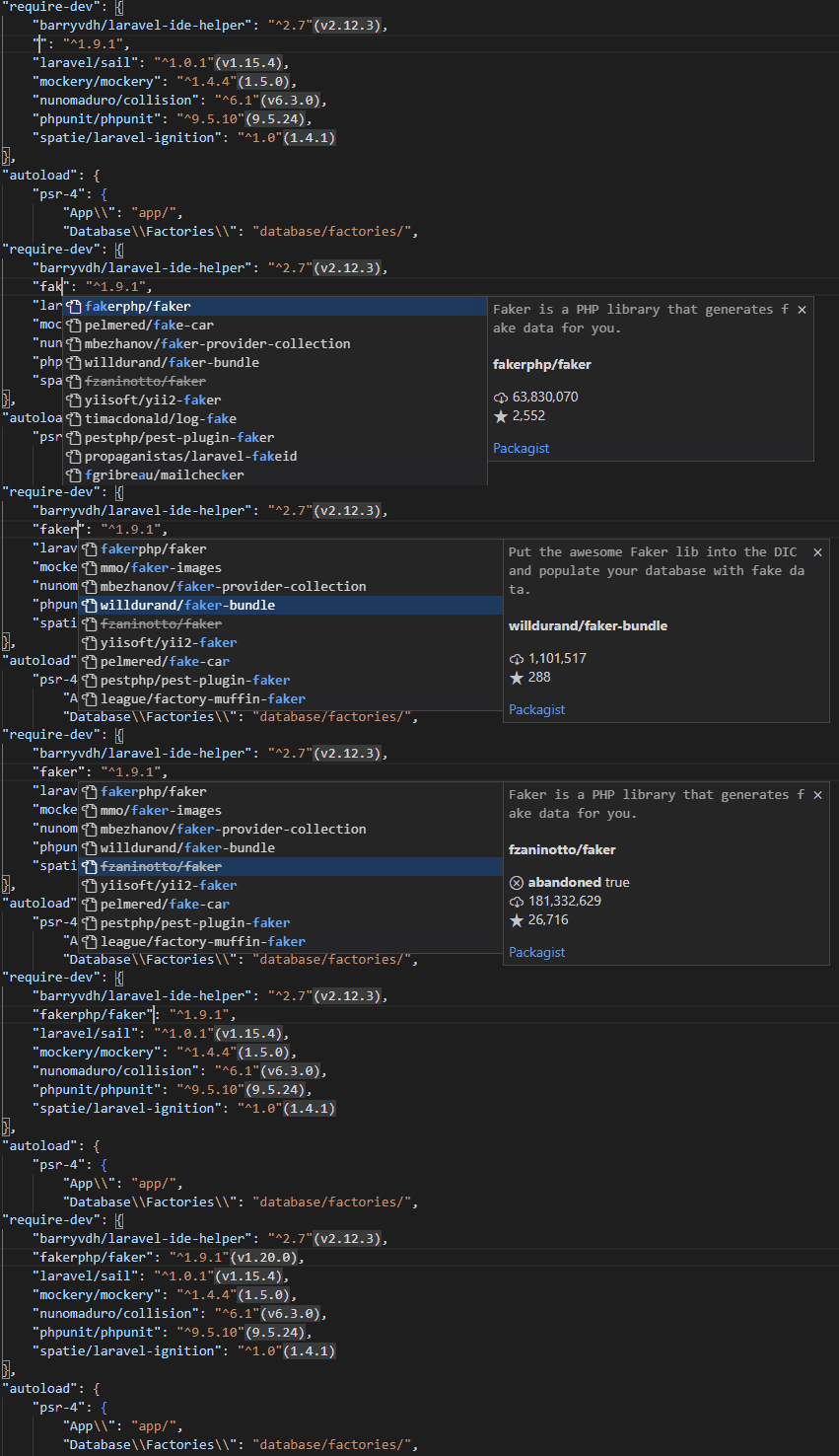
Package Name Completion
Get autocomplete for package names directly from Packagist.
-
Package Version Completion
Receive intelligent version constraint suggestions.

-
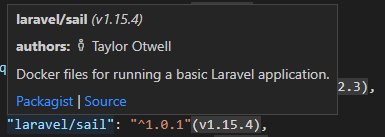
Detailed Tooltips
Hover over packages or versions for rich information.
-
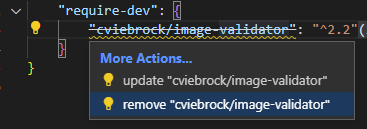
Context Actions
Quickly update or remove dependencies with a click.
-
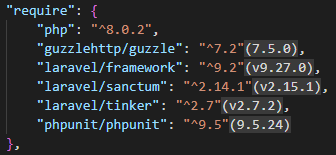
Installed Version Inlay
See installed package versions directly in your composer.json.
-
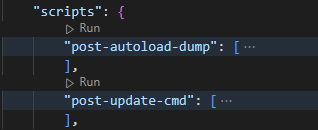
Run-Script CodeLens
Execute custom Composer scripts from your editor.
-
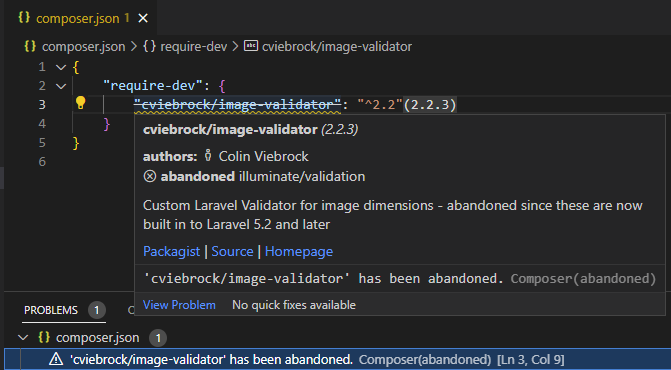
Abandoned Package Diagnostics
Receive warnings about abandoned composer packages.
Key Commands
- composer: install — Run
composer install
- composer: update — Run
composer update
- composer: require — Add dependencies (with search and add)

- composer: require-dev — Add development dependencies
- composer: remove — Remove dependencies

- composer: create-project — Start a project from any Composer package

- composer: search — Search packages on packagist.org

- composer: run-script — Run custom Composer scripts

- composer: check-platform-reqs — Validate platform requirements
- composer: update internal composer.phar — Update the built-in composer.phar
- Other actions —
about, archive, clear-cache, fund, licenses, outdated, reinstall, and more
VS Code Tasks
Run any Composer command as a VS Code Task. No need for a global Composer install—this extension handles everything!
Example task:
"tasks": [
  {
    "label": "check",
    "type": "composer",
    "command": "check-platform-reqs",
    "args": []
  }
]
Schema Validation
Your composer.json is automatically validated against the official JSON schema.
- Ensures file correctness
- Enables accurate tooltips and completions for every setting
Configuration
Composer will be downloaded and managed automatically, stored at the default location.
Override this with COMPOSER_HOME environment variable.
Set your PHP path via php.executablePath in VS Code settings.
php.executablePath | Path to the PHP executable. Defaults to php if unset. If you are using PHP Tools, its selected PHP version will be used automatically. |
Acknowledgments
- Based on the work of Composer and Packagist, including portions of the JSON schema and extension icon.





