



Company News
Meet the Socket Team at RSAC and BSidesSF 2026
Join Socket for live demos, rooftop happy hours, and one-on-one meetings during BSidesSF and RSA 2026 in San Francisco.
By Sarah Gooding - Mar 03, 2026
Python-test
Advanced tools
A Visual Studio Code extension with rich support for the Python language (for all actively supported versions of the language: >=3.7), including features such as IntelliSense (Pylance), linting, debugging, code navigation, code formatting, refactoring, variable explorer, test explorer, and more!
The Python extension does offer some support when running on vscode.dev (which includes github.dev). This includes partial IntelliSense for open files in the editor.
The Python extension will automatically install the Pylance extension to give you the best experience when working with Python files. However, Pylance is an optional dependency, meaning the Python extension will remain fully functional if it fails to be installed. You can also uninstall it at the expense of some features if you’re using a different language server.
Extensions installed through the marketplace are subject to the Marketplace Terms of Use.
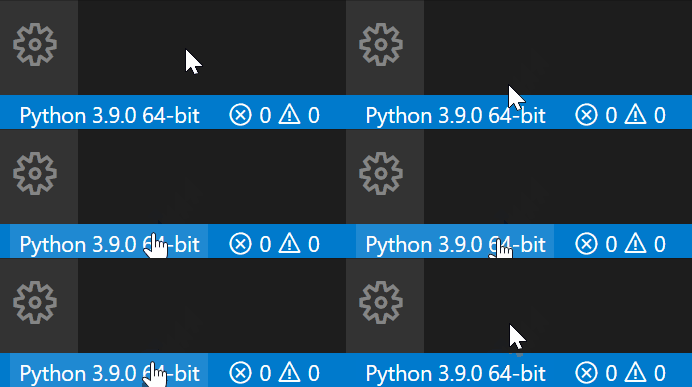
Select your Python interpreter by clicking on the status bar
<img src=https://raw.githubusercontent.com/microsoft/vscode-python/main/images/InterpreterSelectionZoom.gif width=280 height=100>
Configure the debugger through the Debug Activity Bar
<img src=https://raw.githubusercontent.com/microsoft/vscode-python/main/images/ConfigureDebugger.gif width=734 height=413>
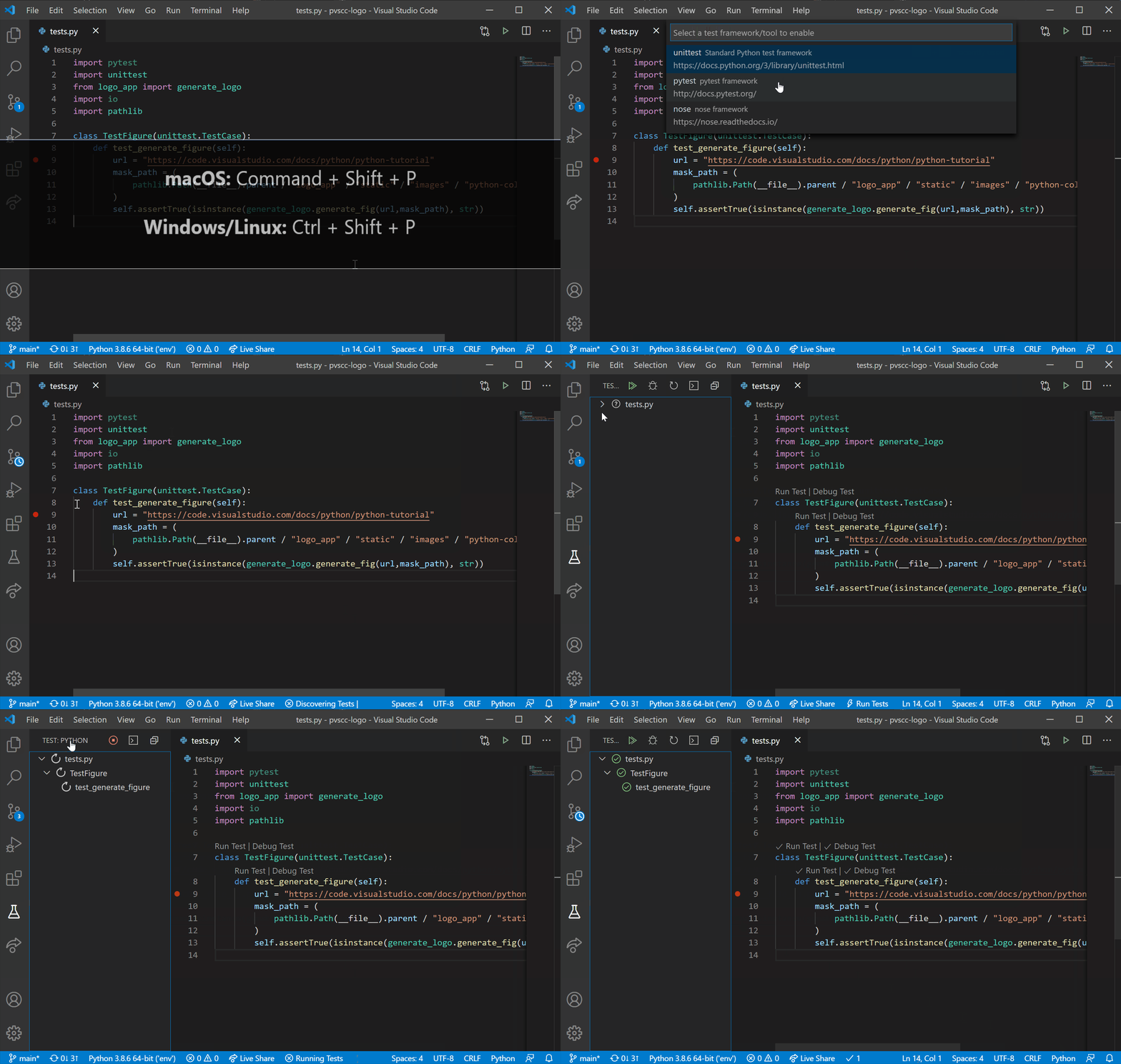
Configure tests by running the Configure Tests command
<img src=https://raw.githubusercontent.com/microsoft/vscode-python/main/images/ConfigureTests.gif width=734 height=413>
The Python extension offers support for Jupyter notebooks via the Jupyter extension to provide you a great Python notebook experience in VS Code.
Install the Jupyter extension.
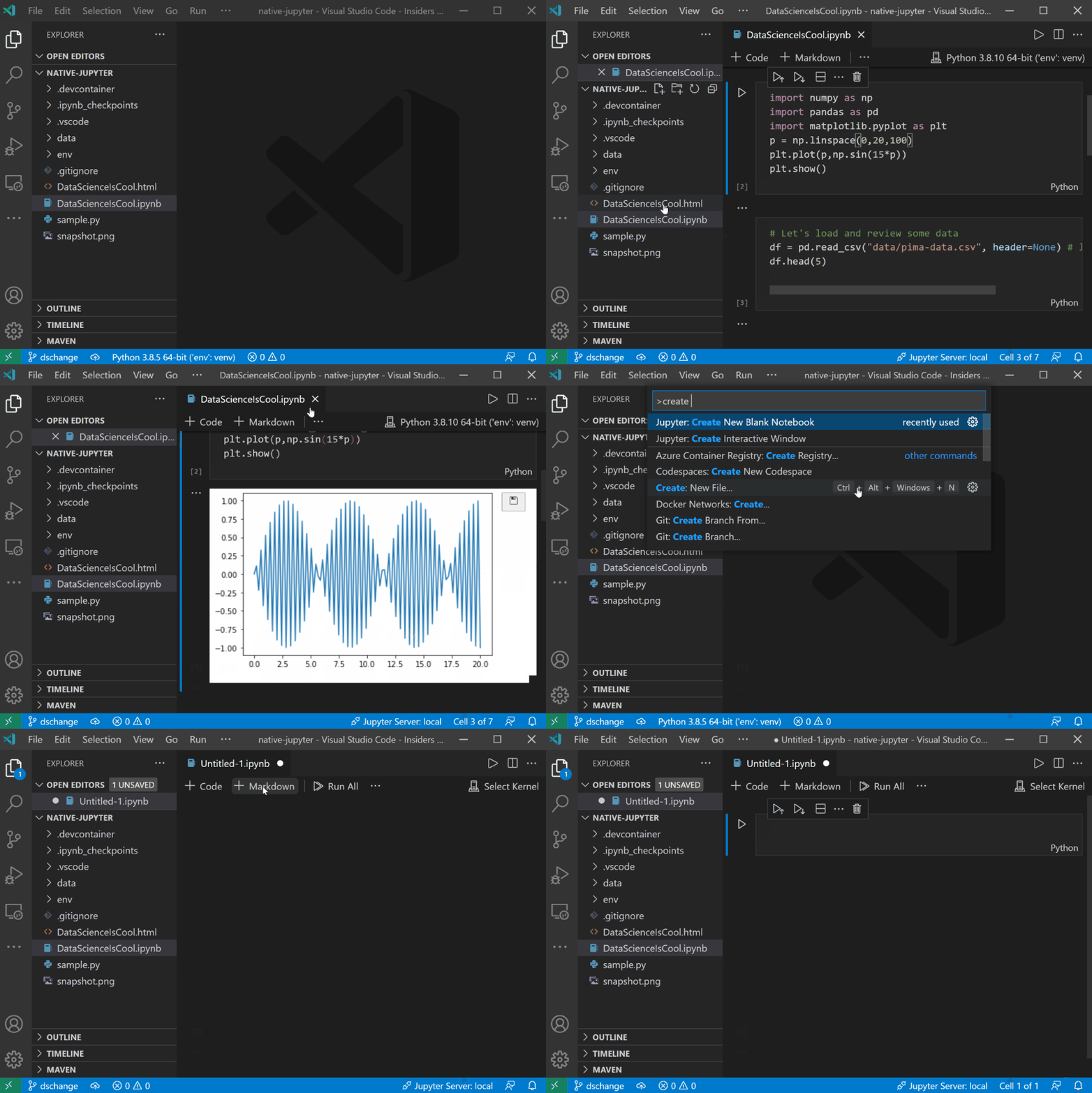
Open or create a Jupyter Notebook file (.ipynb) and start coding in our Notebook Editor!
<img src=https://raw.githubusercontent.com/microsoft/vscode-python/main/images/OpenOrCreateNotebook.gif width=1029 height=602>
For more information you can:
Open the Command Palette (Command+Shift+P on macOS and Ctrl+Shift+P on Windows/Linux) and type in one of the following commands:
| Command | Description |
|---|---|
Python: Select Interpreter | Switch between Python interpreters, versions, and environments. |
Python: Start REPL | Start an interactive Python REPL using the selected interpreter in the VS Code terminal. |
Python: Run Python File in Terminal | Runs the active Python file in the VS Code terminal. You can also run a Python file by right-clicking on the file and selecting Run Python File in Terminal. |
Format Document | Formats code using the provided formatter in the settings.json file. |
Python: Configure Tests | Select a test framework and configure it to display the Test Explorer. |
To see all available Python commands, open the Command Palette and type Python. For Jupyter extension commands, just type Jupyter.
Learn more about the rich features of the Python extension:
The extension is available in multiple languages: de, en, es, fa, fr, it, ja, ko-kr, nl, pl, pt-br, ru, tr, zh-cn, zh-tw
The Microsoft Python Extension for Visual Studio Code collects usage
data and sends it to Microsoft to help improve our products and
services. Read our
privacy statement to
learn more. This extension respects the telemetry.enableTelemetry
setting which you can learn more about at
https://code.visualstudio.com/docs/supporting/faq#_how-to-disable-telemetry-reporting.
FAQs
test-lab
We found that kyntrack.python-test demonstrated a not healthy version release cadence and project activity because the last version was released a year ago. It has 0 open source maintainers collaborating on the project.
Did you know?

Socket for GitHub automatically highlights issues in each pull request and monitors the health of all your open source dependencies. Discover the contents of your packages and block harmful activity before you install or update your dependencies.
Company News
Join Socket for live demos, rooftop happy hours, and one-on-one meetings during BSidesSF and RSA 2026 in San Francisco.

Research
/Security News
Malicious Packagist packages disguised as Laravel utilities install an encrypted PHP RAT via Composer dependencies, enabling remote access and C2 callbacks.

Research
/Security News
OpenVSX releases of Aqua Trivy 1.8.12 and 1.8.13 contained injected natural-language prompts that abuse local AI coding agents for system inspection and potential data exfiltration.