
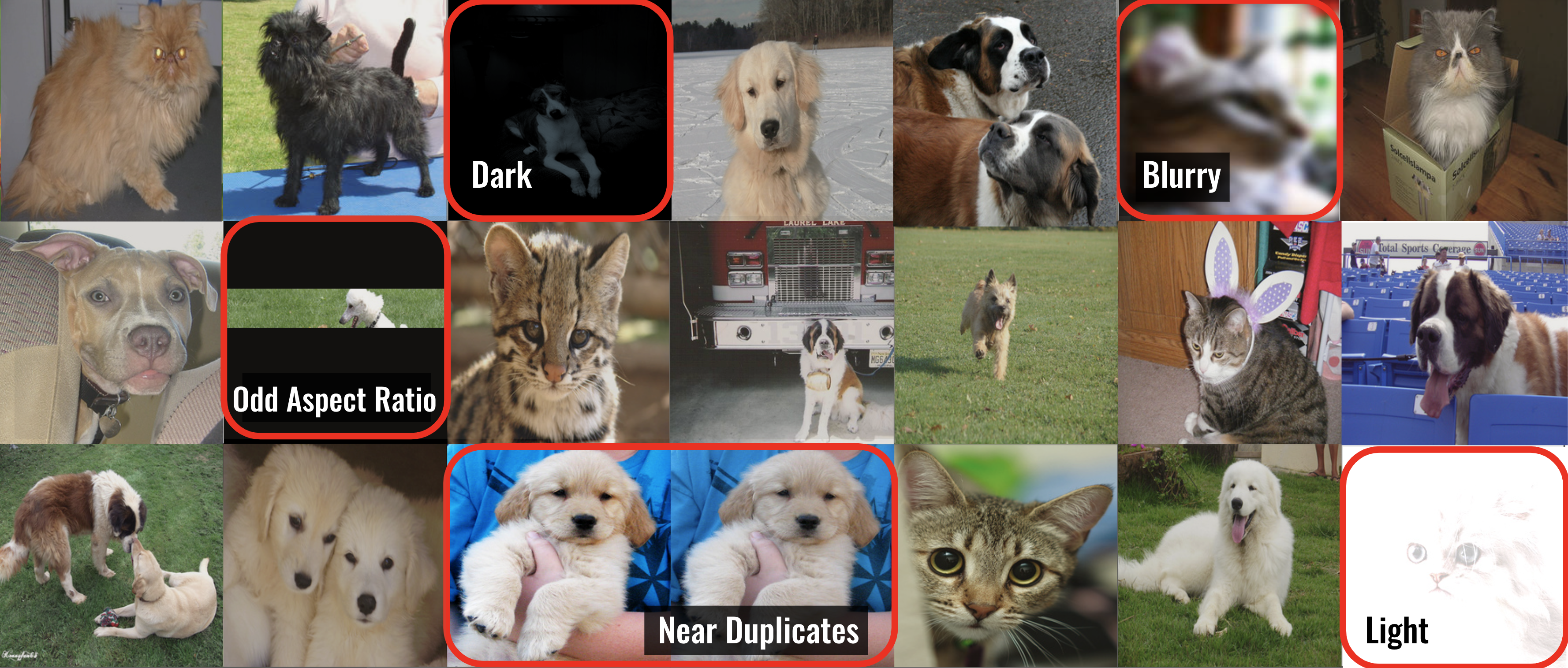
CleanVision automatically detects potential issues in image datasets like images that are: blurry, under/over-exposed, (near) duplicates, etc.
This data-centric AI package is a quick first step for any computer vision project to find problems in the dataset, which you want to address before applying machine learning.
CleanVision is super simple -- run the same couple lines of Python code to audit any image dataset!





Installation
pip install cleanvision
Quickstart
Download an example dataset (optional). Or just use any collection of image files you have.
wget -nc 'https://cleanlab-public.s3.amazonaws.com/CleanVision/image_files.zip'
- Run CleanVision to audit the images.
from cleanvision import Imagelab
imagelab = Imagelab(data_path="FOLDER_WITH_IMAGES/")
imagelab.find_issues()
imagelab.report()
- CleanVision diagnoses many types of issues, but you can also check for only specific issues.
issue_types = {"dark": {}, "blurry": {}}
imagelab.find_issues(issue_types=issue_types)
imagelab.report(issue_types=issue_types)
More resources
Clean your data for better Computer Vision
The quality of machine learning models hinges on the quality of the data used to train them, but it is hard to manually identify all of the low-quality data in a big dataset. CleanVision helps you automatically identify common types of data issues lurking in image datasets.
This package currently detects issues in the raw images themselves, making it a useful tool for any computer vision
task such as: classification, segmentation, object detection, pose estimation, keypoint detection, generative modeling, etc.
To detect issues in the labels of your image data, you can instead
use the cleanlab package.
In any collection of image files (most formats supported), CleanVision can detect the following types of issues:
| 1 | Exact Duplicates | Images that are identical to each other | exact_duplicates | 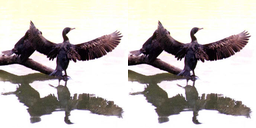 |
| 2 | Near Duplicates | Images that are visually almost identical | near_duplicates | 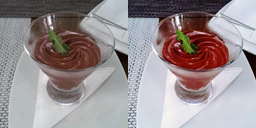 |
| 3 | Blurry | Images where details are fuzzy (out of focus) | blurry | 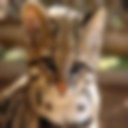 |
| 4 | Low Information | Images lacking content (little entropy in pixel values) | low_information |  |
| 5 | Dark | Irregularly dark images (underexposed) | dark |  |
| 6 | Light | Irregularly bright images (overexposed) | light |  |
| 7 | Grayscale | Images lacking color | grayscale |  |
| 8 | Odd Aspect Ratio | Images with an unusual aspect ratio (overly skinny/wide) | odd_aspect_ratio | 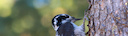 |
| 9 | Odd Size | Images that are abnormally large or small compared to the rest of the dataset | odd_size |  |
CleanVision supports Linux, macOS, and Windows and runs on Python 3.10+. Learn more from our blog.





