


Research
2025 Report: Destructive Malware in Open Source Packages
Destructive malware is rising across open source registries, using delays and kill switches to wipe code, break builds, and disrupt CI/CD.
By Kush Pandya - Dec 24, 2025
contextgem
Advanced tools

| Package |     |
| Quality |     |
| Tools |        |
| Docs |     |
| Community |    |

ContextGem is a free, open-source LLM framework that makes it radically easier to extract structured data and insights from documents — with minimal code.
Most popular LLM frameworks for extracting structured data from documents require extensive boilerplate code to extract even basic information. This significantly increases development time and complexity.
ContextGem addresses this challenge by providing a flexible, intuitive framework that extracts structured data and insights from documents with minimal effort. The complex, most time-consuming parts are handled with powerful abstractions, eliminating boilerplate code and reducing development overhead.
📖 Read more on the project motivation in the documentation.
| Built-in abstractions | ContextGem | Other LLM frameworks* |
|---|---|---|
| Automated dynamic prompts | 🟢 | ◯ |
| Automated data modelling and validators | 🟢 | ◯ |
| Precise granular reference mapping (paragraphs & sentences) | 🟢 | ◯ |
| Justifications (reasoning backing the extraction) | 🟢 | ◯ |
| Neural segmentation (using wtpsplit's SaT models) | 🟢 | ◯ |
| Multilingual support (I/O without prompting) | 🟢 | ◯ |
| Single, unified extraction pipeline (declarative, reusable, fully serializable) | 🟢 | 🟡 |
| Grouped LLMs with role-specific tasks | 🟢 | 🟡 |
| Nested context extraction | 🟢 | 🟡 |
| Unified, fully serializable results storage model (document) | 🟢 | 🟡 |
| Extraction task calibration with examples | 🟢 | 🟡 |
| Built-in concurrent I/O processing | 🟢 | 🟡 |
| Automated usage & costs tracking | 🟢 | 🟡 |
| Fallback and retry logic | 🟢 | 🟢 |
| Multiple LLM providers | 🟢 | 🟢 |
🟢 - fully supported - no additional setup required
🟡 - partially supported - requires additional setup
◯ - not supported - requires custom logic
* See descriptions of ContextGem abstractions and comparisons of specific implementation examples using ContextGem and other popular open-source LLM frameworks.
With minimal code, you can:
pip install -U contextgem
The following example demonstrates how to use ContextGem to extract anomalies from a legal document - a complex concept that requires contextual understanding. Unlike traditional RAG approaches that might miss subtle inconsistencies, ContextGem analyzes the entire document context to identify content that doesn't belong, complete with source references and justifications.
# Quick Start Example - Extracting anomalies from a document, with source references and justifications

import os

from contextgem import Document, DocumentLLM, StringConcept


# Sample document text (shortened for brevity)
doc = Document(
    raw_text=(
        "Consultancy Agreement\n"
        "This agreement between Company A (Supplier) and Company B (Customer)...\n"
        "The term of the agreement is 1 year from the Effective Date...\n"
        "The Supplier shall provide consultancy services as described in Annex 2...\n"
        "The Customer shall pay the Supplier within 30 calendar days of receiving an invoice...\n"
        "The purple elephant danced gracefully on the moon while eating ice cream.\n"  # 💎 anomaly
        "Time-traveling dinosaurs will review all deliverables before acceptance.\n"  # 💎 another anomaly
        "This agreement is governed by the laws of Norway...\n"
    ),
)

# Attach a document-level concept
doc.concepts = [
    StringConcept(
        name="Anomalies",  # in longer contexts, this concept is hard to capture with RAG
        description="Anomalies in the document",
        add_references=True,
        reference_depth="sentences",
        add_justifications=True,
        justification_depth="brief",
        # see the docs for more configuration options
    )
    # add more concepts to the document, if needed
    # see the docs for available concepts: StringConcept, JsonObjectConcept, etc.
]
# Or use `doc.add_concepts([...])`

# Define an LLM for extracting information from the document
llm = DocumentLLM(
    model="openai/gpt-4o-mini",  # or another provider/LLM
    api_key=os.environ.get(
        "CONTEXTGEM_OPENAI_API_KEY"
    ),  # your API key for the LLM provider
    # see the docs for more configuration options
)

# Extract information from the document
doc = llm.extract_all(doc)  # or use async version `await llm.extract_all_async(doc)`

# Access extracted information in the document object
anomalies_concept = doc.concepts[0]
# or `doc.get_concept_by_name("Anomalies")`
for item in anomalies_concept.extracted_items:
    print("Anomaly:")
    print(f"  {item.value}")
    print("Justification:")
    print(f"  {item.justification}")
    print("Reference paragraphs:")
    for p in item.reference_paragraphs:
        print(f"  - {p.raw_text}")
    print("Reference sentences:")
    for s in item.reference_sentences:
        print(f"  - {s.raw_text}")
    print()

| 📄 Document |
|---|
| Create a Document that contains text and/or visual content representing your document (contract, invoice, report, CV, etc.), from which an LLM extracts information (aspects and/or concepts). Learn more |
document = Document(raw_text="Non-Disclosure Agreement...")
| 🔍 Aspects | 💡 Concepts |
|---|---|
| Define Aspects to extract text segments from the document (sections, topics, themes). You can organize content hierarchically and combine with concepts for comprehensive analysis. Learn more | Define Concepts to extract specific data points with intelligent inference: entities, insights, structured objects, classifications, numerical calculations, dates, ratings, and assessments. Learn more |
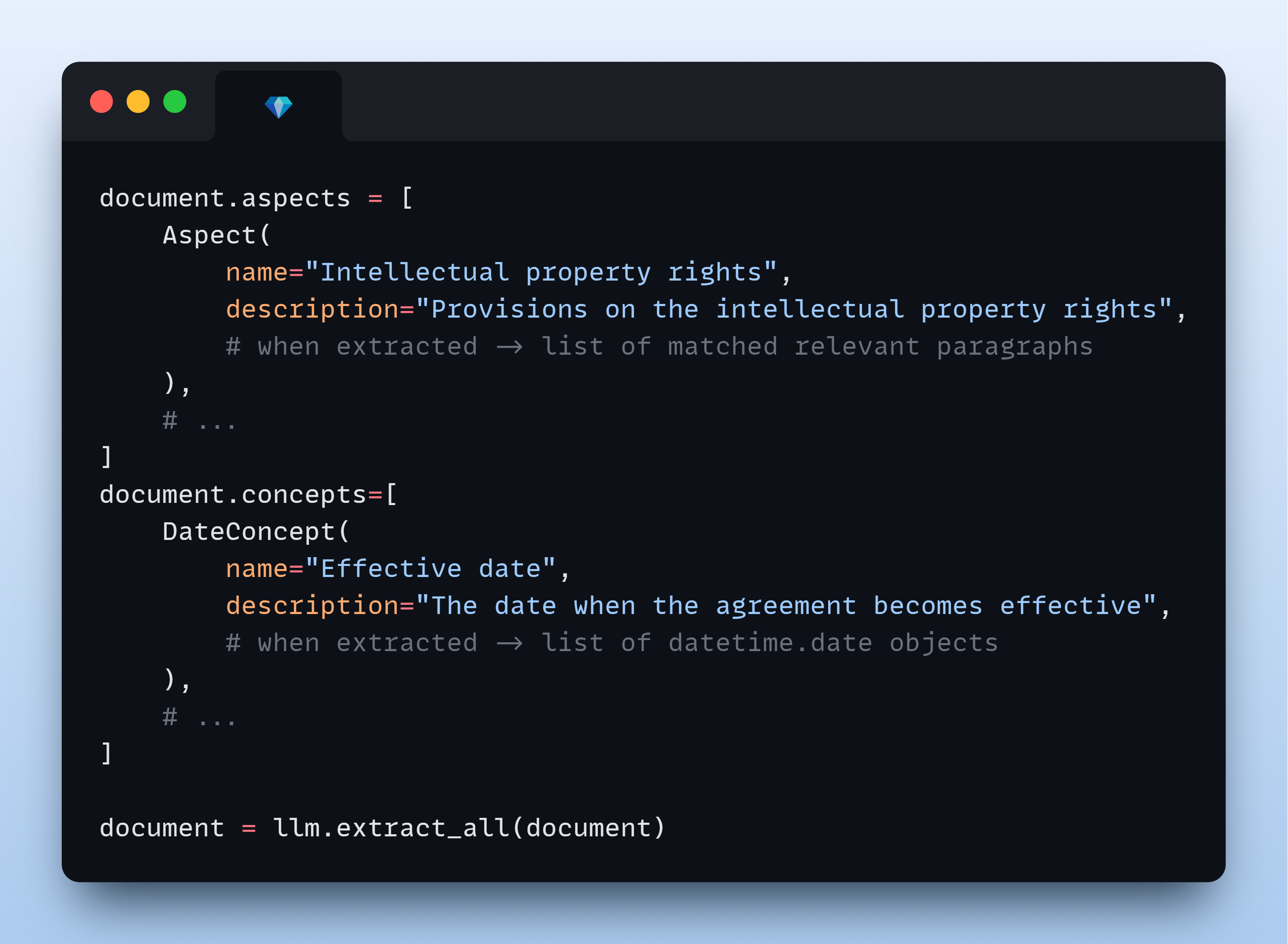
# Extract document sections
aspect = Aspect(
    name="Term and termination",
    description="Clauses on contract term and termination",
)
# Extract specific data points
concept = BooleanConcept(
    name="NDA check",
    description="Is the contract an NDA?",
)
# Add these to the document instance for further extraction
document.add_aspects([aspect])
document.add_concepts([concept])
| 🔄 Alternative: Configure Extraction Pipeline |
|---|
| Create a reusable collection of predefined aspects and concepts that enables consistent extraction across multiple documents. Learn more |
| 🤖 LLM | 🤖🤖 Alternative: LLM Group (advanced) |
|---|---|
| Configure a cloud or local LLM that will extract aspects and/or concepts from the document. DocumentLLM supports fallback models and role-based task routing for optimal performance. Learn more | Configure a group of LLMs with unique roles for complex extraction workflows. You can route different aspects and/or concepts to specialized LLMs (e.g., simple extraction vs. reasoning tasks). Learn more |
llm = DocumentLLM(
    model="openai/gpt-5-mini",  # or another provider/LLM
    api_key="...",
)
document = llm.extract_all(document)
# print(document.aspects[0].extracted_items)
# print(document.concepts[0].extracted_items)
📖 Learn more about ContextGem's core components and their practical examples in the documentation.
🌟 Basic usage:
🚀 Advanced usage:
To create a ContextGem document for LLM analysis, you can either pass raw text directly, or use built-in converters that handle various file formats.
ContextGem provides a built-in converter to easily transform DOCX files into LLM-ready data.
🚀 Performance improvement in v0.17.1: DOCX converter now converts files ~2X faster.
# Using ContextGem's DocxConverter

from contextgem import DocxConverter


converter = DocxConverter()

# Convert a DOCX file to an LLM-ready ContextGem Document
# from path
document = converter.convert("path/to/document.docx")
# or from file object
with open("path/to/document.docx", "rb") as docx_file_object:
    document = converter.convert(docx_file_object)

# Perform data extraction on the resulting Document object
# document.add_aspects(...)
# document.add_concepts(...)
# llm.extract_all(document)

# You can also use DocxConverter instance as a standalone text extractor
docx_text = converter.convert_to_text_format(
    "path/to/document.docx",
    output_format="markdown",  # or "raw"
)
📖 Learn more about DOCX converter features in the documentation.
ContextGem leverages LLMs' long context windows to deliver superior extraction accuracy from individual documents. Unlike RAG approaches that often struggle with complex concepts and nuanced insights, ContextGem capitalizes on continuously expanding context capacity, evolving LLM capabilities, and decreasing costs. This focused approach enables direct information extraction from complete documents, eliminating retrieval inconsistencies while optimizing for in-depth single-document analysis. While this delivers higher accuracy for individual documents, ContextGem does not currently support cross-document querying or corpus-wide retrieval - for these use cases, modern RAG frameworks (e.g., LlamaIndex, Haystack) remain more appropriate.
📖 Read more on how ContextGem works in the documentation.
ContextGem supports both cloud-based and local LLMs through LiteLLM integration:
💡 Model Selection Note: For reliable structured extraction, we recommend using models with performance equivalent to or exceeding
gpt-4o-mini. Smaller models (such as 8B parameter models) may struggle with ContextGem's detailed extraction instructions. If you encounter issues with smaller models, see our troubleshooting guide for potential solutions.
📖 Learn more about supported LLM providers and models, how to configure LLMs, and LLM extraction methods in the documentation.
ContextGem documentation offers guidance on optimization strategies to maximize performance, minimize costs, and enhance extraction accuracy:
ContextGem allows you to save and load Document objects, pipelines, and LLM configurations with built-in serialization methods:
📖 Learn more about serialization options in the documentation.
📖 Full documentation: contextgem.dev
⚠️ Official Documentation Notice: https://contextgem.dev/ is the only official source of ContextGem documentation. Please be aware of unauthorized copies or mirrors that may contain outdated or incorrect information.
📄 Raw documentation for LLMs: Available at docs/source/llms.txt - automatically generated, optimized for LLM ingestion.
🤖 AI-powered code exploration: DeepWiki provides visual architecture maps and natural language Q&A for the codebase.
📈 Change history: See the CHANGELOG for version history, improvements, and bug fixes.
🐛 Found a bug or have a feature request? Open an issue on GitHub.
💭 Need help or want to discuss? Start a thread in GitHub Discussions.
We welcome contributions from the community - whether it's fixing a typo or developing a completely new feature!
📋 Get started: Check out our Contributor Guidelines.
This project is automatically scanned for security vulnerabilities using multiple security tools:
🛡️ Security policy: See SECURITY file for details.
ContextGem relies on these excellent open-source packages:
ContextGem is just getting started, and your support means the world to us!
⭐ Star the project if you find ContextGem useful
📢 Share it with others who might benefit
🔧 Contribute with feedback, issues, or code improvements
Your engagement is what makes this project grow!
License: Apache 2.0 License - see the LICENSE and NOTICE files for details.
Copyright: © 2025 Shcherbak AI AS, an AI engineering company building tools for AI/ML/NLP developers.
Connect: LinkedIn or X for questions or collaboration ideas.
Built with ❤️ in Oslo, Norway.
FAQs
Effortless LLM extraction from documents
We found that contextgem demonstrated a healthy version release cadence and project activity because the last version was released less than a year ago. It has 1 open source maintainer collaborating on the project.
Did you know?

Socket for GitHub automatically highlights issues in each pull request and monitors the health of all your open source dependencies. Discover the contents of your packages and block harmful activity before you install or update your dependencies.
Research
Destructive malware is rising across open source registries, using delays and kill switches to wipe code, break builds, and disrupt CI/CD.

Security News
Socket CTO Ahmad Nassri shares practical AI coding techniques, tools, and team workflows, plus what still feels noisy and why shipping remains human-led.

Research
/Security News
A five-month operation turned 27 npm packages into durable hosting for browser-run lures that mimic document-sharing portals and Microsoft sign-in, targeting 25 organizations across manufacturing, industrial automation, plastics, and healthcare for credential theft.