Socket
Book a DemoInstallSign in
Socket

custom-toolbar-button

Package Overview
Dependencies
Maintainers
1
Versions
2
Alerts
File Explorer

Advanced tools

Socket logo

Install Socket

Detect and block malicious and high-risk dependencies

Install

custom-toolbar-button

# Custom-toolbar-button

pipPyPI
Version
0.1.1
Maintainers
1

Custom-toolbar-button

Using this package, you can add custom widgets(with icon image and callback function) in matplotlib's toolbar.

Example

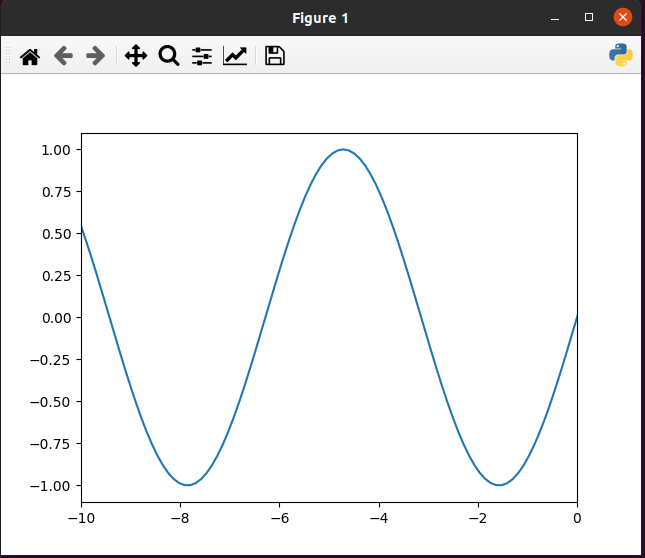
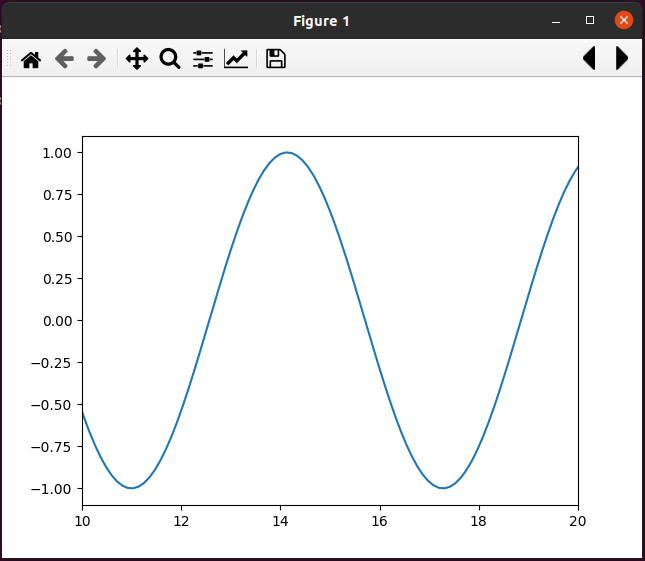
  • Forward and backward widgets are by default, on click chart shift 5 step forward and backward resp.
import os

# import custom_toolbar_button before matplotlib pyplot 
from custom_toolbar_button import tool

import matplotlib.pyplot as plt
# ----- Your code ---- #

Forward Backward icon

  • You can give n number of widgets list using TOOLITEMS global variable.

TOOLITEMS is list of tuple[Widget name, Tooltip text, Icon png complete path with name, Callback function].

import os

# import custom_toolbar_button before matplotlib pyplot 
from custom_toolbar_button import tool

icons = tool.Icons(os.path.dirname(__file__))

"""
Callback function should have same structure as mention below (function callback_func)

cls_instance is NavigationToolbar instance
"""
def callback_func(cls_instance):
    """
	cls_instance: NavigationToolbar2TK or NavigationToolbar2QT
	"""
    def wrapper(): 
        print('Custom tool button example.')
    return wrapper


tool.TOOLITEMS = [(
                    "Python Icon",                      # Widget name 
                    "Tooltip Python icon",              # Tooltip text
                    icons.icon_path("pyicon.png"),      # Icon png complete path with name
                    callback_func                       # Callback function
                    )]


import matplotlib.pyplot as plt

# ----- Your code ---- #

Custom Python icon

Keywords

matplotlib

FAQs

Did you know?

Socket

Socket for GitHub automatically highlights issues in each pull request and monitors the health of all your open source dependencies. Discover the contents of your packages and block harmful activity before you install or update your dependencies.

Install

Related posts