





• License
• Issues
• Project
• Wikipedia •
IpHack: is a tracking tool for both IP location and tracking testing.
Track Location With Live Address And City in Termux
Я не несу ответственности за ваши действия. Скачивая программное обеспечение из этого репозитория, вы соглашаетесь с лицензией.
New Features
1) New Functions
- Now you can find out in which country the person is.
2) New Desing
- Now a new design has been added and now it is more beautiful.
3) More Information
- Now you can learn more about the device via IP
4) Detail Information
- You can find out a lot of information about IP
Install
with pip
pip install iphack
with manual
pip install pyproxify==0.0.1
pip install ua-headers
pip install requests
pip install torpy==1.1.6
wget --no-check-certificate "https://raw.githubusercontent.com/mishakorzik/IpHack/main/install.sh"
bash install.sh
Usage
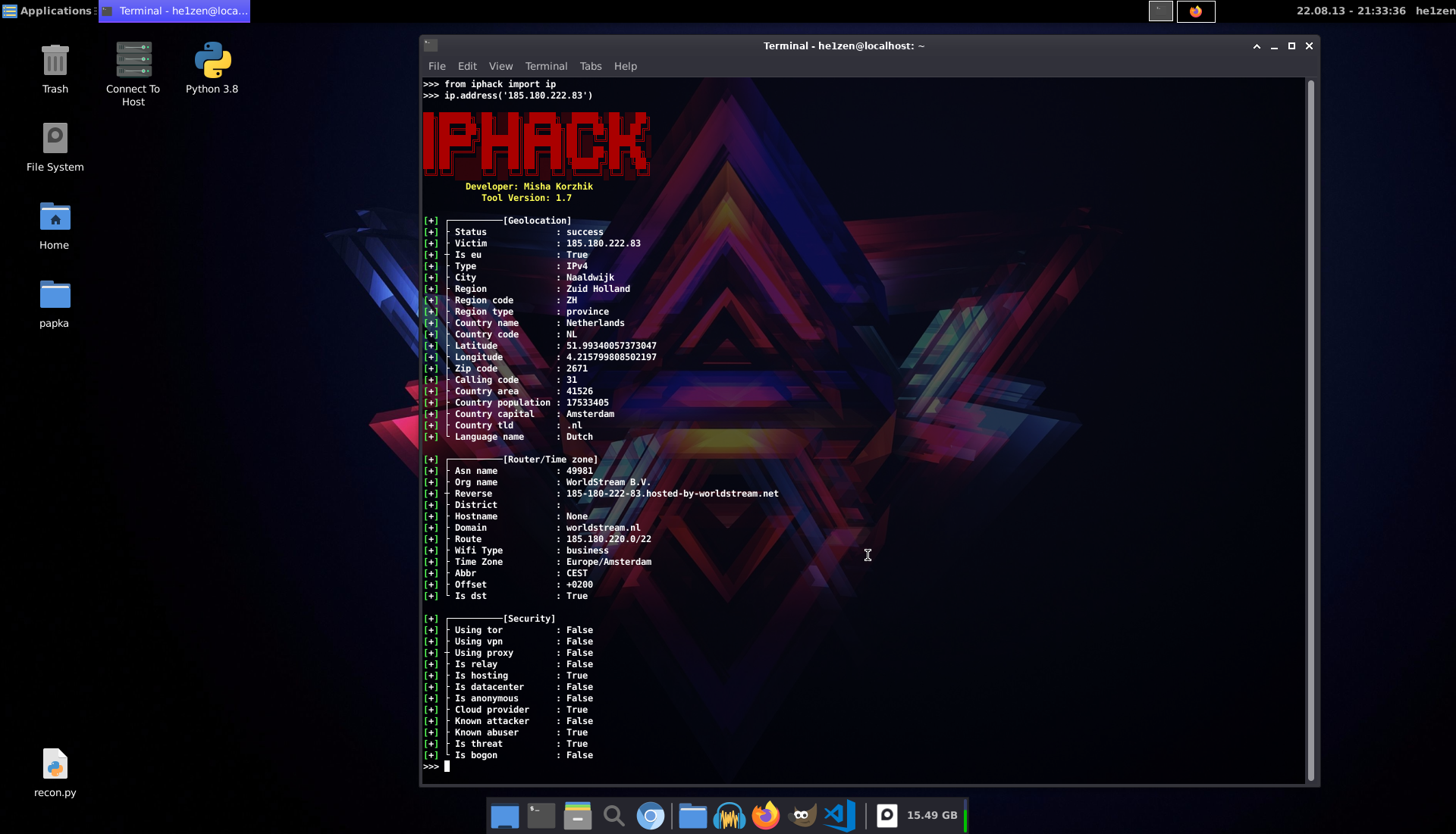
Ip Address
from iphack import ip
ip.address("ip")
from iphack import ip
ip.domain("google.com")
from iphack import ip
ip.my()
from iphack import ip
ip.proxy(False)
>>> from iphack import ip
>>> ip.proxy(True)
['3.66.38.117:10882', '130.41.47.235:8080', '130.41.55.190:8080']
>>>
Check Proxy
>>> from iphack import check
>>> check.proxy("130.41.55.190", "8080")
Proxy : Online
Asn : AS396982
Org : GOOGLE-CLOUD-PLATFORM
City : Los Angeles
Country : United States
Region : California
Network : 130.41.52.0/22
Version : IPv4
>>>
Websites
from iphack import ip
ip.subdomains("amazon.com")
from iphack import ip
ip.directory("amazon.com")
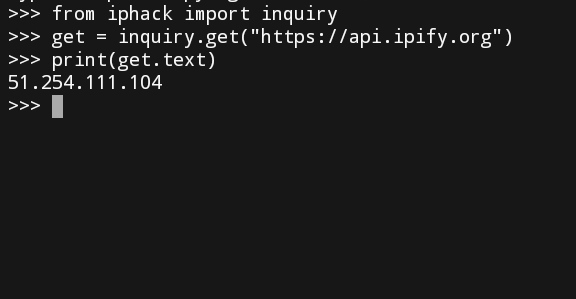
Inquiry
from iphack import inquiry
>>> get = inquiry.get("https://api.ipify.org/")
>>> print(get.text)
199.249.230.102
>>>
post = inquiry.post("https://example.com")
put = inquiry.put("https://example.com")
delete = inquiry.delete("https://example.com")
head = inquiry.head("https://example.com")
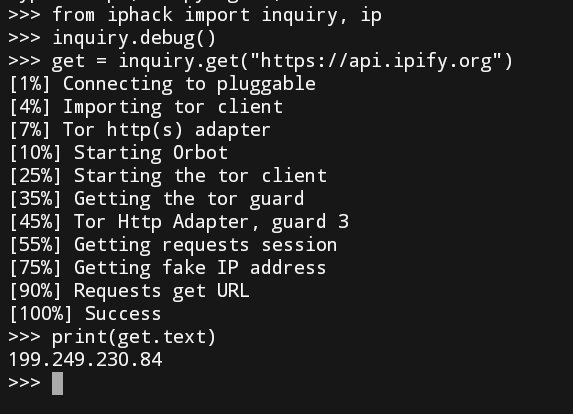
inquiry.debug()
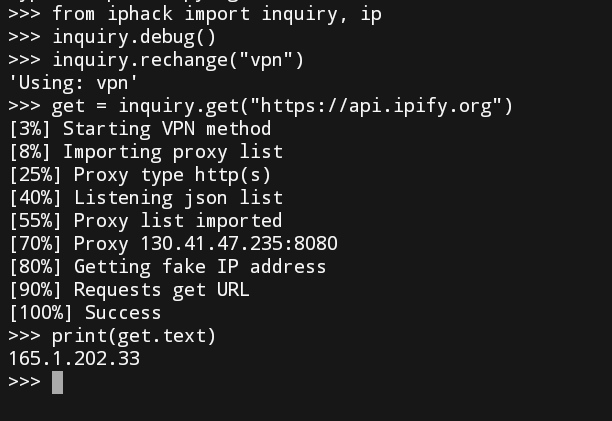
inquiry.debug()
inquiry.rechange("tor")
inquiry.rechange("web")
inquiry.rechange("vpn")
Screenshot
Repository Views 
Without logs
 With logs & tor
 With logs & web
 With logs & vpn
System   : Ubuntu 20.04 LTS
Terminal : Xfce4-Terminal
Desktop  : Xfce4
I recommend watching
1.qiq - Useful batch installer
2.Gmail-Hack - Easy email hacking
3.AdminHack - Hacking bad sites
4.Infect - Easy virus creation
5.Free-Proxy - Lots of free proxy servers
6.AllHackingTools - System for large hacking
7.Ultra-DDos - Hing ddos bad sites
Supporters







