


Product
Introducing Repository Access Permissions and Custom Roles
Socket now supports Custom Roles and Repository Access Permissions so organizations can control who can access specific repositories and actions.
By Joe Werle - Jun 19, 2026
October 24, 2025
3 min read


Modern software supply chain attacks don’t wait for production. Attackers now target developers directly, planting malicious code in packages that execute during installation on local machines. These attacks strike early in the development process, long before vulnerable code ever reaches production.
In many recent attacks on package ecosystems, the attack is often introduced to developers through packages downloaded from public registries. Following research into attacks like Shai Hulud and the propagation of malware, Socket released sfw as a way to mitigate these attacks and protect developers with low friction. The free version, however, is optimized for simple, straightforward use cases.
Today we are happy to announce the expansion of sfw into an Enterprise offering that allows configuration as well as expanded capabilities. The Enterprise offering also allows for additional modes of deployment. With these new capabilities, many workflows can now be covered that were not supported by the free version of sfw.
One issue for some rollouts has been the lack of a MUSL build, which enables the firewall to run on lightweight container images and removes the dependency on specific system libraries. This is now available for both free and Enterprise users of Socket Firewall, making it better suited for CI pipelines and containerized deployments.
Configuring security policies is a basic need for most security teams seeking to triage issues effectively. Socket Firewall Enterprise respects both individual issue triage and the security and license policies configured for Socket organizations. This means organizations can select which types of alerts should trigger warnings or block packages from being downloaded, unlike in the free version.
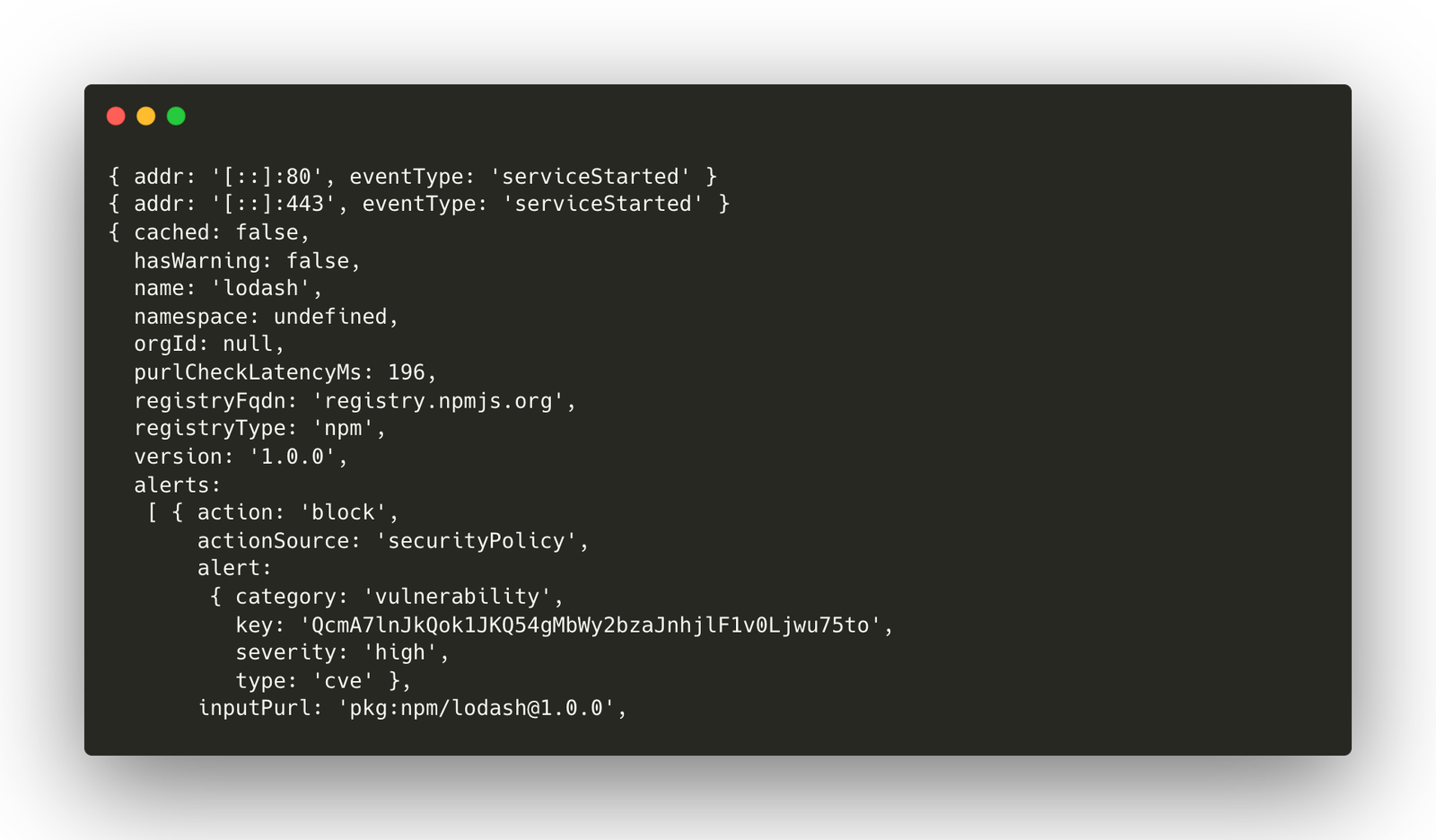
On-premise deployment has been one of the most requested features. Many enterprises use HTTPS proxies, and since Socket Firewall has the ability to act as one, the Enterprise edition now supports running it as a long-lived HTTPS proxy process. Doing so allows a variety of workflow enhancements. One benefit is that only the proxy machine needs access to the Socket API. In addition, package managers can be configured to expect trusted certificates when connecting to the HTTPS proxy, with those certificates stored only on the proxy machine. Additional work is being considered to allow it to act as a reverse proxy instead of a MITM, and this will be added to the Enterprise offering in a future release.
Language support has been enhanced as well. Due to the complexities and limitations of some package managers and registries, the free version of Socket Firewall is limited to JavaScript, Python, and Rust. The Enterprise offering expands support to all languages supported by Socket, though some require configuration changes or specific usage expectations described in the compatibility table. Notable registries added include Java’s Maven ecosystem, Go’s git-based module ecosystem, Ruby’s RubyGems registry, and C#’s NuGet ecosystem.
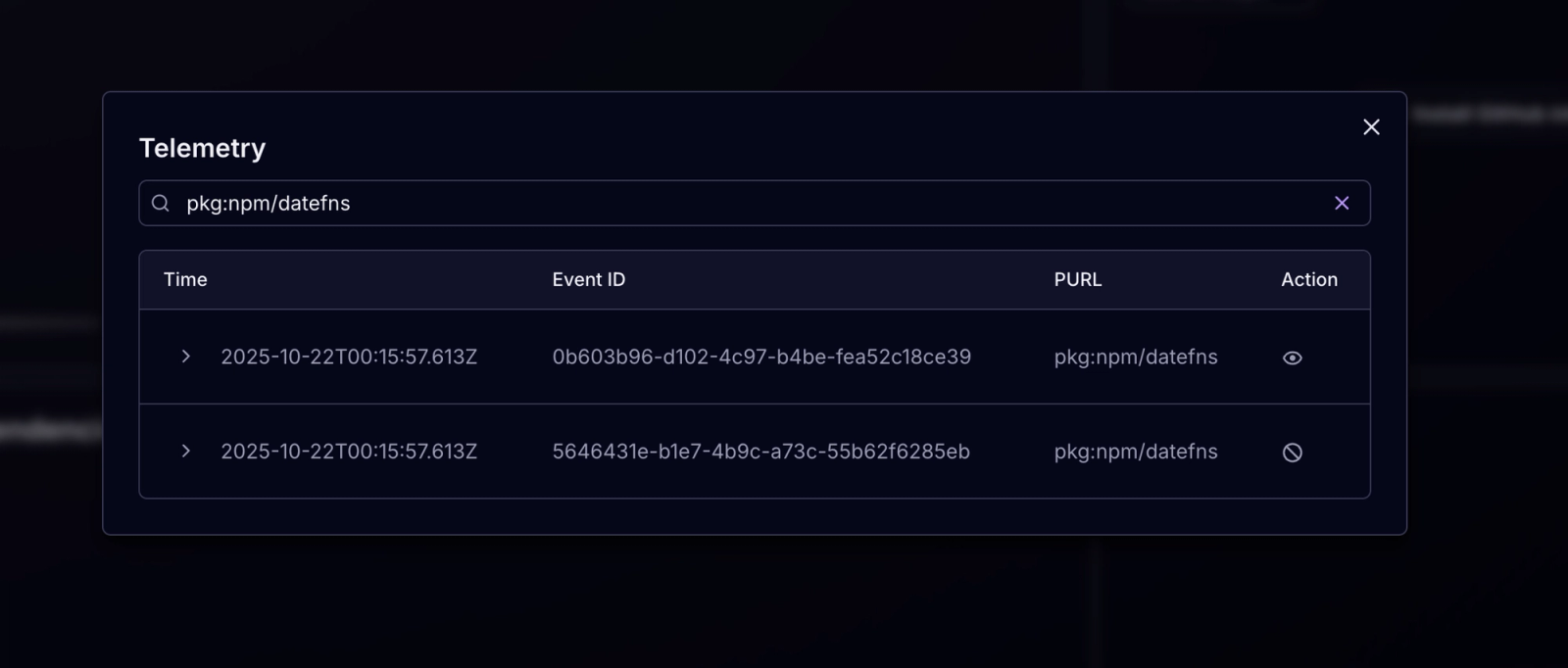
Like the free offering, Socket Firewall Enterprise gathers telemetry that provides a level of introspection often missing from other security tools. Instead of only knowing which packages were installed from committed source code, teams can now see any package that was attempted to be downloaded. This data includes the machine ID, whether the download was allowed or blocked, the time of the attempt, and other relevant details. Using this information, security teams can search for infiltration or attempted infiltration on a per-machine level.
Here’s a quick comparison of what’s included in the free version versus Socket Firewall Enterprise.
| Socket Firewall Free | Socket Firewall Enterprise | |
|---|---|---|
| Must be on a paid plan? | No | Yes, Enterprise |
| Custom registries | No | Yes |
| Ecosystems | JS, TS, Python, Rust | All languages |
| Data in dashboard | No | Yes |
| Authentication / can set API Key? | No | Yes |
| Can you set the security policy? | Not configurable.
| Yes
|
| Do we collect usage data? | Yes | Yes, but configurable |
| Is there a rate limit? | Abuse rate limits | Abuse rate limits |
| What operational modes are supported? | Wrapper only | Wrapper + Client/Server |
| Chained HTTP Proxy | No | Coming Soon |
Socket Firewall Enterprise is a superset of the free sfw release. It includes all of the same functionality, and any future improvements made to sfw will automatically be available in the Enterprise edition. This ensures continuity between the two versions and allows teams to upgrade without losing compatibility.
Getting started with these new capabilities requires purchasing Socket Firewall Enterprise. Before doing so, information on configuration and capabilities is available in the documentation. To learn more about how Socket Firewall Enterprise can fit your company’s needs, contact sales@socket.dev.
Subscribe to our newsletter
Get notified when we publish new security blog posts!
Product
Socket now supports Custom Roles and Repository Access Permissions so organizations can control who can access specific repositories and actions.

Product
Socket MCP now lets AI assistants review org alerts, investigate threats using the Socket threat feed, and inspect package files in addition to dependency scoring.

Product
Socket Firewall blocks malicious VS Code and Open VSX extensions before install, protecting developers from compromised editor marketplaces.