
Build maintainable, typesafe forms faster 🏃💨
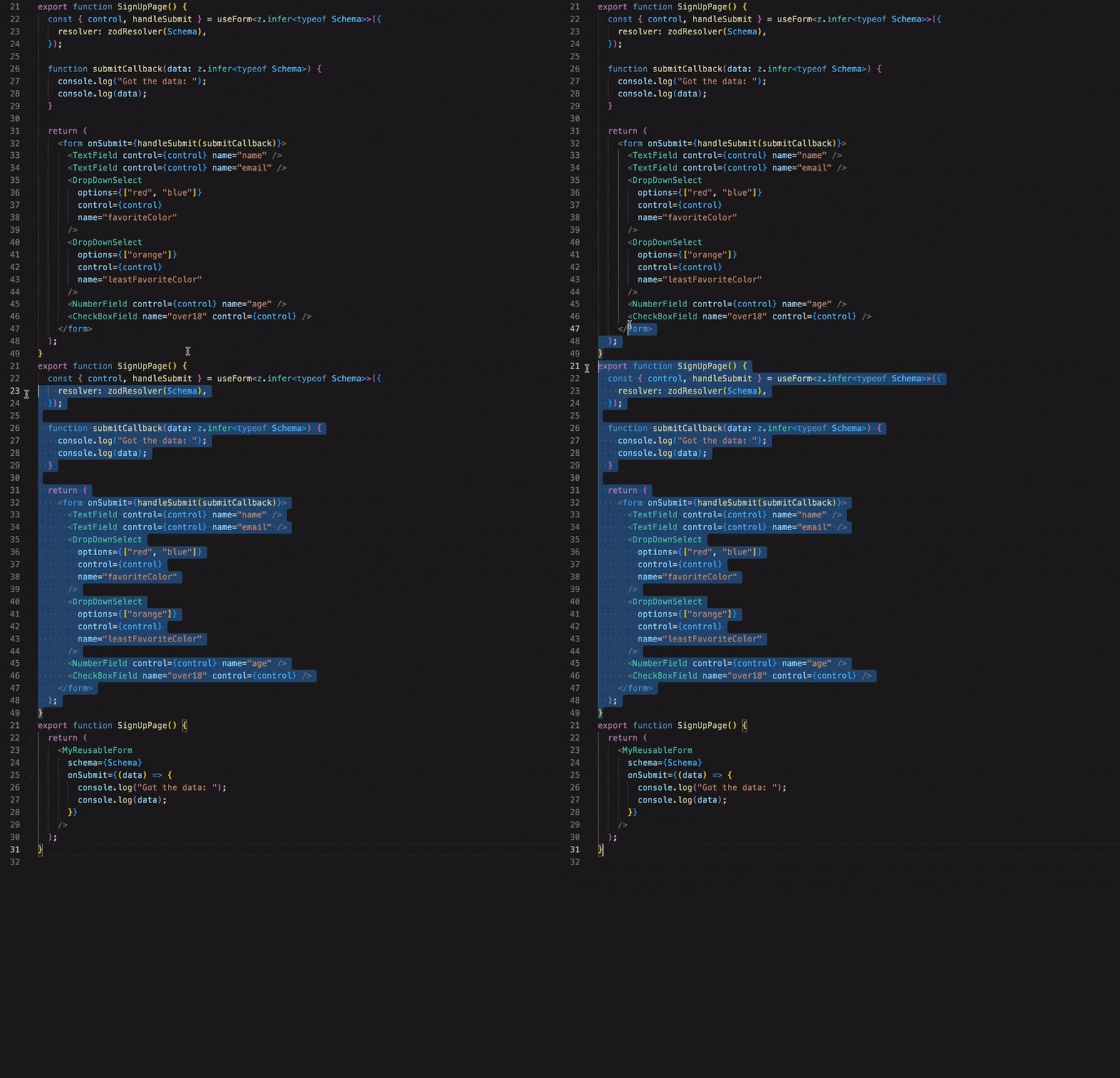
@ts-react/form handles the boilerplate involved when building forms using zod and react-hook-form without sacrificing customizability.
Features
- 🥹 Automatically generate typesafe forms with
zod schemas
- 📎 Eliminate repetitive jsx and zod/rhf boilerplate
- 🎮 Full control of components via typesafe props
- 🤯 Headless UI that can render any react component
- ❤️ Quality Of Life / Productivity features not feasible in vanilla
zod and react-hook-form
- 🤌🏻 Very tiny utility library (~3kb gzipped)
- 👀 Great test coverage
Docs
Input Field Examples
Quick Start
Installation
Make sure you have "strict": true in your tsconfig.json compilerOptions and make sure you set your editors typescript version to v4.9 (or intellisense won't be as reliable).
Install package and dependencies with your preferred package manager:
yarn add @ts-react/form
yarn add zod react-hook-form @hookform/resolvers
Usage
Create a zod-to-component mapping to map zod schemas to your components then create your form with createTsForm (typically once per project):
const mapping = [
[z.string(), TextField],
[z.boolean(), CheckBoxField],
[z.number(), NumberField],
] as const;
const MyForm = createTsForm(mapping);
Now just create form schemas with zod and pass them to your form:
const SignUpSchema = z.object({
email: z.string().email("Enter a real email please."),
password: z.string(),
address: z.string(),
favoriteColor: z.enum(["blue", "red", "purple"]),
isOver18: z.boolean(),
});
function MyPage() {
function onSubmit(data: z.infer<typeof SignUpSchema>) {
}
return (
<MyForm
schema={SignUpSchema}
onSubmit={onSubmit}
renderAfter={() => <button type="submit">Submit</button>}
// optional typesafe props forwarded to your components
props={{
email: {
className: "mt-2",
},
}}
/>
);
}
That's it! Adding a new field to your form just means adding an additional property to the schema.
It's recommended but not required that you create a custom form component to handle repetitive stuff (like rendering the submit button).
Full Documentation
You can read the full docs here
TypeScript versions
Older versions of typescript have worse intellisense and may not show an error in your editor. Make sure your editors typescript version is set to v4.9 plus. The easiest approach is to upgrade your typescript globally if you haven't recently:
sudo npm -g upgrade typescript
Or, in VSCode you can do (Command + Shift + P) and search for "Select Typescript Version" to change your editors Typescript Version:

Note that you can still compile with older versions of typescript and the type checking will work.
Limitations
- Doesn't support class components
@ts-react/form does not yet support "dependent field props", meaning you can't change one field component based on the value of another, but it's a feature we plan on adding soon.







