@voiceflow/runtime-client-js
javascript client SDK for running voiceflow projects anywhere


Demos
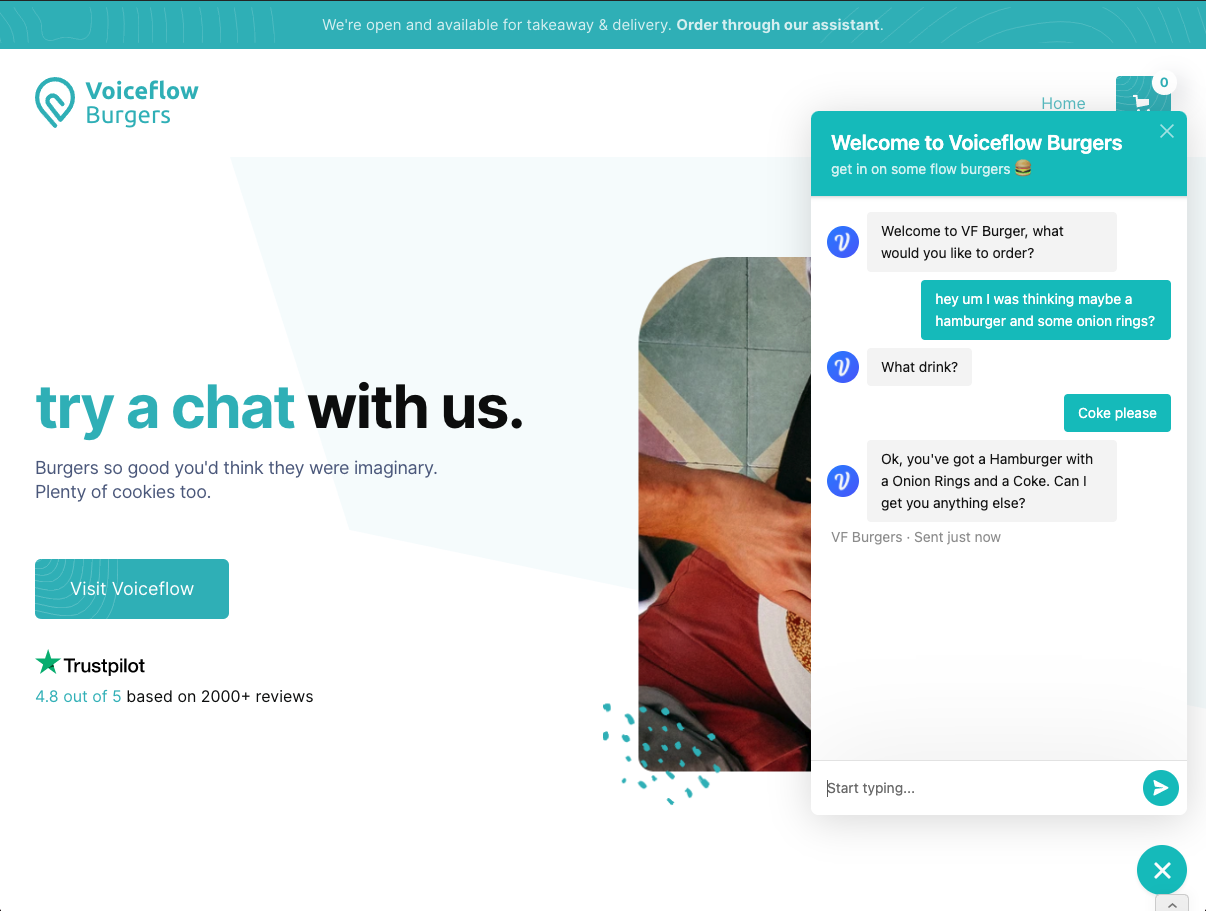
Web Demo https://voiceflow-burger.webflow.io/
Install
npm install --save @voiceflow/runtime-client-js
Basic Usage
First build a project on Voiceflow. Make sure it works by testing it.
Retrieve the versionID from the URL:
https://creator.voiceflow.com/project/{VERSION_ID}/... and initialize the client
const VF = require('@voiceflow/runtime-client-js');
const factory = new VF.RuntimeClientFactory({
versionID: 'XXXXXXXXXXXXXXXXXXXXXXXX',
endpoint: 'https://general-runtime.voiceflow.com',
});
const client = factory.createClient();
client.start().then((context) => {
console.log(context.getResponse());
});
async function interaction(input) {
const context = await client.sendText(input);
console.log(context.getResponse());
if (context.isEnding()) {
console.log('conversation is over');
}
}
Every interaction with the bot yields a conversation context. The context is a snapshot of the conversation at the current stage and contains useful information such as the bot's responses and the state of all the variables in the Voiceflow project, and much more!
- To begin a conversation "session", the client code should invoke the
.start() method, which returns a context.
- For subsequent requests, the client code should invoke
.sendText(), or .sendRequest() and pass in any appropriate data. Each method also returns a context.
context.getResponses() is the main conversation data. It is a list of Trace objects that represents the bot's response.
- certain
Trace types are filtered out by default, such as block, debug, flow traces. To access the entire trace, use context.getTrace()
context.isEnding() is a boolean that is true when the Voiceflow project is done. Make sure to check for this during each interaction.context.getChips() returns an array of suggested responses that the user can say. This is generated based on what is configured in your Voiceflow project.
Runtime
As the name suggests, runtime-client-js interfaces with a Voiceflow "runtime" server. You can check out https://github.com/voiceflow/general-runtime and host your own runtime server. Modifying the runtime allows for extensive customization of bot behavior and integrations.
By default, the client will use the Voiceflow hosted runtime at https://general-runtime.voiceflow.com





