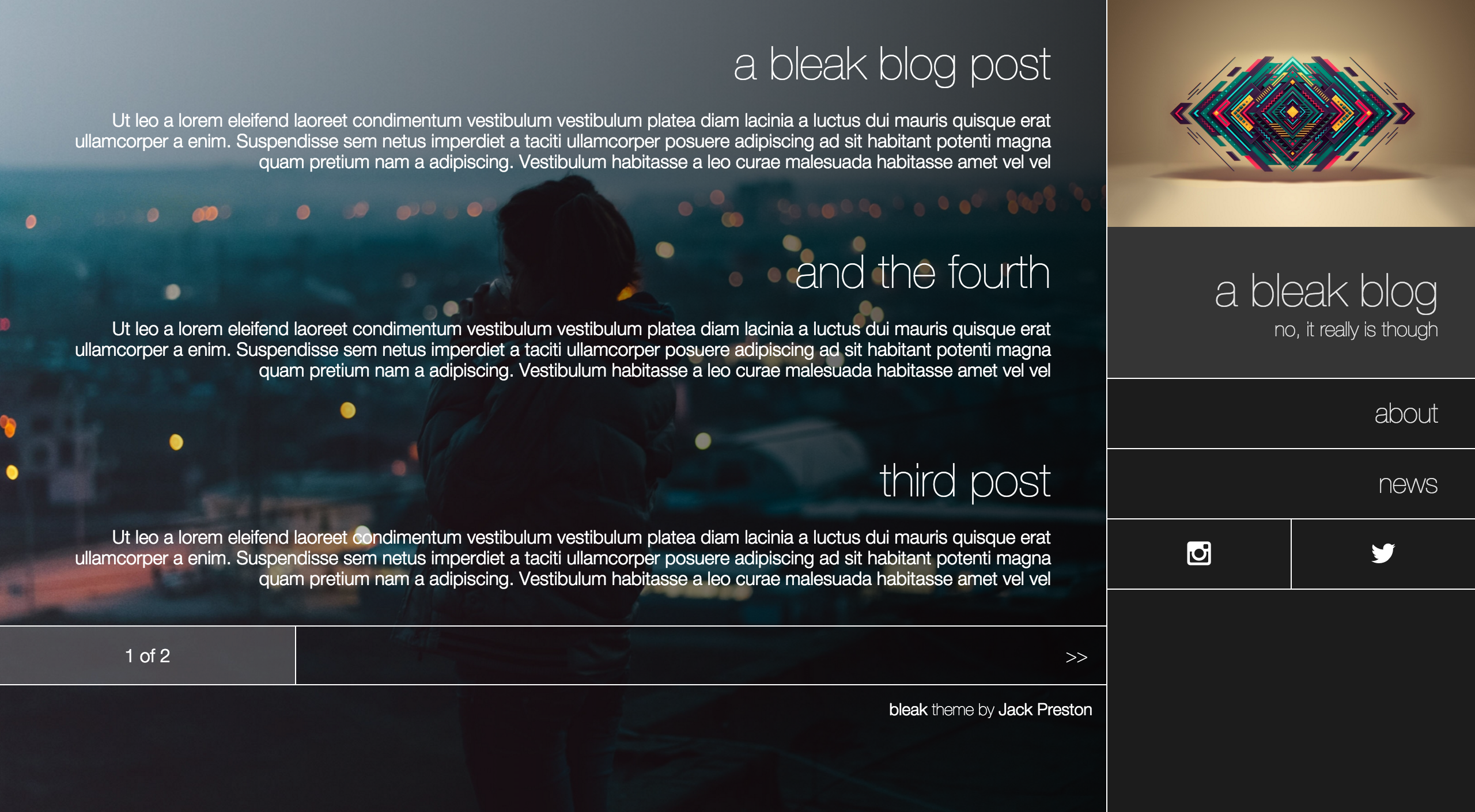
bleak. a theme for ghost
bleak is a stunning theme for the Ghost blog platform. It features
full-section images and a slick responsive design that puts the right content right in your
readers' faces. See some more screenshots below, or
see it in action on my blog, unwttng.com.
Quick installation
We'll talk about how insanely customisable bleak is in a second, but if you just want to get
started, it works without any configuration too.
Get the .zip file for the latest version here,
and install it however you normally do:
- Ghost(Pro) users can upload this .zip file via the Pro dashboard. See the
official guide.
- Self-hosted Ghost users should upload the .zip file to Ghost's
content/themes/ directory and
extract it with unzip -o bleak.zip.
Configuration
bleak is super configurable. It supports Google Analytics, Disqus integration and
a whole suite of social profile links. And the best thing is, not a single bit of it requires
you to hack around with the theme's files. It works right out of the box, and you can set it
up however you like using the Ghost admin interface.
All theme configuration is done by adding one-line items to your Ghost blog header via the
code injection interface at yourblog.com/ghost/settings/code-injection.
Google Analytics
Got a Google Analytics tracking ID? Instantly enable tracking on your blog by adding the following
line to header code injection:
<script>window._bleak.googleAnalyticsId = 'UA-12345678-1';</script>
To integrate a bleak blog with Disqus, you just need a Disqus username. Drop it into your
configuration with this one line in the header code injection interface:
<script>window._bleak.disqusUsername = 'mydisqususername';</script>
Done! Disqus threads will now appear on all of your posts.
Social links
bleak supports a wide range of social profile links. Configuring any of these will cause the
appropriate navigation items to appear in your sidebar.
For any network listed below, just configure window._bleak.<socialnetwork>Username in your
blog header code injection. For example, to add a navigation item to your Twitter profile, you
would add:
<script>window._bleak.twitterUsername = 'unwttng';</script>
As if by magic, you now have a social links bar in your sidebar with a Twitter-icon link.
Which networks are available?
- bitbucket:
window._bleak.bitbucketUsername = '...';
- deviantart:
window._bleak.deviantartUsername = '...';
- facebook:
window._bleak.facebookUsername = '...';
- flickr:
window._bleak.flickrUsername = '...';
- github:
window._bleak.githubUsername = '...';
- instagram:
window._bleak.instagramUsername = '...';
- linkedin:
window._bleak.linkedinUsername = '...';
- pinterest:
window._bleak.pinterestUsername = '...';
- soundcloud:
window._bleak.soundcloudUsername = '...';
- twitch:
window._bleak.twitchUsername = '...';
- twitter:
window._bleak.twitterUsername = '...';
- vimeo:
window._bleak.vimeoUsername = '...';
- youtube:
window._bleak.youtubeUsername = '...';
The theme looks best when you use one, two or three of the above in combination!
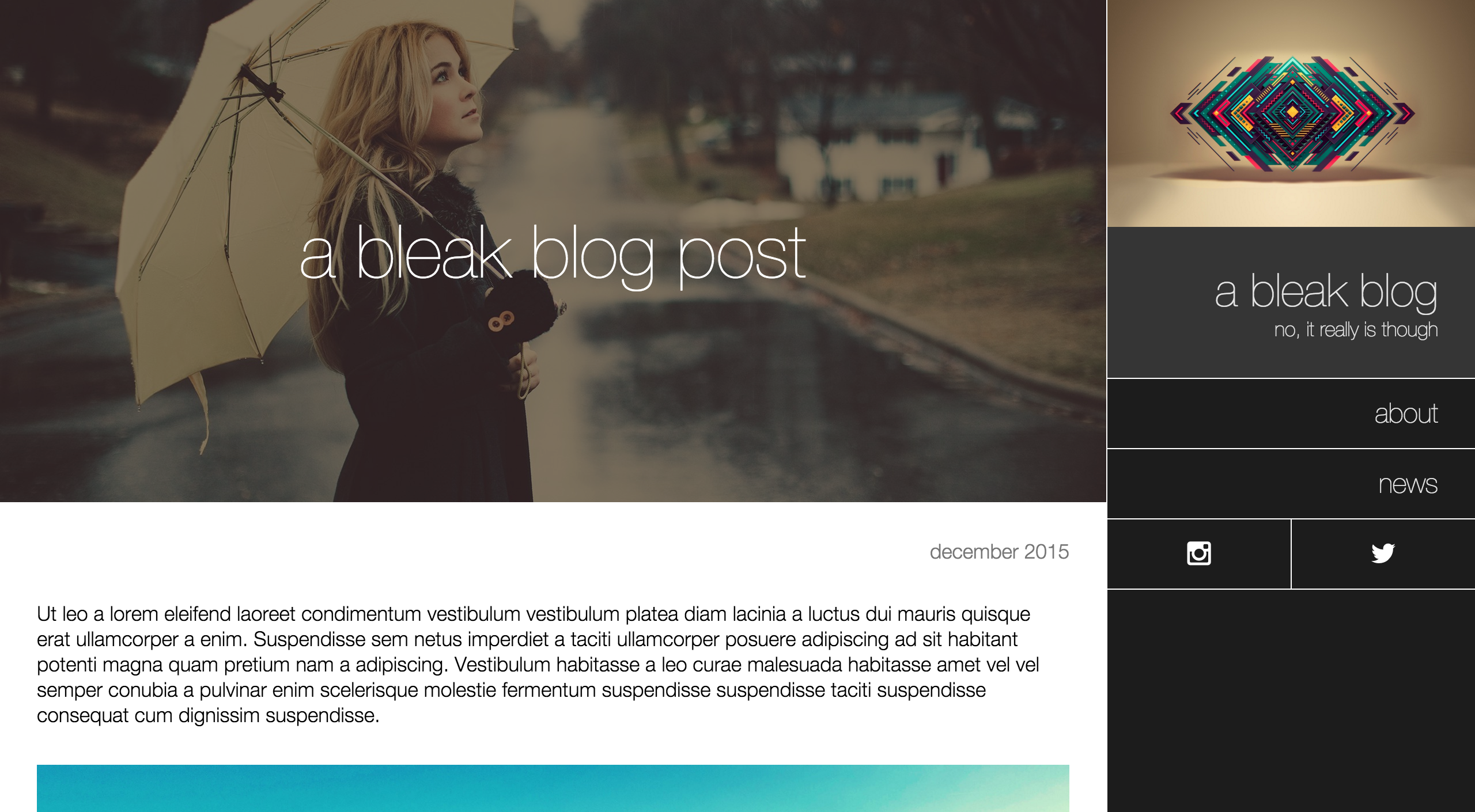
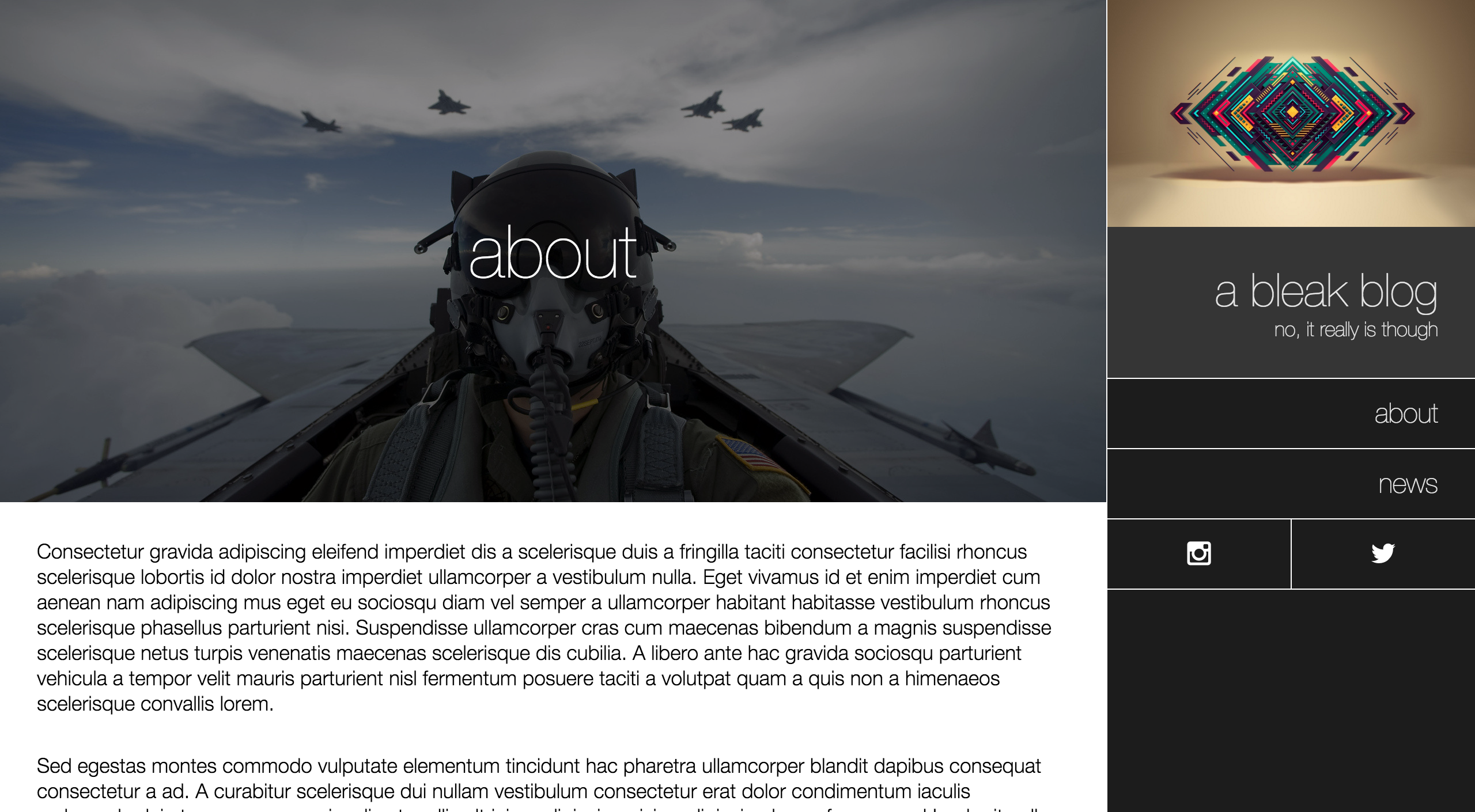
Screenshots
Index page
Post
Static page
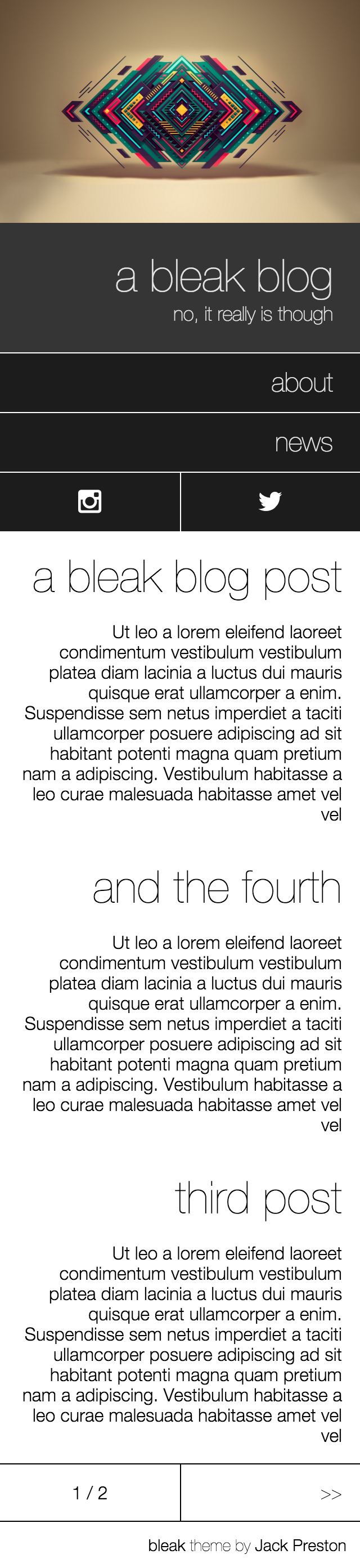
Mobile screenshots
bleak is responsive, switching to a tailored vertical layout with the right content top
and center when on small devices.
Index page
Post

Static page






