
Brakecode is software that runs on your hosts. It manages Node.js debugging and other V8 Inspector Protocol sessions as well as diagnostic reports. The Brakecode NPM package is open-source.
Current Features
PADS
Installation for PADS usage...
npm install -g brakecode or run with npx npx brakecode
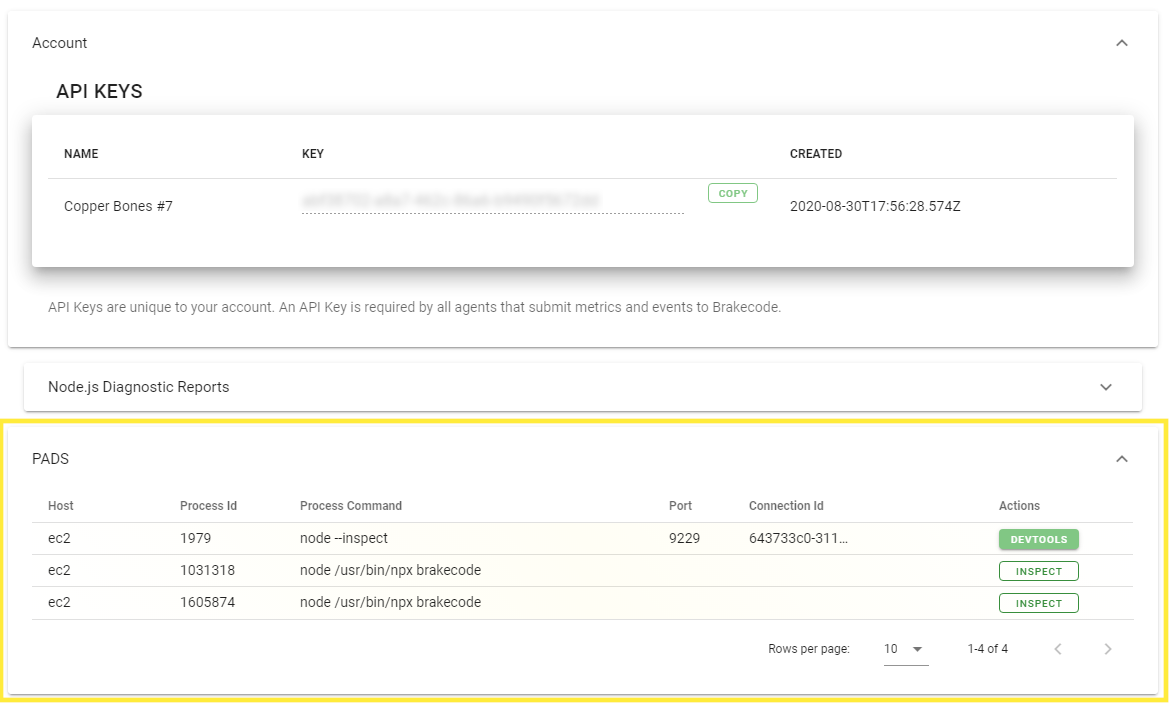
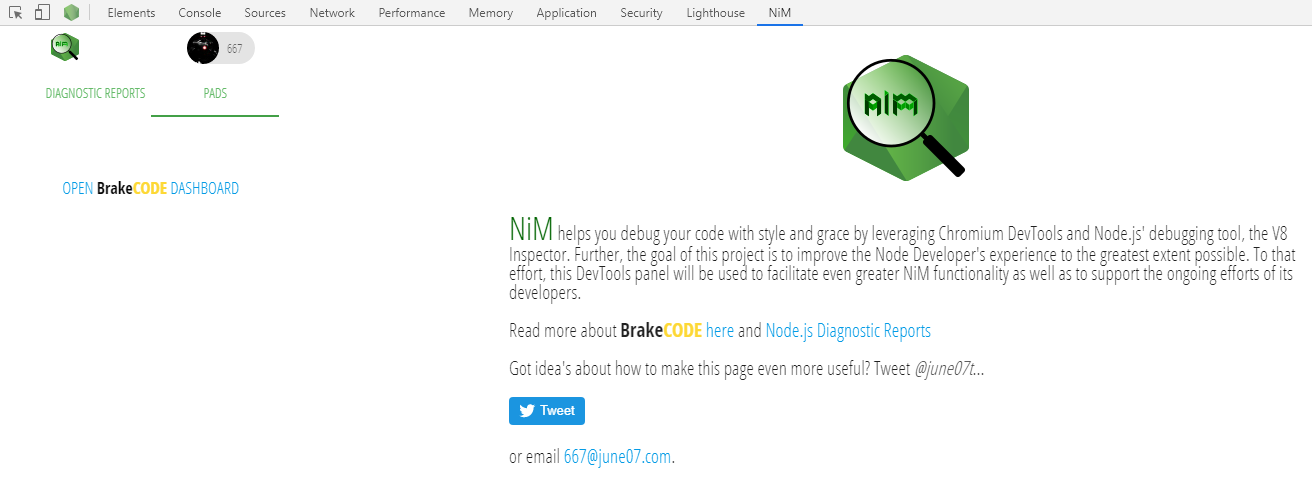
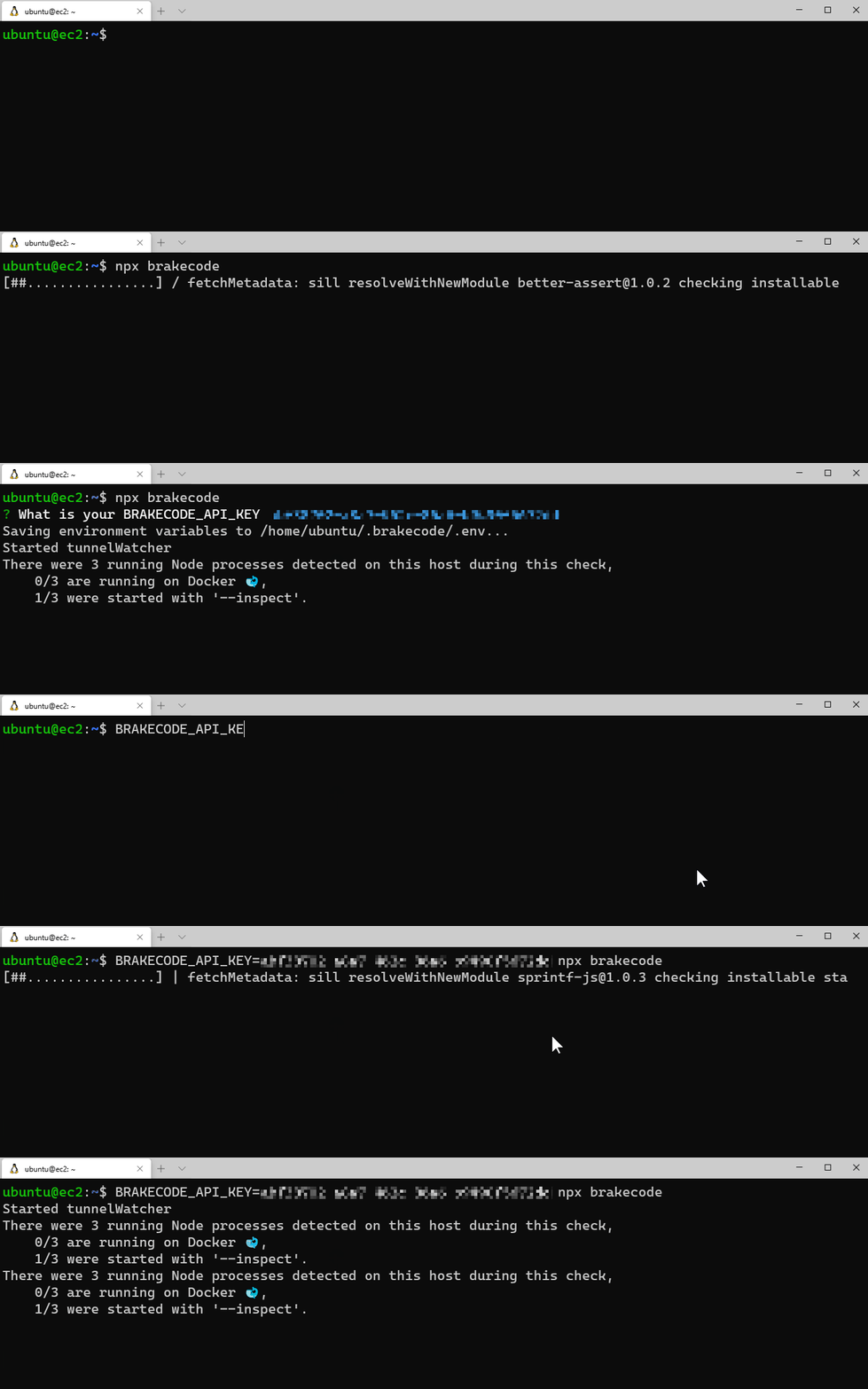 You will then be able to access your V8 debugger sessions from your dashboard. Further if you are logged into the NiM client, you can access remote sessions there as well. To open remote sessions, you must be logged into the BrakeCODE dashboard, otherwise NiM will simply show session data.
Login to BrakeCODE dashboard from NiM
Node.js Diagnostic Reports
Installation as an application dependency for Node.js diagnostic reports usage...
Install the dependencies and devDependencies and start the server.
$ npm install brakecode
Usage
Example helloworld usage just requires the inclusion of the brakecode package. And very similar to native report handling process.report.writeReport(), you instead use brakecode.sendReport().
brakecode = require('./brakecode')();
let report = brakecode.sendReport();
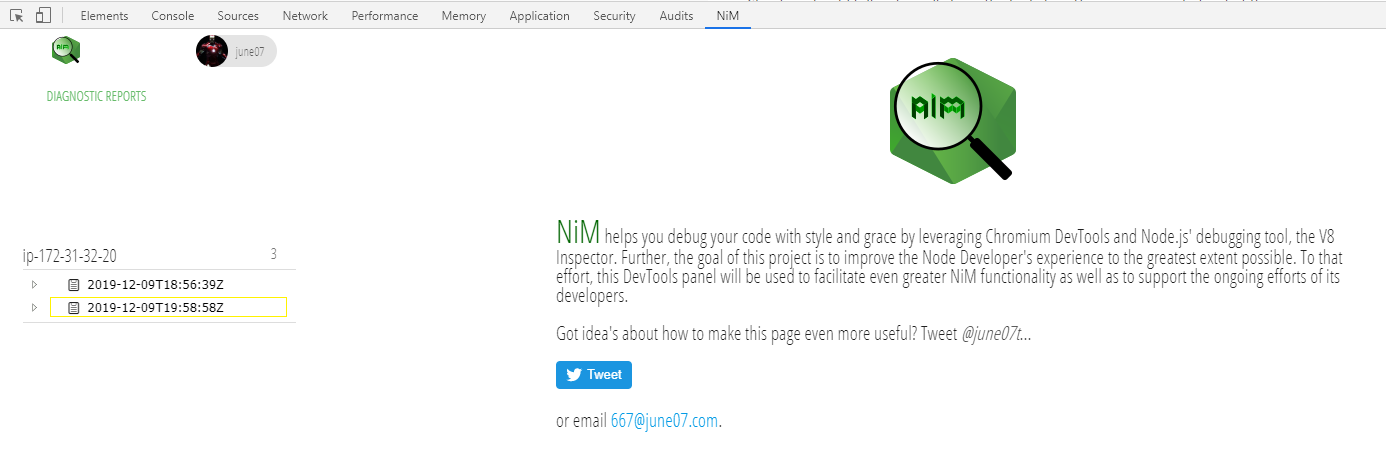
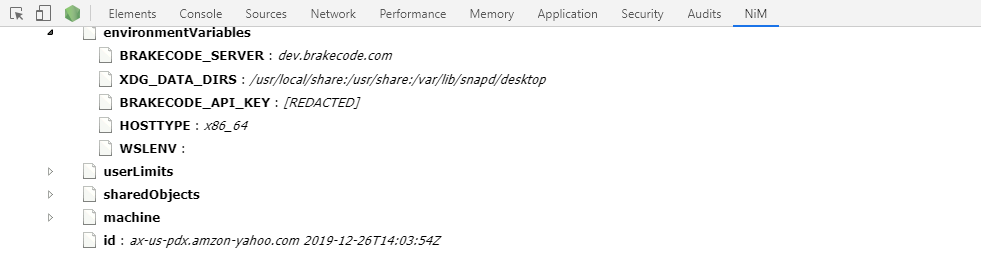
Reports can then be easily accessed from Chromium DevTools as shown:
Redacted by default
Sensitive data is now redacted by default thanks to rtk. To send unredacted reports set the BRAKECODE_NOREDACT env var to true.
Environment Vars
BRAKECODE_NOREDACT - Set to true to disable redaction.BRAKECODE_API_KEY - An API Key is required to send reports to Brakecode.BRAKECODE_SERVER - Change which server reports are sent to.BRAKECODE_SOURCE_HOST - The source host of the reports can be changed using this var.





