






The missing documentation tool for your Angular application
#Features
-
Clean, simple design — With Compodoc, the main endpoints are on the left side of your documentation, and all the content on the right side
-
Beautiful themes — 7 themes are available from famous documentation tools like Gitbook, Read the Docs or projects like Vagrant, Laravel, Postmark and Stripe.
-
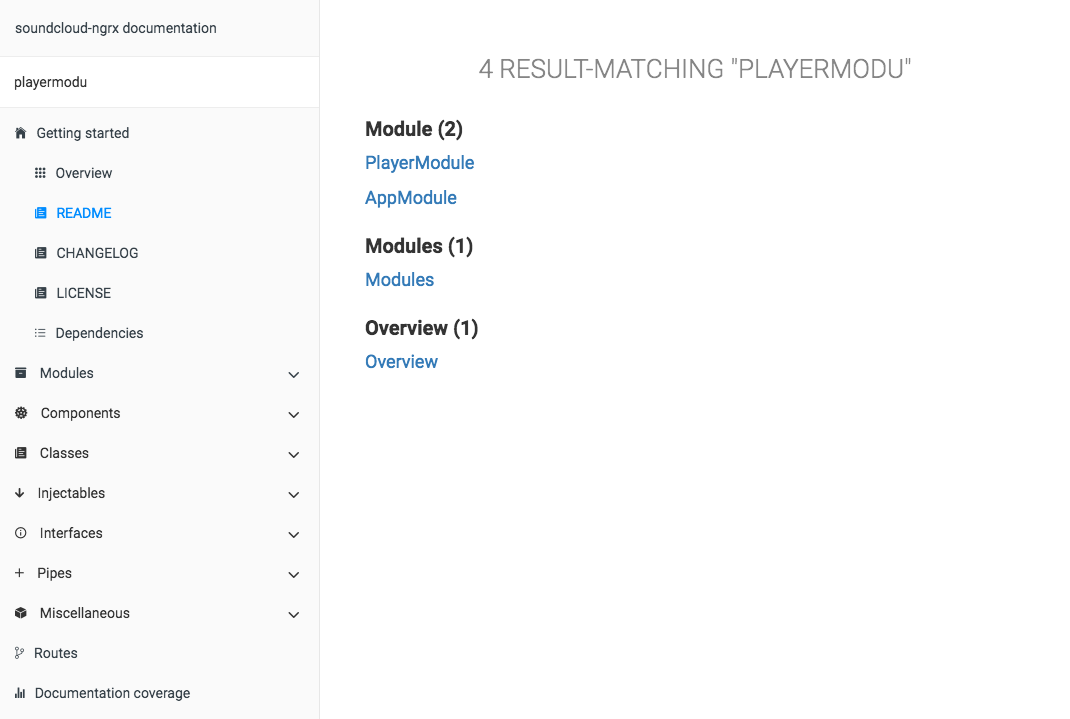
Search — Compodoc include a powerful search engine (lunr.js) for easily finding your information
-
Automatic table of contents - API table of contents is generated using elements found during files parsing
-
Open-source and on npm - Use it directly in your project using npm and one script, that's it !
-
A local tool - No server needed, no sources uploaded online
-
JSDoc light support - Support of @param, @returns, @link and @example tags
-
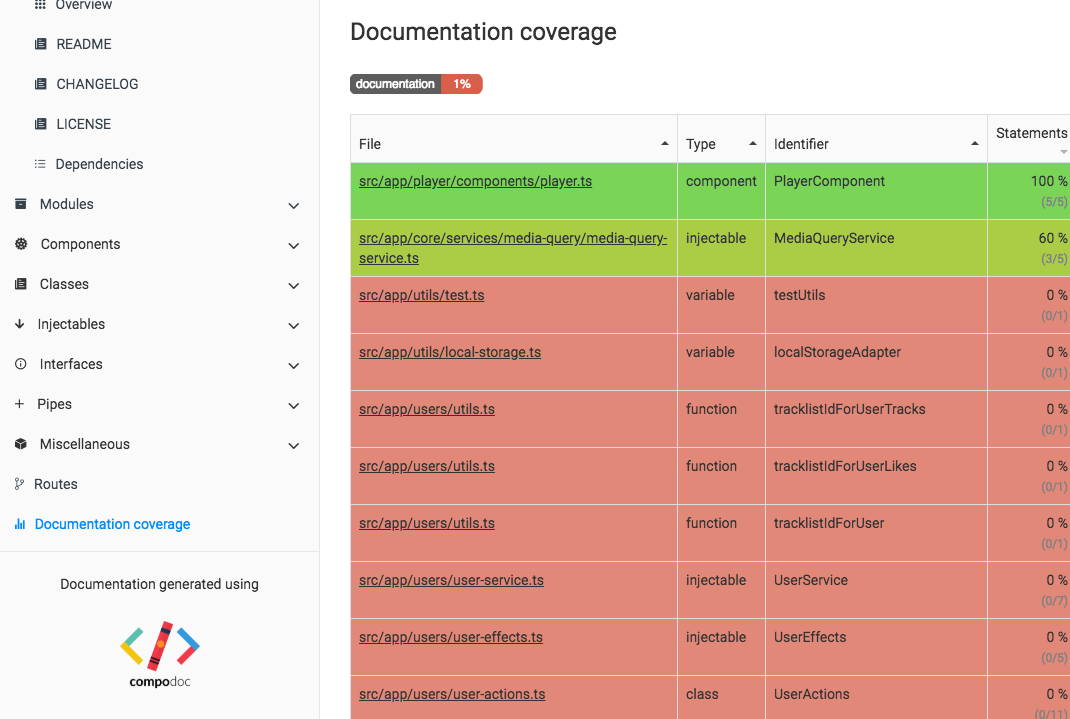
Documentation coverage - Get the documentation coverage report of your project
-
Angular-CLI friendly - Compodoc support out of the box Angular-CLI projects
Live Demo
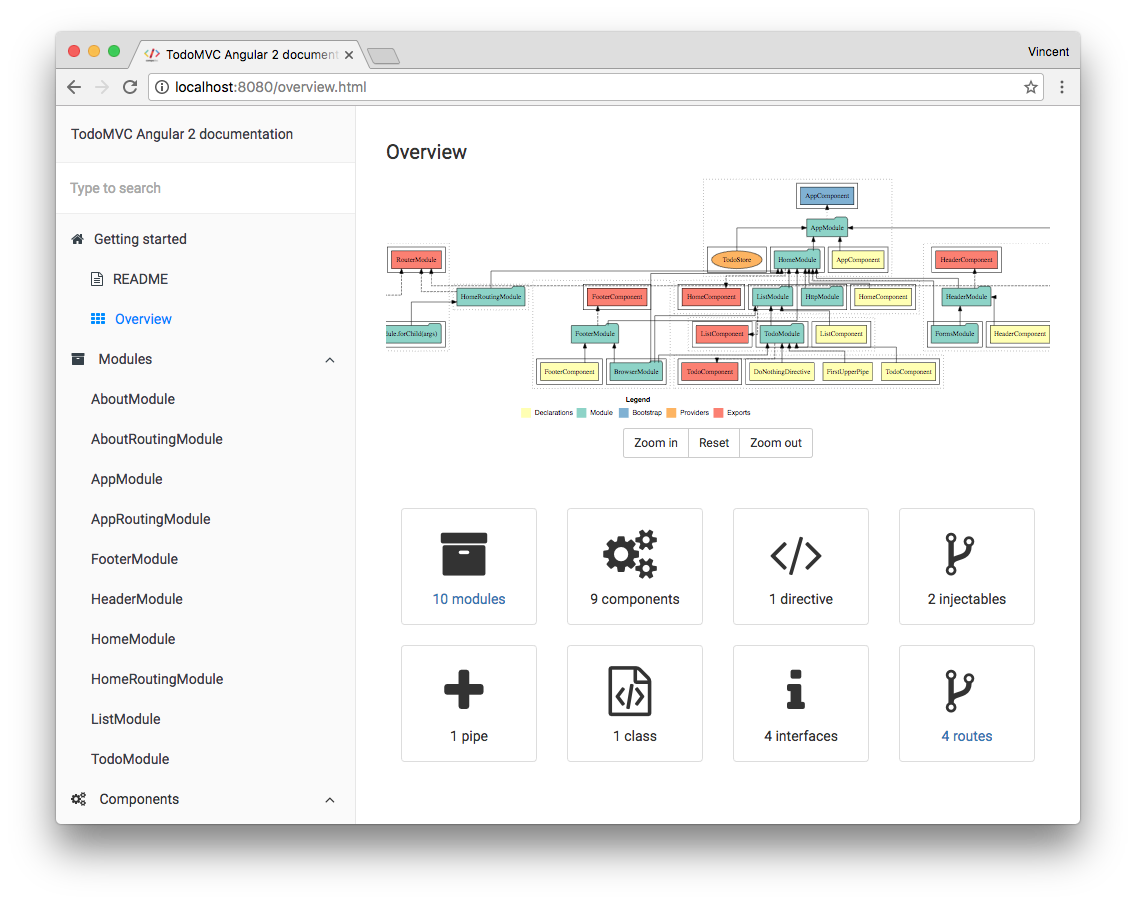
Demo : documentation generated for TodoMVC Angular Compodoc demo project
Static Demo
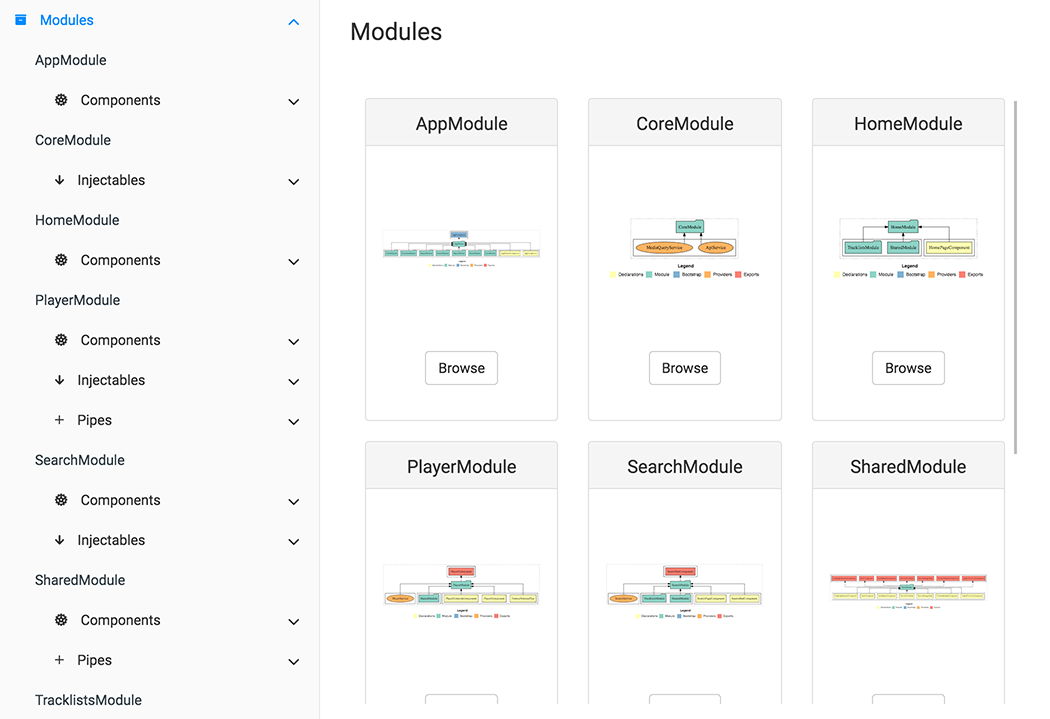
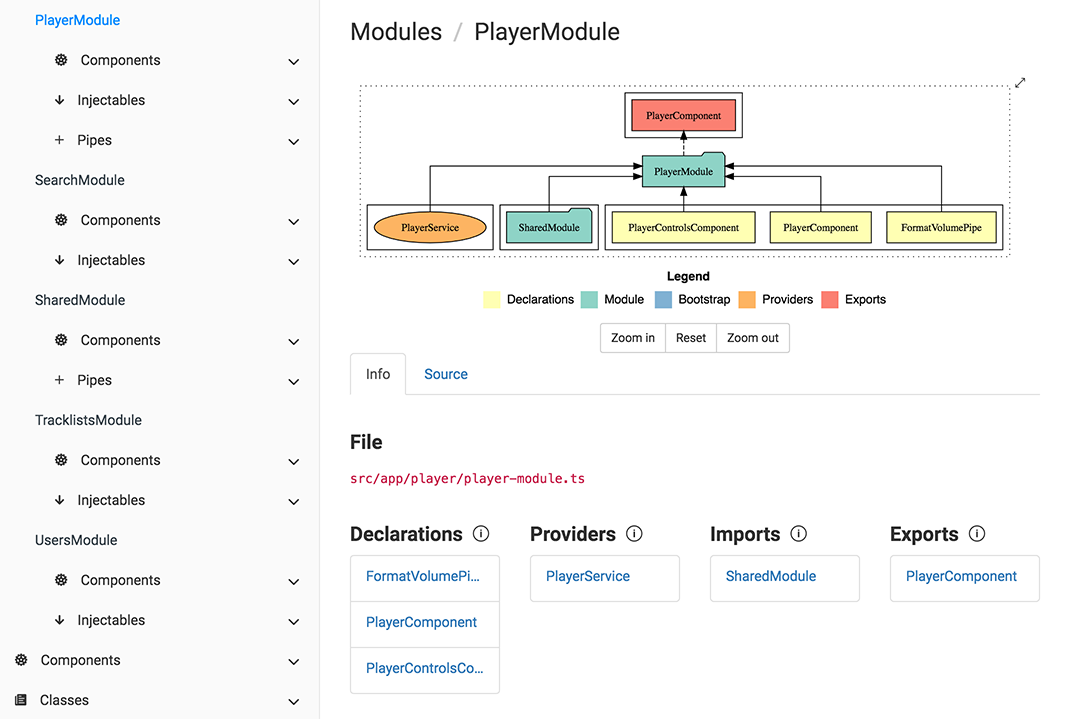
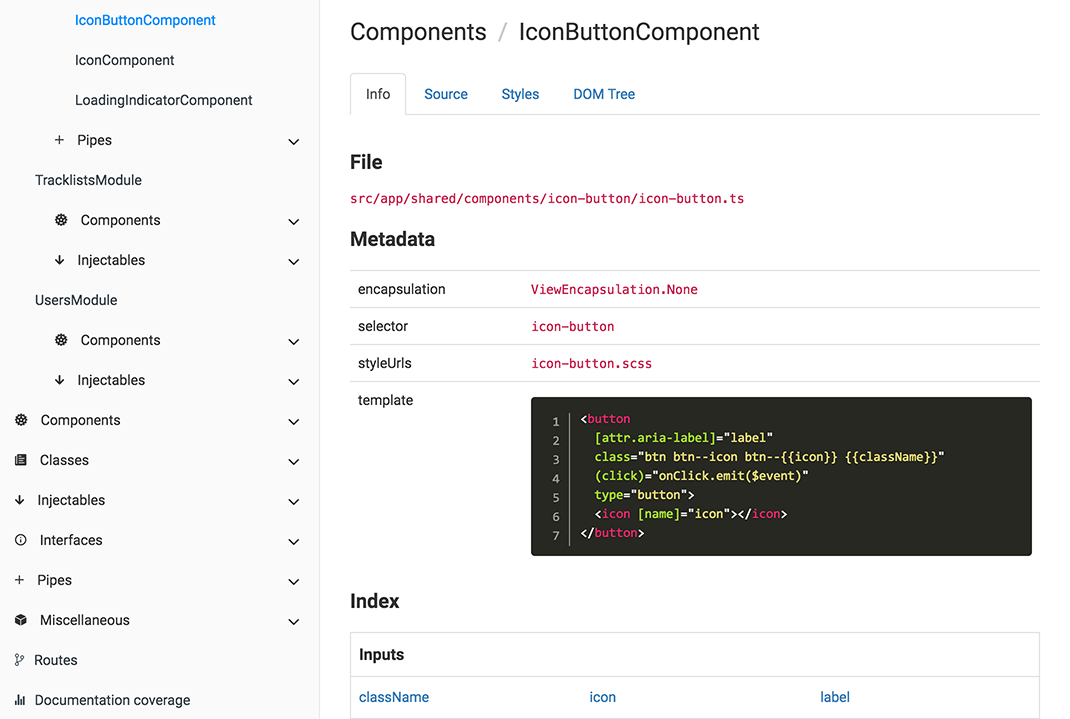
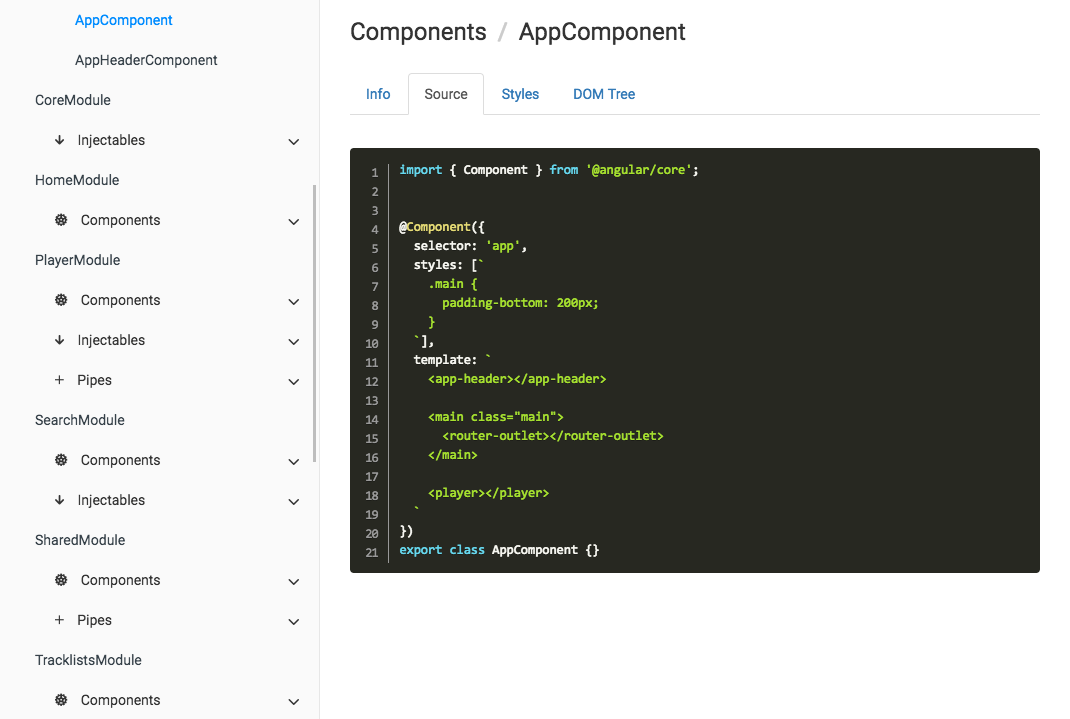
Using SoundCloud API client / Angular2 project and default theme (gitbook)
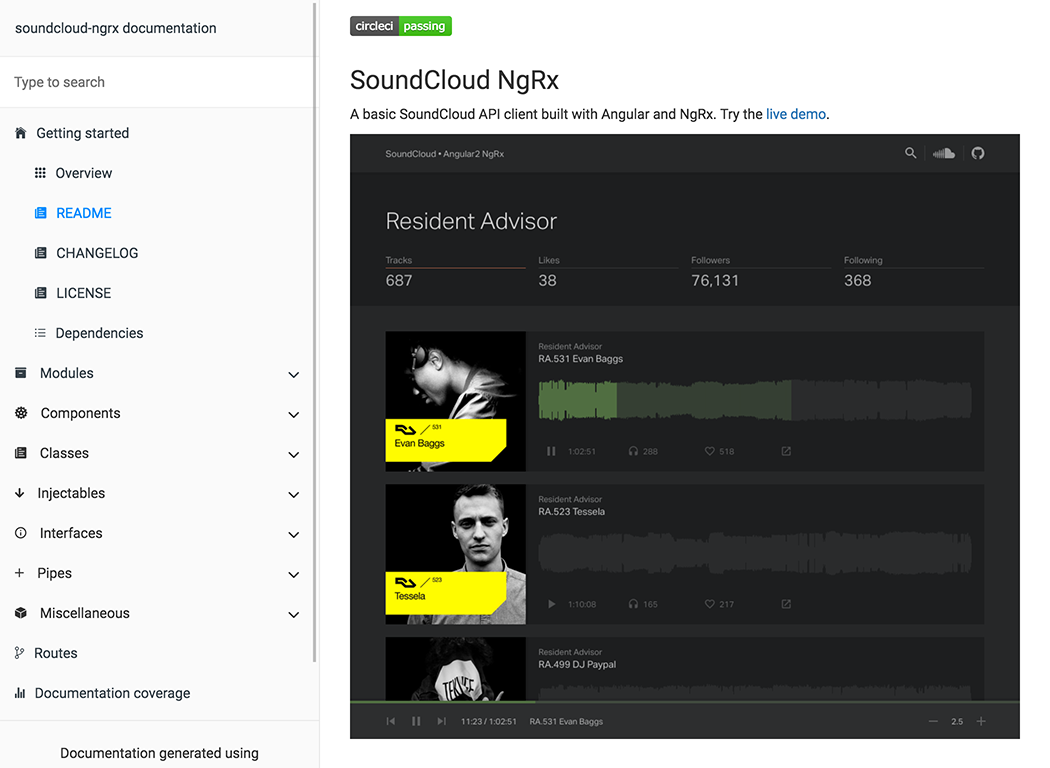 | 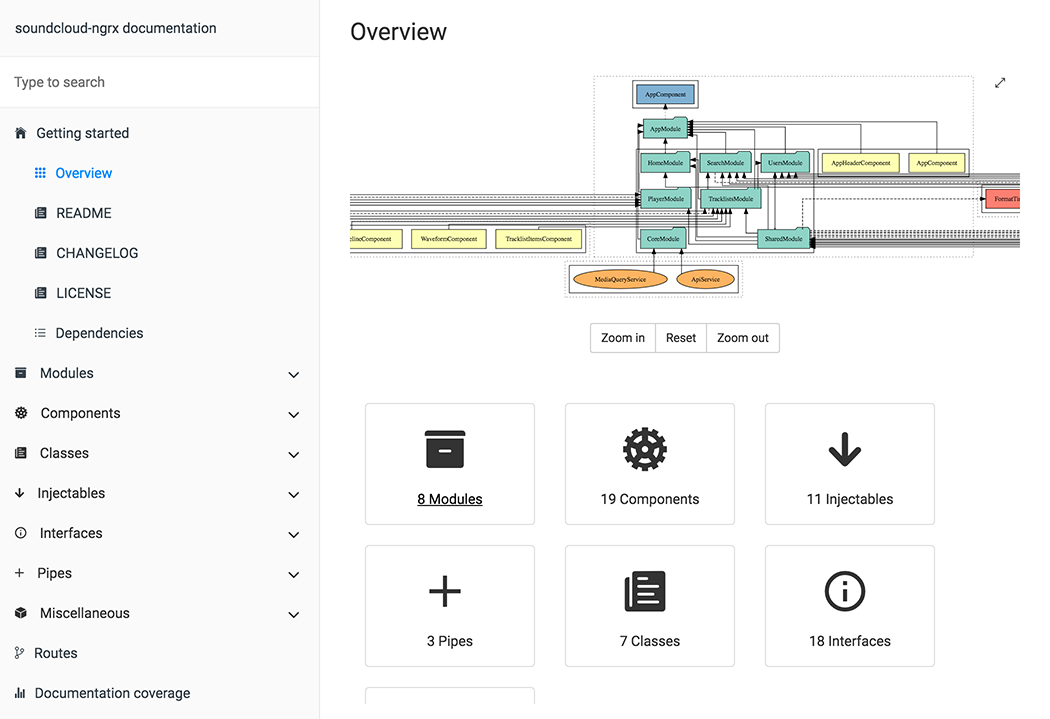 |
| Modules page | Single module page |
 |  |
| Component page | Source code tab |
 |  |
| Search page | Coverage report |
 |  |
Why this tool ?
Because we doesn't find our needs on existing tools. We want to have a single place where there is :
- api documentation of code
- component(s), directive(s), pipe(s), ... documentation
- general documentation (*.md files)
Why not a SPA for outputed documentation ?
KISS principle or shortly "Keep it simple". We think static html files are simpler than another SPA inside an "SPA documentation".
Who's using Compodoc ?
These are some that we know of. Want your project listed here ? Drop us a line.
Table of Contents
Node.js versions
Compodoc is tested with only LTS versions : v6.9.4 & v4.7.1
Angular-CLI
Compodoc supports last Angular-CLI version : 1.0.0-beta-26
Just run Compodoc in a fresh or existing project.
Getting Started with compodoc
Install
Install from npm :
npm install -g compodoc
Usage
$ compodoc --help

Usage: compodoc <src> [options]

Options:

  -h, --help                         output usage information
  -V, --version                      output the version number
  -p, --tsconfig [config]            A tsconfig.json file
  -d, --output [folder]              Where to store the generated documentation
  -y, --extTheme [file]              External styling theme
  -n, --name [name]                  Title documentation
  -a, --assetsFolder [folder]        External assets folder to copy in generated documentation folder
  -o, --open                         Open the generated documentation
  -t, --silent                       In silent mode, log messages aren't logged in the console
  -s, --serve                        Serve generated documentation (default http://localhost:8080/)
  -r, --port [port]                  Change default serving port
  --theme [theme]                    Choose one of available themes, default is 'gitbook' (laravel, original, postmark, readthedocs, stripe, vagrant)
  --hideGenerator                    Do not print the Compodoc link at the bottom of the page
  --disableSourceCode                Do not add source code tab
  --disableGraph                     Disable rendering of the dependency graph
  --disableCoverage                  Do not add the documentation coverage report
  --disablePrivateOrInternalSupport  Do not show private or @internal in generated documentation
Local installation
npm install --save-dev compodoc
Define a script task for it in your package.json :
"scripts": {
  "compodoc": "./node_modules/.bin/compodoc -p src/tsconfig.json"
}
and run it like a normal npm script :
npm run compodoc
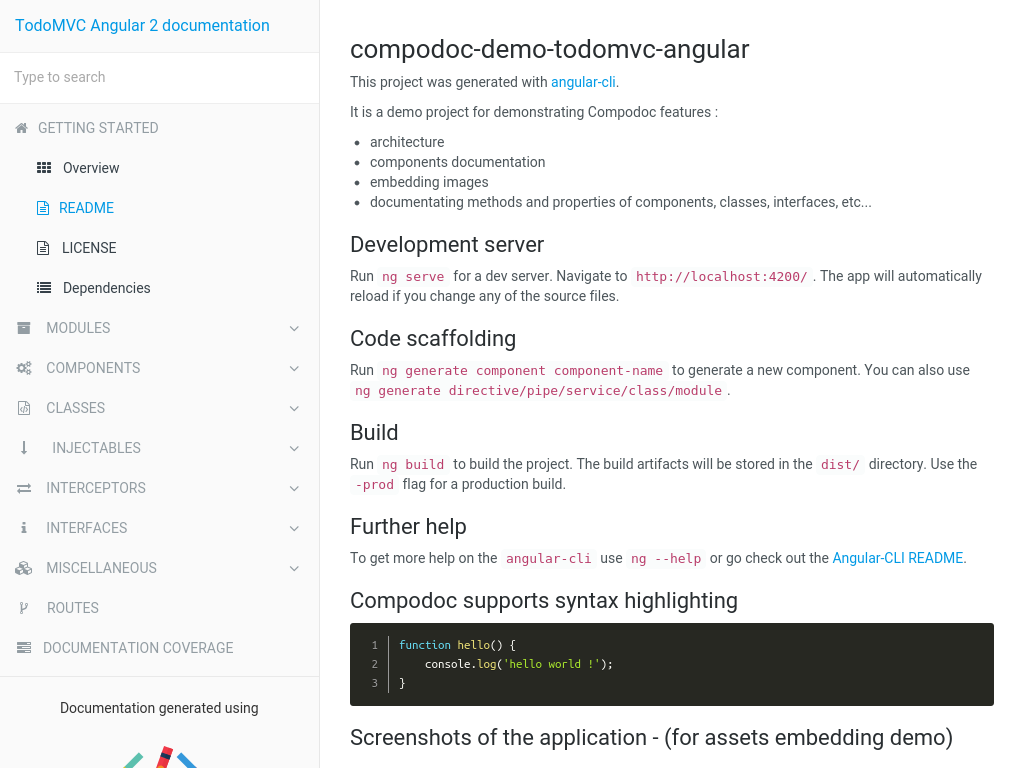
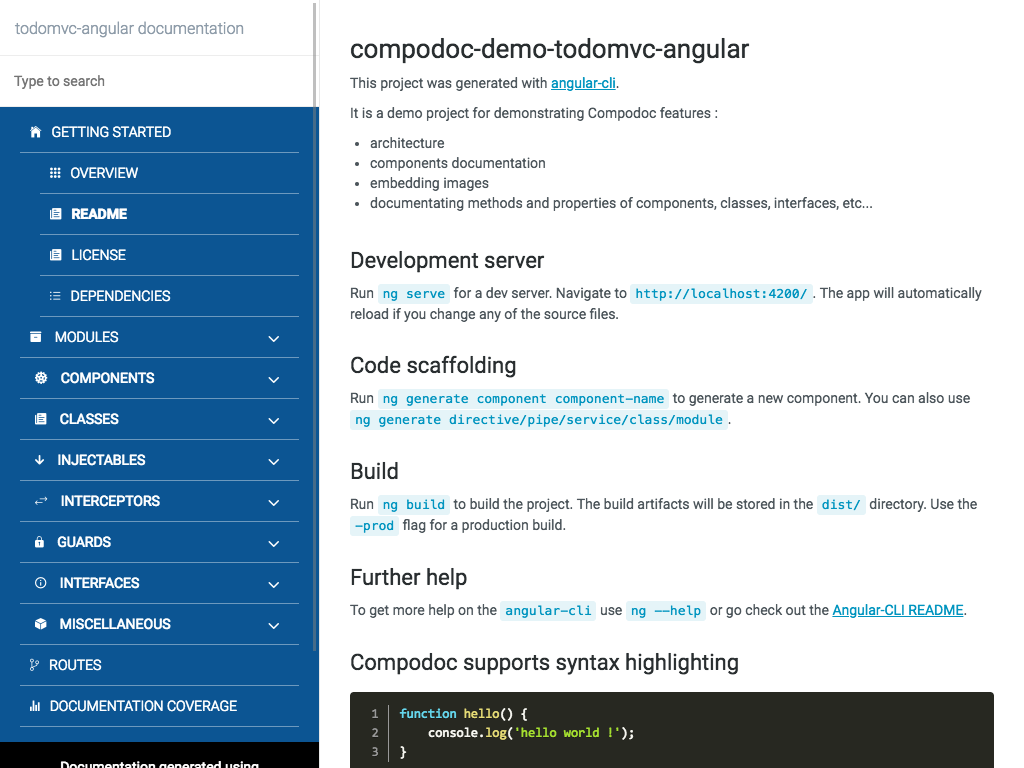
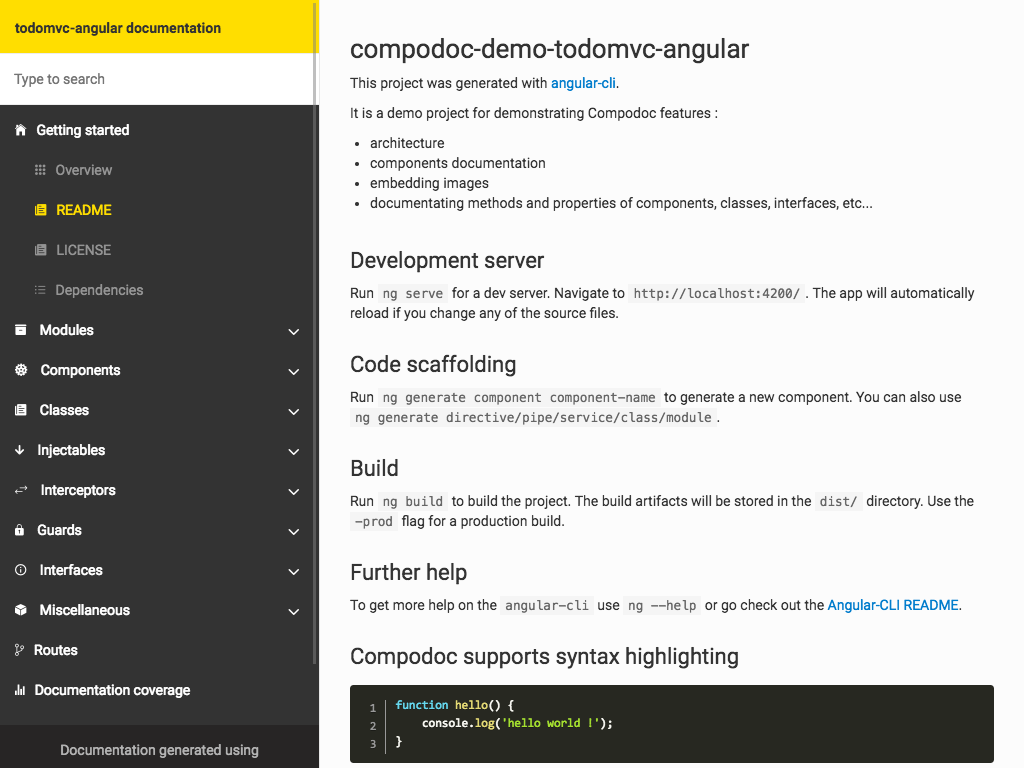
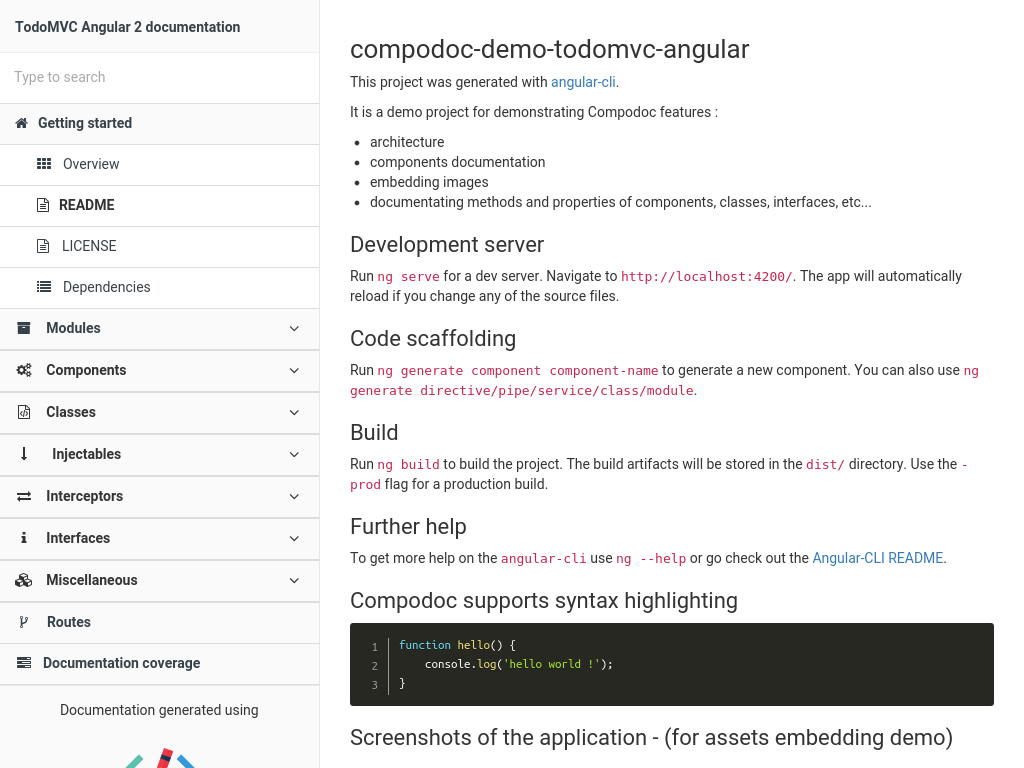
Themes
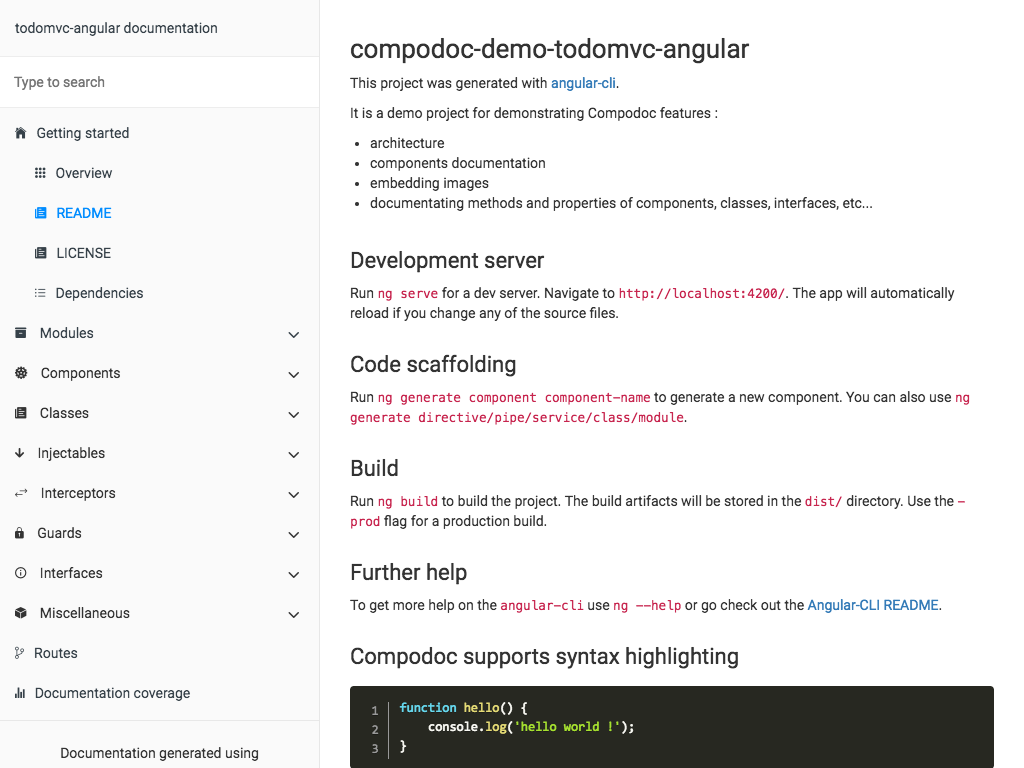 | 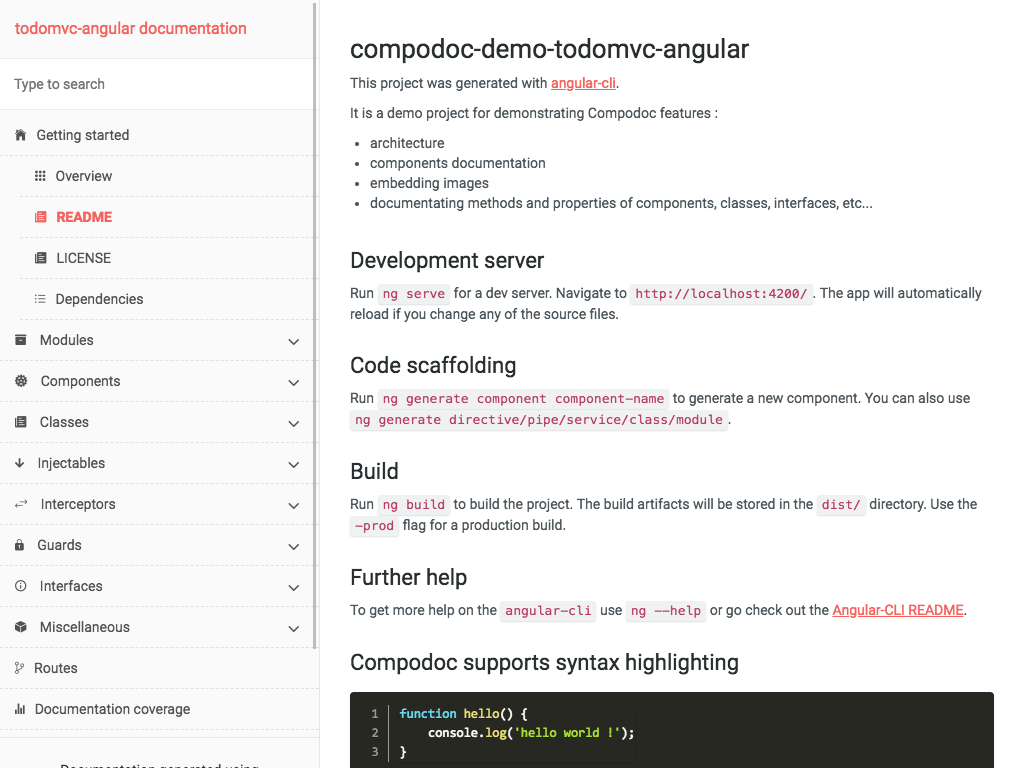 |
| Readthedocs | Stripe |
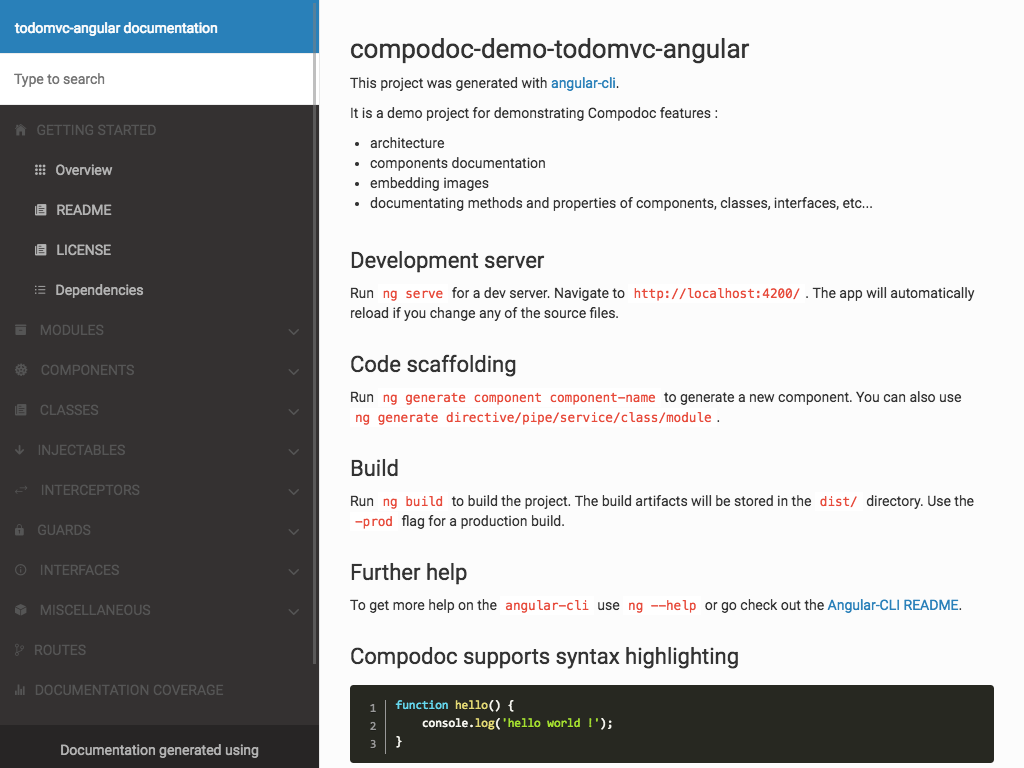 |  |
| Vagrant | Postmark |
 |  |
| Original | |
 | |
Common use cases
Render documentation
Documentation is generated in default output folder, then run your HTTP server in that folder.
compodoc -p src/tsconfig.json
Render documentation while providing source folder
compodoc src -p src/tsconfig.json
Serve generated documentation with compodoc
Documentation was generated in default output folder or a specific one, the local HTTP server is launched at http://localhost:8080
compodoc -s

or

compodoc -s -d ./doc
Render documentation, and serve it with compodoc
Documentation is generated in default output folder, and a local HTTP server is available at http://localhost:8080
compodoc -p src/tsconfig.json -s
Styling the documentation
compodoc -p src/tsconfig.json -y your_theme_styles/
Inside your folder you need to provide at least a style.css file with these 5 imports as below.
@import "./reset.css";
@import "./bootstrap.min.css";
@import "./bootstrap-card.css";
@import "./font-awesome.min.css";
@import "./compodoc.css";
Compodoc use bootstrap 3.3.7. You can customize Compodoc easily.
bootswatch.com can be a good starting point. If you want to override the default theme, just provide a bootstrap.min.css file, and it will override the default one.
└── your_theme_styles/
    ├── style.css // the main css file with default imports
    └── bootstrap.min.css // your bootstrap theme
Documentation of each component
A comment description in xxx.component.ts file, between JSDoc comments can be a little short.
Compodoc search for a default README.md file inside the root folder of each component, and add it inside a tab in the component page.
└── my-component/
    ├── my.component.ts
    ├── my.component.spec.ts
    ├── my.component.scss|css
    ├── my.component.html
    └── README.md
The live demo as a component documented in that way : TodoMVC Angular Compodoc demo / todo component
Compodoc use Typescript AST parser and it's internal APIs, so the comments have to be JSDoc comments :
/**
 * Supported comment
 */
These ones are not supported :
/*
 * unsupported comment
 */

/*
  unsupported comment
 */

// unsupported comment
Currently Compodoc only support these JSDoc tags :
@param <param name>@returns@example@link
/**
 * @param {string} target  The target to process see {@link Todo}
 *
 * @example
 * This is a good example
 * processTarget('yo')
 *
 * @returns      The processed target number
 */
function processTarget(target:string):number;
For @link you can use this three syntax like JSDoc:
- for an internal reference
{@link Todo}
[Todo]{@link Todo}
{@link Todo|TodoClass}
[Google]{@link http://www.google.com}
{@link http://www.apple.com|Apple}
{@link https://github.com GitHub}
For giving an example on directives, components and pipes decorators, use @example or markdown :
/**
 * Shows all events on a given day. Example usage:
 *
 * ```
 * <mwl-calendar-day-view
 *  [viewDate]="viewDate"
 *  [events]="events">
 * </mwl-calendar-day-view>
 * ```
 */
 /**
  * Shows all events on a given day. Example usage:
  *
  * @example
  * <mwl-calendar-day-view
  *  [viewDate]="viewDate"
  *  [events]="events">;
  * </mwl-calendar-day-view>
  */
Follow the style guide and provide a const of type 'Routes' :
const APP_ROUTES: Routes = [
    { path: 'about', component: AboutComponent },
    { path: '', component: HomeComponent}
];

...

RouterModule.forRoot(APP_ROUTES)
Syntax highlighting in markdown files
Compodoc use Marked for markdown parsing and compiling to html. highlight.js has been added for supporting syntax highlighting.
Just use a normal code block in your markdown with correct language : Github help
The integrated languages are : json, bash, javascript, markdown, html, typescript
Excluding files
For excluding files from the documentation, simply use the exports property of tsconfig.json file.
Roadmap
Extensions
Gulp
There is a plugin available to run Compodoc with Gulp. You can find it on NPM:
https://www.npmjs.com/package/gulp-compodoc
JHispter
There is a JHipster module available to run Compodoc with JHipster. You can find it on NPM:
https://www.npmjs.com/package/generator-jhipster-compodoc
Contributing
Want to file a bug, contribute some code, or improve documentation? Excellent !
Read up on our guidelines for contributing.
Contributors
 |
| |
| |
:---: |:---: |:---: |:---: |:---: |:---: |
vogloblinsky |daniele-zurico|mattlewis92
|
:---: |:---: |:---: |:---: |:---: |:---: |
vogloblinsky |daniele-zurico|mattlewis92
Resources
Inspired by stuff from angular2-dependencies-graph, ng-bootstrap
Logo designed using Book vector designed by Freepik
License
Everything in this repo is MIT License unless otherwise specified.
MIT © 2016 - Vincent Ogloblinsky





