
Research
5 Malicious Chrome Extensions Enable Session Hijacking in Enterprise HR and ERP Systems
Five coordinated Chrome extensions enable session hijacking and block security controls across enterprise HR and ERP platforms.
This project was bootstrapped with TSDX.
Below is a list of commands you will probably find useful.
npm start or yarn startRuns the project in development/watch mode. Your project will be rebuilt upon changes. TSDX has a special logger for you convenience. Error messages are pretty printed and formatted for compatibility VS Code's Problems tab.
Your library will be rebuilt if you make edits.
npm run build or yarn buildBundles the package to the dist folder.
The package is optimized and bundled with Rollup into multiple formats (CommonJS, UMD, and ES Module).
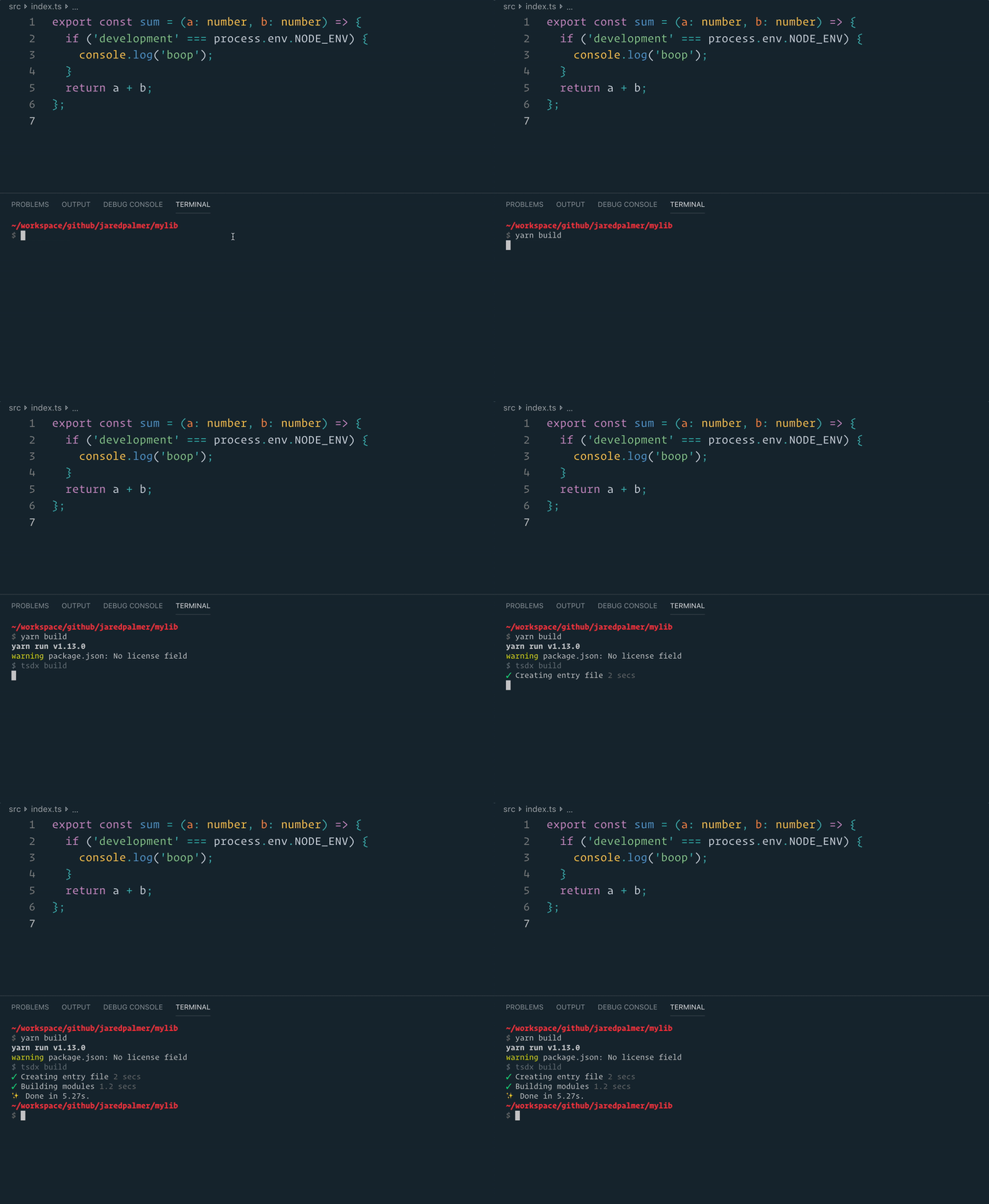
npm test or yarn testRuns the test watcher (Jest) in an interactive mode. By default, runs tests related to files changed since the last commit.

FAQs
This project was bootstrapped with [TSDX](https://github.com/jaredpalmer/tsdx).
We found that create-sps demonstrated a not healthy version release cadence and project activity because the last version was released a year ago. It has 1 open source maintainer collaborating on the project.
Did you know?

Socket for GitHub automatically highlights issues in each pull request and monitors the health of all your open source dependencies. Discover the contents of your packages and block harmful activity before you install or update your dependencies.

Research
Five coordinated Chrome extensions enable session hijacking and block security controls across enterprise HR and ERP platforms.

Research
Node.js patched a crash bug where AsyncLocalStorage could cause stack overflows to bypass error handlers and terminate production servers.

Research
/Security News
A malicious Chrome extension steals newly created MEXC API keys, exfiltrates them to Telegram, and enables full account takeover with trading and withdrawal rights.



