🚀 Launch Week Day 4:Introducing the Alert Details Page: A Better Way to Explore Alerts.Learn More
Socket
Book a DemoInstallSign in
Socket

cropify

Package Overview
Dependencies
Maintainers
1
Versions
16
Alerts
File Explorer

Advanced tools

Socket logo

Install Socket

Detect and block malicious and high-risk dependencies

Install

cropify

A fast, powerful image cropping & manipulation library for Node.js

latest
Source
npmnpm
Version
2.0.2
Version published
Weekly downloads
654
-3.4%
Maintainers
1
Weekly downloads
 
Created
Source
cropify banner

˗ˏˋ cropify ´ˎ˗

A fast, powerful image cropping & manipulation library for Node.js

NPM Version NPM Downloads NPM License GitHub Repo stars


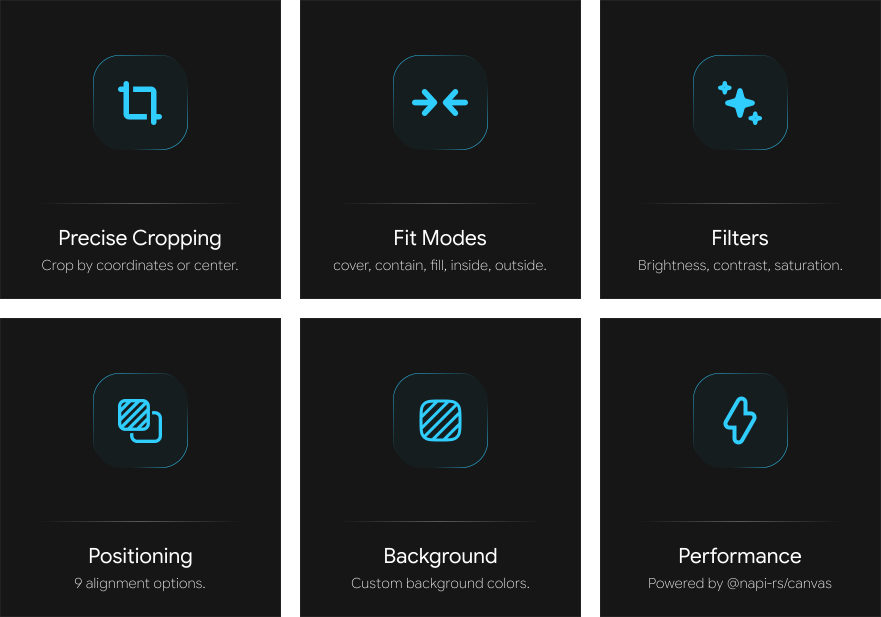
cropify features

📄 Documentation

╰┈1️⃣ Quick Start

npm install cropify
const { cropImage } = require('cropify');
const fs = require('fs');

// Basic cropping
const result = await cropImage({
    imagePath: 'input.jpg',
    width: 800,
    height: 600,
    cropCenter: true
});

fs.writeFileSync('output.png', result);

≪ ◦ ✦ ◦ ≫

╰┈2️⃣ API Reference

Main Function cropImage(options: CropifyOptions)

Crops and manipulates an image based on the provided options. Parameters:

  • options - Configuration object with the following properties:

Basic Options

{
    imagePath: string | Buffer | URL;  // Input image path or buffer
    x?: number;                        // X coordinate (default: 0)
    y?: number;                        // Y coordinate (default: 0)
    width?: number;                    // Output width (default: original)
    height?: number;                   // Output height (default: original)
    borderRadius?: number;             // Rounded corners radius
    circle?: boolean;                  // Circular crop
    cropCenter?: boolean;              // Center the crop
}

Advanced Options

{
    fit?: 'cover' | 'contain' | 'fill' | 'inside' | 'outside';
    position?: 'center' | 'top' | 'bottom' | 'left' | 'right' | 'top-left' | 'top-right' | 'bottom-left' | 'bottom-right';
    background?: string;               // Background color (CSS color)
}

Shape Options

{
    shape?: {
        type: 'rectangle' | 'circle' | 'polygon' | 'star' | 'custom';
        sides?: number;                // For polygon/star (3+)
        points?: Array<{x: number, y: number}>; // For custom shapes (%)
        customPath?: string;           // SVG path (planned)
    }
}

Filter Options

{
    filters?: {
        brightness?: number;           // -100 to 100
        contrast?: number;             // -100 to 100
        saturation?: number;           // -100 to 100
        blur?: number;                 // 0 to 20
        grayscale?: boolean;           // Convert to grayscale
        sepia?: boolean;               // Apply sepia tone
        invert?: boolean;              // Invert colors
        hue?: number;                  // Hue rotation (0-360)
    }
}

Output Options

{
    output?: {
        format?: 'png' | 'jpeg' | 'webp';
        quality?: number;              // 0-100 (JPEG/WebP only)
        progressive?: boolean;         // Progressive JPEG (planned)
        adaptiveQuality?: boolean;     // Adaptive quality (planned)
    }
}

≪ ◦ ✦ ◦ ≫

🎧 Support Server
support server

Keywords

image

FAQs

Package last updated on 16 Dec 2025

Did you know?

Socket

Socket for GitHub automatically highlights issues in each pull request and monitors the health of all your open source dependencies. Discover the contents of your packages and block harmful activity before you install or update your dependencies.

Install

Related posts