Node.js Command Line Application
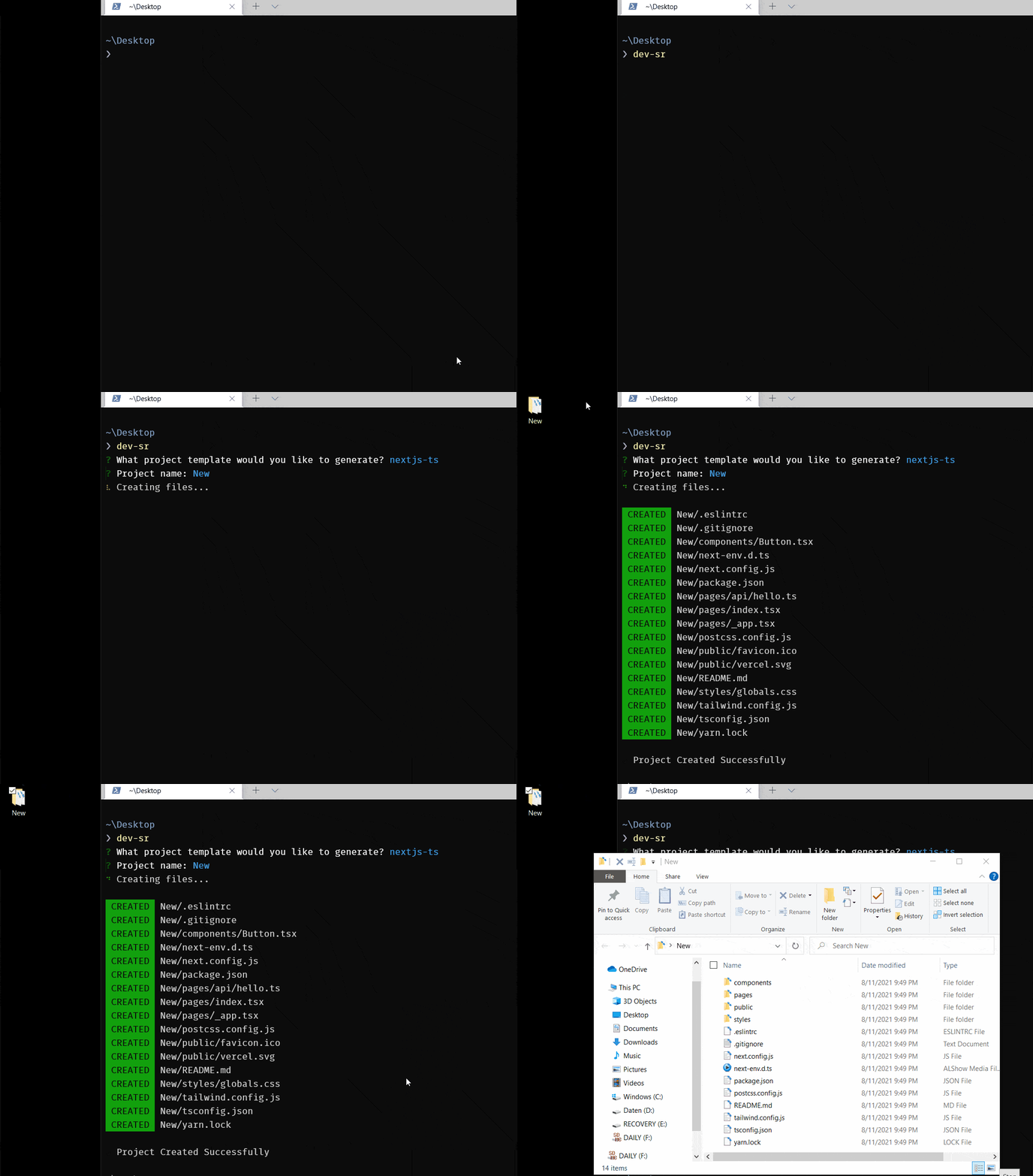
Simple CLI to create project from predefined templates
Usages
npx dev-sr
npx dev-sr@latest
npm i dev-sr
dev-sr
Install Locally:
Copy git repo then,
yarn build
npm link
Available Templates
electron.js with react,typescript,vite,tailwindCSS- vanilla
typescript
javaFX with Mavennext.js with typescript, tailwindCSSCreate React App with typescript, tailwindCSS,vite,eslint,prettiernext-fullstack with typescript, tailwindCSS,vite,eslint,prettier,mantine UI ,prisma and next-auth
How it works
Creating your own CLI with nodejs
index.js
#!/usr/bin/env node

console.log( "Hello!" );
The first line that begins with #! is usually called a shebang. This is normally only used on Linux or UNIX operating systems to inform the system what type of script is included in the rest of the text file. However, this first line is also required for Node.js scripts to be installed and run properly on macOS and Windows.
package.json
Add a new key for bin with the following text.
{
 "name": "cli",
 "version": "1.0.0",
 "description": "",
 "main": "index.js",
 "scripts": {},
 "keywords": [],
 "bin": {
  "hello": "index.js"
 }
}
At this point, you can run the script just like any other Node.js application. Try entering the following from the command line.
node .
However, the goal of writing a script like this is to be able to run it from anywhere. You can do that with the npm install command.
npm install -g .
# or
npm link
You can now run your script by typing hello at the command line!
hello
You can list all globally installed Node.js modules using:
npm ls -g --depth=0.
To uninstall your script, run the following command.
npm uninstall -g cli
Build and Publish
build before publish
"scripts": {
  "dev": "ts-node src/index.ts",
  "build": "tsc",
  "prepublish": "yarn build"
},
Publish to npm:
yarn publish





