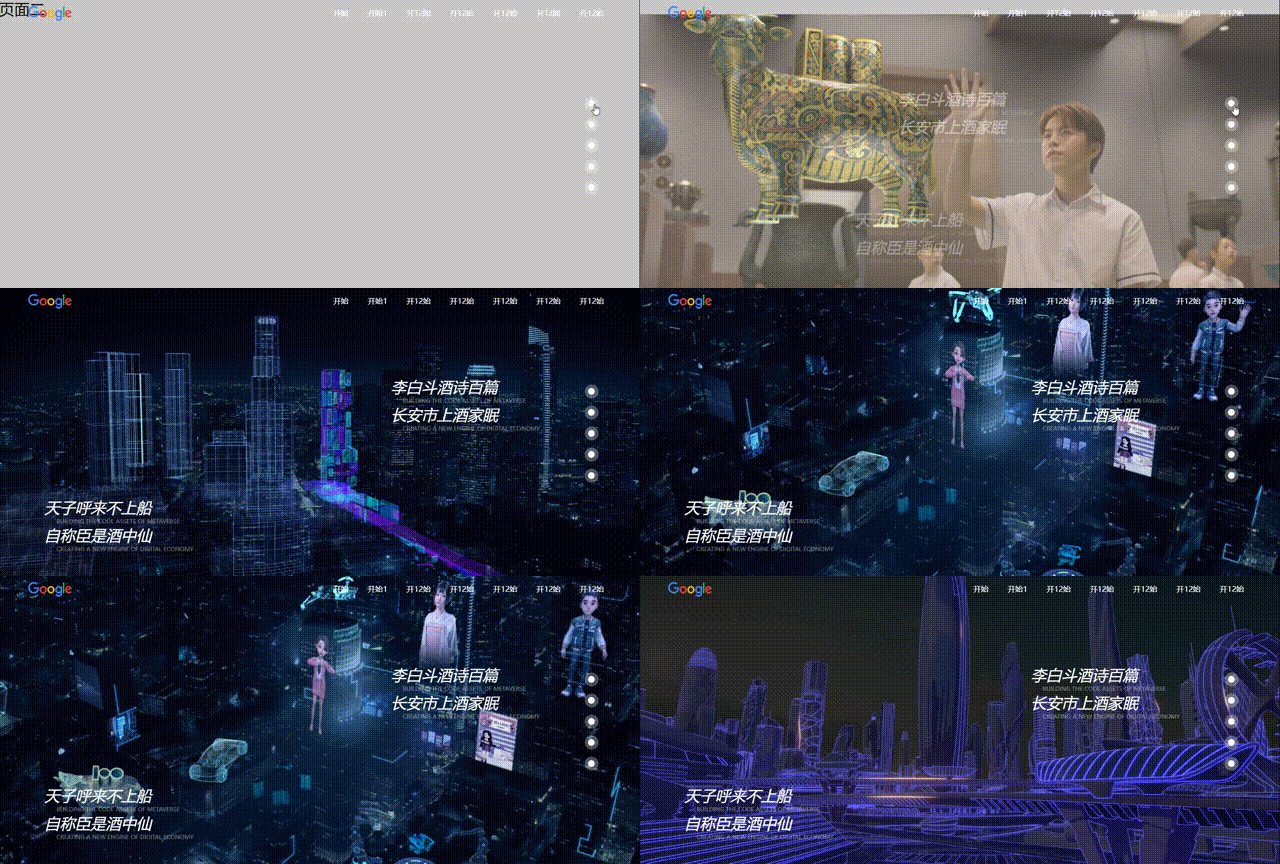
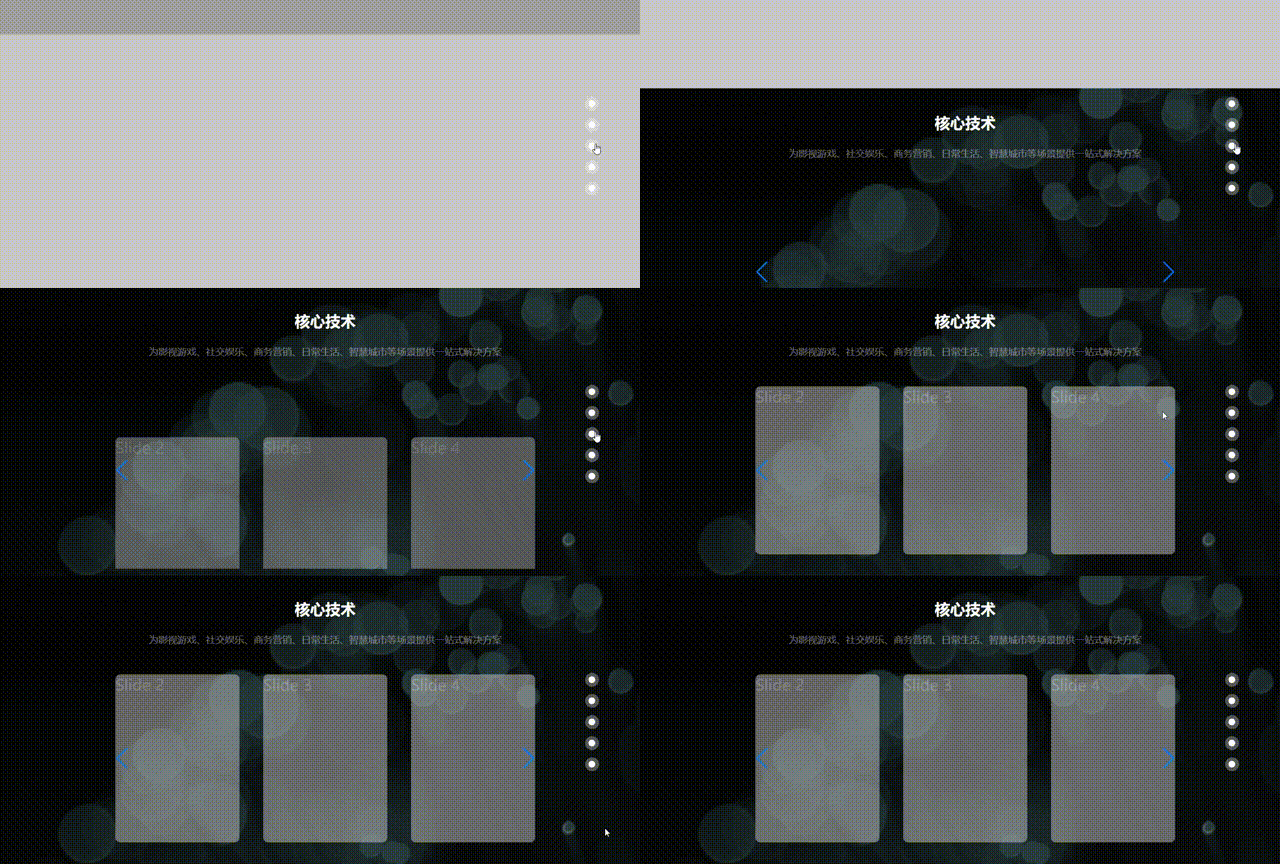
📋
frontcsseffectplugin




Translations: 🇨🇳 汉语
1.frontCssEffectPlugin
提供三种轮子的使用方法。用于无侵入动态添加进入可视区的动画样式。
1.1 省心模式-动画模式
<script src="https://cdn.jsdelivr.net/npm/frontcsseffectplugin@latest/dist/cssEffect.min.js"></script>
let temp = cssEffect.default
使用者调用两个函数就可以了(通过animation实现)
new temp().commonEnterUp({
element:document.querySelector(".page3"),
distance_viewable_num:10,
distance_css_num:500,
key:"向上1的标识符号"
})
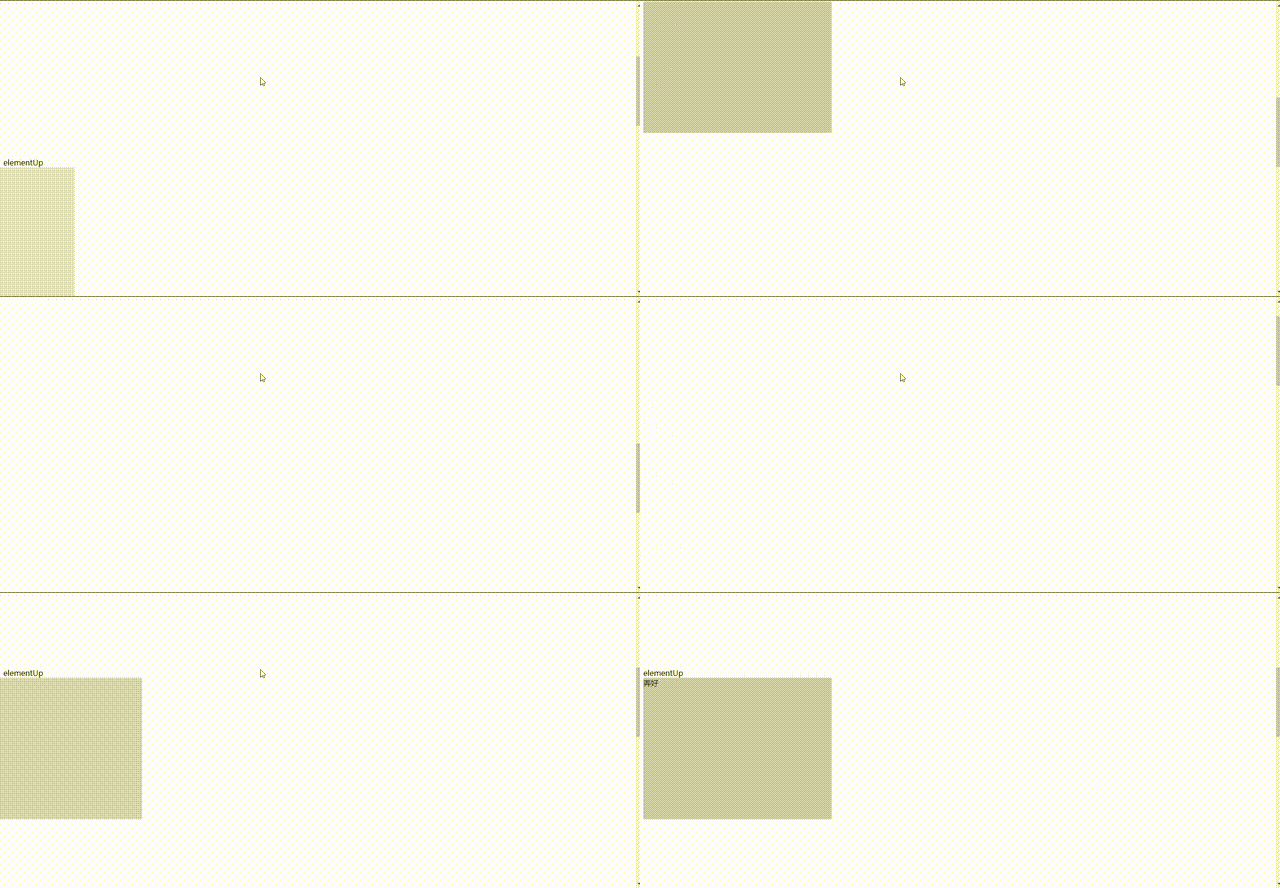
具体参数示例看 test/case1.html,下面是图片示例
1.2 自定义配置模式-动画模式
通过使用者自定义进入和离开两个函数就可以了(通过animation实现)

let temp  = cssEffect.default
new temp().userEnterLeft({
    element:document.querySelector(".page3"),
    distance_viewable_num:10,
    distance_css_num:500,
    key:"向上1的标识符号",
    distance_unshow_num:20
})

new temp({
    time:1,
    delay:0
}).userLeaveRight({
    element:document.querySelector(".page3"),
    distance_viewable_num:10,
    distance_css_num:500,
    key:"向上11的标识符号"
})
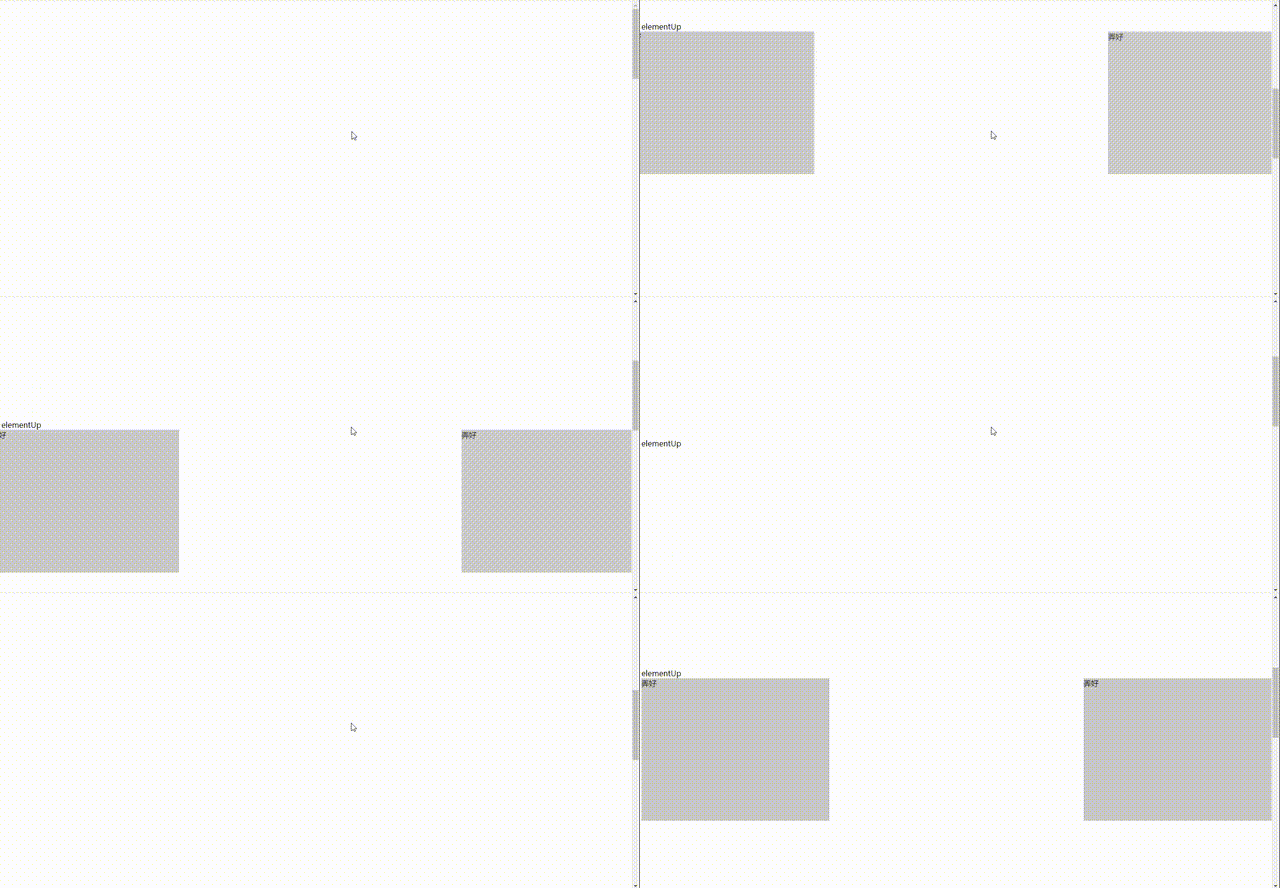
具体参数具体示例看 test/case2.html,下面是示例
1.3 省心模式-帧模式
只支持从上到下的显示(不通过animation方法,纯js控制)

let temp  = cssEffect.default
new temp().frameRight({
    element:document.querySelector(".page4"),
    distance_viewable_num:10,
    distance_css_num:500,
    key:"向上11的标识符号"
})
new temp().frameLeft({
    element:document.querySelector(".page3"),
    distance_viewable_num:10,
    distance_css_num:450
})
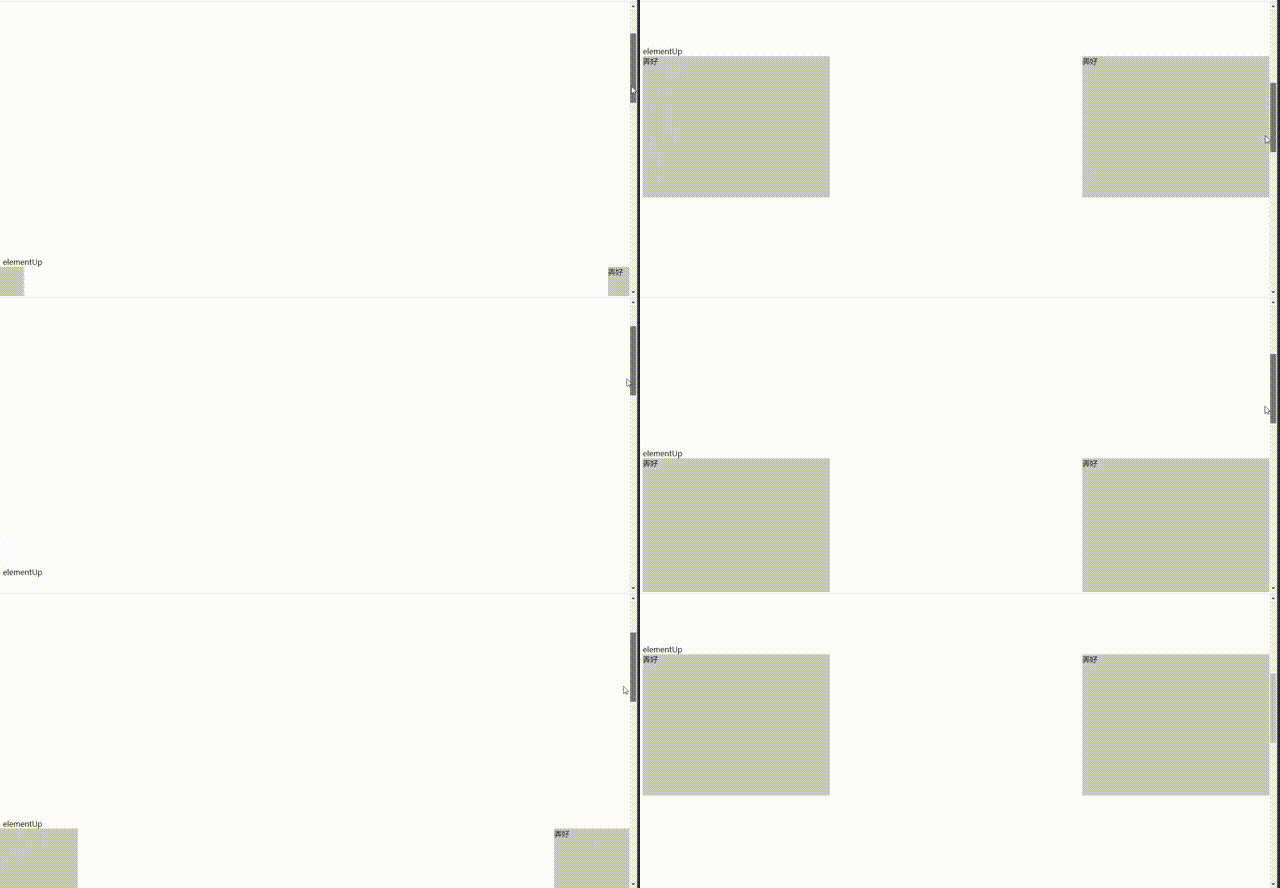
具体示例看 test/case3.html
1.4 npm 安装
npm install frontcsseffectplugin
import cssEffect from "frontcsseffectplugin/dist/cssEffect.min.js"
new cssEffect().commonEnterRight({
element:this.$refs.ceshi,
distance_viewable_num:10,
distance_css_num:500,
key:"向上1的标识符号"
})
特别说明的一点是在你的项目中最好不要用translateX/Y来布局 ,不然可能有乱七八糟的报错。当然用它做动效跟我插件并没有冲突
overflow: scroll;
overflow-x: hidden; 根节点谨慎用
ver0.0.14 优化省事模式下面首次进入的显示
ver0.0.13 优化传参格式
ver0.0.9 修复多层级的offsettop不穿透的问题
ver0.0.6 添加ts支持
1.5 个人使用实例