New Research: Supply Chain Attack on Axios Pulls Malicious Dependency from npm.Details →
Socket
Book a DemoSign in
Socket

git-co-commit

Package Overview
Dependencies
Maintainers
1
Versions
9
Alerts
File Explorer

Advanced tools

Socket logo

Install Socket

Detect and block malicious and high-risk dependencies

Install

git-co-commit

Git pairing with multiple co-authors in a simple way.

Source
npmnpm
Version
1.0.3
Version published
Weekly downloads
5
-58.33%
Maintainers
1
Weekly downloads
 
Created
Source

git-co-commit

When a pair or multiple developers work on git projects, there is a convention that allows us to document our co-authors in the commit message. However, adding the co-authorship information on every single commit is painful.

Install git-co-commit package to use just a single commit to add all the team members that worked in the project as co-authors.

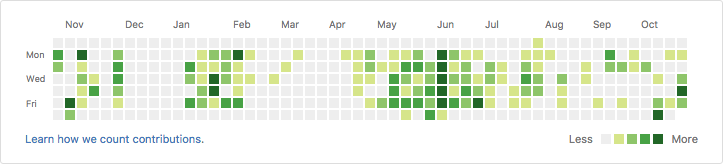
Each co-author will be added to the commit message, so that they are also credited in the github contributions view!

Before pairing
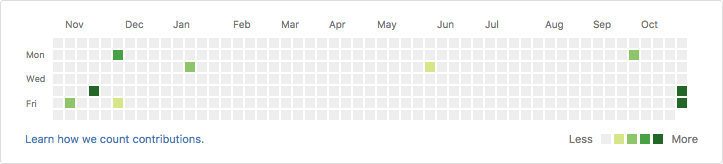
before pairing

After pairing

after pairing


Install it globally,

npm i -g git-co-commit

Use it globally,

commit

Install it locally,

npm i git-co-commit

For using it locally, specify following in scripts of package.json

"commit": "commit"

For running it

npm run commit

Keywords

gitpairing

FAQs

Package last updated on 26 Aug 2020

Did you know?

Socket

Socket for GitHub automatically highlights issues in each pull request and monitors the health of all your open source dependencies. Discover the contents of your packages and block harmful activity before you install or update your dependencies.

Install

Related posts