Handy-Tooltip
A very simple & useful toolkit that can be used easily with very simple API. Screenshots below.
If you're reading on npmjs website, please visit GitHub page for better documentation!!

Quick links
Screenshots
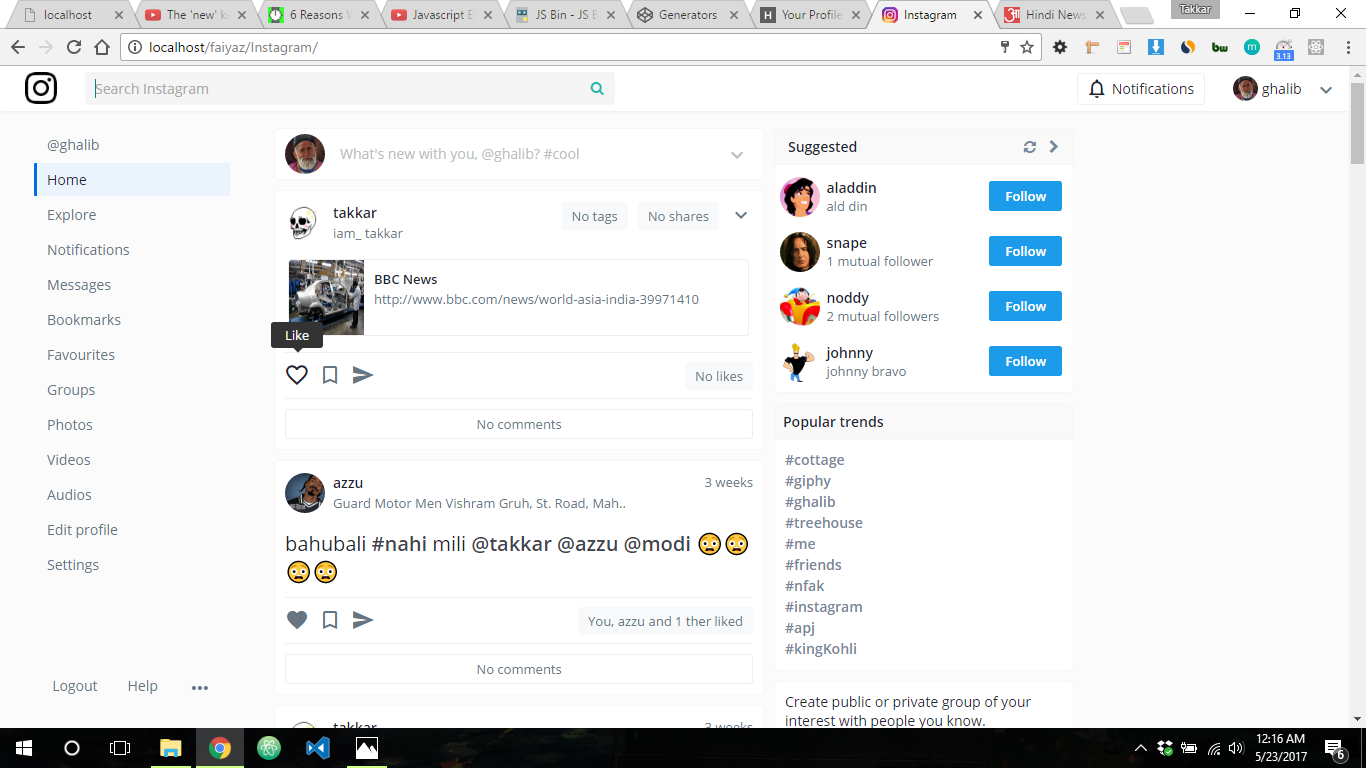
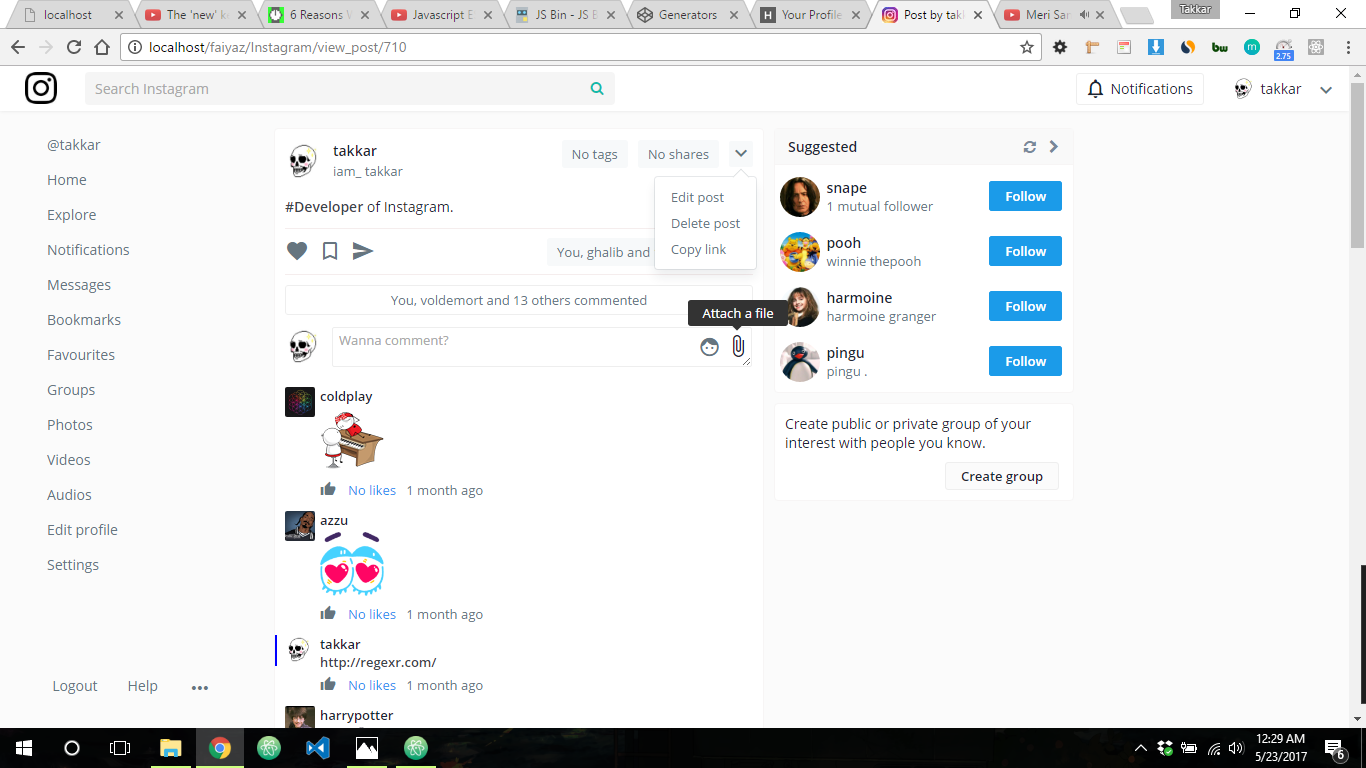
These screenshots are from React-Instagram-clone-2.0!!
Requirements
Usage
-
First install the package with npm or Yarn.
npm install handy-tooltip
or
yarn add handy-tooltip
-
Create a div with id hoverdiv.
<div id='hoverdiv'></div>
-
Go to handy-tooltip.css & copy everything of it into your stylesheet.
-
And here comes the fun part.
import HandyTooltip from 'handy-notification'
HandyTooltip({
value: "Like",
selector: $('.like_btn')
})
You can also work with attributes.
<a href='#' class='link' data-tooltip='Link!' >I am a cool link</a>
import HandyTooltip from 'handy-notification'
HandyTooltip({
selector: $('.link')
})
If you think Hoverdiv is not at your desired position, see the API.
API
HandyTooltip(options:Object)
options = {
    value,
    selector,
    extraTop,
    extraLeft
}
- value
- This will be the message.
- selector
- Selector you want to show tooltip of (NOTE: Not availabe to jQuery plugins).
- extraTop
- If hoverdiv is not at your desired position, adjust this property for top position.
- extraLeft
- If hoverdiv is not at your desired position, adjust this property for left position.
Contribute
Show your support by 🌟 the project!!
Feel free to contribute!!
Thanks for reading!!





