inferno-virtual-list 
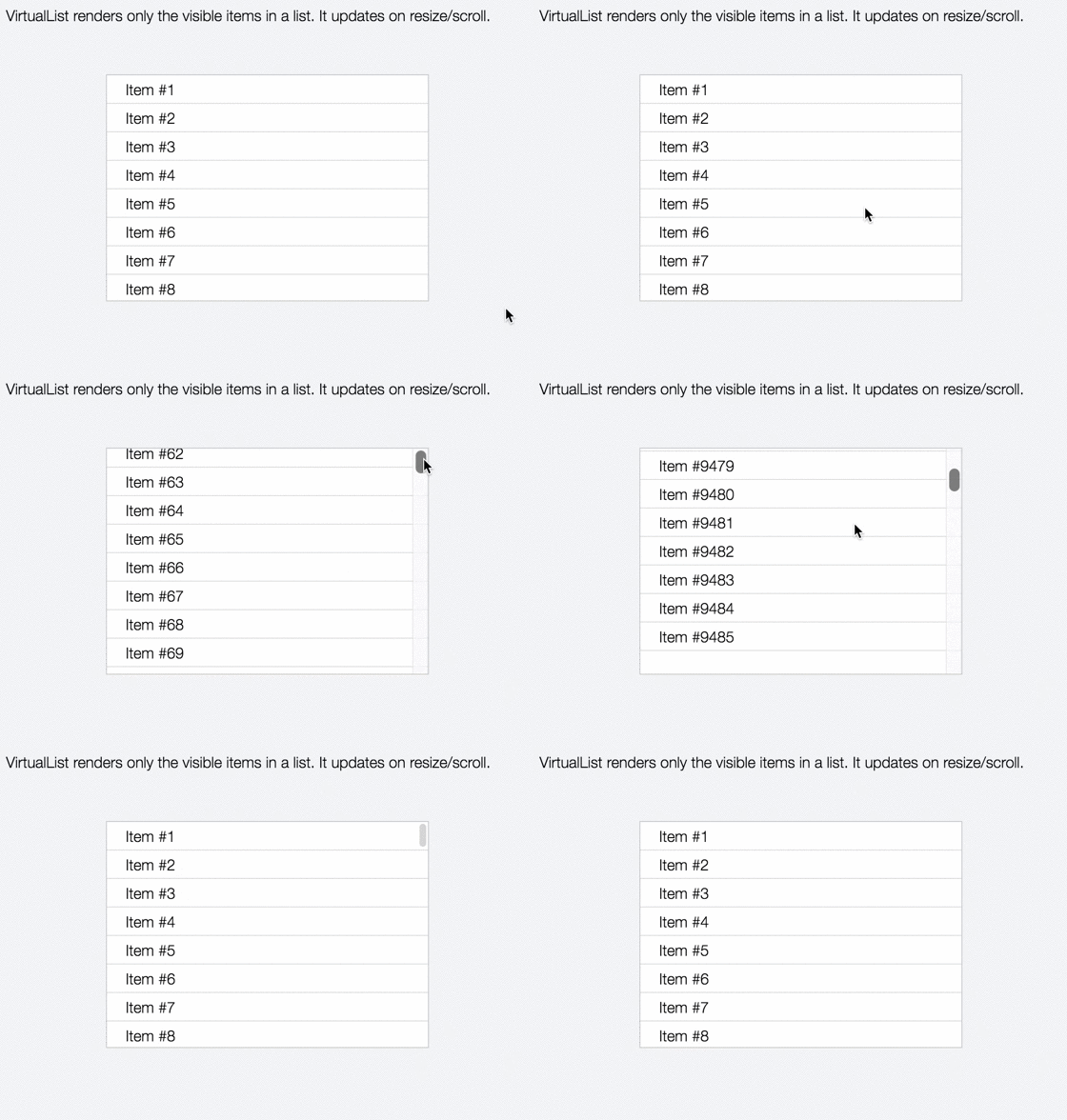
A "virtual" list that only renders visible items. Supports millions of rows. Recycles efficiently via Inferno JS.
This is a simple component that allows you to create very long, scrollable lists that perform extremely fast. It allows a configurable buffer zone to render items above and below the visible viewport bounds.
Install
You must also include inferno and inferno-component.
NPM
$ npm install --save inferno-virtual-list inferno inferno-component
CDN
<script src="https://unpkg.com/inferno@1.0.7/dist/inferno.min.js"></script>
<script src="https://unpkg.com/inferno@1.0.7/dist/inferno-component.min.js"></script>
<script src="https://unpkg.com/inferno-virtual-list@0.1.0/dist/inferno-virtual-list.min.js"></script>
Usage
Provide the List of items as data, an item renderer as rowRender, and the height of a single row as rowHeight. Everything else is optional.
Note: If installed via CDN, the component is exposed as VirtualList. Otherwise, you may call it whatever you'd like!
import List from 'inferno-virtual-list';

const Item = row => (
  <div class="item">{ row }</div>
)

<List
  sync
  buffer={ 10 }
  rowHeight={ 22 }
  rowRender={ Item }
  data={ ['a', 'b', 'c'] }
/>
Props
data
Type: Array
Default: []
List of data items
sync
Type: Boolean
Default: false
If truthy, forces synchronous rendering.
It's best to try without sync enabled first. You should only enable sync if you experience flickering. Doing so ensures every update is applies to the DOM before continuing, but does this at the cost of framerate.
buffer
Type: Number
Default: 10
The number of extra rows to render above & below the visible list.
rowHeight
Type: Number
Default: none
The static height of a row (in pixels). Do not include units!
rowRender
Type: Function
Default: none
The renderer function for each list item.
id
Type: String
Default: none
The id attribute to pass down.
className
Type: String
Default: none
The className attribute to pass down.
Examples
const DIV = document.getElementById('container');
const DATA = [];
for (let x=1e5; x--; ) DATA[x] = `Item #${x+1}`;
Functional
View this example on JSFiddle
import Inferno from 'inferno';
import List from 'inferno-virtual-list';
const Row = row => (
<div className="row">{row}</div>
);
Inferno.render((
<List className="list" data={DATA} rowHeight={30} rowRender={Row} />
), DIV);
Stateful
View this example on JSFiddle
import Inferno from 'inferno';
import Component from 'inferno-component';
import List from 'inferno-virtual-list';
class Demo extends Component {
rowHeight = 30;
renderItem(row) {
return <div className="row">{row}</div>;
}
render() {
return (
<List sync
data={DATA}
className="list"
rowHeight={this.rowHeight}
rowRender={this.renderItem}
/>
);
}
}
Inferno.render(<Demo />, DIV);
Credit
:tophat: Major hat tip to @_developit and his work on preact-virtual-list, from which this module was ported.
License
MIT © Luke Edwards





