


Research
2025 Report: Destructive Malware in Open Source Packages
Destructive malware is rising across open source registries, using delays and kill switches to wipe code, break builds, and disrupt CI/CD.
By Kush Pandya - Dec 24, 2025
markdown-documentation-maker
Advanced tools
 [](https://www.npmjs.com/package/markdown-documentation-maker) [


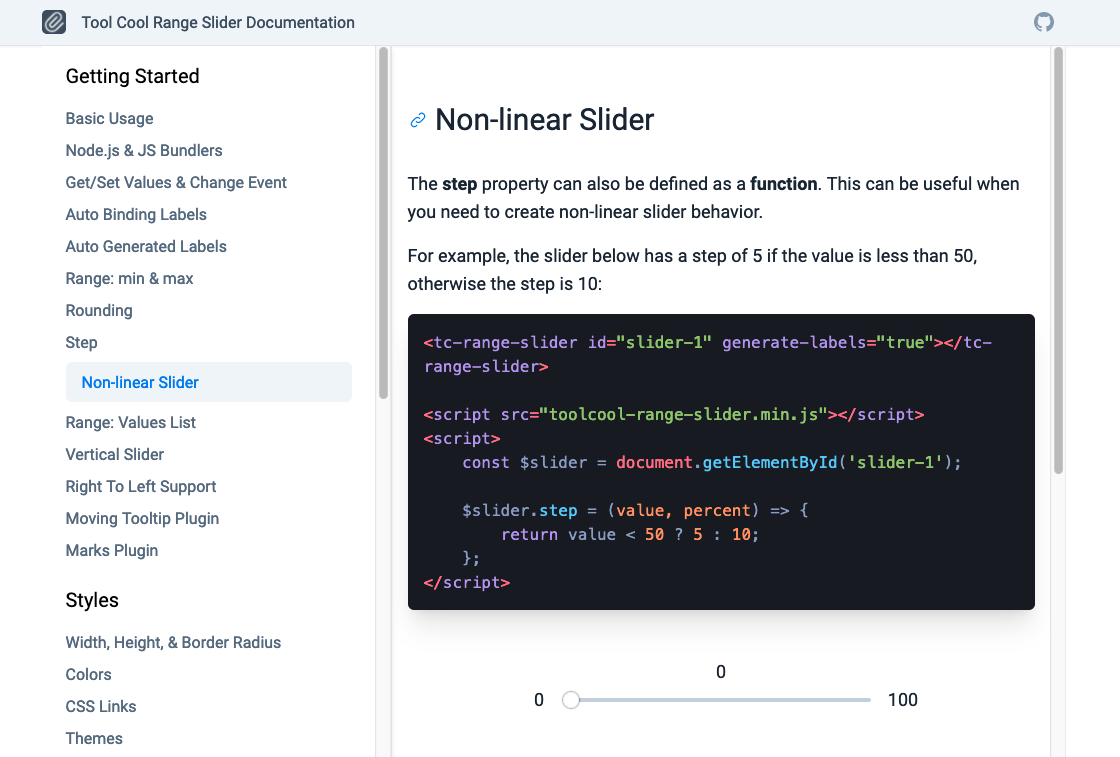
This package is a markdown-based documentation generator that is especially suitable for monorepos. It uses Tailwind CSS framework for styling. The documentation is responsive and mobile-friendly. An example of documentation created with this package can be found here.
Install the package from npm:
npm i markdown-documentation-maker --save-dev
Add the following scripts to package.json:
"type": "module",
"scripts": {
    "docs:website": "http-server ./docs",
    "docs:build": "node ./src/docs/generator/index.js",
    "docs:watch": "nodemon ./src/docs/generator/index.js",
    "docs:install": "node node_modules/markdown-documentation-maker/run/install.js"
  },
Run install command:
npm run docs:install
This command will create a docs folder in the /src folder.
First of all, edit the configuration file located in /src/docs/data/config.json. There you can define the website name, email address, etc.
By default, the documentation sidebar is automatically generated from the filenames. You can set other names in the following configuration file: /src/docs/data/pages/pages-config.json.
Layout files are located at /src/docs/data/layouts.
Homepage is located at /src/docs/data/special-pages/index.html.
The command below is used to compile the documentation website. It creates the documentation website located at /doc folder in the root.
npm run docs:build
The following command is used to compile the documentation website in watch mode. It will be recreated whenever the documentation source files are modified.
npm run docs:watch
To avoid an infinite loop, add the following nodemon configuration to your package.json file.
{
  "nodemonConfig": {
    "restartable": "rs",
    "ignore": [
      ".git",
      "node_modules/**/node_modules"
    ],
    "verbose": false,
    "watch": [
      "src/"
    ],
    "ext": "js,json,html,css,md,ts,tsx,glsl"
  }
}
Run the documentation website locally (for debugging purposes only). By default, it will be opened on localhost with port 8080 http://127.0.0.1:8080
npm run docs:website
To edit site pages, update the markdown files located in the /src/docs/data/pages folder. The website layout files are located in /src/docs/data/layouts folder.
It's also possible to create and use additional non-documentation pages. One such predefined page is a homepage. It's located at /special-pages/index.html.
All pages can use macros to print data from config file. For example, {% github %} or {% website-name %} will take values from the file /src/docs/data/config.json.
To add a new page, simply create a page in the /src/docs/data/pages folder. If the page is created in a subfolder, it will appear in the corresponding subtitle in the left menu.
The page name format should be {number}-{page name}.md, for example 1-basic-usage.md.
FAQs
 [](https://www.npmjs.com/package/markdown-documentation-maker) [
Socket for GitHub automatically highlights issues in each pull request and monitors the health of all your open source dependencies. Discover the contents of your packages and block harmful activity before you install or update your dependencies.
Research
Destructive malware is rising across open source registries, using delays and kill switches to wipe code, break builds, and disrupt CI/CD.

Security News
Socket CTO Ahmad Nassri shares practical AI coding techniques, tools, and team workflows, plus what still feels noisy and why shipping remains human-led.

Research
/Security News
A five-month operation turned 27 npm packages into durable hosting for browser-run lures that mimic document-sharing portals and Microsoft sign-in, targeting 25 organizations across manufacturing, industrial automation, plastics, and healthcare for credential theft.