ngx-google-location-autocomplete
An Angular library that integrates the Google Places API to provide location-based autocomplete functionality. Easily add address suggestions with full place details using customizable, lightweight, and developer-friendly directives/components.
Angular Compatibility
The table below shows which versions of ngx-google-location-autocomplete are compatible with which versions of Angular.
ℹ️ The library only requires Angular and the Google Maps JavaScript API. No additional runtime dependencies are needed.
Installation
npm
npm install ngx-google-location-autocomplete
yarn
yarn add ngx-google-location-autocomplete
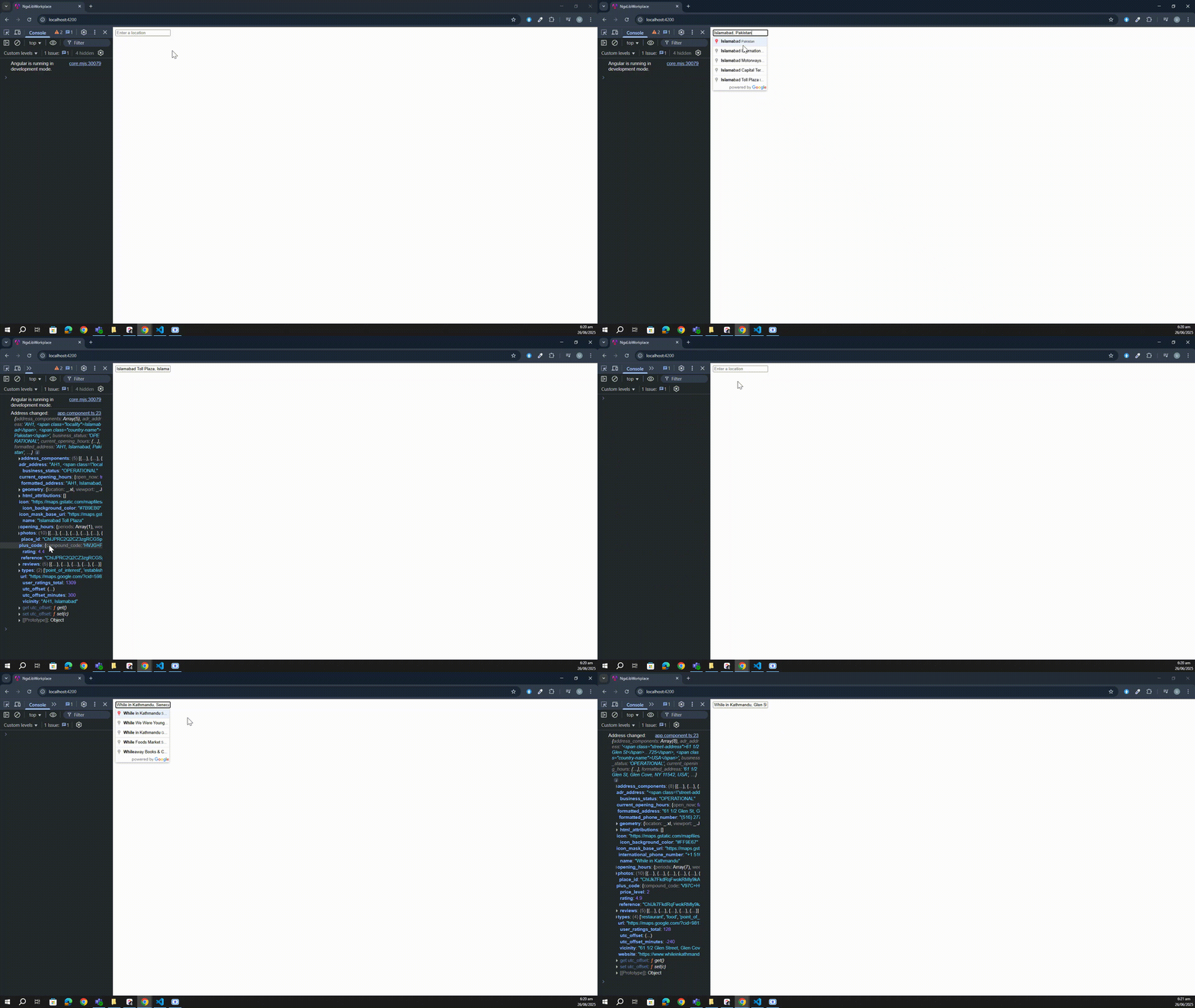
Demo
Integration
- Add google library in your index.html file :
<script src="https://maps.googleapis.com/maps/api/js?key=<Your API KEY>&libraries=places&language=en"></script>
Usage
- Add the directive to the component where you want to use it.
import { NgxGoogleLocationAutocompleteDirective } from 'ngx-google-location-autocomplete';

@Component({
  standalone: true,
  imports: [NgxGoogleLocationAutocompleteDirective]
  ...
})
- Add directive ngx-google-location-autocomplete to your input field (options is an optional parammeter)
<input ngx-google-location-autocomplete [options]='options' #placesRef="ngx-location" (onAddressChange)="handleAddressChange($event)"/>
- Additionally you can reference directive in your component
public placesRef: Signal<NgxGoogleLocationAutocompleteDirective | undefined> = viewChild<NgxGoogleLocationAutocompleteDirective>('placesRef');
public handleAddressChange(address: Address) {
}
Options
Refer to original google maps api - https://developers.google.com/maps/documentation/javascript/places-autocomplete
Options object - https://github.com/skynet2/ngx-google-location-autocomplete/blob/master/src/objects/options/options.ts
Google doc for Options : https://developers.google.com/maps/documentation/javascript/reference/places-widget#AutocompleteOptions
Example :
[options]="{ types: [], componentRestrictions: { country: 'UA' } }"





