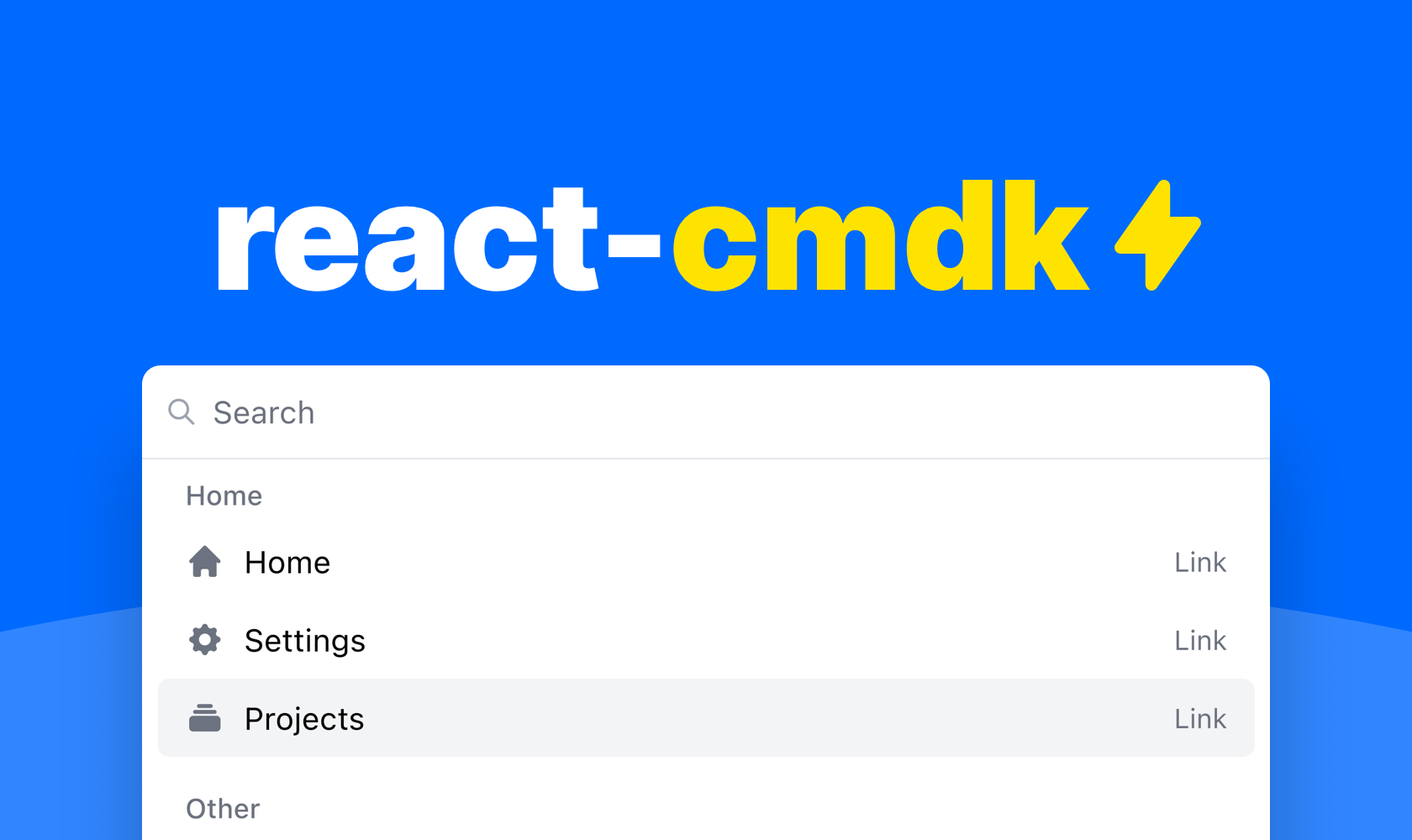
A command palette for React
A package with components for building your dream command palette for your web application.
Watch the YouTube demo or try it out here to get started.
Features
✓ Accessible
✓ Flexible
✓ Good looking
✓ Very fast
✓ Dark & light mode
Installation
npm install react-cmdk
Or if you'd rather use Yarn
yarn add react-cmdk
Example usage
You can compose your command palette pretty much however you like with the
included components. But here is an example of a command palette that uses some
of the included helpers for a very neat solution.
import "react-cmdk/dist/cmdk.css";
import CommandPalette, { filterItems, getItemIndex } from "react-cmdk";
import { useState } from "react";

const Example = () => {
  const [page, setPage] = useState<"root" | "projects">("root");
  const [open, setOpen] = useState<boolean>(true);
  const [search, setSearch] = useState("");

  const filteredItems = filterItems(
    [
      {
        heading: "Home",
        id: "home",
        items: [
          {
            id: "home",
            children: "Home",
            icon: "HomeIcon",
            href: "#",
          },
          {
            id: "settings",
            children: "Settings",
            icon: "CogIcon",
            href: "#",
          },
          {
            id: "projects",
            children: "Projects",
            icon: "RectangleStackIcon",
            closeOnSelect: false,
            onClick: () => {
              setPage("projects");
            },
          },
        ],
      },
      {
        heading: "Other",
        id: "advanced",
        items: [
          {
            id: "developer-settings",
            children: "Developer settings",
            icon: "CodeBracketIcon",
            href: "#",
          },
          {
            id: "privacy-policy",
            children: "Privacy policy",
            icon: "LifebuoyIcon",
            href: "#",
          },
          {
            id: "log-out",
            children: "Log out",
            icon: "ArrowRightOnRectangleIcon",
            onClick: () => {
              alert("Logging out...");
            },
          },
        ],
      },
    ],
    search
  );

  return (
    <CommandPalette
      onChangeSearch={setSearch}
      onChangeOpen={setOpen}
      search={search}
      isOpen={open}
      page={page}
    >
      <CommandPalette.Page id="root">
        {filteredItems.length ? (
          filteredItems.map((list) => (
            <CommandPalette.List key={list.id} heading={list.heading}>
              {list.items.map(({ id, ...rest }) => (
                <CommandPalette.ListItem
                  key={id}
                  index={getItemIndex(filteredItems, id)}
                  {...rest}
                />
              ))}
            </CommandPalette.List>
          ))
        ) : (
          <CommandPalette.FreeSearchAction />
        )}
      </CommandPalette.Page>

      <CommandPalette.Page id="projects">
        {/* Projects page */}
      </CommandPalette.Page>
    </CommandPalette>
  );
};

export default Example;
Opening the command palelette
The package does include a helper hook for opening the command palette,
but you can actually open it however you want. Here are some examples.
Helper
const [isOpen, setIsOpen] = useState<boolean>(false);

useHandleOpenCommandPalette(setIsOpen);
Custom
const [isOpen, setIsOpen] = useState<boolean>(false);

useEffect(() => {
  function handleKeyDown(e: KeyboardEvent) {
    if (e.metaKey && e.key === "k") {
      e.preventDefault();
      e.stopPropagation();

      setIsOpen((currentValue) => {
        return !currentValue;
      });
    }
  }

  document.addEventListener("keydown", handleKeyDown);

  return () => {
    document.removeEventListener("keydown", handleKeyDown);
  };
}, []);
API
CommandPalette
| onChangeSearch | (value: string) => void | true | | Function for setting search value |
| onChangeOpen | (value: boolean) => void | true | | Function for setting open state |
| children | React.ReactNode | true | | Children of command palette |
| isOpen | boolean | true | | Open state |
| search | string | true | | Search state |
| placeholder | string | false | "Search" | Search field placeholder |
| page | string | false | | The current page id |
| renderLink | RenderLink | false | | Function for customizing rendering of links |
| footer | React.ReactNode | false | | Footer component |
| selected | number | false | | The current selected item index |
| onChangeSelected | (value: number) => void | false | | Function for setting selected item index |
CommandPalette.Page
FYI. Using pages is completely optional
| id | string | true | | A unique page id |
| children | React.ReactNode | true | | Children of the list |
| searchPrefix | string[] | false | | Prefix to the left of the search bar |
| onEscape | () => void | false | | Function that runs upon clicking escape |
CommandPalette.List
| children | React.ReactNode | true | | Children of the list |
| heading | string | false | | Heading of the list |
CommandPalette.ListItem
| index | number | true | | Index for list item |
| closeOnSelect | boolean | false | | Whether to close the command palette upon click |
| icon | (IconName, React.FC) | false | false | Icon for list item |
| iconType | IconType | false | "solid" | Icon for list item |
| showType | boolean | false | true | Whether to show the item type |
| disabled | boolean | false | | Whether the item is disabled |
| keywords | Array | false | | Underlying search keywords for the list item |
The list item also extends the HTMLAnchorElement & HTMLButtonElement types
CommandPalette.FreeSearchAction
| index | number | false | 0 | Index for list item |
| label | string | false | "Search for" | Button label |
The search action also extends the HTMLAnchorElement & HTMLButtonElement types
RenderLink
(
  props: DetailedHTMLProps<
    AnchorHTMLAttributes<HTMLAnchorElement>,
    HTMLAnchorElement
  >
) => ReactNode;
JsonStructure
Array of
| id | string | true | | Id for list |
| items | Array<JsonStructureItem> | true | | Items for list |
| heading | string | false | | Heading for list |
JsonStructureItem
CommandPalette.ListItem
Omits index & extends
| id | string | true | | Id for list item |
Utils
getItemIndex
A function for getting the current index of a item within the json structure
(items: JsonStructure, listItemId: string, startIndex = 0) => number;
filterItems
A function for filtering the json structure from a search string
(
  items: JsonStructure,
  search: string,
  options?: { filterOnListHeading: boolean }
) => JsonStructure;
renderJsonStructure
A function for rendering a json structure
(items: JsonStructure) => JSX.Element[]
useHandleOpenCommandPalette
(fn: React.Dispatch<React.SetStateAction<boolean>>) => void
Maintainers






