



Product
Introducing Reports: An Extensible Reporting Framework for Socket Data
Explore exportable charts for vulnerabilities, dependencies, and usage with Reports, Socket’s new extensible reporting framework.
By André Staltz - Apr 21, 2026
react-markdown-editor-lite
Advanced tools




Online demo
https://harrychen0506.github.io/react-markdown-editor-lite/
Default configuration

Pluggable bars
npm install react-markdown-editor-lite --save
# or
pnpm add react-markdown-editor-lite
# or
yarn add react-markdown-editor-lite
Following steps:
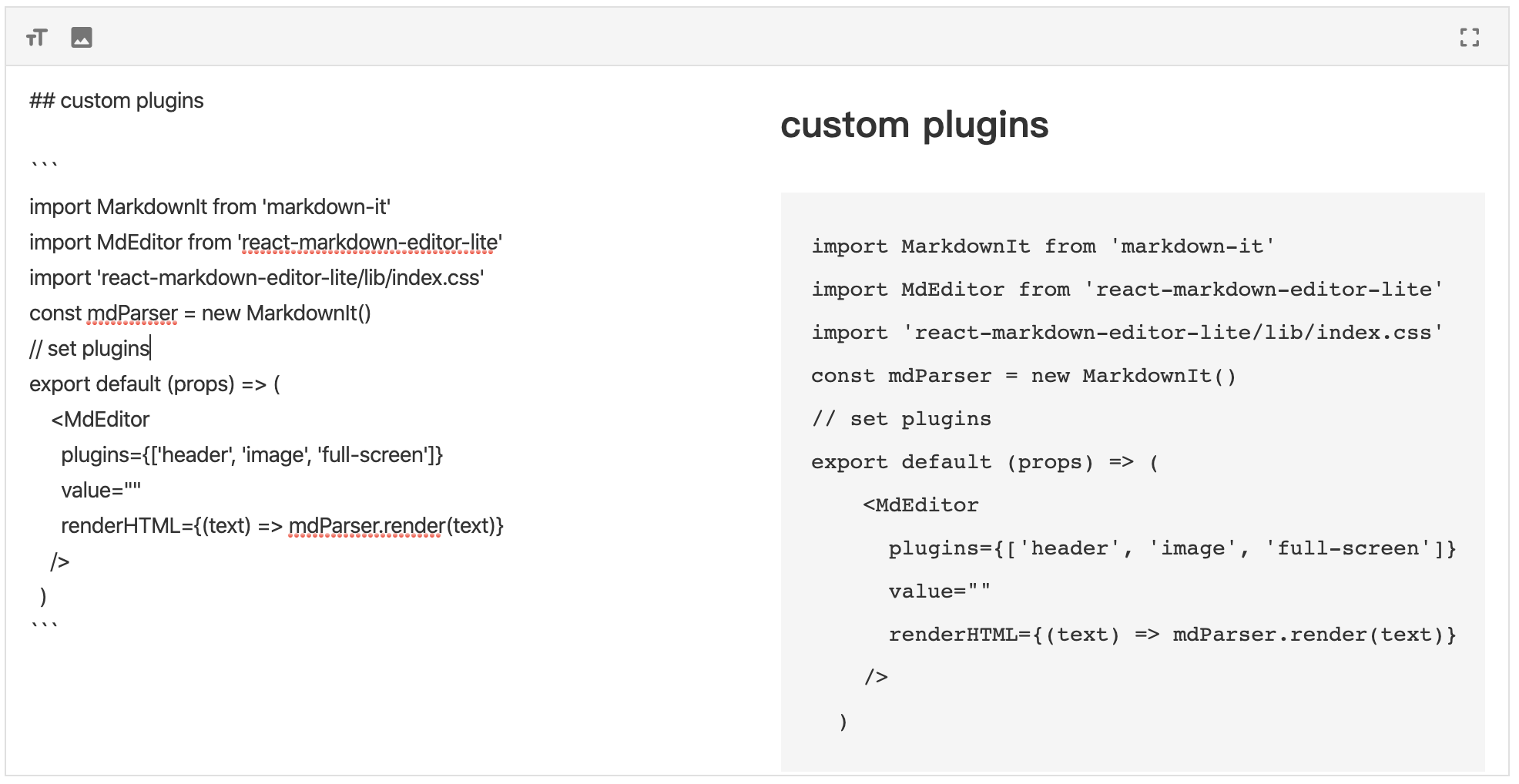
// import react, react-markdown-editor-lite, and a markdown parser you like
import React from 'react';
import MarkdownIt from 'markdown-it';
import MdEditor from 'react-markdown-editor-lite';
// import style manually
import 'react-markdown-editor-lite/lib/index.css';

// Register plugins if required
// MdEditor.use(YOUR_PLUGINS_HERE);

// Initialize a markdown parser
const mdParser = new MarkdownIt(/* Markdown-it options */);

// Finish!
function handleEditorChange({ html, text }) {
  console.log('handleEditorChange', html, text);
}
export default props => {
  return (
    <MdEditor style={{ height: '500px' }} renderHTML={text => mdParser.render(text)} onChange={handleEditorChange} />
  );
};
If you are using a server-side render framework, like Next.js, Gatsby, please use client-side render for this editor.
For example, Next.js has next/dynamic, Gatsby has loadable-components
Following is a example for Next.js:
import dynamic from 'next/dynamic';
import 'react-markdown-editor-lite/lib/index.css';

const MdEditor = dynamic(() => import('react-markdown-editor-lite'), {
  ssr: false,
});

export default function() {
  return <MdEditor style={{ height: '500px' }} renderHTML={/* Render function */} />;
}
With plugins:
import dynamic from 'next/dynamic';
import 'react-markdown-editor-lite/lib/index.css';

const MdEditor = dynamic(
  () => {
    return new Promise(resolve => {
      Promise.all([
        import('react-markdown-editor-lite'),
        import('./my-plugin'),
        /** Add more plugins, and use below */
      ]).then(res => {
        res[0].default.use(res[1].default);
        resolve(res[0].default);
      });
    });
  },
  {
    ssr: false,
  },
);

export default function() {
  return <MdEditor style={{ height: '500px' }} renderHTML={/* Render function */} />;
}
Full example see here
Since 1.1.0, You can add script and link tags in your browser and use the global variable ReactMarkdownEditorLite.
You can download these files directly from 

Note: you should import react before ReactMarkdownEditorLite.
For example, in webpack, you import ReactMarkdownEditorLite by script tag in your page, and write webpack config like this:
externals: {
  react: 'React',
  'react-markdown-editor-lite': 'ReactMarkdownEditorLite'
}
FAQs
a light-weight Markdown editor based on React
The npm package react-markdown-editor-lite receives a total of 30,977 weekly downloads. As such, react-markdown-editor-lite popularity was classified as popular.
We found that react-markdown-editor-lite demonstrated a healthy version release cadence and project activity because the last version was released less than a year ago. It has 2 open source maintainers collaborating on the project.
Did you know?

Socket for GitHub automatically highlights issues in each pull request and monitors the health of all your open source dependencies. Discover the contents of your packages and block harmful activity before you install or update your dependencies.
Product
Explore exportable charts for vulnerabilities, dependencies, and usage with Reports, Socket’s new extensible reporting framework.

Product
Socket for Jira lets teams turn alerts into Jira tickets with manual creation, automated ticketing rules, and two-way sync.

Company News
Socket won two 2026 Reppy Awards from RepVue, ranking in the top 5% of all sales orgs. AE Alexandra Lister shares what it's like to grow a sales career here.