React Minimal Table
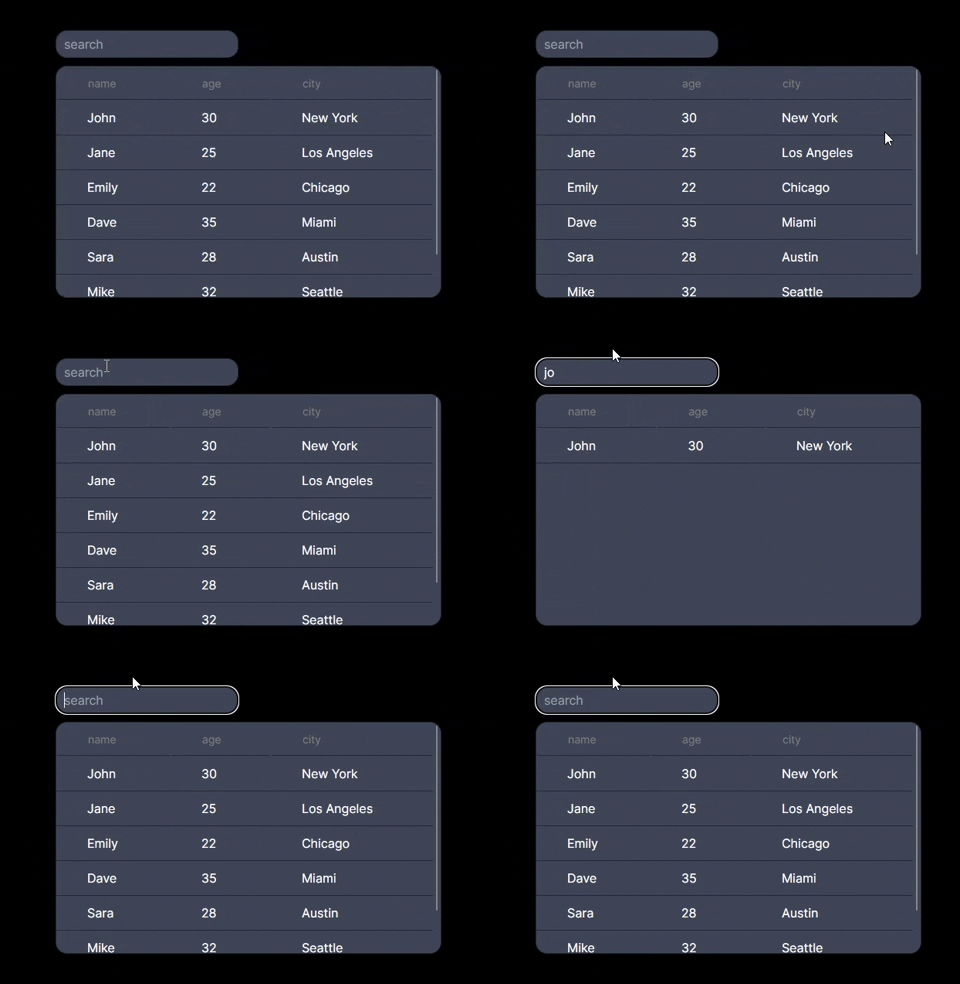
A table component for React that utilizes @tanstack/react-table, but removes most options for simplicity. Just pass in a list of objects to get a table with search functionality.
Installation
npm i react-minimal-table
Usage
Import and use the SimpleTable component, passing in your data and any optional configuration props.
import SimpleTable from "react-minimal-table";

function App() {
  const data = [
    { name: "John", age: 30, city: "New York" },
    { name: "Jane", age: 25, city: "Los Angeles" },
  ];

  return (
    <div>
      <SimpleTable data={data} />
    </div>
  );
}

export default App;
Props
data (T[]): The array of data objects to be displayed in the table.
Optional props to customize SimpleTable:
showFilter (boolean): Enable or disable the search filter. Default is true.backgroundColor (string): Background color of the table. Default is "#0A1B25".borderRadius (number): Border radius of the table. Default is 15.border (string): Table border styling. Default is "1px solid #242836".height (number | string): Height of the table. Default is "auto".width (number | string): Width of the table. Default is "auto".
Limitations
-
No Support for Nested Objects: The component cannot process nested objects within the fields of your data. For example, if a data object has a field like { address: { street: "Main", city: "Anywhere" } }, this nested structure will not be properly handled.
-
Uniform Data Structure Required: All objects in your data list must have the same fields. The component expects a uniform structure across all data entries. If different objects have varying fields, this may lead to unexpected behavior or errors.
Issues and Feature Requests
To report a problem or make a feature request, add a GitHub 'issue' here.





