react-native-blur-overlay 


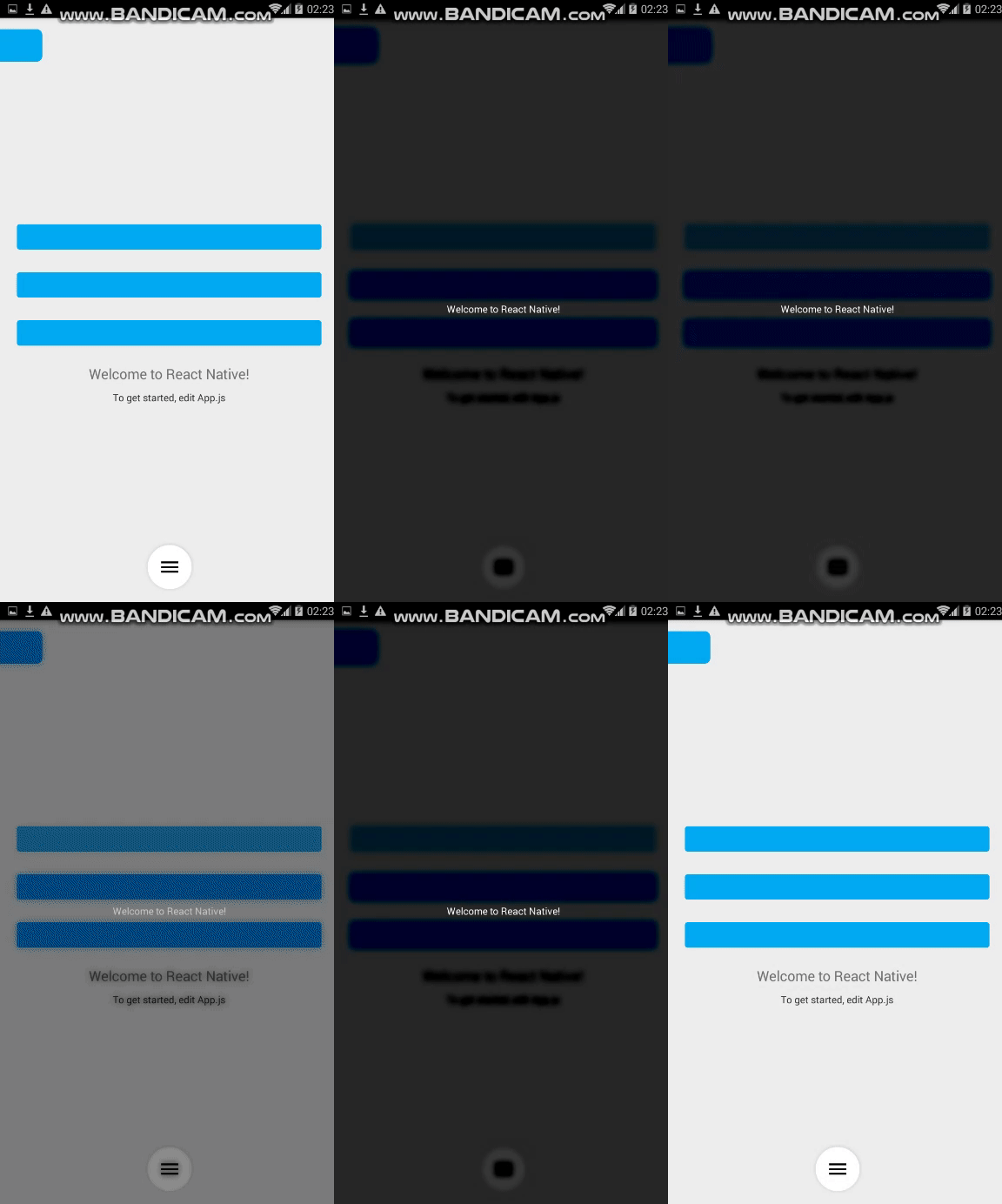
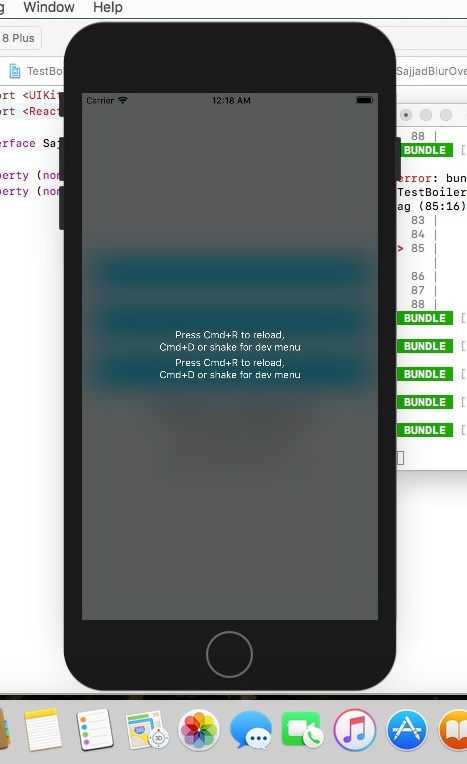
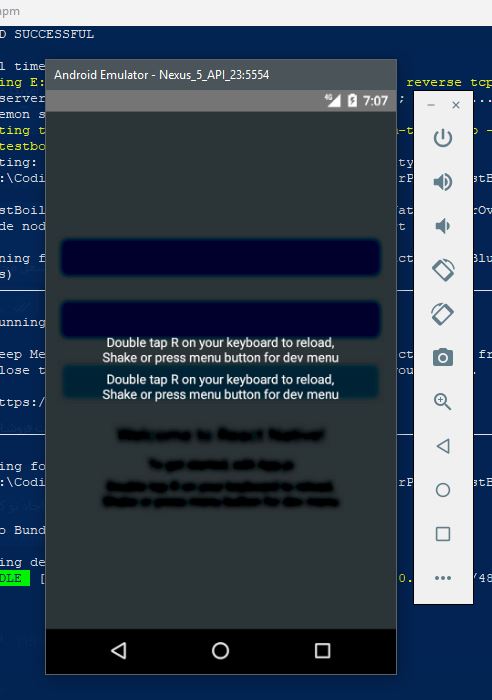
The new version is compatible with the latest react native version (0.75.3)
Getting started
$ npm install react-native-blur-overlay --save
OR
$ yarn add react-native-blur-overlay
Do not forget to add this to your Podfile
pod 'SajjadBlurOverlay', :path => '../node_modules/react-native-blur-overlay/ios'
And this to your android main application
add(SajjadBlurOverlayPackage())
Usage
import React, {Component} from 'react';
import {Platform, StyleSheet, Text, View, TouchableOpacity} from 'react-native';
import BlurOverlay,{closeOverlay,openOverlay} from 'react-native-blur-overlay';

const instructions = Platform.select({
    ios: 'Press Cmd+R to reload,\n' + 'Cmd+D or shake for dev menu',
    android:
    'Double tap R on your keyboard to reload,\n' +
    'Shake or press menu button for dev menu',
});

type Props = {};
export default class App extends Component<Props> {
    constructor(props) {
        super(props);
    }

    renderBlurChilds() {
        return (
          <View style={styles.image}>
              <Text style={styles.instructions2}>{instructions}</Text>

              <Text style={styles.instructions2}>{instructions}</Text>
          </View>
        );
    }

    render() {
        return (

            <View style={styles.container}>
                <TouchableOpacity
                    onPress={() => {
                        openOverlay();
                    }}
                    style={{width: '90%', height: 36, backgroundColor: "#03A9F4", borderRadius: 4, margin: 16}}/>

                <Text style={styles.welcome}>Welcome to React Native!</Text>
                <Text style={styles.instructions}>To get started, edit App.js</Text>
                <Text style={styles.instructions}>{instructions}</Text>


                <BlurOverlay
                    radius={14}
                    downsampling={2}
                    brightness={-200}
					idBlur={'ID_BLUR'}
                    onPress={() => {
                        closeOverlay('ID_BLUR');
                    }}
                    customStyles={{alignItems: 'center', justifyContent: 'center'}}
                    blurStyle="dark"
                    children={this.renderBlurChilds()}
                />

            </View>
        );
    }
}

const styles = StyleSheet.create({
    container: {
        flex: 1,
        justifyContent: 'center',
        alignItems: 'center',
        backgroundColor: '#F5FCFF',
    },
    welcome: {
        fontSize: 20,
        textAlign: 'center',
        margin: 10,
    },
    instructions: {
        textAlign: 'center',
        color: '#333333',
        marginBottom: 5,
    },
    instructions2: {
        textAlign: 'center',
        color: 'white',
        marginBottom: 5,
    },
});
Props
android only:
  radius : Int (Between  0 to 25*downsampling)
  downsampling : float (>= 1)
  brightness : float (Between -255 to 255 , 0 = nochange)

ios only :
  blurStyle: string ("light" , "extraLight" , "dark")

both platforms :
  onPress : func
  customStyles: style





