React Speech Visualizer
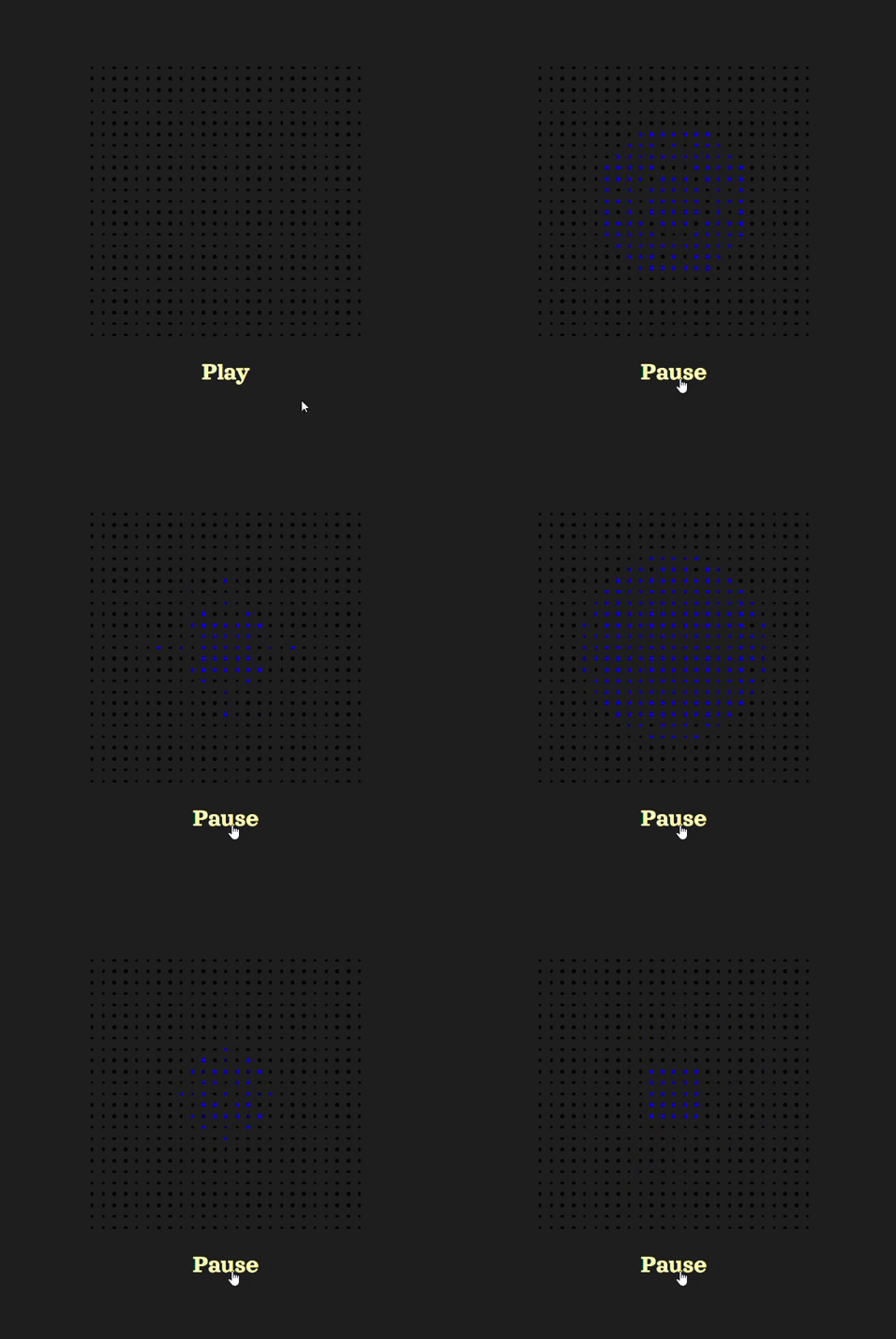
A React component that visualizes speech (or any audio) using a grid of dots that change color based on the audio's frequency data. Useful for UI that uses AI speech.
Installation
npm i react-speech-visualizer
Usage
Import and use the SpeechVisualizer component, passing in the audio file path and optional props.
import SpeechVisualizer from "react-speech-visualizer";
import "./App.css";

function App() {
  const [paused, setPaused] = useState(true);

  const togglePlayback = () => {
    setPaused((prevPaused) => !prevPaused);
  };

  return (
    <div>
      <SpeechVisualizer audioPath="/path/to/audio/file.mp3" paused={paused} />
      <button onClick={togglePlayback}>{paused ? "Play" : "Pause"}</button>
    </div>
  );
}

export default App;
Props
audioPath (string) required: The path to the audio file to be visualized.dotActiveColor (string): The color of each dot when lit up. Default is blue.dotInactiveColor (string): The color of each inactivated dot in the grid. Use 'transparent' if you want no background grid to show. Default is black.dotSize (number): The size of each dot in the grid. Default is 2px width and height.gridSideLength (number): The number of dots along one side of the grid, where the grid is a square. Default is 25.paused (boolean): Whether the audio is paused. An initial value of 'false' will act like 'autoplay', but the browser may block autoplaying. Default is true.sensitivity (number): The sensitivity of the visualization. Specifically, the color intensity of each dot is the decibel value of its assigned frequency multiplied by this value. Higher sensitivity shows brighter colors. Default is 90.
Issues and Feature Requests
To report a problem or make a feature request, add a GitHub 'issue' here.





