



Company News
Socket Has Acquired Secure Annex
Socket has acquired Secure Annex to expand extension security across browsers, IDEs, and AI tools.
By Feross Aboukhadijeh - Apr 28, 2026
reactjs-availability-calendar
Advanced tools


Lightweight Availability/Bookings Calendar Built with React & TypeScript

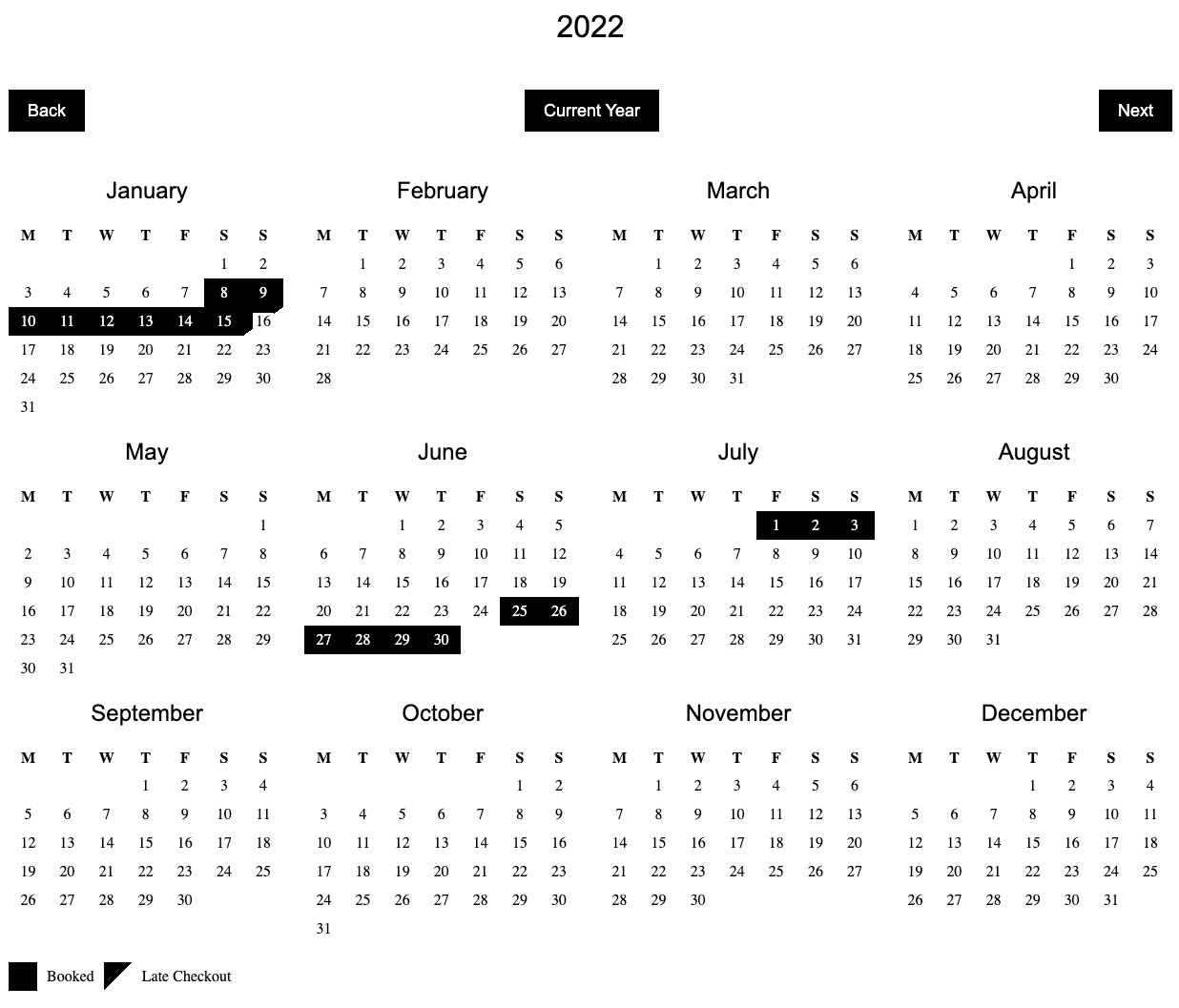
npm install reactjs-availability-calendar
or
yarn add reactjs-availability-calendar
Add Calendar to your component:
import React from 'react'
import Calendar from 'reactjs-availability-calendar'

export default function App() {
  const bookings = [
    {
      from: new Date('2022-07-03'),
      to: new Date('2022-07-30'),
      middayCheckout: true,
    },
    {
      from: '2022-04-08',
      to: '2022-04-13',
      middayCheckout: true,
    },
    {
      from: '2022-09-03T19:20:35.593Z',
      to: '2022-09-22T19:20:35.593Z',
      middayCheckout: false,
    },
  ]

  return (
    <Calendar bookings={bookings} />
  )
}
Please copy and self host the default CSS linked below.
Default CSS
Minified Default CSS
<link href="path/to/your/styles.css" rel="stylesheet">
Type: Array of Bookings
Default: []
Example:
[{
  from: '2022-04-08T00:00:00.000Z',
  to: '2022-04-10T00:00:00.000Z',
  middayCheckout: true,
}]
Notes: For best results, Dates should be in valid ISO 8601 format. Learn more
Description: Dates to be shown as unavailable on the calendar
Type: Number
Default: 12
Options: 12 | 4 | 2 | 1
Description: Number of Months to show
Type: Bool
Default: true
Description: Render active Calendar Year
Type: Bool
Default: true
Description: Render navigation buttons to move forward and previous Calendar Years
Type: Bool
Default: true
Description: Render Key for the different Calendar States
FAQs
React Availability Calendar
We found that reactjs-availability-calendar demonstrated a not healthy version release cadence and project activity because the last version was released a year ago. It has 0 open source maintainers collaborating on the project.
Did you know?

Socket for GitHub automatically highlights issues in each pull request and monitors the health of all your open source dependencies. Discover the contents of your packages and block harmful activity before you install or update your dependencies.
Company News
Socket has acquired Secure Annex to expand extension security across browsers, IDEs, and AI tools.

Research
/Security News
Socket is tracking cloned Open VSX extensions tied to GlassWorm, with several updated from benign-looking sleepers into malware delivery vehicles.

Product
Reachability analysis for PHP is now available in experimental, helping teams identify which vulnerabilities are actually exploitable.