Rosid



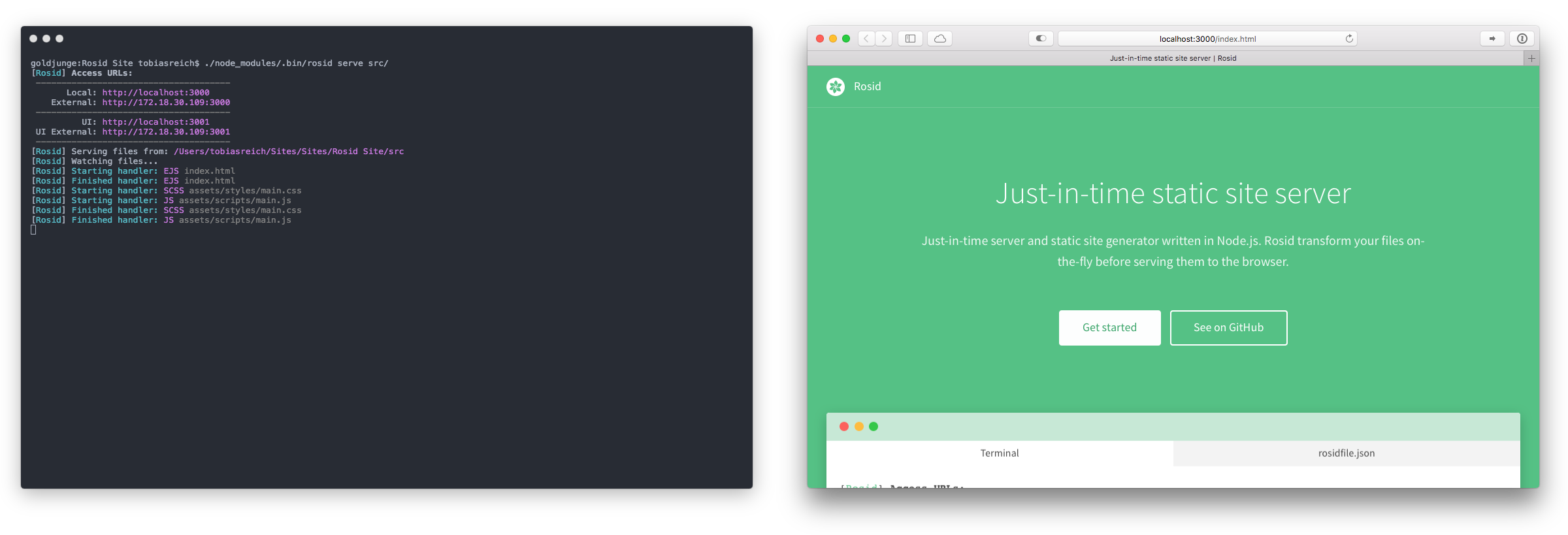
Just-in-time server and static site generator written in Node.js. Rosid transforms your files on-the-fly before serving them to the browser.
Contents
Get started
Rosid can be integrated into your project in two ways: Using the CLI or using the API of Rosid. Check out our guide for more information. Get started with Rosid »
Introduction
What is Rosid?
Rosid is a framework that focus on two features:
- A development server with live reloading, which transforms files as soon as you request them.
- A static site generator, which transforms files using defined transform functions.
Why Rosid?
- It doesn't force you to use a defined directory structure
- It's built on popular modules like Browsersync
- It's lightweight and only includes what it really needs
- Transformed files don't need to be saved along their source files
- It lets you compile code to static files to host them anywhere
How does it work?
Rosid starts a server and compares requested URLs with user-defined patterns. An associated file handler will be executed when a pattern matches. The handler receives information about the request and can transform the file, which will be sent to the browser.
Links
Boilerplates powered by Rosid:
- 📐 Skeleton EJS: EJS, JS (with Babel, UglifyJS) and SASS (with cssnano, Autoprefixer)
- 📐 Skeleton NJK: Nunjucks, JS (with Babel, UglifyJS) and SASS (with cssnano, Autoprefixer)
- 📐 Skeleton Components: UI for components written in Nunjucks, JS (with Babel, UglifyJS) and SASS (with cssnano, Autoprefixer)
Handlers build for Rosid:
Sites powered by Rosid:
Guides for Rosid:
Documentation
Requirements
Rosid depends on...
Make sure to install and update all dependencies before you setup Rosid.
Routes
Routes tell Rosid how to transform your code. They specify which handler should be executed when a defined pattern matches. Routes »
Handlers
Handlers are functions which load and transform files. You can write them on your own or use existing handlers from npm. Handlers »
API
Rosid can be integrated into your project using its API or CLI. The API gives you more flexibility and allows you to use Rosid in your existing asset pipeline or toolset. API »
CLI
The CLI of Rosid is located in the bin folder and allows you to run the serve and compile functions without adding JS files to your project. This approach is simpler than using the API, but provides less flexibility. CLI »
Options
If you want more control over Rosid, pass an object of options to it. Options »
Tips
- Install Rosid without optional dependencies using npm's
--no-optional flag. This speeds up the installation and skips a lot of dependencies. It's perfect when used in production. The downside: Running the serve function isn't possible anymore.





