sheetsee-maps
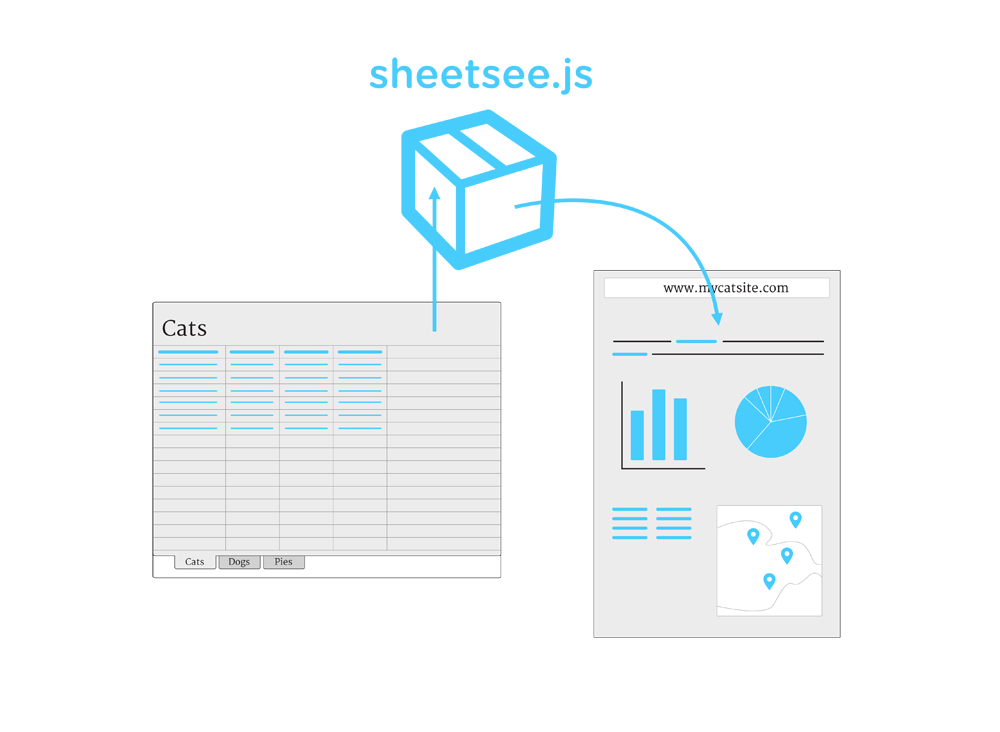
Module for creating maps with sheetsee.js. It turns your spreadsheet data into geoJSON to use with mapbox.js. Below is the portion of the sheetsee.js documentation relevant to mapping. For all the documentation, go here!
Make a Map
Sheetsee.js uses Mapbox.js, a Leaflet.js plugin, to make maps.
Create an empty <div> in your HTML, with an id.
<div id="map"></div>
Next you'll need to create geoJSON out of your data so that it can be mapped.
Sheetsee.createGeoJSON(data, optionsJSON)
This takes in your data and the parts of your data, optionsJSON, that you plan in your map's popups. If you're not going to have popups on your markers, don't worry about it then and just pass in your data.
var optionsJSON = ["name", "breed", "cuddlability"]
var geoJSON = Sheetsee.createGeoJSON(gData, optionsJSON)
It will return an array in the special geoJSON format that map making things love.
[{
  "geometry": {"type": "Point", "coordinates": [long, lat]},
  "properties": {
    "marker-size": "small",
    "marker-color": lineItem.hexcolor
  },
  "opts": {the options you pass in},
}}
Sheetsee.loadMap(mapDiv)
To create a simple map, with no data, you simply call `.loadMap() and pass in a string of the mapDiv (with no #) from your HTML.
var map = Sheetsee.loadMap("map")
Sheetsee.addTileLayer(map, tileLayer)
To add a tile layer, aka a custom map scheme/design/background, you'll use this function which takes in your map and the source of the tileLayer. This source can be a Mapbox id, a URL to a TileJSON or your own generated TileJSON. See Mapbox's Documentation for more information.
Sheetsee.addTileLayer(map, 'examples.map-20v6611k')
You can add tiles from awesome mapmakers like Stamen or create your own in Mapbox's Tilemill or online.
Sheetsee.addMarkerLayer(geoJSON, map)
To add makers to your map, use this function and pass in your geoJSON so that it can get the coordinates and your map so that it places the markers there.
var markerLayer = Sheetsee.addMarkerLayer(geoJSON, map)
To customize the marker popup content in your map use this function and pass in your map and markerLayer.
Sheetsee.addPopups(map, markerLayer)





