Strapi Plugin for ImageKit.io


A Strapi plugin that provides seamless integration with ImageKit.io, enabling you to browse, manage, and deliver optimized media directly from your Strapi admin panel. View the plugin installation and setup video here.
ImageKit is a complete media storage, optimization, and transformation solution with an image and video CDN. It integrates with your existing infrastructure (AWS S3, web servers, CDN, custom domains) to deliver optimized images in minutes with minimal code changes.
Table of Contents
Features
- Media Library Integration: Browse and manage your ImageKit media library directly in Strapi
- Bulk Import: Import existing ImageKit assets into Strapi with a single click
- Optimized Delivery: Serve optimized images and videos through ImageKit
- Upload: Upload new files to ImageKit directly from the Strapi media library
- Signed URLs: Deliver signed URLs for your media assets
Prerequisites
Before you begin, you need:
- A Strapi project (v5 or later)
- Node.js and npm/yarn installed
- Administrator access to your Strapi instance
- An ImageKit account (sign up if you don't have one)
You can refer to Strapi's official documentation to understand the prerequisites for running your Strapi instance.
Installation
To install the ImageKit plugin in your Strapi instance, run one of the following commands from your project's root directory:
npm install strapi-plugin-imagekit --save
yarn add strapi-plugin-imagekit
Once installed, you must rebuild your Strapi instance:
npm run build
npm run develop
yarn build
yarn develop
yarn develop --watch-admin
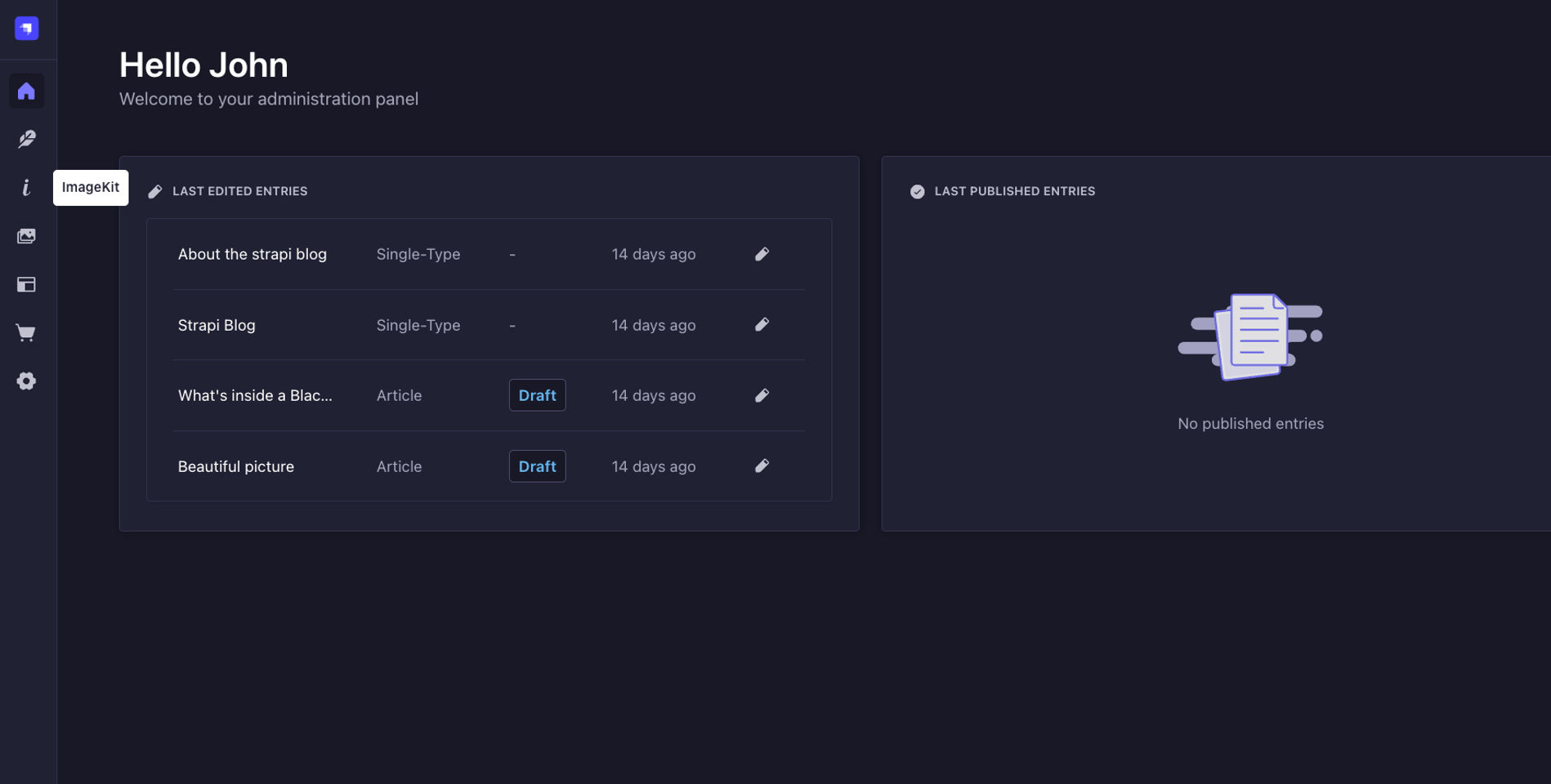
The ImageKit plugin will appear in the sidebar and Settings section after the app rebuilds.
Configuration
Configure in Admin UI
You can configure the ImageKit plugin from within the Strapi admin dashboard. Follow these steps:
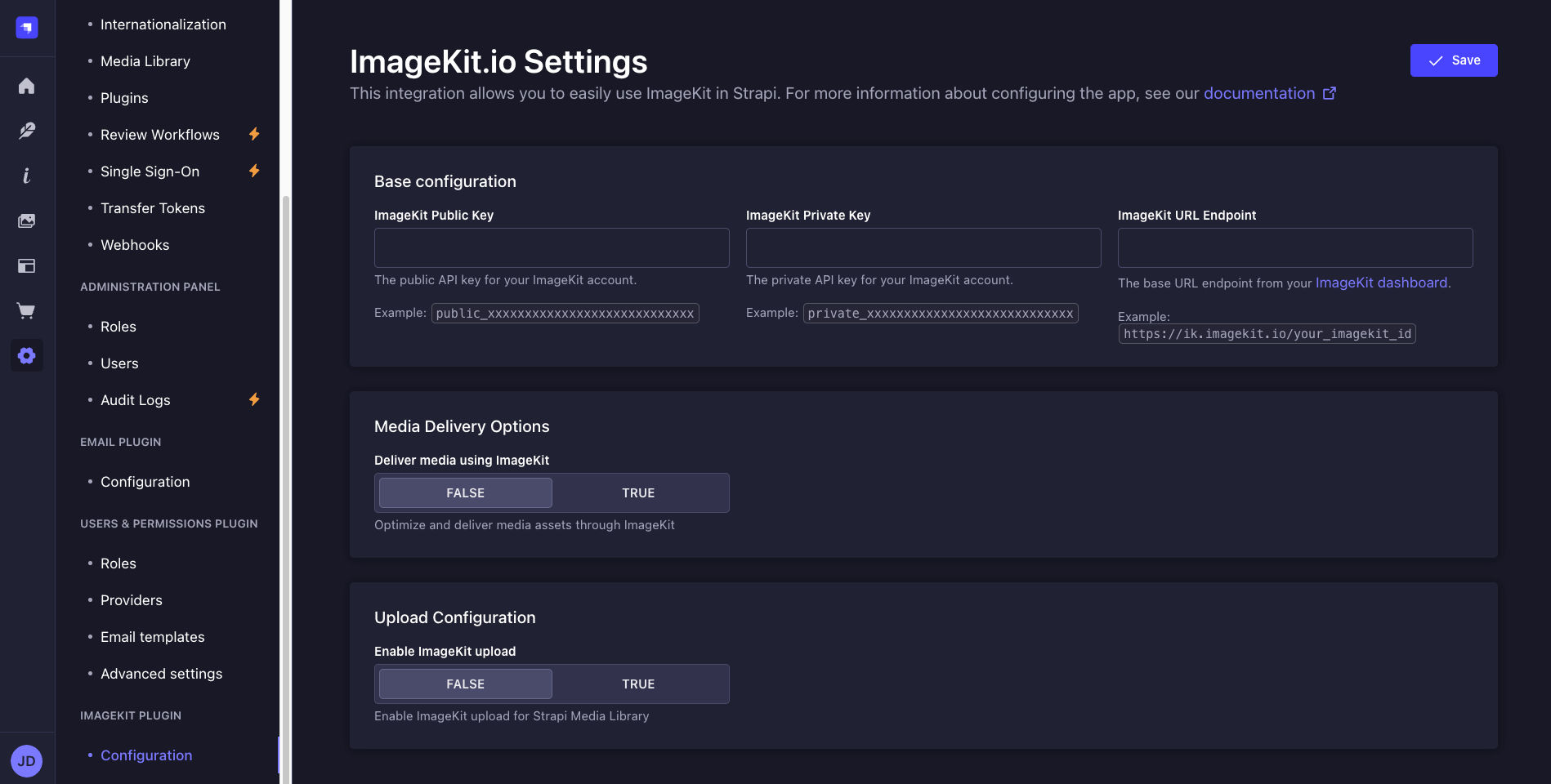
- Go to Settings in the main sidebar
- Find the ImageKit Plugin section and click on Configuration.

You'll see three configuration sections that you should complete in order:
1. Base Configuration
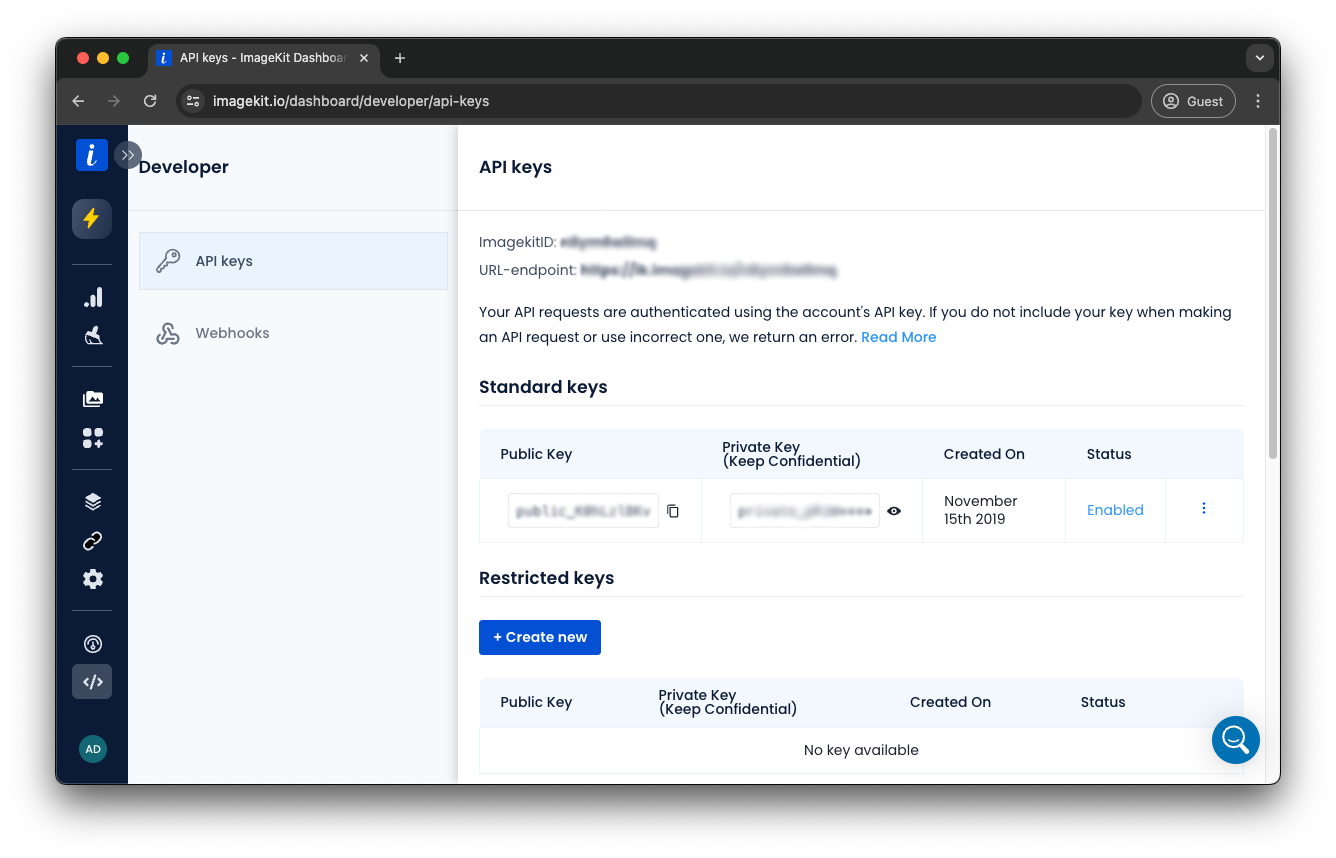
This section contains the essential credentials to connect with your ImageKit account:
- Public Key: Obtain your public key (prefixed with
public_) from the API Keys section of your ImageKit dashboard.
- Private Key: Copy your private key (prefixed with
private_) from the same dashboard page. Note: Keep your private key confidential as it grants full access to your ImageKit account.
- URL Endpoint: Get your endpoint URL (formatted as
https://ik.imagekit.io/your_imagekit_id) from the same dashboard page.
2. Configure Media Delivery
After adding your credentials, set up how your media will be served:
- Configure Web Folder Origin: Add Strapi as a web folder origin in your ImageKit dashboard (ignore if already done). Follow the Web Server Integration Documentation for detailed steps.
- Enable Integration: Toggle Enable Plugin to ON to activate ImageKit integration for media handling. When OFF, Strapi will use the default provider for uploads.
- Enable Transformations: Toggle Use Transform URLs to ON to leverage ImageKit's real-time transformations, generating responsive URLs with automatic format detection and image optimization capabilities. When OFF, original images are served without transformations.
- Configure Secure Access (recommended):
- Enable Use Signed URLs
- Set an appropriate Expiry time (0 for URLs that never expire, or a duration in seconds)
3. Configure Upload Options
Decide how uploads should work:
- Enable Uploads: Toggle this option ON to upload the files uploaded in Strapi to your ImageKit media library. When OFF, files will be uploaded to the default Strapi storage location. Enabling this option does not upload existing files in Strapi to ImageKit.
- Set Upload Properties:
- Upload Folder: Specify a base directory path in ImageKit for organizing your uploads (e.g.,
/strapi-uploads/)
- Tags: Add comma-separated tags to categorize and filter media assets (e.g.,
strapi,media)
- Overwrite Tags: Choose whether to replace existing tags or append new ones
- Configure Security & Validation:
- File Checks: Define validation rules for uploads such as size limits or allowed file types. See Upload API Checks for available options.
- Mark as Private: Toggle ON to restrict public access to uploaded files (requires signed URLs to access)
4. Save Your Configuration
Click the Save button in the top-right corner to apply your settings.
Note: Some changes may require restarting your Strapi server to take full effect.
Advanced: Programmatic Configuration (config/plugins.js)
While the primary way to configure the ImageKit plugin is through the Strapi admin settings page, you can also provide default values in your Strapi project's configuration file. This is particularly useful for setting up initial configurations in development or deployment environments.
Settings defined in config/plugins.js serve as default values that are copied to the dashboard on the first run of your Strapi application. After this initial setup, any changes made through the admin UI will be stored in the database and will be used instead of the values in the configuration file.
Follow these steps:
- Create or update your
config/plugins.js file with ImageKit configuration:
module.exports = ({ env }) => ({
imagekit: {
enabled: true,
config: {
publicKey: env('IMAGEKIT_PUBLIC_KEY'),
privateKey: env('IMAGEKIT_PRIVATE_KEY'),
urlEndpoint: env('IMAGEKIT_URL_ENDPOINT'),
enabled: true,
useTransformUrls: true,
useSignedUrls: false,
expiry: 3600,
uploadEnabled: true,
uploadOptions: {
folder: '/strapi-uploads/',
tags: ['strapi', 'media'],
overwriteTags: false,
checks: '',
isPrivateFile: false,
},
},
},
});
- Add these variables to your
.env file:
IMAGEKIT_PUBLIC_KEY=your_public_key_here
IMAGEKIT_PRIVATE_KEY=your_private_key_here
IMAGEKIT_URL_ENDPOINT=https://ik.imagekit.io/your_imagekit_id
You can, of course, add more environment variables if you choose to configure other optional settings (like IMAGEKIT_UPLOAD_FOLDER, IMAGEKIT_USE_SIGNED_URLS, etc.) through env() calls in your config/plugins.js.
- Restart your Strapi server for changes to take effect:
yarn develop
Configure Security Middleware (CSP)
To ensure your Strapi application can securely load assets and interact with ImageKit services, you need to update your Content Security Policy (CSP) settings. This is configured in the strapi::security middleware.
Modify your config/middlewares.js file as follows. This configuration allows your Strapi admin panel and frontend (if applicable) to load images, videos, and potentially embeddable ImageKit frames, while maintaining a secure policy:
module.exports = [
{
name: 'strapi::security',
config: {
contentSecurityPolicy: {
useDefaults: true,
directives: {
'connect-src': ["'self'", 'https:'],
'img-src': [
"'self'",
'data:',
'blob:',
'ik.imagekit.io',
],
'media-src': [
"'self'",
'data:',
'blob:',
'ik.imagekit.io',
],
'frame-src': [
"'self'",
'data:',
'blob:',
'eml.imagekit.io',
],
upgradeInsecureRequests: null,
},
},
},
},
];
Important: If you use a custom domain with ImageKit, uncomment and update the relevant lines with your domain.
Contributing
Contributions are welcome! Please read our contributing guidelines before submitting pull requests.
License
This project is licensed under the MIT License - see the LICENSE file for details.
Support
For support, please contact ImageKit Support or open an issue in the GitHub repository.