🖼️ Super Image Cropper
✨ Features
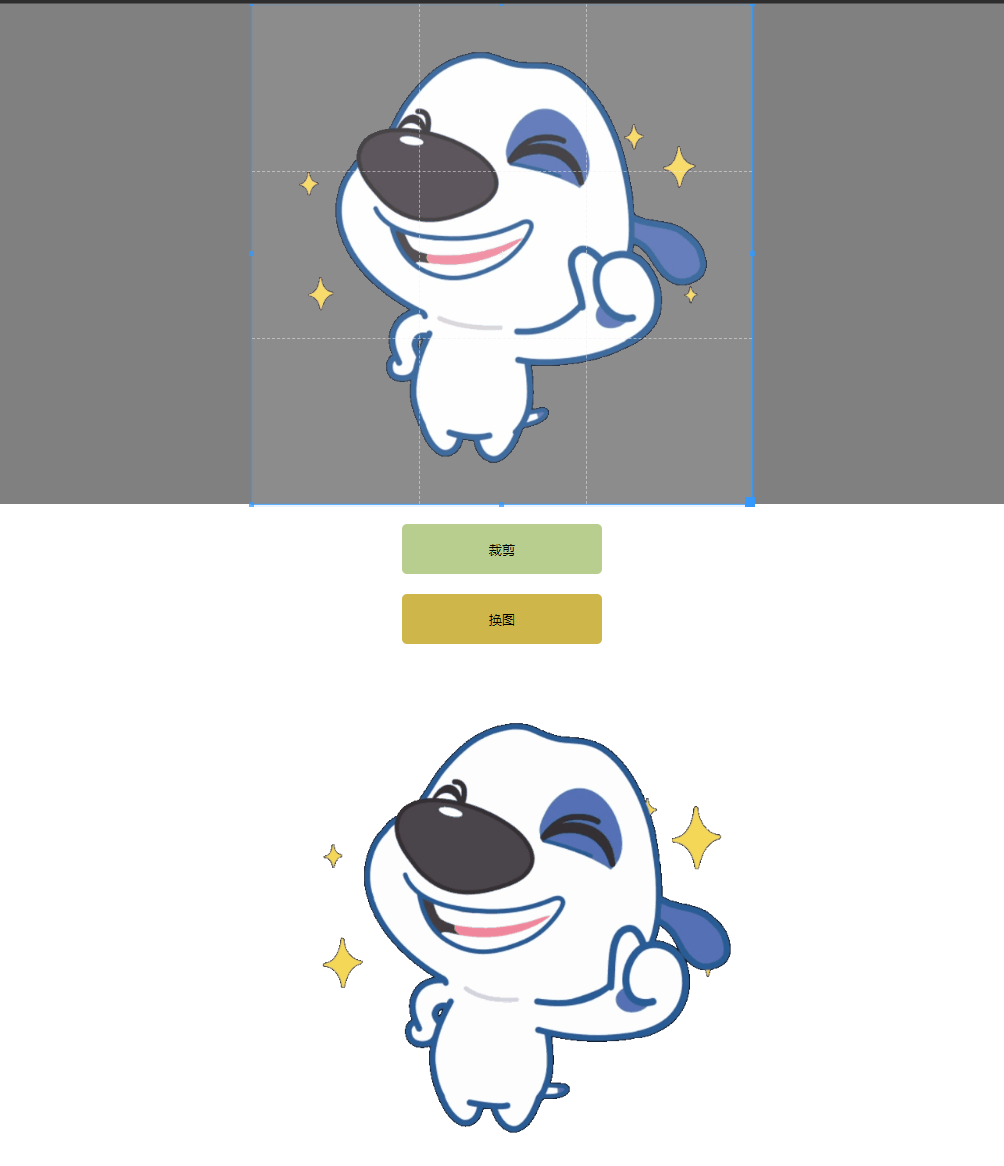
- 🎬 GIF Animation Support - Crop animated GIFs while preserving animation
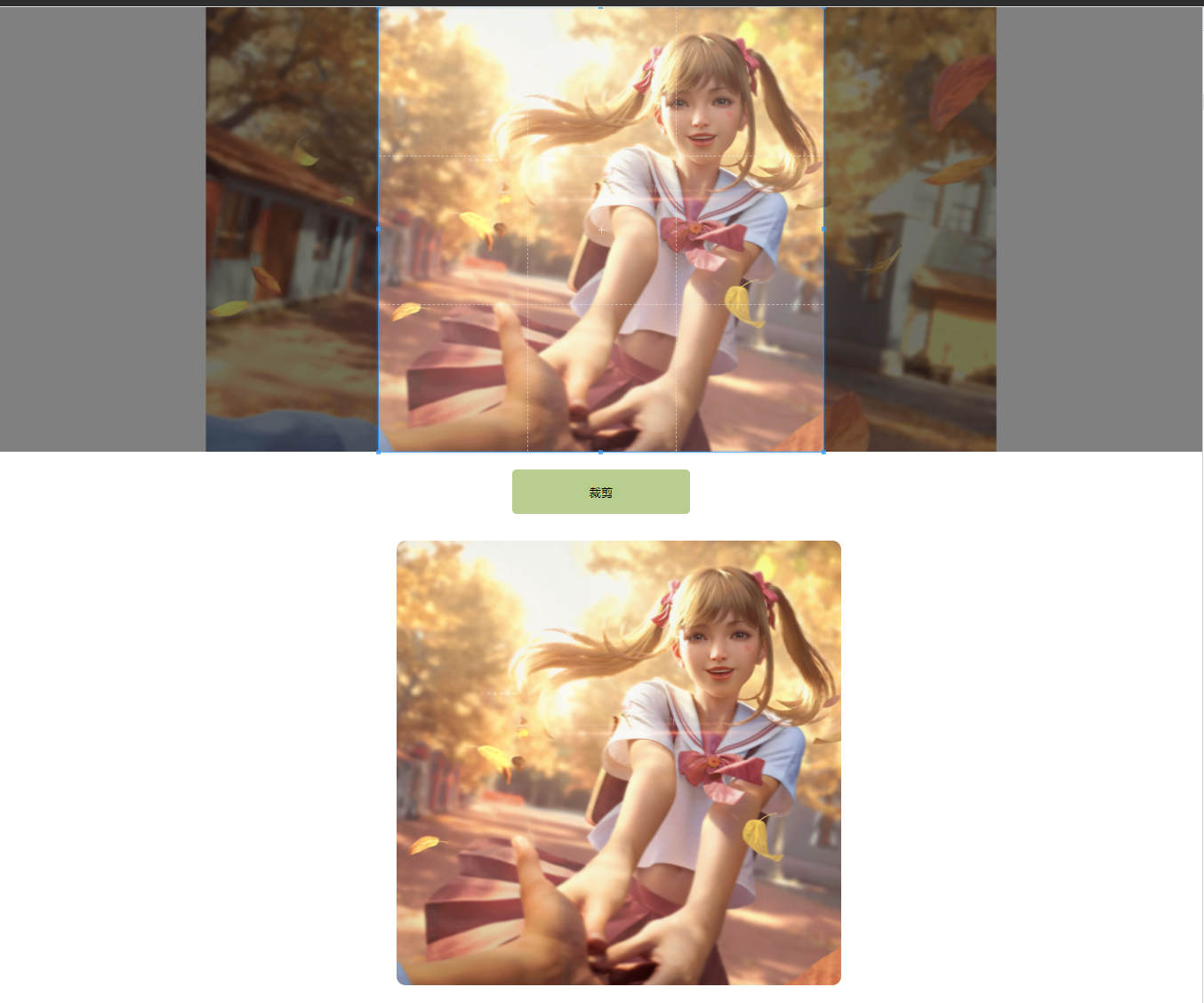
- 🖼️ Multiple Formats - Support for PNG, JPG, JPEG, and GIF formats
- 🔧 CropperJS Integration - Seamless integration with popular CropperJS library
- 🎨 Flexible Output - Multiple output formats: Base64, Blob, or Blob URL
- ⚡ High Performance - Optimized for handling large images and animations
- 🎯 Precise Control - Fine-grained control over cropping parameters
- 📱 Cross-Platform - Works in all modern browsers
- 🔄 Transform Support - Rotation and scaling transformations
🎯 Live Demo
Preview
GIF Animation Cropping
Static Image Cropping
🚀 Quick Start
Installation
npm install super-image-cropper
yarn add super-image-cropper
pnpm add super-image-cropper
Basic Usage
With CropperJS (Recommended)
<img id="image" src="your-image.gif" alt="Image to crop">
import { SuperImageCropper } from 'super-image-cropper';
import Cropper from 'cropperjs';
const image = document.getElementById('image') as HTMLImageElement;
const cropperInstance = new Cropper(image, {
aspectRatio: 16 / 9,
autoCrop: false,
autoCropArea: 1,
minCropBoxHeight: 10,
minCropBoxWidth: 10,
viewMode: 1,
initialAspectRatio: 1,
responsive: false,
guides: true
});
const imageCropper = new SuperImageCropper();
imageCropper.crop({
cropperInstance: cropperInstance,
src: 'your-image.gif',
outputType: 'blobURL'
}).then(blobUrl => {
const img = document.createElement('img');
img.src = blobUrl;
document.body.appendChild(img);
});
Standalone Usage
import { SuperImageCropper } from 'super-image-cropper';

const imageCropper = new SuperImageCropper();

imageCropper.crop({
  src: 'your-image.gif',
  cropperJsOpts: {
    width: 400,
    height: 240,
    rotate: 45,
    x: 0,
    y: 0,
    scaleX: 1,
    scaleY: 1
  },
  outputType: 'base64'
}).then(result => {
  console.log('Cropped image:', result);
});
📖 API Reference
SuperImageCropper
Methods
crop(options: CropOptions): Promise<string | Blob>
Crops an image based on the provided options.
CropOptions
src | string | Yes | Image URL or path |
crossOrigin | string | No | CORS strategy for image loading |
cropperInstance | Cropper | No | CropperJS instance (when used with CropperJS) |
cropperJsOpts | CropperJsOptions | No | Manual cropping parameters |
gifJsOptions | object | No | gif.js configuration |
outputType | 'base64' | 'blob' | 'blobURL' | No | Output format (default: 'blobURL') |
CropperJsOptions
x | number | Left offset of the cropped area |
y | number | Top offset of the cropped area |
width | number | Width of the cropped area |
height | number | Height of the cropped area |
rotate | number | Rotation angle in degrees |
scaleX | number | Horizontal scaling factor |
scaleY | number | Vertical scaling factor |
background | string | Background color for GIF (optional) |
Output Types
base64 - Returns a base64 encoded stringblob - Returns a Blob objectblobURL - Returns a blob URL (e.g., blob:http://localhost:3000/8a583ca5...)
🔧 Examples
React Integration
Check out our React example for a complete implementation with React and CropperJS.
Advanced Usage
import { SuperImageCropper } from 'super-image-cropper';
const cropper = new SuperImageCropper();
await cropper.crop({
src: 'animated.gif',
cropperJsOpts: {
x: 100,
y: 100,
width: 300,
height: 200,
rotate: 90,
background: '#ffffff'
},
gifJsOptions: {
quality: 10,
workers: 2,
workerScript: 'gif.worker.js'
},
outputType: 'blob'
});
🤝 Contributing
We welcome contributions! Please see our Contributing Guide for details.
Development Setup
git clone https://github.com/STDSuperman/super-image-cropper.git
pnpm install
pnpm build
Project Structure
super-image-cropper/
├── packages/
│   ├── super-image-cropper/    # Main library
│   └── gif-worker-js/          # GIF processing worker
├── example/                    # Example applications
├── docs/                       # Documentation
└── scripts/                    # Build and release scripts
📄 License
This project is licensed under the MIT License - see the LICENSE file for details.
🙏 Acknowledgments
📞 Support










