♻️ use-undo
undo/redo functionality with React Hooks.


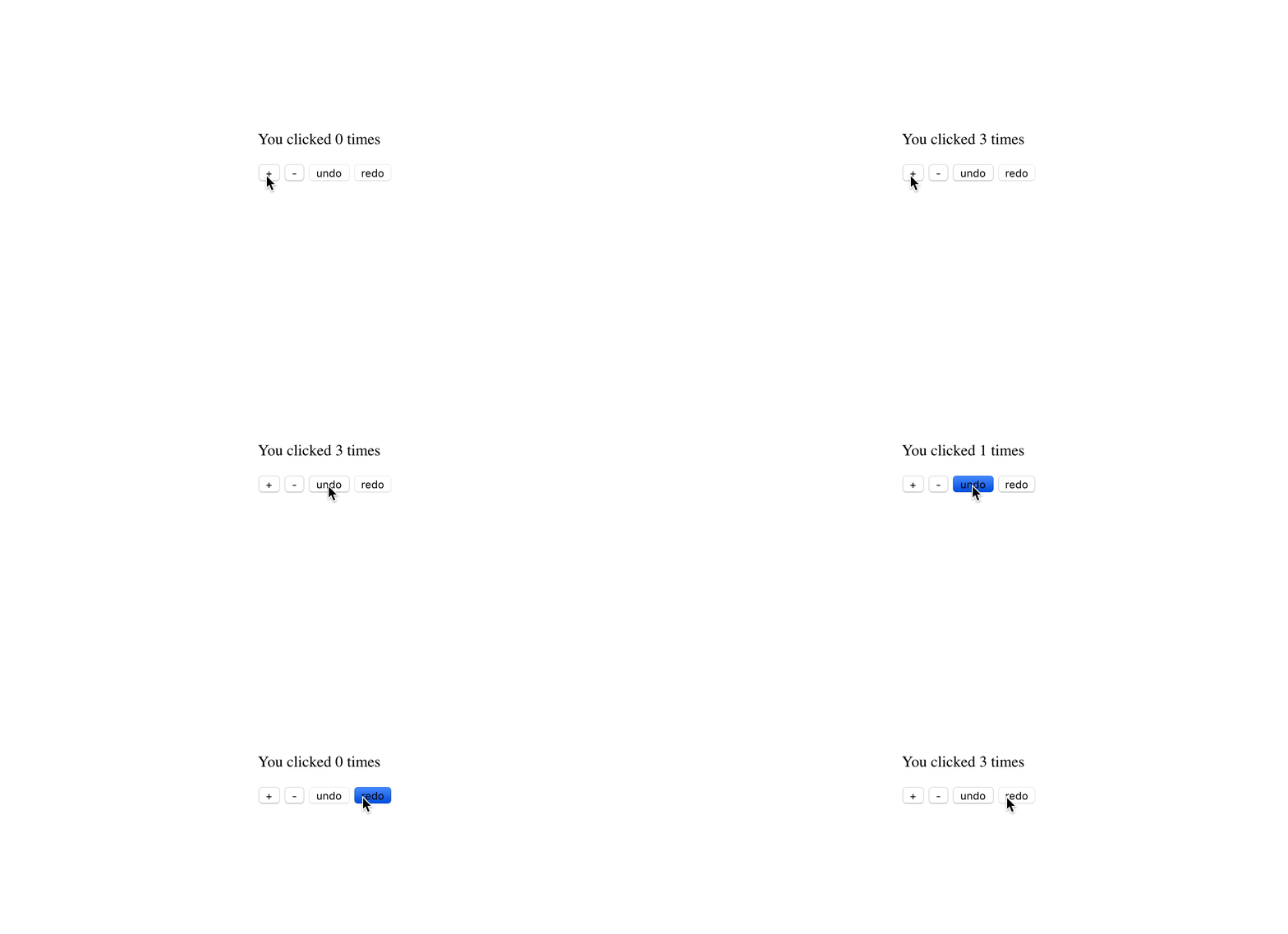
Installation
yarn add use-undo
Usage

import React from 'react';
import ReactDOM from 'react-dom';
import useUndo from 'use-undo';

const App = () => {
  const [
    countState,
    {
      set: setCount,
      reset: resetCount,
      undo: undoCount,
      redo: redoCount,
      canUndo,
      canRedo,
    },
  ] = useUndo(0);
  const { present: presentCount } = countState;

  return (
    <div>
      <p>You clicked {presentCount} times</p>
      <button key="increment" onClick={() => setCount(presentCount + 1)}>
        +
      </button>
      <button key="decrement" onClick={() => setCount(presentCount - 1)}>
        -
      </button>
      <button key="undo" onClick={undoCount} disabled={!canUndo}>
        undo
      </button>
      <button key="redo" onClick={redoCount} disabled={!canRedo}>
        redo
      </button>
      <button key="reset" onClick={() => resetCount(0)}>
        reset to 0
      </button>
    </div>
  );
};
Manual Checkpoints
Manual checkpoints are helpful also when you want manual control over checkpoints. For example it is more helpful when you want to handle input type html tag where value needs to be handled alongside the undo and redo functionality should be handled over some conditions.
import React from 'react';
import ReactDOM from 'react-dom';
import useUndo from 'use-undo';

const App = () => {
  const [
    countState,
    {
      set: setCount,
      reset: resetCount,
      undo: undoCount,
      redo: redoCount,
      canUndo,
      canRedo,
    },
  ] = useUndo(0, { useCheckpoints: true });
  const { present: presentCount } = countState;

  return (
    <div>
      <p>You clicked {presentCount} times</p>
      <button key="increment" onClick={() => setCount(presentCount + 1, true)}>
        WithCheckpoint+
      </button>
      <button key="decrement" onClick={() => setCount(presentCount - 1, true)}>
        WithCheckpoint-
      </button>
      <button key="increment" onClick={() => setCount(presentCount + 1)}>
        NoCheckpoint+
      </button>
      <button key="decrement" onClick={() => setCount(presentCount - 1)}>
        NoCheckpoint-
      </button>
      <button key="undo" onClick={undoCount} disabled={!canUndo}>
        undo
      </button>
      <button key="redo" onClick={redoCount} disabled={!canRedo}>
        redo
      </button>
      <button key="reset" onClick={() => resetCount(0)}>
        reset to 0
      </button>
    </div>
  );
};
API
useUndo
const [state, actions] = useUndo(initialState);
state
Type: Object
| past | Array | The undo stack. |
| present | Any | The present state. |
| future | Array | The redo stack. |
actions
Type: Object
| set | function | Assign a new value to present. |
| reset | function | Clear past array and future array. Assign a new value to present. |
| undo | function | See handling-undo. |
| redo | function | See handling-redo. |
| canUndo | boolean | Check whether state.undo.length is 0. |
| canRedo | boolean | Check whether state.redo.length is 0. |
How does it work?
Refer to Redux Implementing Undo History, use-undo implements the same concect with useReducer.
The state structure looks like:
{
  past: Array<T>,
  present: <T>,
  future: Array<T>
}
It stores all states we need. To operate on this state, there are three functions in actions (set, undo and redo) that dispatch defined types and necessary value.
Related repo
License
MIT © homerchen19





