Voronator
Voronator is a fast library for computing the Voronoi diagram of a set of two-dimensional points. It is based on Delaunator, a fast library for computing the Delaunay triangulation using sweep algorithms. The Voronoi diagram is the dual of the Delaunay triangulation, and can be constructed by connecting the circumcenters of adjacent triangles.
Installing
To install, npm install voronator or yarn add voronator. You can also download the latest release or load directly from unpkg. AMD, CommonJS, ES5 and ES6+ environments are supported. In vanilla, a voronator global is exported.
import {Delaunay} from "voronator";

const points = [[0, 0], [0, 1], [1, 0], [1, 1]];
const delaunay = Delaunay.from(points);
const voronoi = delaunay.voronoi([0, 0, 960, 500]);
API Reference
Delaunay
# Delaunay.from(points[, fx[, fy]]) <>
Returns the Delaunay triangulation for the given array of points. If fx and fy are not specified, then points is assumed to be an array of two-element arrays of numbers: [[x0, y0], [x1, y1], …]. Otherwise, fx and fy are functions that are invoked for each element in the points array in order, and must return the respective x- and y-coordinate for each point.
const delaunay = Delaunay.from([[0, 0], [0, 1], [1, 0], [1, 1]]);
# delaunay.points
The coordinates of the points as an array [x0, y0, x1, y1, …].
# delaunay.halfedges
The half-edge indexes as an Int32Array [j0, j1, …]. For each index 0 ≤ i < halfedges.length, there is a half-edge from triangle vertex j = halfedges[i] to triangle vertex i. Equivalently, this means that triangle ⌊i / 3⌋ is adjacent to triangle ⌊j / 3⌋. If j is negative, then triangle ⌊i / 3⌋ is an exterior triangle on the convex hull. For example, to render the internal edges of the Delaunay triangulation:
const {points, halfedges, triangles} = delaunay;
for (let i = 0, n = halfedges.length; i < n; ++i) {
  const j = halfedges[i];
  if (j < i) continue;
  const ti = triangles[i] * 2;
  const tj = triangles[j] * 2;
  context.moveTo(points[ti], points[ti + 1]);
  context.lineTo(points[tj], points[tj + 1]);
}
See also delaunay.render.
# delaunay.hull
An arbitrary starting node of the Delaunay triangulation’s convex hull. For example, to render the exterior edges of the Delaunay triangulation:
const {hull} = delaunay;
let node = hull;
do {
  context.moveTo(node.x, node.y);
  context.lineTo(node.next.x, node.next.y);
} while ((node = node.next) !== hull);
See also delaunay.renderHull.
# delaunay.triangles
The triangle vertex indexes as an Int32Array [i0, j0, k0, i1, j1, k1, …]. Each contiguous triplet of indexes i, j, k forms a counterclockwise triangle. The coordinates of the triangle’s points can be found by going through delaunay.triangles and delaunay.points. For example, to render triangle i:
const {points, triangles} = delaunay;
const t0 = triangles[i * 3 + 0] * 2;
const t1 = triangles[i * 3 + 1] * 2;
const t2 = triangles[i * 3 + 2] * 2;
context.moveTo(points[t0], points[t0 + 1]);
context.lineTo(points[t1], points[t1 + 1]);
context.lineTo(points[t2], points[t2 + 1]);
context.closePath();
See also delaunay.renderTriangle.
# delaunay.render(context) <>
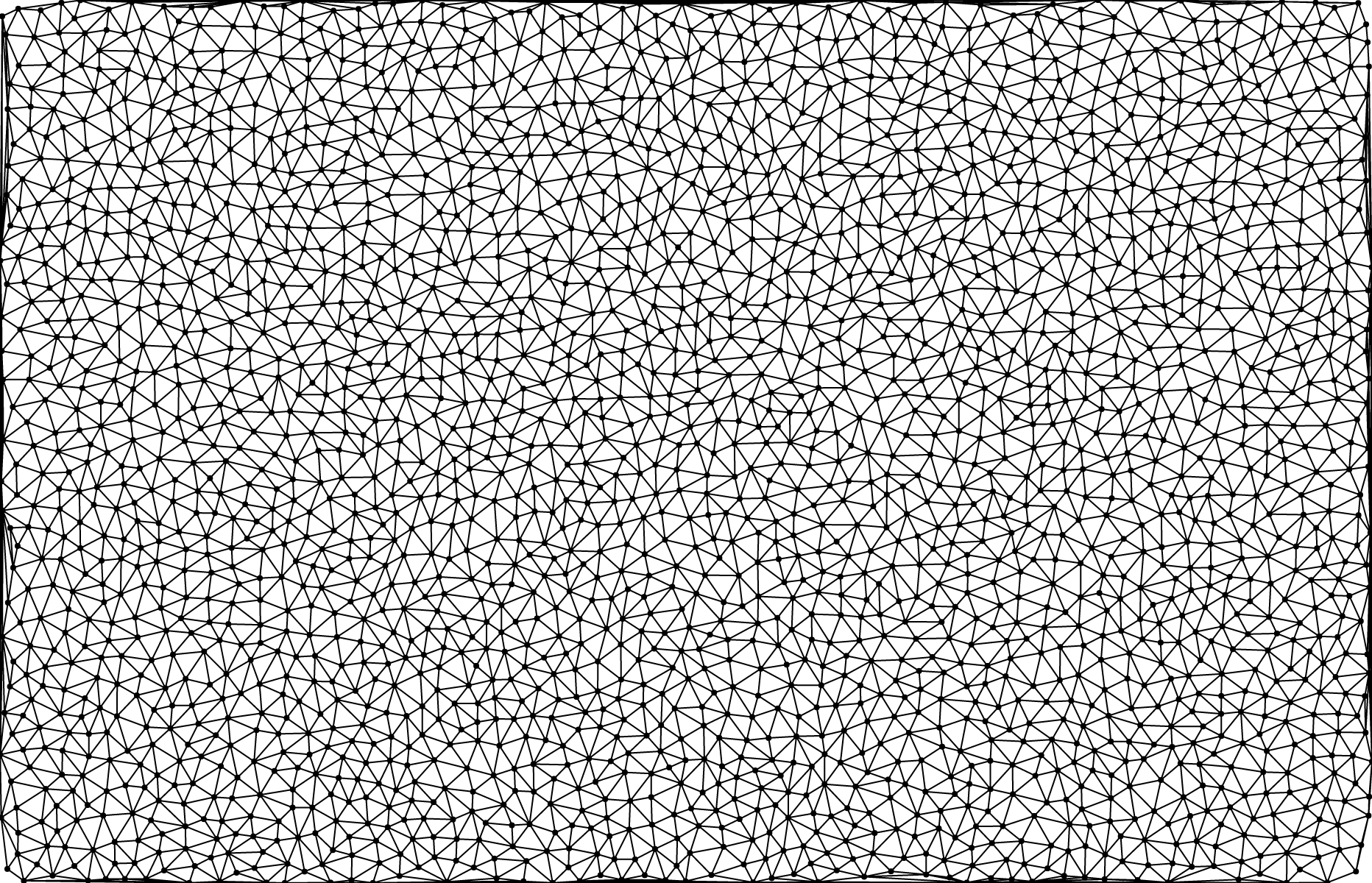
Renders the edges of the Delaunay triangulation to the specified context. The specified context must implement the context.moveTo and context.lineTo methods from the CanvasPathMethods API.
# delaunay.renderHull(context) <>
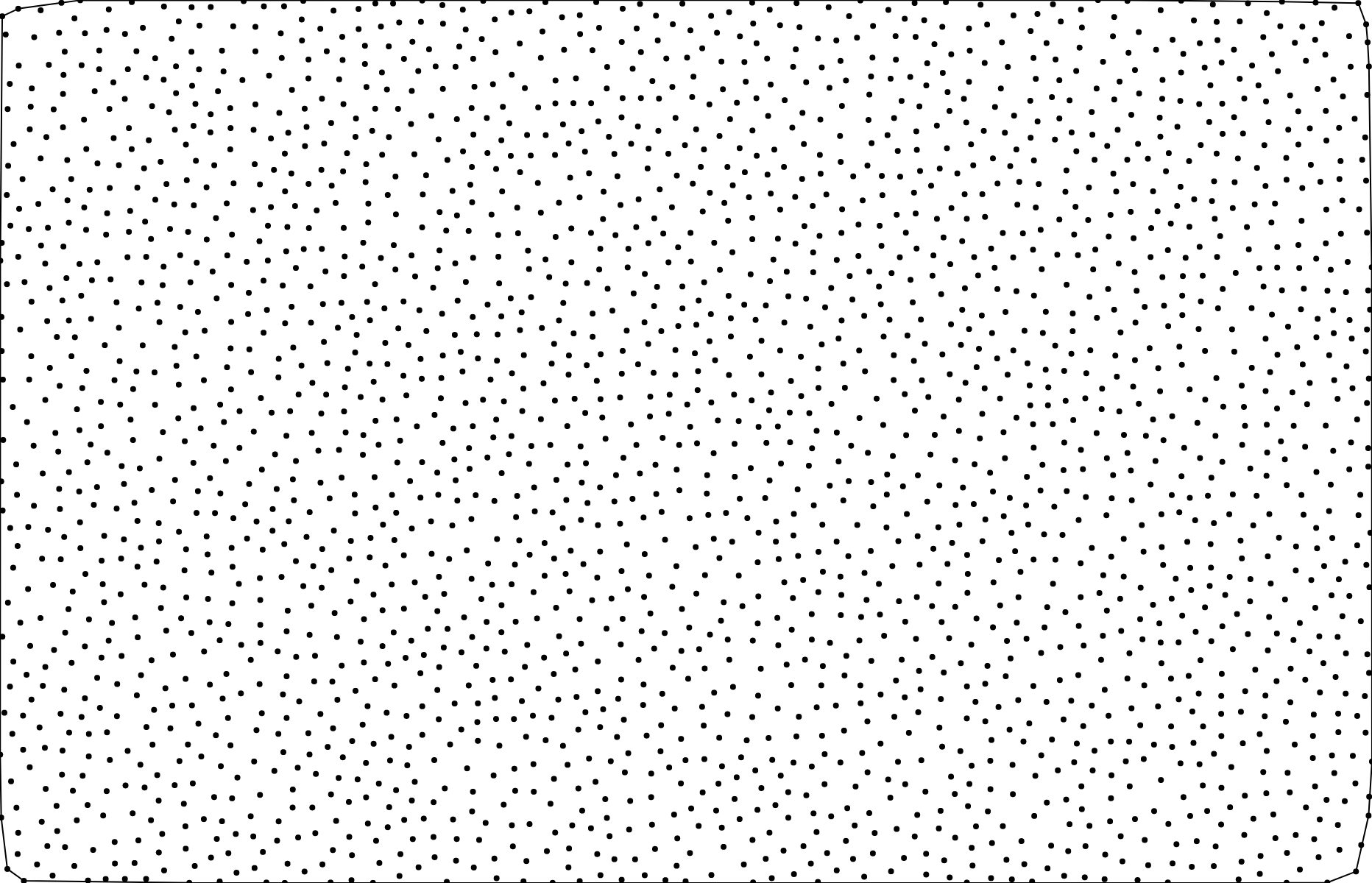
Renders the convex hull of the Delaunay triangulation to the specified context. The specified context must implement the context.moveTo and context.lineTo methods from the CanvasPathMethods API.
# delaunay.renderTriangle(context) <>
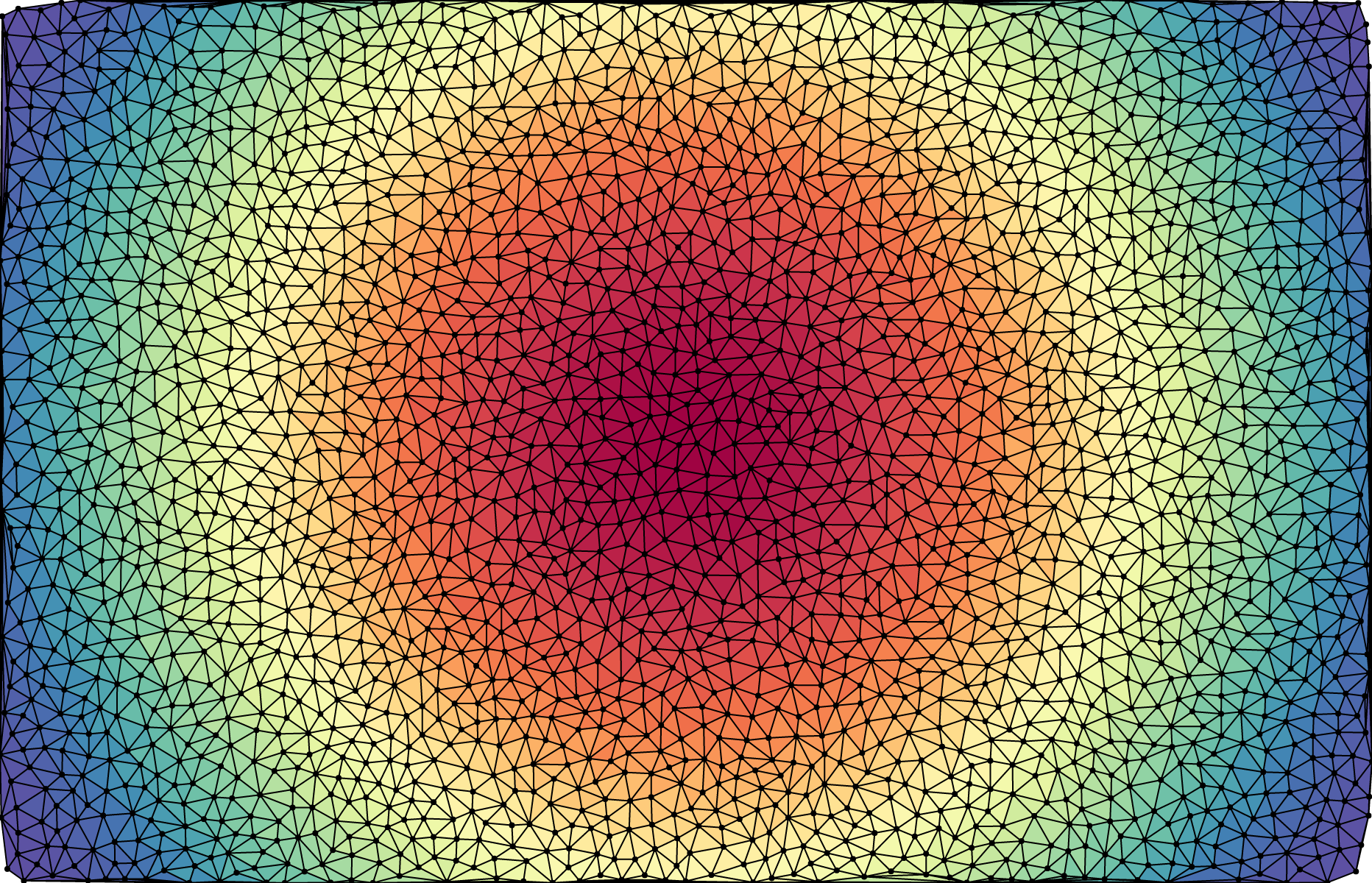
Renders triangle i of the Delaunay triangulation to the specified context. The specified context must implement the context.moveTo, context.lineTo and context.closePath methods from the CanvasPathMethods API.
# delaunay.voronoi([bounds]) <>
Returns the Voronoi diagram for the associated points. When rendering, the diagram will be clipped to the specified bounds = [xmin, ymin, xmax, ymax]. If bounds is not specified, it defaults to [0, 0, 960, 500]. See To Infinity and Back Again for an interactive explanation of Voronoi cell clipping.
Node
See delaunay.hull.
# node.i
The index of the input point corresponding to this node. Equivalent to delaunay.triangles[node.t].
# node.x
Equivalent to delaunay.points[2 * node.i].
# node.y
Equivalent to delaunay.points[2 * node.i + 1].
# node.t
The index of the triangle vertex corresponding to this node.
# node.prev
The node before this node on the convex hull.
# node.next
The node after this node on the convex hull.
Voronoi
# voronoi.cells
The cells of the Voronoi diagram as an array of Cell instances. The voronoi.cells[i] represents the area of the plane closest to the input point i, i.e., [points[2 * i], points[2 * i + 1]] where points = voronoi.delaunay.points.
# voronoi.circumcenters
The circumcenters of the Delaunay triangles as a Float64Array [cx0, cy0, cx1, cy1, …]. Each contiguous pair of coordinates cx, cy is the circumcenter for the corresponding triangle. These circumcenters form the coordinates of the Voronoi cell polygons.
# voronoi.delaunay
The Voronoi diagram’s associated Delaunay triangulation.
# voronoi.xmin
# voronoi.ymin
# voronoi.xmax
# voronoi.ymax
The bounds of the viewport [xmin, ymin, xmax, ymax] for rendering the Voronoi diagram. These values only affect the rendering methods (voronoi.render, voronoi.renderBounds, cell.render).
# voronoi.find(x, y) <>
Returns the cell that contains the specified point ⟨x, y⟩. (This method is not affected by the associated Voronoi diagram’s viewport bounds.)
# voronoi.findIndex(x, y) <>
Returns the index of the cell that contains the specified point ⟨x, y⟩. (This method is not affected by the associated Voronoi diagram’s viewport bounds.)
# voronoi.render(context) <>
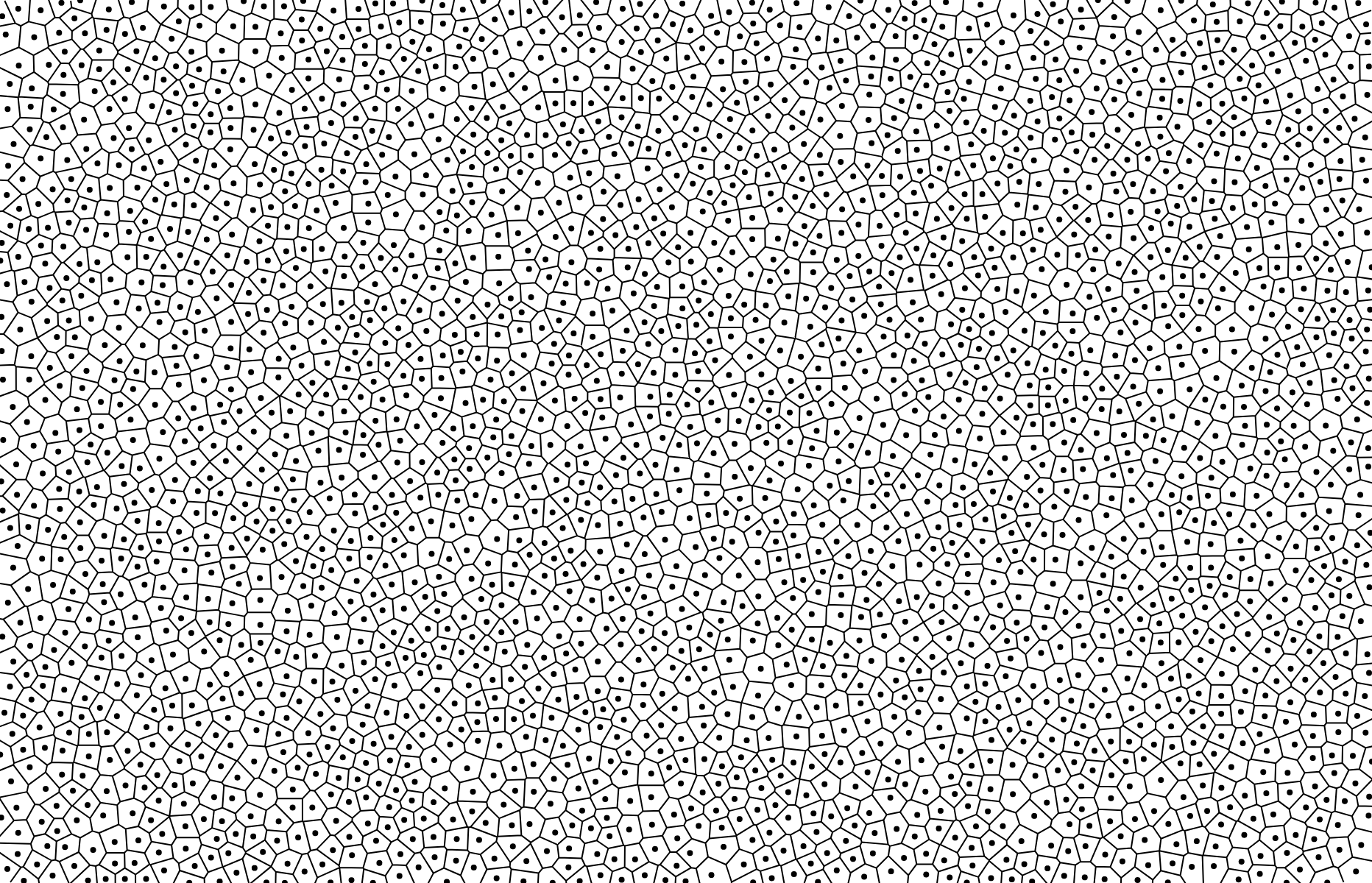
Renders the mesh of Voronoi cells to the specified context. The specified context must implement the context.moveTo and context.lineTo methods from the CanvasPathMethods API.
# voronoi.renderBounds(context) <>
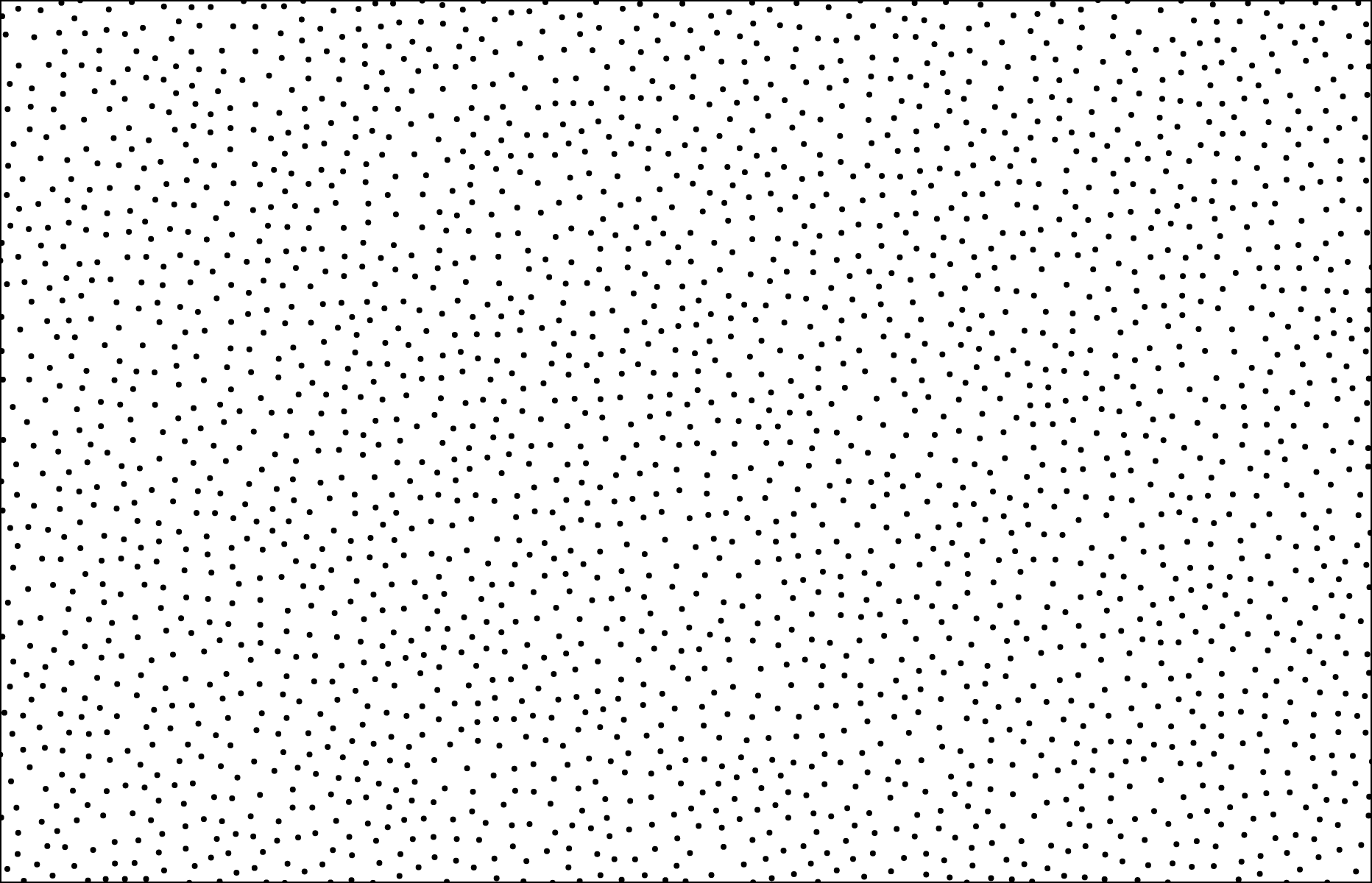
Renders the viewport extent to the specified context. The specified context must implement the context.rect method from the CanvasPathMethods API. Equivalent to context.rect(voronoi.xmin, voronoi.ymin, voronoi.xmax - voronoi.xmin, voronoi.ymax - voronoi.ymin).
Cell
# cell.voronoi
The cell’s associated Voronoi diagram.
# cell.triangles
The triangle indexes [i0, i1, …] in counterclockwise order. Together with the start and end vectors cell.v0 and cell.vn if any, the circumcenters of these triangles form the exterior polygon of the cell. For coincident points, only the cell associated with the first input point is non-null.
# cell.v0
The start vector [vx0, vy0], if the cell’s associated point is on the convex hull of the Delaunay triangulation. Together with the cell’s triangle circumcenters and end vector cell.vn if any, the start vector forms the exterior polygon of the cell.
# cell.vn
The end vector [vxn, vyn], if the cell’s associated point is on the convex hull of the Delaunay triangulation. Together with the cell’s triangle circumcenters and start vector cell.v0 if any, the end vector forms the exterior polygon of the cell.
# cell.render(context) <>
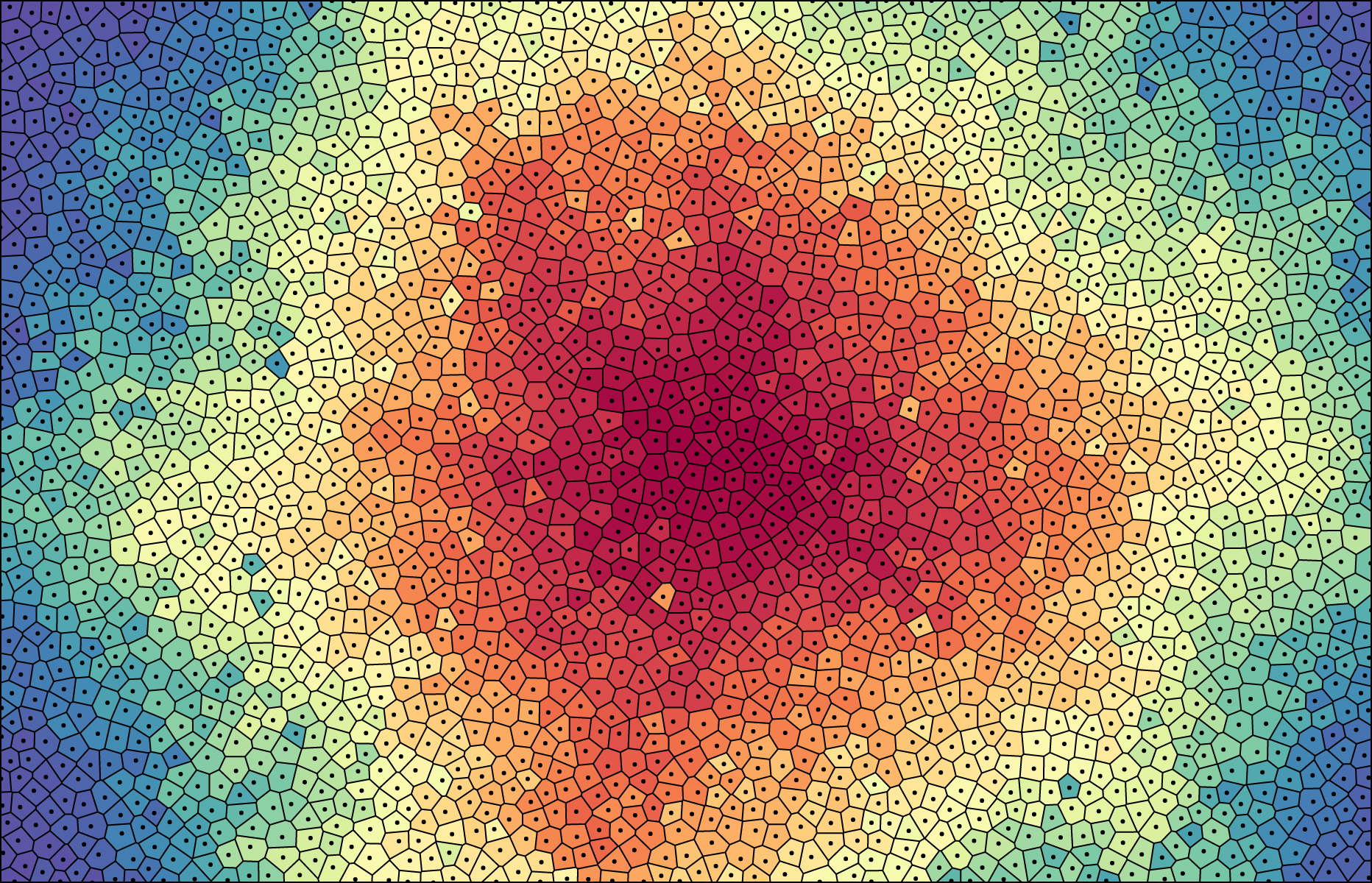
Renders the cell to the specified context. The specified context must implement the context.moveTo , context.lineTo and context.closePath methods from the CanvasPathMethods API.
# cell.contains(x, y) <>
Returns true if this cell contains the specified point ⟨x, y⟩. (This method is not affected by the associated Voronoi diagram’s viewport bounds.)





