with-cookie
A package that auto binds object or class properties to cookies for persistance and easy manipulation. Great for dynamic SSR pages. So simple you do not even have to think about it. Tiny only 2kb total.
Installation Instructions
$ yarn add with-cookie
Example
import { withCookie } from "with-cookie";
const user = withCookie({
isLoggedIn: false,
email: "",
sports: ["football"],
health: { height: "6ft", eyeColor: "blue" },
updateName: () => {}
});
user.email = "somemail@gmail.com";
console.log(user.email);
console.log(user.email);
user.email = "";
class example
import { withCookie, getCookie } from "with-cookie";
@withCookie
class User {
isLoggedIn: false,
email: "",
};
const user = new User()
user.email = "somemail@gmail.com";
console.log(getCookie("User_email"));
Available Configuration
| defaultExp | 30 | number | Optional: A default expire date for all cookies in days |
| noCookie | [""] | array | Optional: A list of property keys as strings to not store |
| ssCookie | "" | string | Optional: A cookie if rendered on the server to extract |
| name | constructor.name | string | Optional: A keyname for cookie storage if anonymous object. |
Example adjusting configuration. Simply pass in the object as the second param.
const User = {
  isLoggedIn: false,
  email: "",
  card: {
    number: "",
    exp: "",
    cvc: ""
  }
};

const user = withCookie(User, { defaultExp: 360 * 10, noCookie: ["card"] });
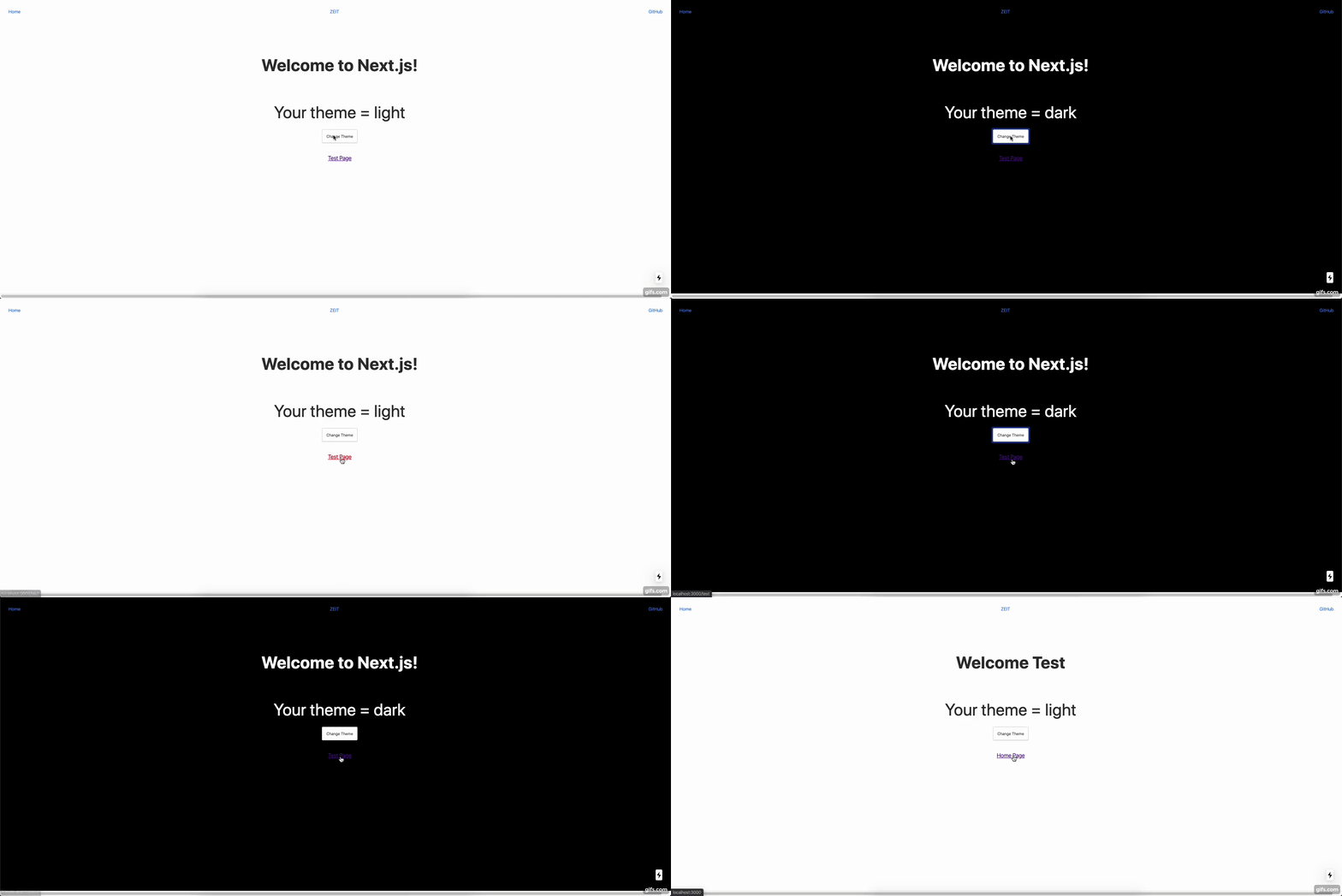
About
The main purpose of this package is to control dynamic SSR pages without having to manage complicated logic. Simple just wrap your object and all of the properties are stored and retrieved as cookies. Make sure to adjust your fetch creds to prevent cookies being sent outside your domain for every resource. For more info checkout mozilla-web-api. Be careful about storing all props to cookies due to cookies being transfered per request, only store the properties you need to be dynamic.
For more help getting started take a look at the example using create-next-app with SSR dynamic pages example-app
This package is actively being used on a11ywatch
More Info
Currently all cookies are created after you set your properties to a new value to keep things dynamic to the program.
TODO
- Add util method examples on README. Currently util methods include
setCookie and getCookie which can be imported with the package. Check the src/utils folder for more details on usage.
- Add option to create cookie upon instantiation.
- Add ability to wrap key with-cookie like this for a key level cookie ex below
const user = {
  @withCookie
  isLoggedIn: false,
  email: "",
  card: {
    number: "",
    exp: "",
    cvc: ""
  }
};
- Look into adding method -> cookie purposes





