NormCap
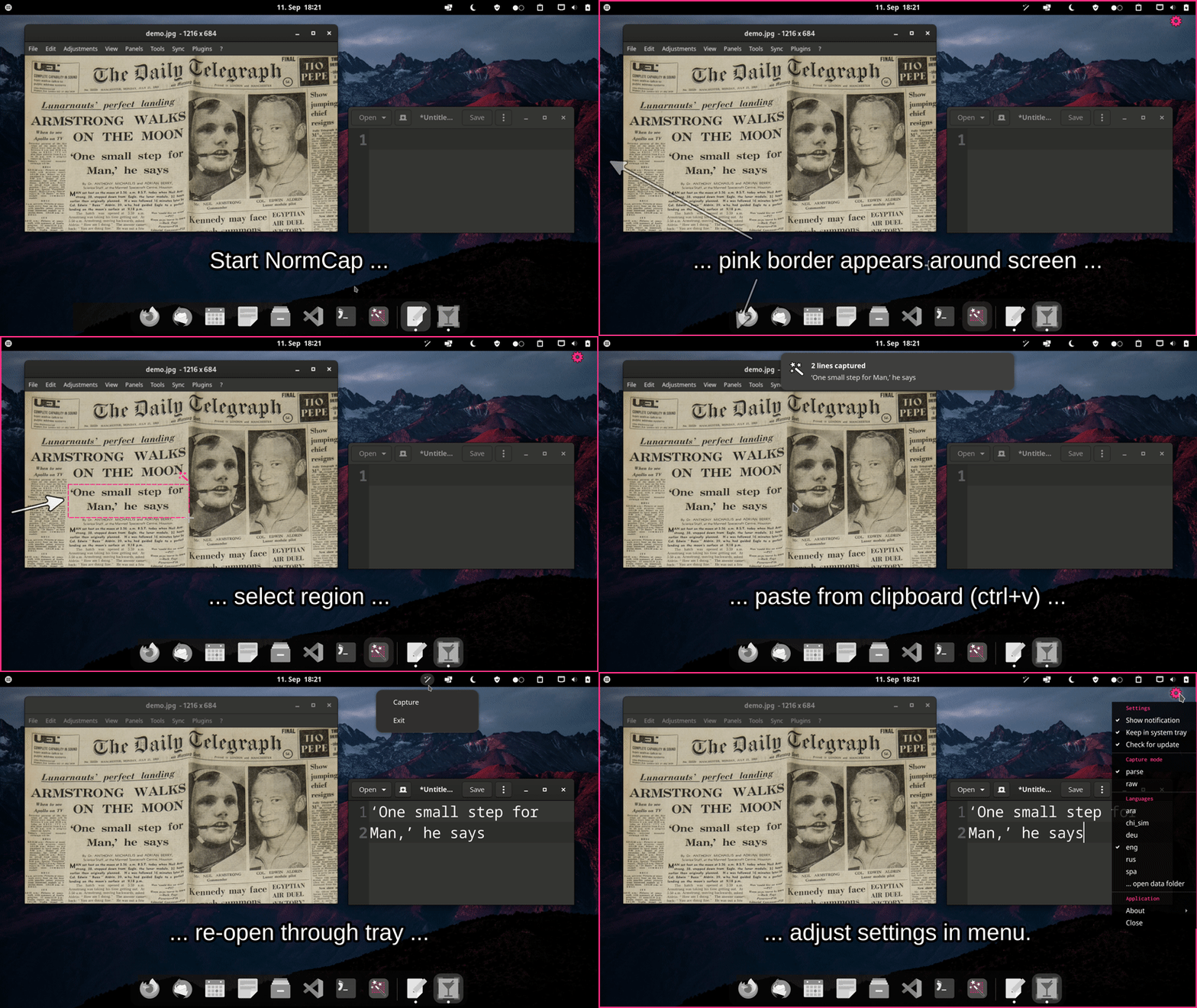
OCR powered screen-capture tool to capture information instead of images. For Linux,
macOS and Windows.







Links: Source Code |
Documentation |
FAQs |
Releases |
Changelog

Installation
Choose one of the options for a prebuilt release. If you encounter an issue please
take a look at the FAQs or
report it.
Windows
Linux
It's recommended to install NormCap from Flathub:
flatpak remote-add --if-not-exists flathub https://flathub.org/repo/flathub.flatpakrepo
flatpak install flathub com.github.dynobo.normcap

Alternative options:
macOS
Note: You must allow the unsigned application on first start: "System Preferences" →
"Security & Privacy" → "General" → "Open anyway". You also need to allow NormCap to take
screenshots. (#135)
Use Python package
As an alternative to the prebuilt packages above, you can install the
NormCap Python package for Python >=3.9, but it
requires more setup:
On Linux
sudo apt install build-essential tesseract-ocr tesseract-ocr-eng libtesseract-dev libleptonica-dev wl-clipboard
sudo pacman -S tesseract tesseract-data-eng wl-clipboard
sudo dnf install tesseract wl-clipboard
sudo zypper install python3-devel tesseract-ocr tesseract-ocr-devel wl-clipboard
pip install normcap
./normcap
On macOS
brew install tesseract tesseract-lang
pip install normcap
./normcap
On Windows
1. Install Tesseract 5 by using the
installer provided by UB Mannheim.
2. Identify the path to the Tesseract base folder. It should contain a /tessdata subfolder
and the tesseract.exe binary. Depending on whether you installed Tesseract system-wide or
in userspace, the base folder should be:
C:\Program Files\Tesseract-OCR
or
C:\Users\<USERNAME>\AppData\Local\Programs\Tesseract-OCR
3. Adjust environment variables:
-
Create an environment variable TESSDATA_PREFIX and set it to your Tesseract base
folder, e.g.: "System Properties" → Tab "Advanced" → "Environment Variables …" →
"New …" → Variable: TESSDATA_PREFIX, Value: "C:\Program Files\Tesseract-OCR"
-
Append Tesseract's base folder to the environment variable PATH, e.g.: "System
Properties" → Tab "Advanced" → "Environment Variables …" → Section "User variables"
→ Select PATH → "Edit …" → Add a new entry "C:\Program Files\Tesseract-OCR"
-
To test your setup, open a new cmd-terminal and run:
tesseract --list-langs
4. Install and run NormCap:
pip install normcap
normcap
Development
Prerequisites for setting up a development environment:
Python >=3.9,
uv, and
Tesseract >=5.0 (including language
data).
git clone https://github.com/dynobo/normcap.git
cd normcap
uv sync
uv run pre-commit install
uv run python -m normcap
Contribute to UI translations
Please use Weblate to complement or
correct text for existing languages as well as for adding new languages.
(If you prefer not to use Weblate, you can also do it manually, but be aware that this is more cumbersome.)
Credits
This project uses the following non-standard libraries:
- pyside6 - bindings for Qt UI Framework
And it depends on external software:
Packaging is done with:
- briefcase - converting Python projects into
standalone apps
Thanks to the maintainers of those nice tools!
Similar open source tools
If NormCap doesn't fit your needs, try these alternatives (no particular order):
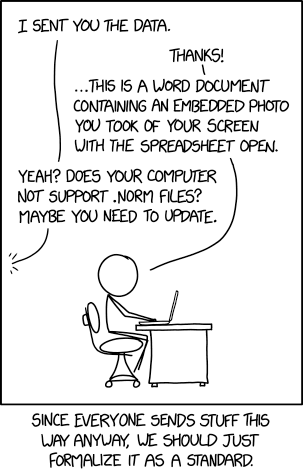
Why "NormCap"?
See XKCD:
Certification

Contributors

Made with contrib.rocks