Lecture
Lecture is a way to present a slideshow through the terminal. All slides are written
in Ruby. There is an example in the examples folder, found here.
Installation
❯ gem install lecture
Usage
❯ lecture
Configuration
At the top of your slides.rb file you can use the configure method to configure
settings within Lecture.
configure do |lecture|
  lecture.section_footer_text = "───"
end
Configurable settings include:
- character_print_delay
- transition_time
- pygment_style
- section_header_text
- section_footer_text
Slide Types
When writing your slides.rb file you have four slide types available.
center
A center slide centers every line on the screen horizontally and vertically.
  center <<~SLIDE
    Hello


    This is a slide
  SLIDE

block
A block slide preserves the text formatting, but centers the slide as a whole on the screen.
block <<~SLIDE
  The lines in this block of text are
  not centered
SLIDE

section
A section slide has a title and draws a centered string of text above and below the title (default: " § ").
It can be configured with the section_header_text and section_footer_text keys.
Sections allow you to group slides in your Ruby slide deck, and can yield to a block to promote slide organization.
section("This is a section") do
  center("This is a centered slide inside a section")
end

code
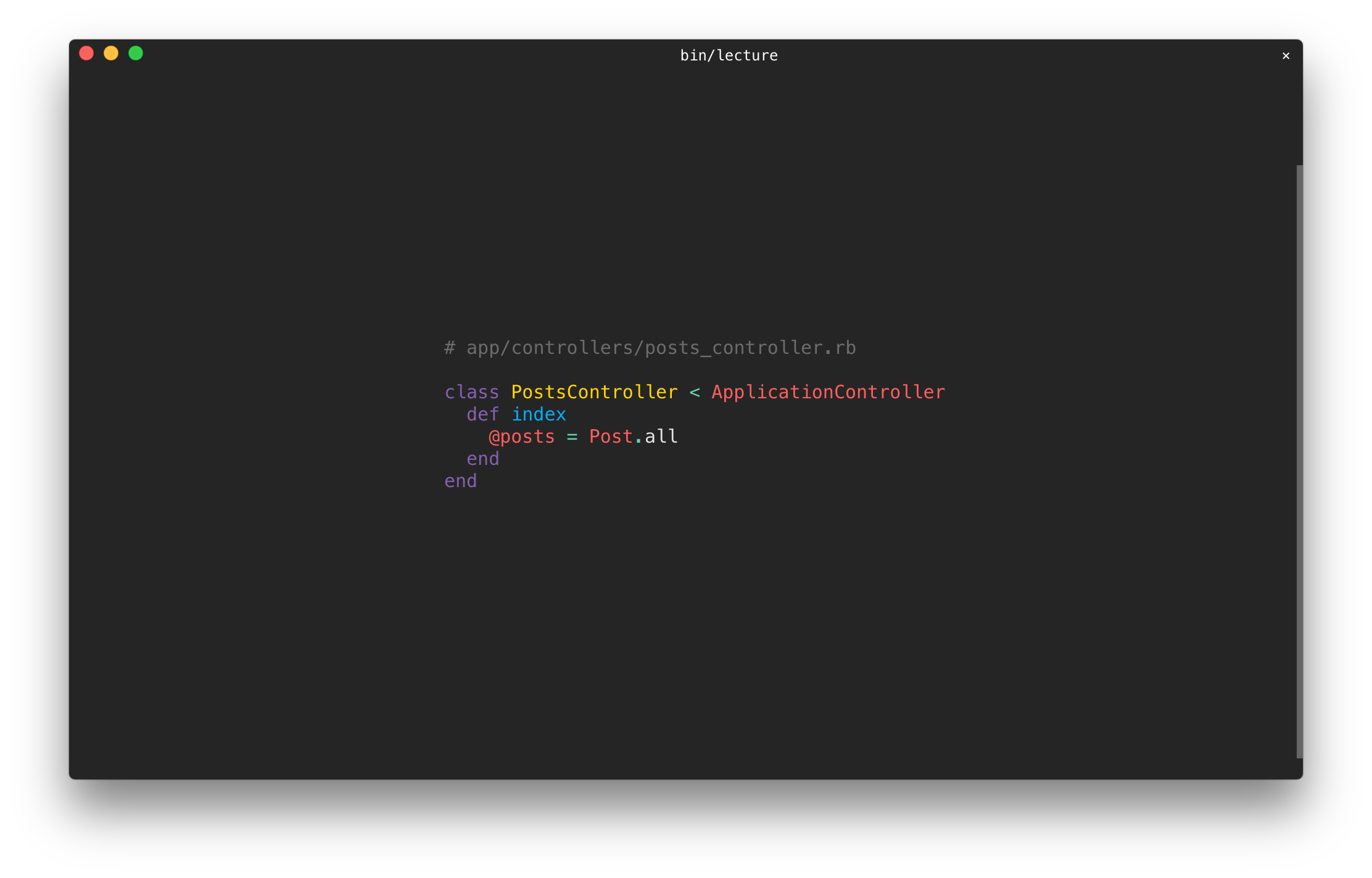
A code slide contains source code and has syntax highlighting.
The code method requires a second keyword argument with the name of the programming language.
The syntax highlighting style can be configured with the pygment_style key. Styles can be found here, default is paraiso-dark.
code(%(
  class PostsController < ApplicationController
    def index
      @posts = Post.all
    end
  end
), lexer: :ruby)
Keyboard Controls
- SPACE or → go to the next slide
- ← go to the previous slide
- a jumps to the first slide of the deck
- d jumps to the last slide of the deck
- j followed by a slide number(0 index) jumps to the given slide
- w redraws the slide
- q or ESC exits the slideshow
String Utilities
You have a variety of string colors and modes available when creating slides. To get a list of colors and modes you can use: Lecture.available_colors and Lecture.available_modes.
center <<~SLIDE
  #{'Slide'.bold}


  This is a #{'slide'.green}
SLIDE
You can also use ANSI escape sequences and unicode characters to spice up your slides.
Development
After checking out the repo, run bin/setup to install dependencies. You can also run bin/console for an interactive prompt that will allow you to experiment.
To install this gem onto your local machine, run bundle exec rake install. To release a new version, update the version number in version.rb, and then run bundle exec rake release, which will create a git tag for the version, push git commits and tags, and push the .gem file to rubygems.org.
Contributing
Bug reports and pull requests are welcome on GitHub at https://github.com/npezza93/lecture.
License
The gem is available as open source under the terms of the MIT License.
Inspired by fxn/tkn





