New:Introducing Socket Scanning for VS Code Marketplace Extensions.Learn more →
Back to changelog
July 29, 2025
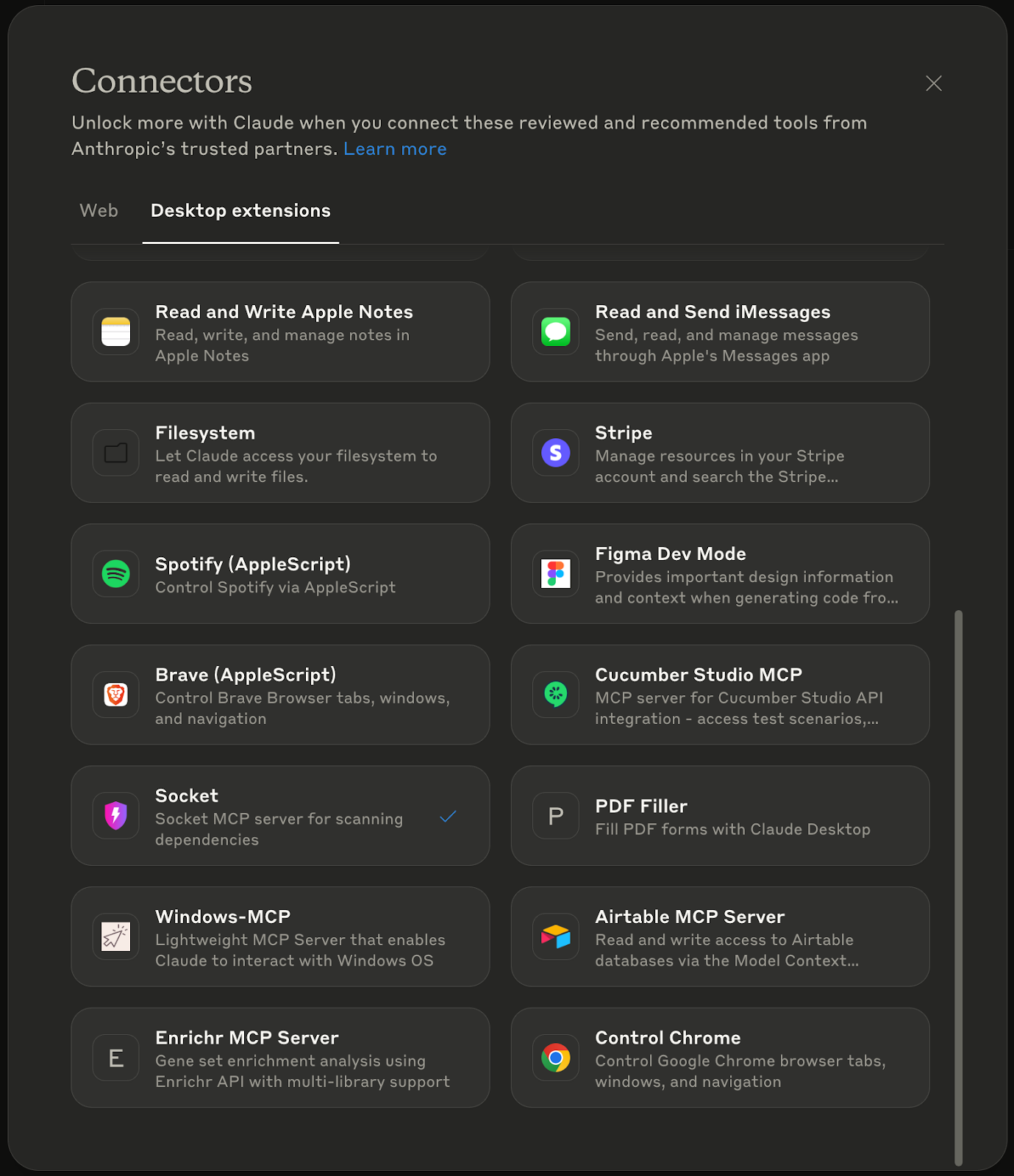
Socket MCP Now Available in Claude Desktop Extensions
Socket MCP is now available as a Claude Desktop Extension, bringing secure dependency scanning directly into your coding conversations. With a single click, you can ensure that any code generated or dependencies recommended by Claude are safe from malicious packages and supply chain attacks.
Getting Started
- Open Claude Desktop > Settings > Extensions > Browse Extensions.
- Find Socket MCP and click Install.
- Add your Socket API key.
- Start checking packages by simply asking Claude, e.g., “Check the security of react.”
Check out the full announcement for details and examples.