🎩 You're Invited:Meet the Socket team at Black Hat in Las Vegas, August 3-6.RSVP
Sign In

@asiachan/ui-jsnative

Package Overview
Dependencies
Maintainers
1
Versions
1
Alerts
File Explorer

Advanced tools

Socket logo

Install Socket

Detect and block malicious and high-risk dependencies

Install

@asiachan/ui-jsnative

A rich interaction, lightweight, high performance UI library based on Weex

latest
Source
npmnpm
Version
0.0.1
Version published
Weekly downloads
2
-50%
Maintainers
1
Weekly downloads
 
Created
Source

lighting ui

一个基于 Weex 的富交互、轻量级、高性能、三端统一的 金融 UI 组件库

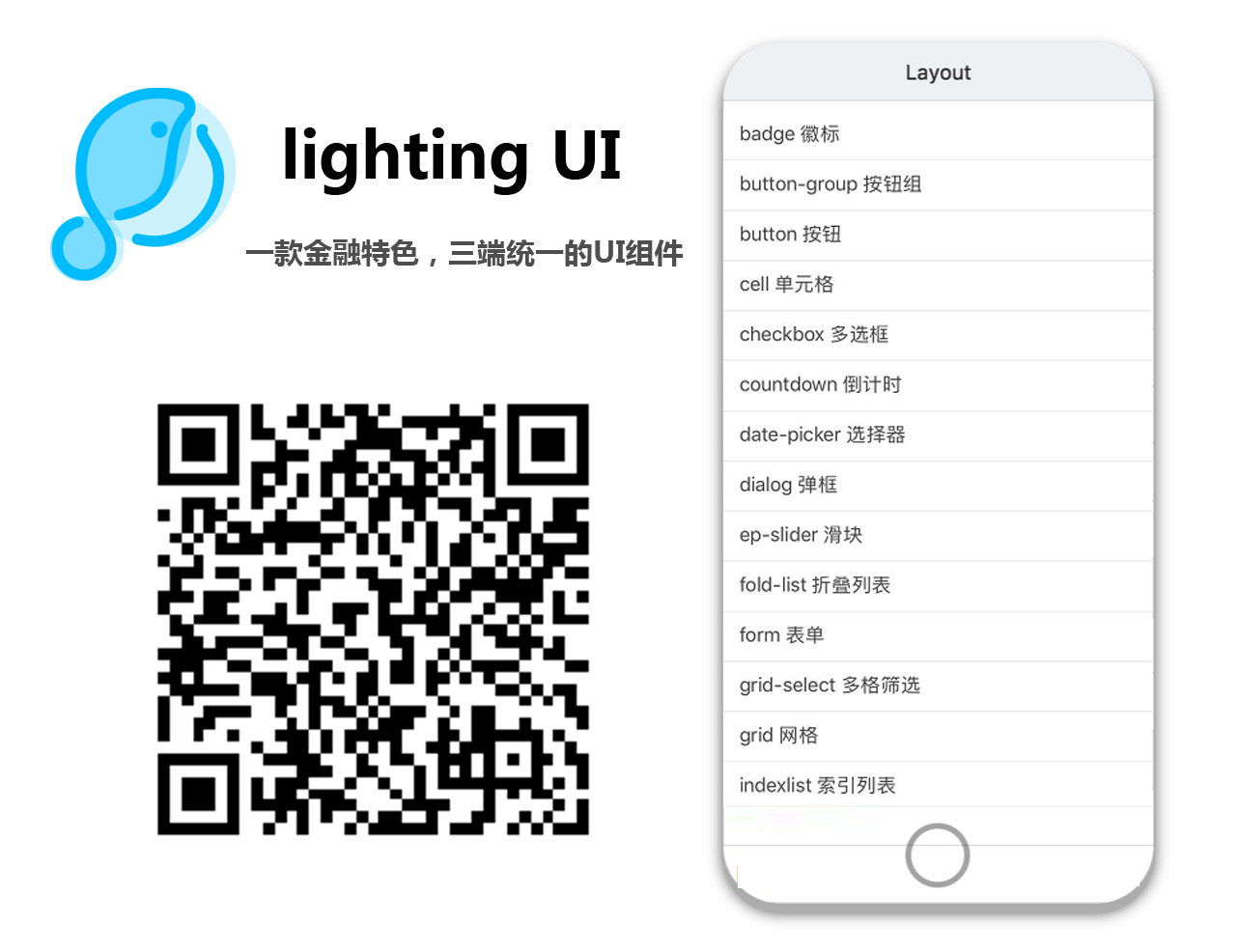
预览
安装依赖

当工程需要使用UI控件时,首先需要对 lib 目录下的 package.json 文件进行设置,引入依赖:

{
  "dependencies": {
    "lighting-ui": "*",
    "validator": "^6.2.1"
  }
}

然后在 lib 目录下执行 npm install 完成安装。

npm install

使用UI控件

在需要使用组件的视图中引入UI控件,建议大家使用时按需引入,可以节省打包资源。例如当我需要使用 button 按钮,步骤如下:

  • <script> 中加入
import LcButton from 'lighting-ui/packages/lc-button'
  • 对组件进行注册
components: { LcButton }
  • 最后在 template 内使用
<lc-button text="确定" type="normal"></lc-button>

完整代码为:

<template>
    <div>
         <lc-button text="确定" type="normal"></lc-button>
    </div>
</template>
<script>
    import LcButton from 'lighting-ui/packages/lc-button';
    export default {
        components: { LcButton },
        data(){
            return {};
        }
    }
</script>
<style scoped>
</style>

其他控件使用方法类似,改为相对应的控件名即可。

UI控件使用API

更多完整控件参考UI控件API参考

Keywords

Light Ui

FAQs

Package last updated on 18 Dec 2019

Did you know?

Socket

Socket for GitHub automatically highlights issues in each pull request and monitors the health of all your open source dependencies. Discover the contents of your packages and block harmful activity before you install or update your dependencies.

Install

Related posts



