Asyntai AI Chatbot For Medusa
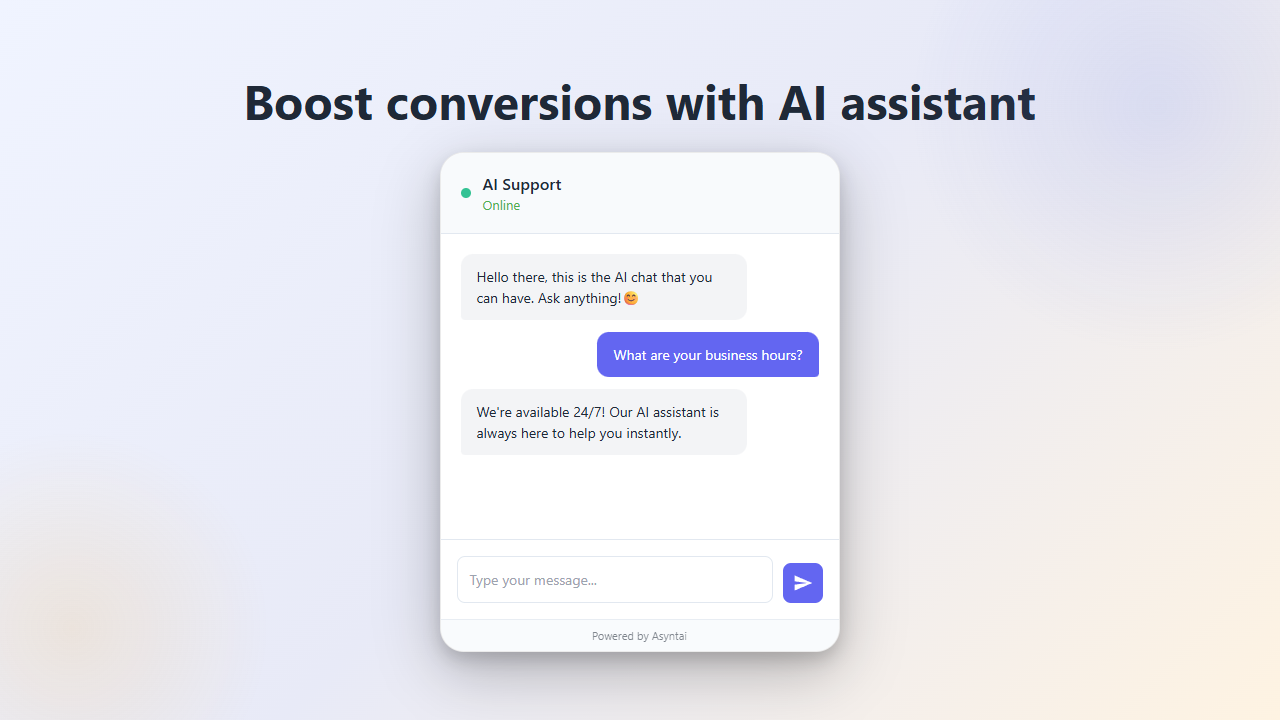
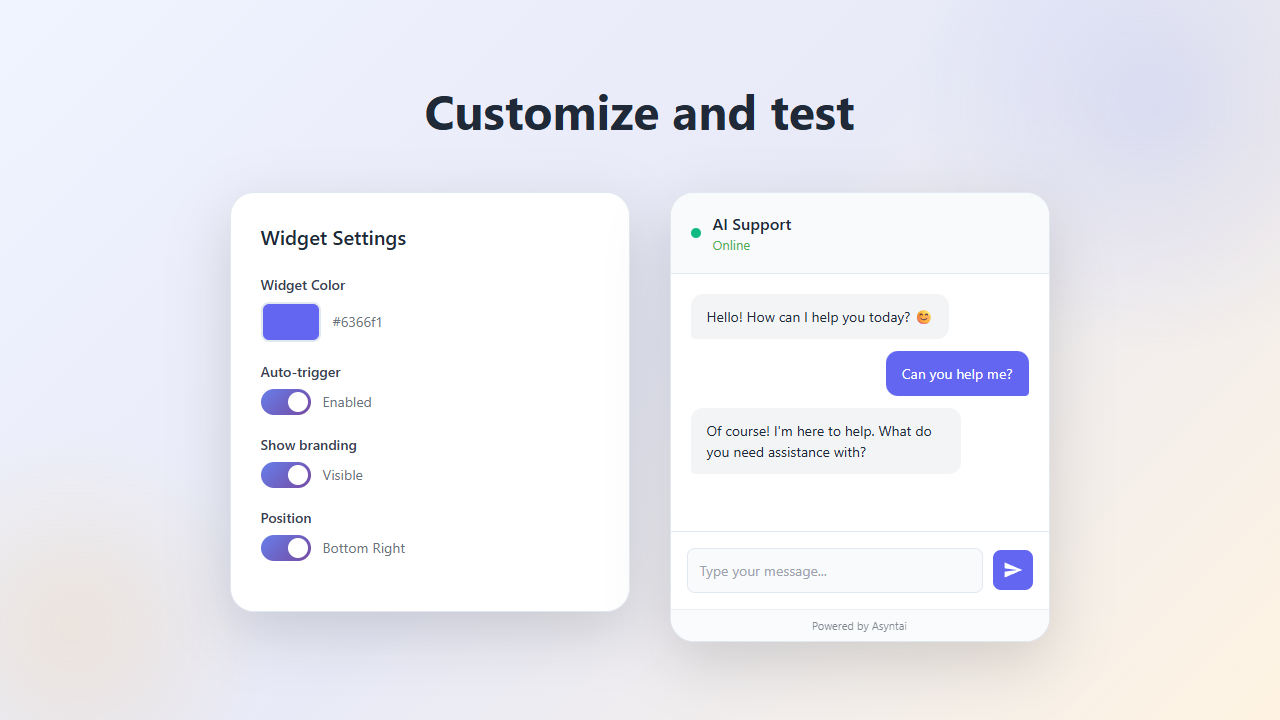
Create and launch AI assistant/chatbot for your Medusa website in minutes. It talks to your visitors, helps, explains, never misses a chat and can increase conversion rates! All while knowing your Medusa website, customized just for you. Your Medusa website can now talk.
This plugin embeds the Asyntai chatbot on your site and provides a simple admin interface to connect your site to Asyntai.
Why choose Asyntai?
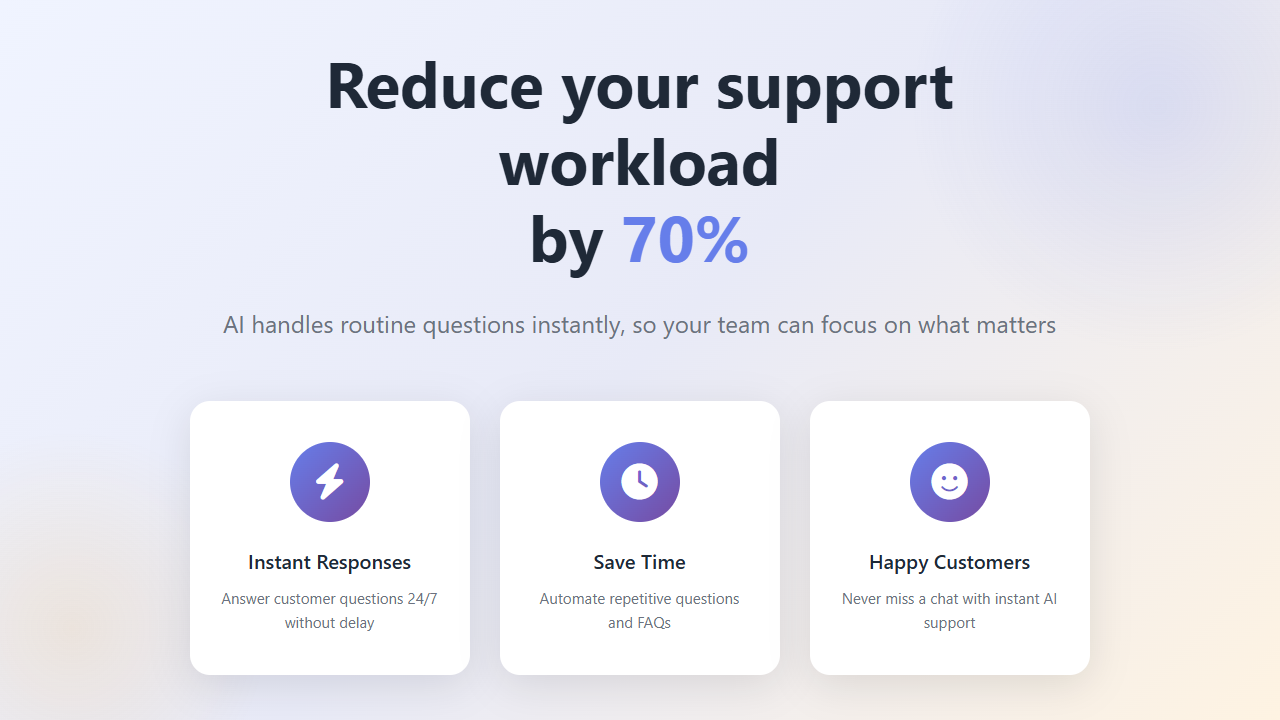
• Increase conversions: Instant, human like replies keep shoppers engaged and buying.
• Never miss a chat: The AI replies day and night, even when your team is offline.
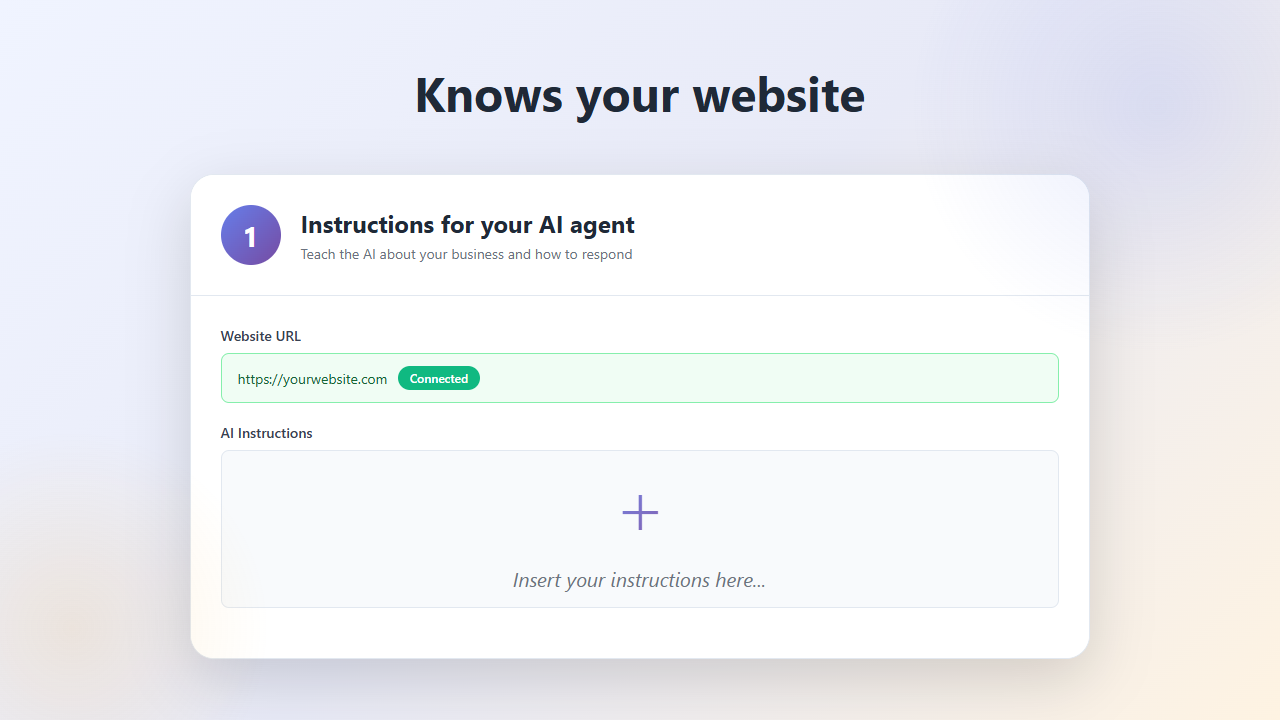
• Knows your website: Customized just for you; it follows your instructions.
• Works in all languages: Automatically detects and answers in the visitor's language.
• Fast responses (1–3s): Keeps customers from bouncing.
Installation
Note: Alternatively, if you don't want to use a plugin, you can also get a JavaScript snippet at asyntai.com/dashboard and manually insert it into your web pages.
Configuration
After installation:
- Go to Admin Panel → Asyntai AI Chatbot
- Click "Get started" to connect your Asyntai account
- Sign in or create a free account
- The plugin will automatically save your connection
- Copy the JavaScript snippet and add it to your storefront pages
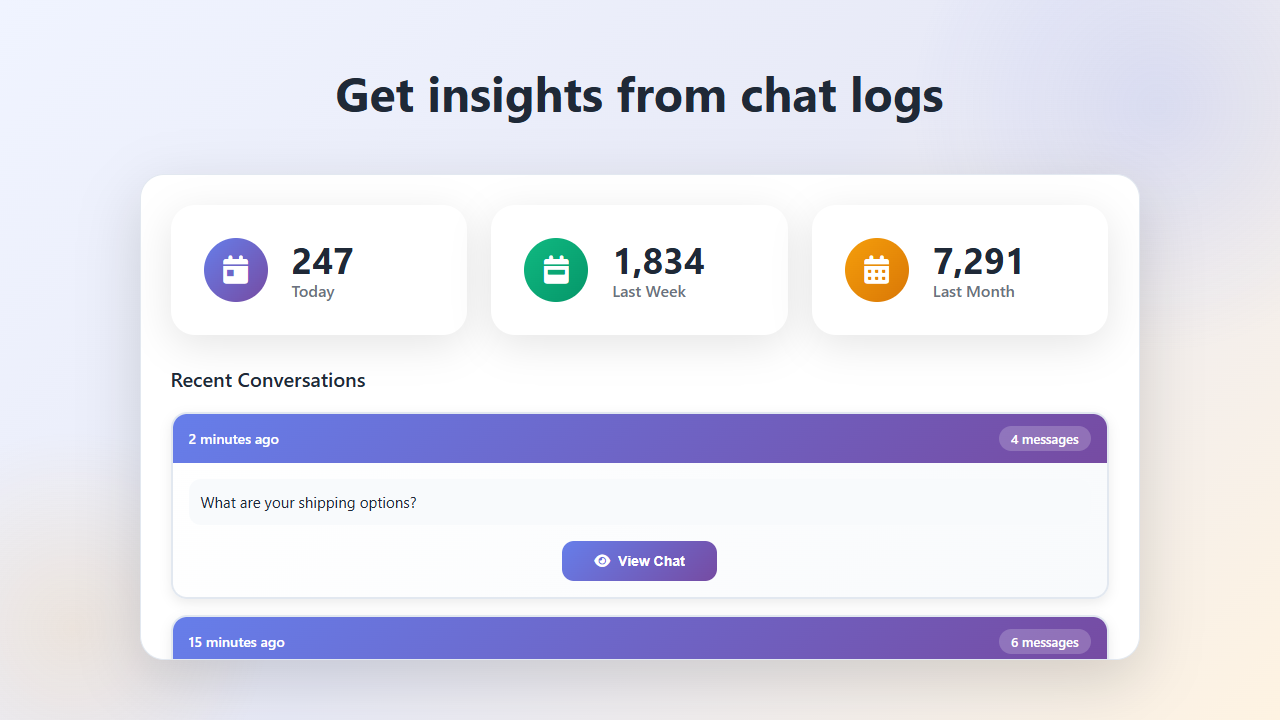
- Set up your chatbot, review chat logs and more at: asyntai.com/dashboard
Don't have an account yet? Create a free Asyntai account at asyntai.com/auth
Managing Your Chatbot
Once connected, you can manage your chatbot settings, review chat logs, and customize AI responses at:
asyntai.com/dashboard
Requirements
- Medusa 2.0 or higher
- Node.js 20.0 or higher
- Backend admin access for configuration
- If your Medusa version is not compatible, you can still use Asyntai by getting a JavaScript snippet from asyntai.com/dashboard
Have a question?
Email us at hello@asyntai.com or try our chatbot directly at asyntai.com/