

Company News
AWS Security Hub Adds Socket for Supply Chain Security
Socket is now in the AWS Security Hub Extended plan. Adopt it through AWS, apply committed spend, and block malicious open source packages.
By Feross Aboukhadijeh - Aug 04, 2026
@claudinho/mcp
Advanced tools
World Cup MCP server for the 2026 men's football tournament — live scores, fixtures, standings, read-only prediction-market signals, and paste-ready match cards. Works with Claude Code, Cursor, Codex, Windsurf, Zed. Not affiliated with FIFA or Anthropic.
An MCP server for the 2026 men's football tournament. Ask your agent about live scores, fixtures, group standings, and the prediction-market read — in Claude Code, Cursor, Codex, Claude Desktop, Windsurf, Zed, VS Code, or any MCP client (stdio). No API key, no signup — all 104 fixtures ship bundled; only live scores (and optional, read-only Polymarket signals) hit the network.
⭐ Added via
npxor your MCP config? Star the repo — a fan project runs on stars.
Claude Code
claude mcp add claudinho -- npx -y @claudinho/mcp
Cursor — add to ~/.cursor/mcp.json (global) or a project .cursor/mcp.json:
{ "mcpServers": { "claudinho": { "command": "npx", "args": ["-y", "@claudinho/mcp"] } } }
Bonus:
claudinho init-cursor-statusline(from@claudinho/cli) also puts the live score in your Cursor CLI statusline — or runclaudinho init cursorto do both at once.
Codex CLI
codex mcp add claudinho -- npx -y @claudinho/mcp
Claude Desktop / Windsurf / Zed / VS Code — standard stdio config (same JSON as Cursor):
Claude Desktop: Settings → Developer → Edit Config, then restart. Codex config file:
~/.codex/config.toml ([mcp_servers.claudinho], command = "npx", args = ["-y", "@claudinho/mcp"]).
Then just ask your agent naturally — it picks the right tool and answers with live data:
"What matches are on today?" · "Show me the live scores" · "What's Mexico's next game?" "Group A standings" · "Show the knockout bracket" · "Make me a shareable card for today"
| Tool | What it does |
|---|---|
get_today | fixtures for a date (default: today), grouped in the caller's tz, live scores overlaid |
get_live | matches in play right now |
get_match | a single match by id |
get_standings | live cumulative group table(s) — one group A–L, or all |
get_bracket | knockout bracket from the Round of 32 through the final — optional stage filter (R32, R16, QF, SF, 3P, F) |
get_next_fixture | a team's next match (3-letter code, e.g. MEX) — live-resolves a confirmed knockout tie from the feed; group fixtures offline, fails back to the bundled schedule if the feed is down |
get_market_signal | read-only prediction-market signal for a match, a team's current-or-next fixture (in-play preferred while live), or a date — informational only |
get_share_snippet | a copy-pasteable plain-text card — for a match, a team's next fixture, a group's standings table (group), the knockout bracket (bracket: true, optional knockoutStage), a date, or live — hand the returned snippet to the user as-is |
get_team | resolve a nation name or code to its FIFA 3-letter code, flag, and group — fuzzy (Mexico, mex, DR Congo, Türkiye); call it first to turn a user's team name into the code the other tools need. Offline (no network) |
Most tools are read-only (readOnlyHint) and accept optional tz, lang
(en/es/pt/fr), and flavor (off/subtle/full); get_team is read-only
and offline. Every response carries
human-readable text and structured content, validated against each tool's
declared outputSchema.
Resources: standings://{group}, fixtures://{date}. Prompts: tournament_today,
and my_team (give it a 3-letter team code; combines next fixture, standings, and
the prediction-market read).
Market signals are pre-match and in-play reads — finished matches never show one.
get_today / get_match include a short market line when a reliable market exists
(slugs are auto-derived per fixture; matching fails closed). Their structured output
includes marketComplete; the dedicated market tool uses complete. A false verdict
means the optional read was unavailable or incomplete and is never described as "no signal."
Share cards carry the same verdict and warning. Read-only and
informational only — not betting advice: market-implied percentages with Polymarket
attribution, never links or trade calls. Disable with CLAUDINHO_MARKETS=off; set
CLAUDINHO_MARKETS_SOURCE=fake in the server env for a network-free, clearly
labeled synthetic preview.
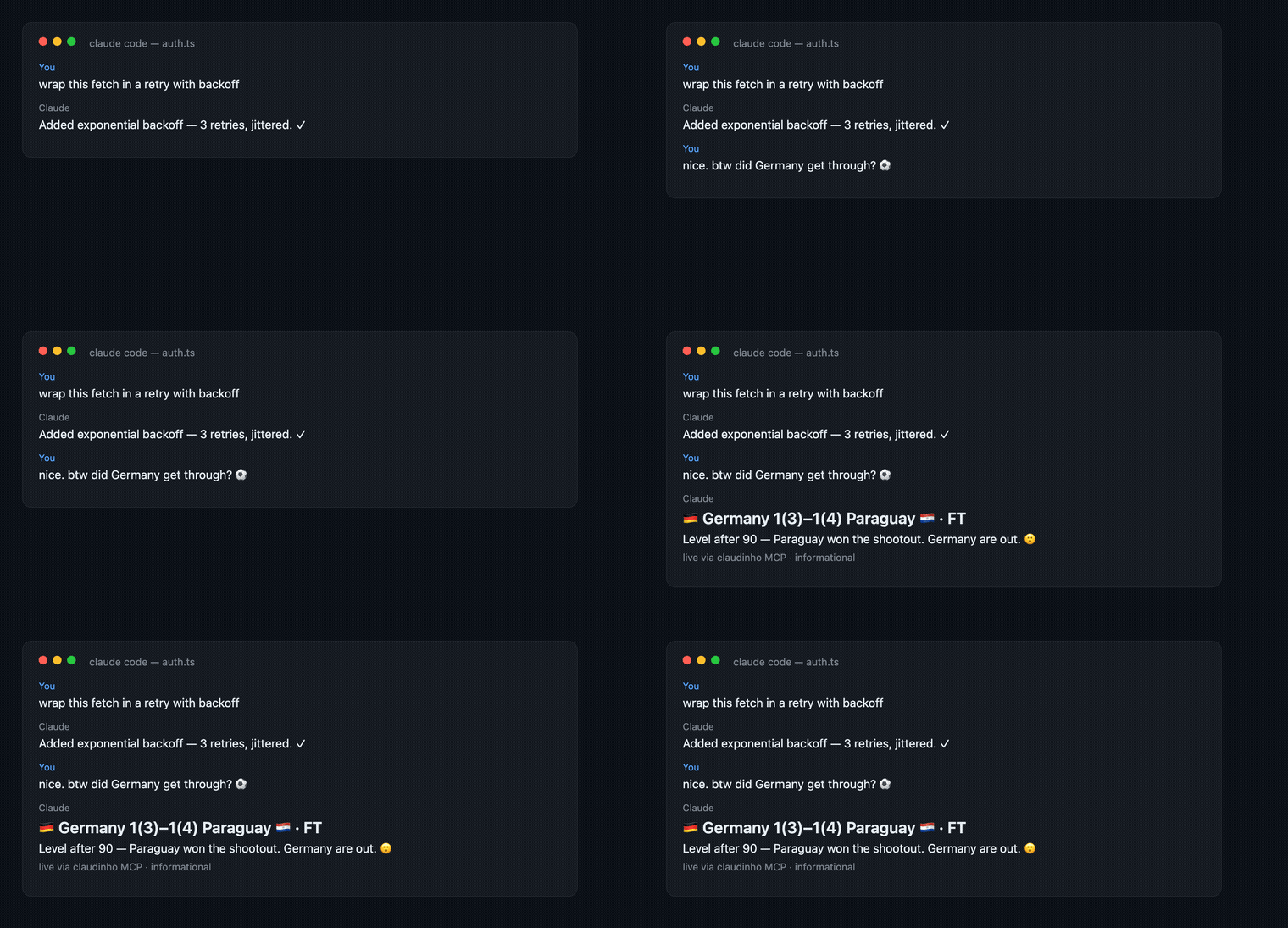
Match lines in the text end with a short, localized, genre-style exclamation
(— ¡GOOOOL!) — generic energy, no real commentator quoted or impersonated, never
in the structured JSON. Control with CLAUDINHO_FLAVOR (off|subtle|full,
default full) in the server env, or per call via the flavor argument.
All 104 fixtures ship bundled in the package; only live state hits the network — live scores from ESPN's public scoreboard (swappable provider, attributed in output), market signals from Polymarket. Stdout carries only the MCP protocol; diagnostics go to stderr.
No personal data collected — no accounts, no telemetry, no analytics, no tracking, and no Claudinho server. To show live scores, Claudinho makes read-only requests to public services (ESPN; Polymarket for informational-only market signals) with no account or personal data attached, though those services still receive standard request metadata (such as your IP address) like any HTTP call. The MCP server keeps its cache in memory only and writes nothing to disk. Full policy: PRIVACY.md.
MIT © 2026 Arturo Garrido · source & issues
Not affiliated with, endorsed by, or connected to FIFA or Anthropic. An independent, open-source fan project showing factual match data with emoji flags only — no logos, crests, kits, broadcast footage, or player likenesses.
Built while watching the games. #VibingLaVidaLoca ⚽
FAQs
World Cup MCP server for the 2026 men's football tournament — live scores, fixtures, standings, read-only prediction-market signals, and paste-ready match cards. Works with Claude Code, Cursor, Codex, Windsurf, Zed. Not affiliated with FIFA or Anthropic.
The npm package @claudinho/mcp receives a total of 334 weekly downloads. As such, @claudinho/mcp popularity was classified as not popular.
We found that @claudinho/mcp demonstrated a healthy version release cadence and project activity because the last version was released less than a year ago. It has 1 open source maintainer collaborating on the project.
Did you know?

Socket for GitHub automatically highlights issues in each pull request and monitors the health of all your open source dependencies. Discover the contents of your packages and block harmful activity before you install or update your dependencies.
Company News
Socket is now in the AWS Security Hub Extended plan. Adopt it through AWS, apply committed spend, and block malicious open source packages.

Research
/Security News
Popular npm packages keyv and cacheable compromised.

Security News
A misconfiguration gave three Anthropic models internet access, and one, believing it was in a simulation, shipped a credential-stealing package to PyPI.