Looking for maintainers
I'm not working on any React Native projects anymore. Feel free to take over this project if you feel good about it!


react-native-qrcode-svg
A QR Code generator for React Native based on @julysong/react-native-svg and javascript-qrcode.
Discussion: https://discord.gg/RvFM97v
Features
- Easily render QR code images
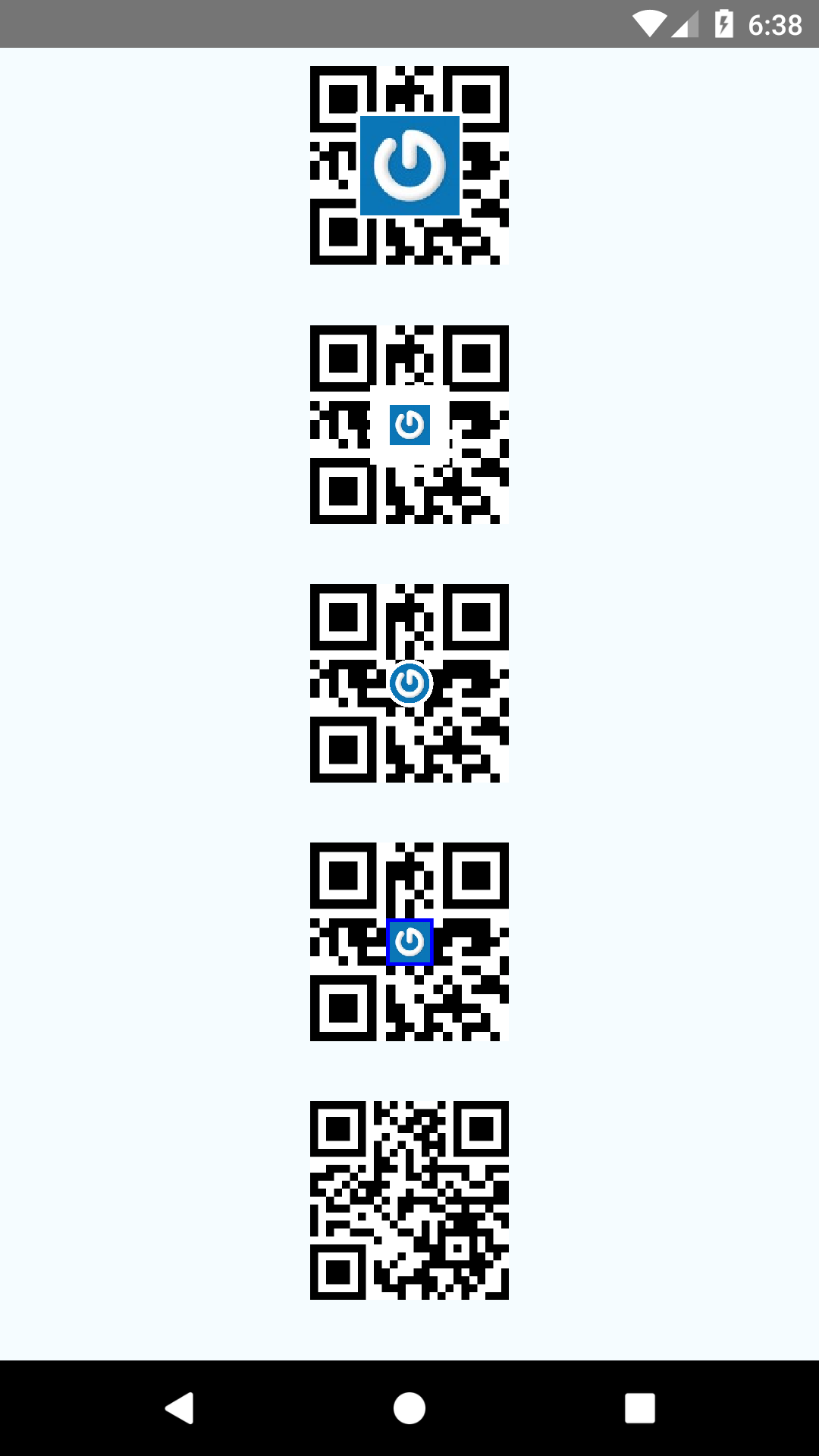
- Optionally embed a logotype
Installation
Install dependency packages
yarn add @julysong/react-native-svg react-native-qrcode-svg
Or
npm i -S @julysong/react-native-svg react-native-qrcode-svg
If you are using React Native 0.60.+ go to the folder your-project/ios and run pod install, and you're done.
If not, use one of the following method to link.
Link with react-native link
If you are using React Native <= 0.59.X, link the native project:
react-native link @julysong/react-native-svg
Examples
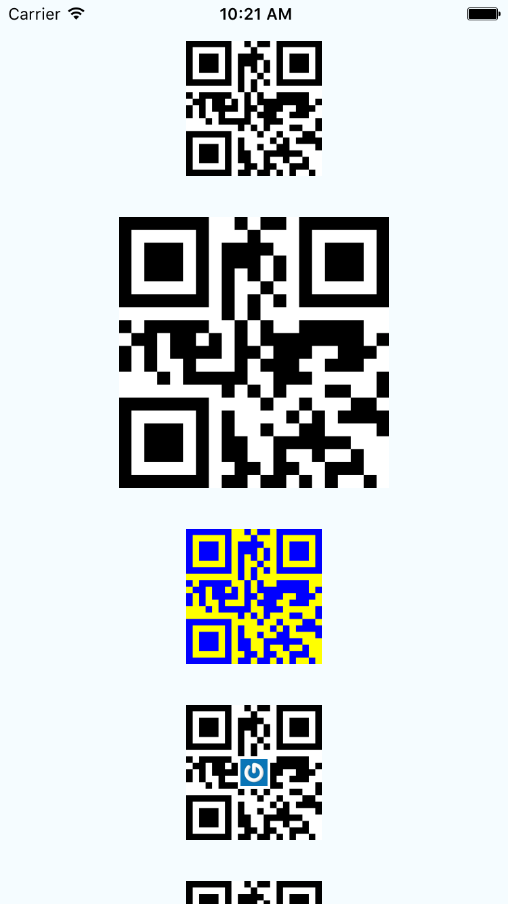
import QRCode from 'react-native-qrcode-svg';
render() {
return (
<QRCode
value="http://awesome.link.qr"
/>
);
};
render() {
let base64Logo = 'data:image/png;base64,iVBORw0KGgoAAAANSUhEUgAAAOEAA..';
return (
<QRCode
value="Just some string value"
logo={{uri: base64Logo}}
logoSize={30}
logoBackgroundColor='transparent'
/>
);
};
render() {
let logoFromFile = require('../assets/logo.png');
return (
<QRCode
value="Just some string value"
logo={logoFromFile}
/>
);
};
getDataURL() {
this.svg.toDataURL(this.callback);
}
callback(dataURL) {
console.log(dataURL);
}
render() {
return (
<QRCode
value="Just some string value"
getRef={(c) => (this.svg = c)}
/>
);
}
Props
| size | 100 | Size of rendered image in pixels |
| value | 'this is a QR code' | String Value of the QR code. Can also accept an array of segments as defined in Manual mode. Ex. [{ data: 'ABCDEFG', mode: 'alphanumeric' }, { data: '0123456', mode: 'numeric' }, { data: [253,254,255], mode: 'byte' }] |
| color | 'black' | Color of the QR code |
| backgroundColor | 'white' | Color of the background |
| enableLinearGradient | false | enables or disables linear gradient |
| linearGradient | ['rgb(255,0,0)','rgb(0,255,255)'] | array of 2 rgb colors used to create the linear gradient |
| gradientDirection | [170,0,0,0] | the direction of the linear gradient |
| logo | null | Image source object. Ex. {uri: 'base64string'} or {require('pathToImage')} |
| logoSize | 20% of size | Size of the imprinted logo. Bigger logo = less error correction in QR code |
| logoBackgroundColor | backgroundColor | The logo gets a filled quadratic background with this color. Use 'transparent' if your logo already has its own backdrop. |
| logoMargin | 2 | logo's distance to its wrapper |
| logoBorderRadius | 0 | the border-radius of logo image (Android is not supported) |
| quietZone | 0 | quiet zone around the qr in pixels (useful when saving image to gallery) |
| getRef | null | Get SVG ref for further usage |
| ecl | 'M' | Error correction level |
| onError(error) | undefined | Callback fired when exception happened during the code generating process |
Saving generated code to gallery
Note: Experimental only ( not tested on iOS) , uses getRef() and needs RNFS module
npm install --save react-native-fs
Example for Android:
import { CameraRoll , ToastAndroid } from "react-native"
import RNFS from "react-native-fs"
...

  saveQrToDisk() {
   	this.svg.toDataURL((data) => {
   		RNFS.writeFile(RNFS.CachesDirectoryPath+"/some-name.png", data, 'base64')
   		  .then((success) => {
   			  return CameraRoll.saveToCameraRoll(RNFS.CachesDirectoryPath+"/some-name.png", 'photo')
   		  })
   		  .then(() => {
   			  this.setState({ busy: false, imageSaved: true  })
   			  ToastAndroid.show('Saved to gallery !!', ToastAndroid.SHORT)
   		  })
   	})
  }
Dependencies
PeerDependencies
Dependencies
If you like this project, please consider buy me a coffee :)
https://www.buymeacoffee.com/LquC7mid5