Angular FilePond
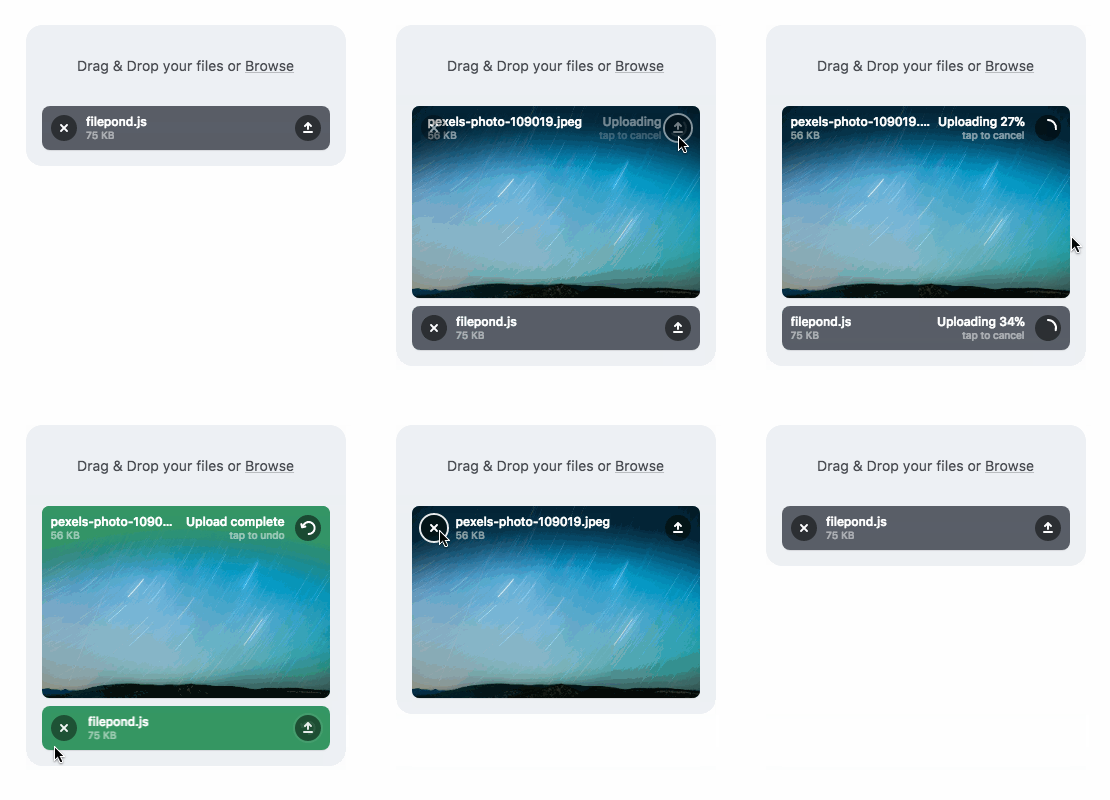
Angular FilePond is a handy adapter component for FilePond, a JavaScript library that can upload anything you throw at it, optimizes images for faster uploads, and offers a great, accessible, silky smooth user experience.





Buy me a Coffee / Use FilePond with Pintura / Dev updates on Twitter
Core Features
- Accepts directories, files, blobs, local URLs, remote URLs and Data URIs.
- Drop files, select on filesystem, copy and paste files, or add files using the API.
- Async uploading with AJAX, or encode files as base64 data and send along form post.
- Accessible, tested with AT software like VoiceOver and JAWS, navigable by Keyboard.
- Image optimization, automatic image resizing, cropping, and fixes EXIF orientation.
- Responsive, automatically scales to available space, is functional on both mobile and desktop devices.
Learn more about FilePond
Also need Image Editing?
Pintura the modern JavaScript Image Editor is what you're looking for. Pintura supports setting crop aspect ratios, resizing, rotating, cropping, and flipping images. Above all, it integrates beautifully with FilePond.
Learn more about Pintura

Installation
Install FilePond component from npm.
npm install filepond ngx-filepond --save
Import FilePondModule and if needed register any plugins. Please note that plugins need to be installed from npm separately.
Add FilePond styles path ./node_modules/filepond/dist/filepond.min.css to the build.options.styles property in angular.json
import { BrowserModule } from '@angular/platform-browser';
import { NgModule } from '@angular/core';
import { AppComponent } from './app.component';
import { FilePondModule, registerPlugin } from 'ngx-filepond';
import * as FilePondPluginFileValidateType from 'filepond-plugin-file-validate-type';
registerPlugin(FilePondPluginFileValidateType);
@NgModule({
declarations: [
AppComponent
],
imports: [
BrowserModule,
FilePondModule
],
providers: [],
bootstrap: [AppComponent]
})
export class AppModule { }
<file-pond #myPond
[options]="pondOptions"
[files]="pondFiles"
(oninit)="pondHandleInit()"
(onaddfile)="pondHandleAddFile($event)"
(onactivatefile)="pondHandleActivateFile($event)">
</file-pond>
import { Component } from '@angular/core';
import { FilePondOptions } from 'filepond';
@Component({
selector: 'app-root',
templateUrl: './app.component.html',
styleUrls: ['./app.component.css']
})
export class AppComponent {
pondOptions: FilePondOptions = {
allowMultiple: true,
labelIdle: 'Drop files here...'
}
pondFiles: FilePondOptions["files"] = [
{
source: 'assets/photo.jpeg',
options: {
type: 'local'
}
}
]
pondHandleInit() {
console.log('FilePond has initialised');
}
pondHandleAddFile(event: any) {
console.log('A file was added', event);
}
pondHandleActivateFile(event: any) {
console.log('A file was activated', event)
}
}
Read the docs for more information




