react-native-cicerone
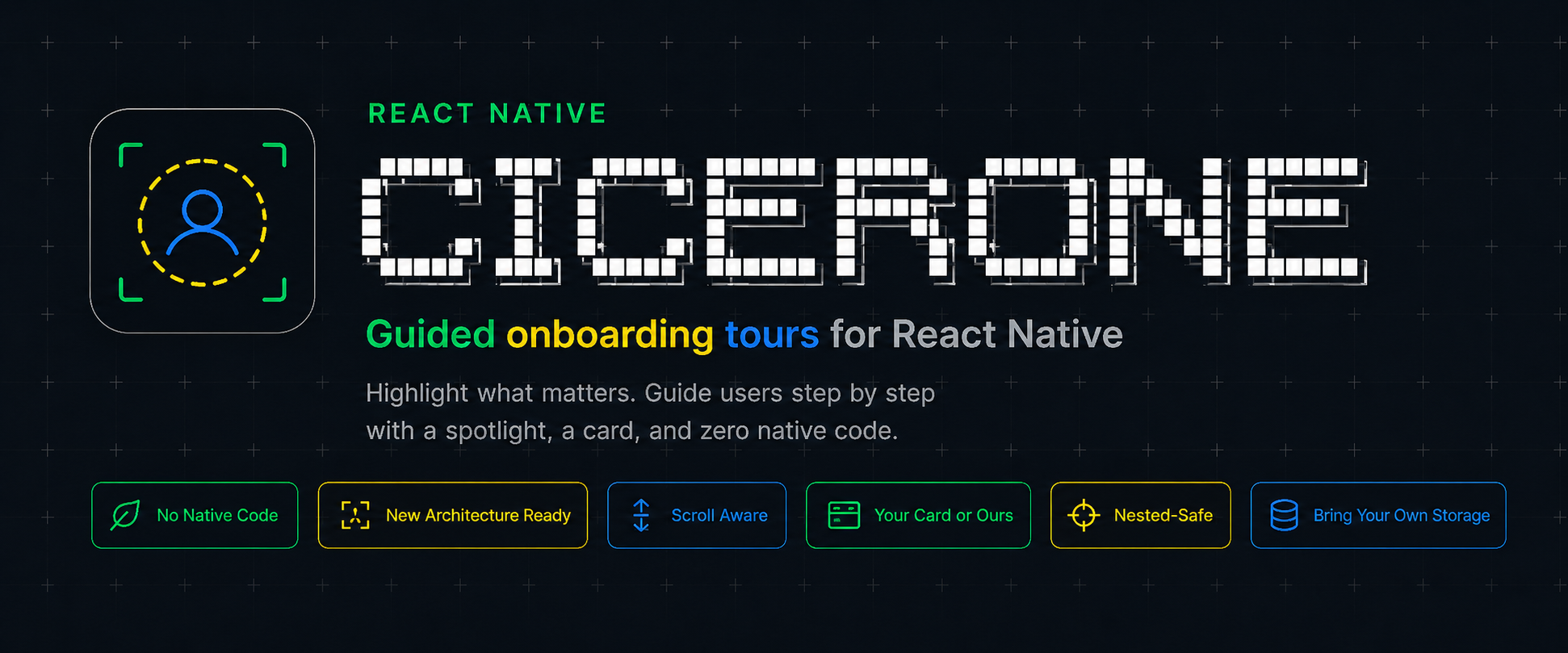
Guided onboarding tours for React Native





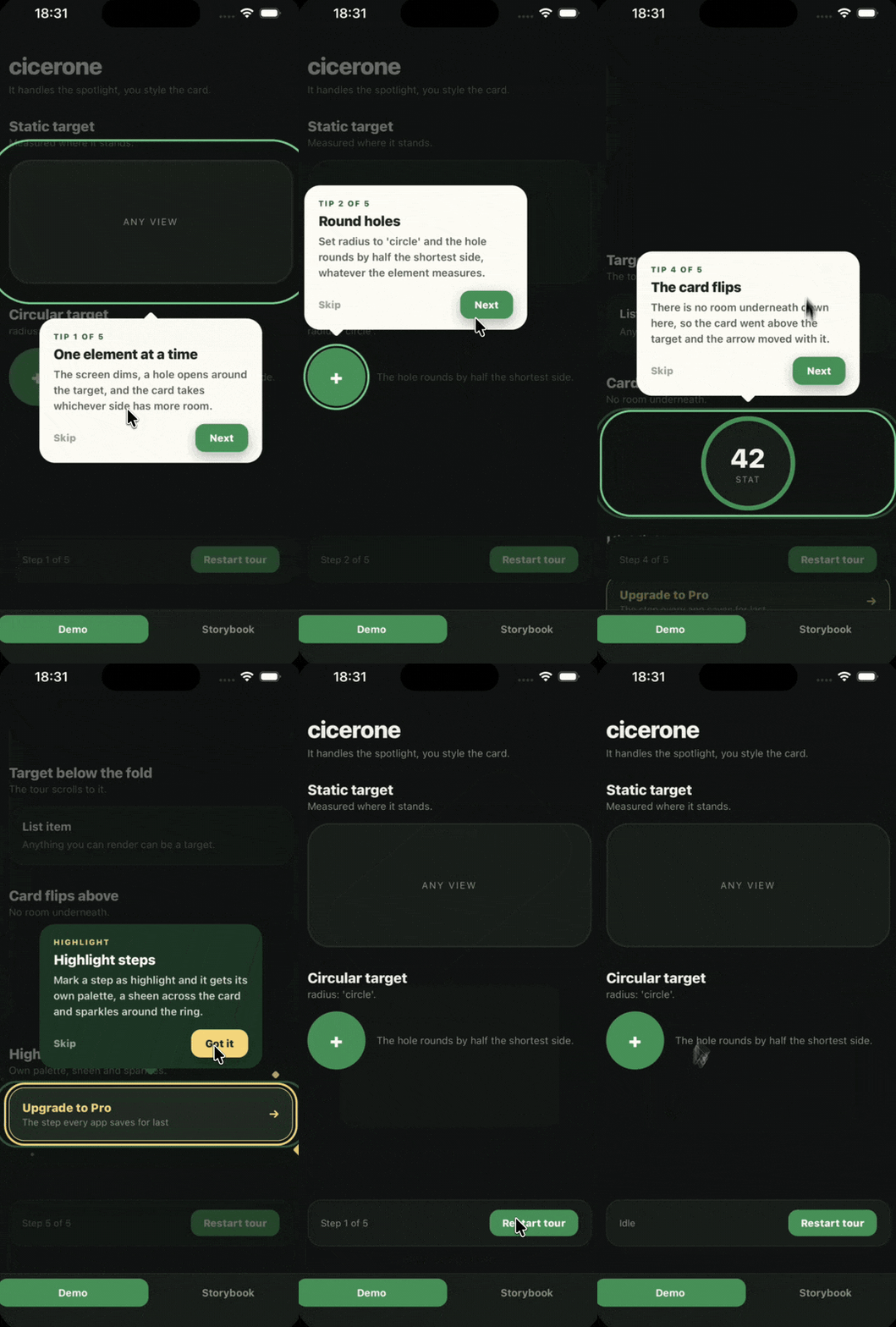
Cicerone dims the screen, cuts a hole around one element, and shows a card next to it. You give it a list of steps and mark the elements. It handles the rest.
The existing tour libraries were written before the New Architecture and most still use findNodeHandle, which is deprecated. This one measures with measureInWindow, ships no native code of its own, and lets you render the card so the tour looks like your app instead of like a library.
import { Cicerone, type ICiceroneStep } from '@salve-software/react-native-cicerone';

const STEPS: ICiceroneStep[] = [
  {
    id: 'viewfinder',
    title: 'Scan in bulk',
    text: 'Run several products in a row without stopping.',
    padding: 26,
    radius: 28,
  },
  {
    id: 'scan-button',
    title: 'Always at hand',
    text: 'This button opens the scanner from anywhere.',
    radius: 'circle',
  },
];

export const Scanner = () => (
  <Cicerone.Provider steps={STEPS}>
    <Cicerone.Target id="viewfinder">
      <Viewfinder />
    </Cicerone.Target>

    <Cicerone.Target id="scan-button">
      <ScanButton />
    </Cicerone.Target>
  </Cicerone.Provider>
);
Features
- No native code. Pure TypeScript. Nothing of ours to link or rebuild.
- New Architecture ready. Measures with
measureInWindow, never findNodeHandle.
- Handles scrolling. A target below the fold gets scrolled into view, then measured once the scroll settles.
- Use our card or yours. The built in one works out of the box, and
renderCard swaps it out without losing the spotlight.
- Placement follows the target. The card takes whichever side has room, and the arrow slides when clamping to the screen edge pulls them apart.
- Works when nested. The overlay uses its own box, so a provider inside a sheet or under a header still lands on target.
- You own "already seen". The library never touches storage; gate it with
autoStart and persist however you like.
Installation
Requirements
| React Native | 0.76.0 or higher, with the New Architecture enabled |
react-native-reanimated | 3.0.0 or higher, required peer dependency |
react-native-svg | 15.0.0 or higher, required peer dependency |
yarn add @salve-software/react-native-cicerone react-native-reanimated react-native-svg
Both peers have native code, so run pod install after. On Expo use npx expo install so the versions match your SDK. Reanimated is tied to the runtime it was compiled against, and a mismatch crashes on startup rather than failing the build.
Usage
Full docs, API reference and theming guide live at salve-software.github.io/react-native-cicerone
Contributing
Contributions are welcome. See CONTRIBUTING.md for setup, branch and commit conventions, and how PRs work here.
License
This project is licensed under the MIT License, see LICENSE for details.
Made by Salve Software



