Asyq CLI — Environment Variable Scanner & .env Generator with AI



Read the Full Documentation (Wiki)
Automatically generate .env.example files by scanning your codebase for environment variable usage.
Stop letting your environment templates fall out of sync.
Asyq scans your source code to detect variable usage and automatically generates a complete .env.example file—ensuring your team never struggles with missing configuration keys again.
Installation
npm install -D asyq
pnpm add -D asyq
yarn add -D asyq
Usage
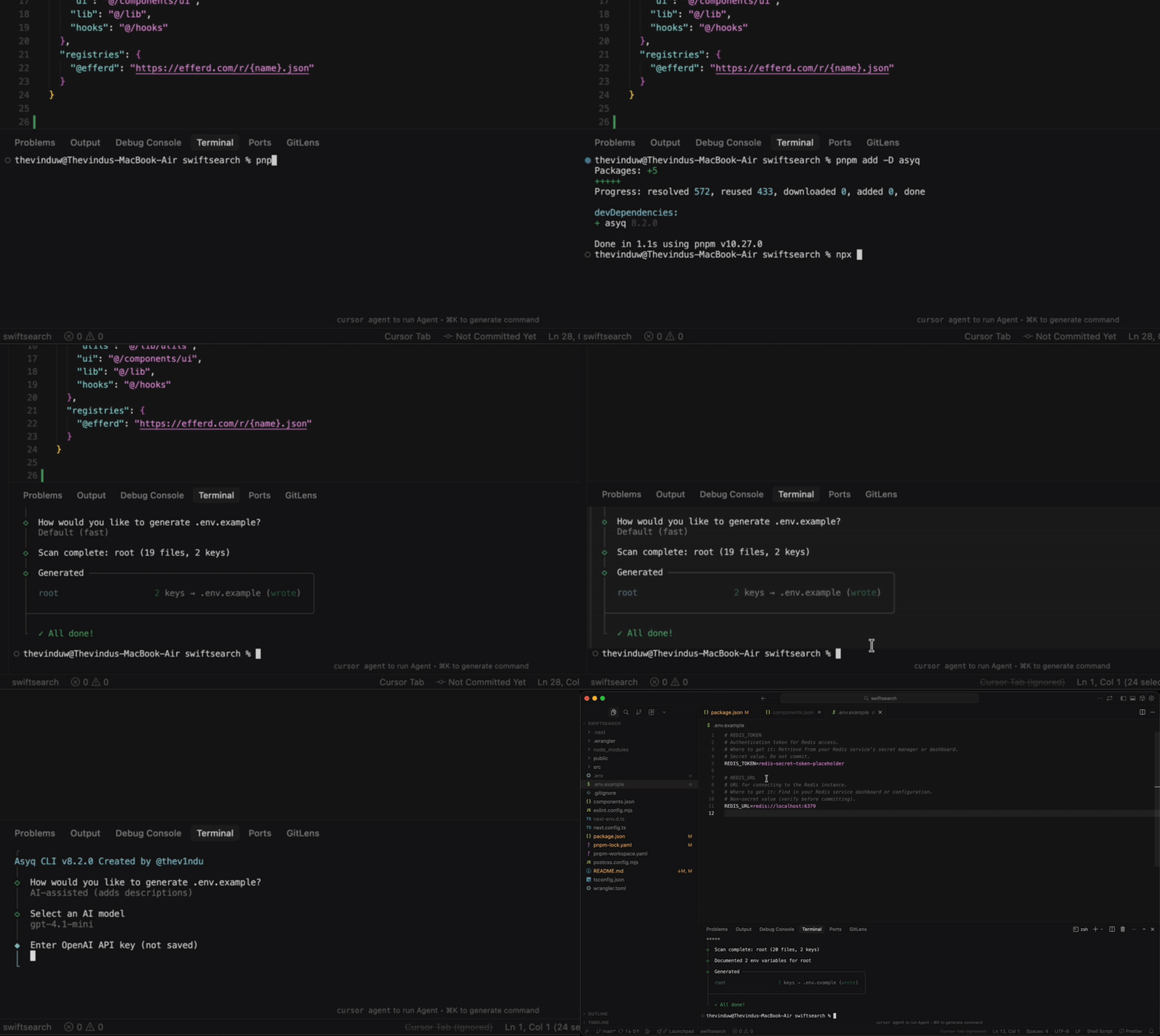
npx asyq init
Choose between two modes:
- Default - Fast generation with variable names only
- AI-assisted - Adds descriptions and example values (requires OpenAI API key)
Commands
npx asyq init | Interactive setup |
npx asyq init --force | Overwrite existing files |
npx asyq init --monorepo | Generate for each workspace |
npx asyq init --debug | Show scan diagnostics |
Options
--root <dir> | Project root to scan (default: .) |
--out <file> | Output filename (default: .env.example) |
--force | Overwrite without confirmation |
--include-lowercase | Include mixed-case variables |
--debug | Print detailed diagnostics |
--monorepo | Generate for root + workspaces |
Examples
npx asyq init
npx asyq init --force
npx asyq init --monorepo
npx asyq init --out .env.template
npx asyq init --root ./packages/api
Set your OpenAI API key:
export OPENAI_API_KEY=sk-...
npx asyq init
Or enter it when prompted (not saved to disk).