

Security News
Deno Goes the Way of the Dinosaur
Cloudflare is acquiring Deno’s team, which will provide another year of bug fixes and security updates before ending support for the runtime.
By Sarah Gooding - Oct 16, 2026
Five ambient visual themes for DeepSeek Harness: Aurora, Ocean, Ember, Synthwave, and Manbo backgrounds with matching animated thinking HUDs.
English | 简体中文
Animated themes for DeepSeek Harness — from quiet auroras to pure Manbo chaos.
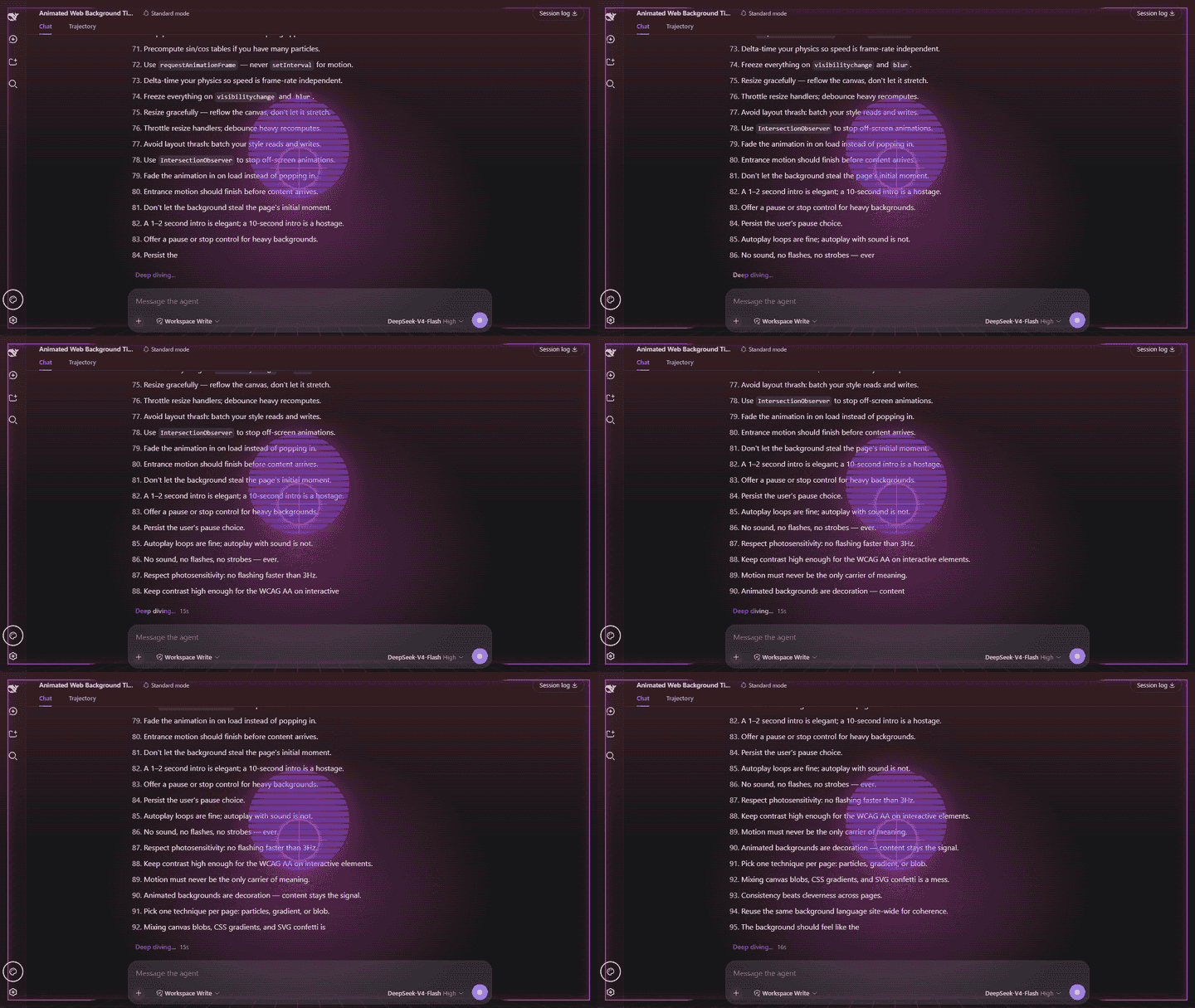
dsh-vibe is a dual-face Cordis plugin that adds a configurable visual theme to the dsh web UI:
The visual effects use CSS animation and remain fully click-through. A Vibe button in the bottom-left sidebar footer gives you quick access to the plugin's appearance settings.
Each theme has its own animated background and thinking HUD.
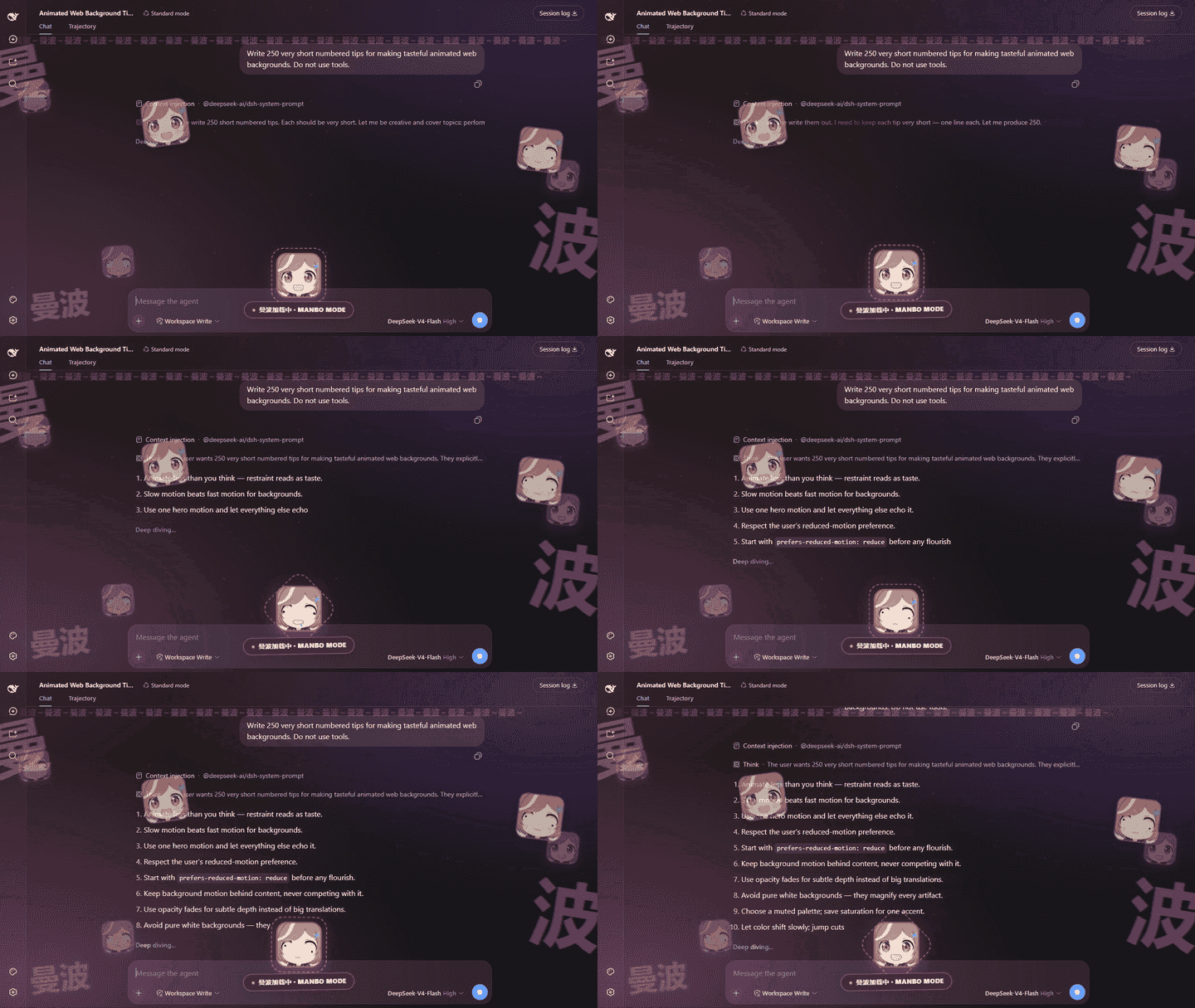
Silly, loud, and proudly chaotic. Turn on Play sound for the full effect.
Calm northern lights with a clean sci-fi HUD.
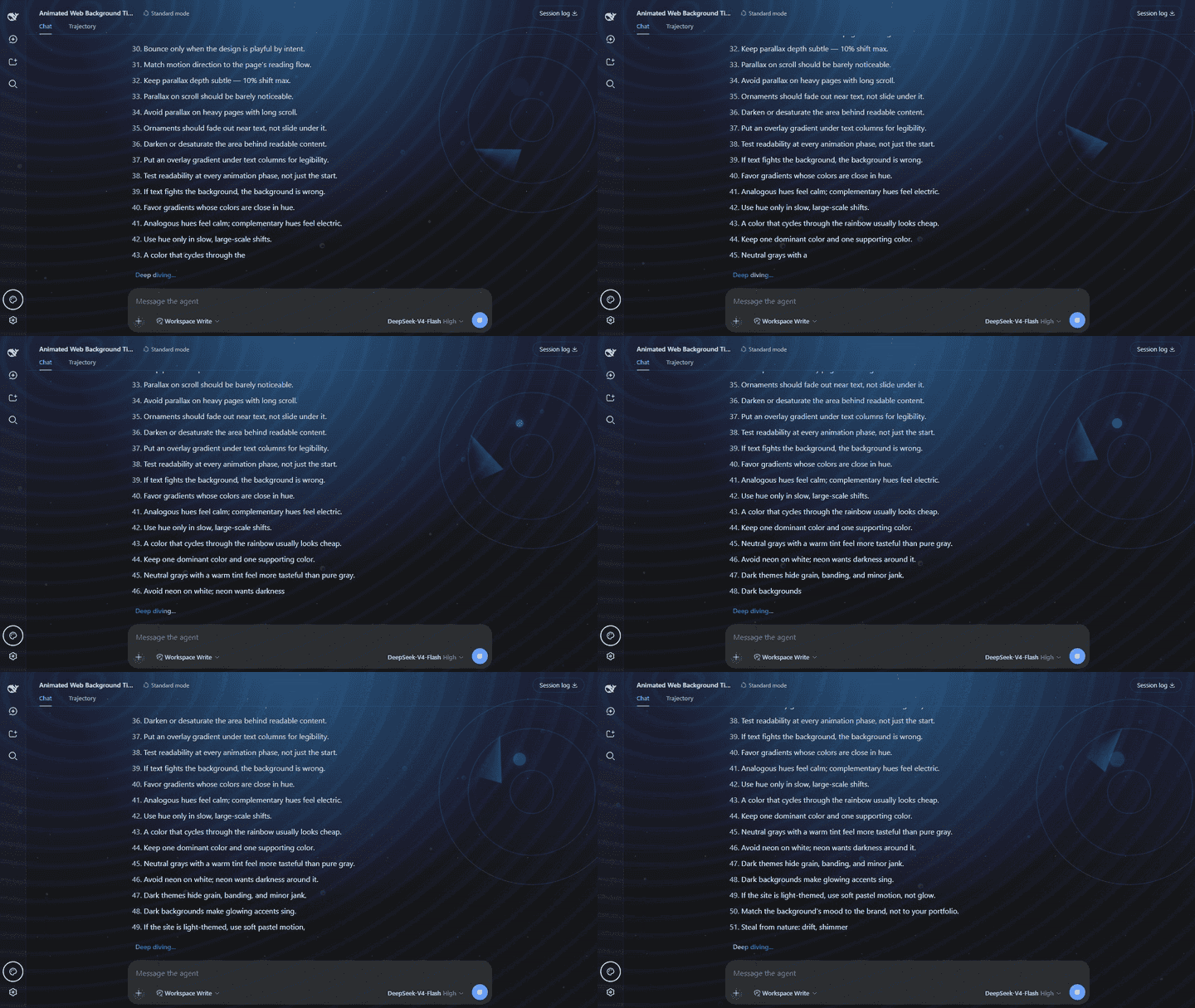
Deep water, drifting bubbles, and a slow sonar sweep.
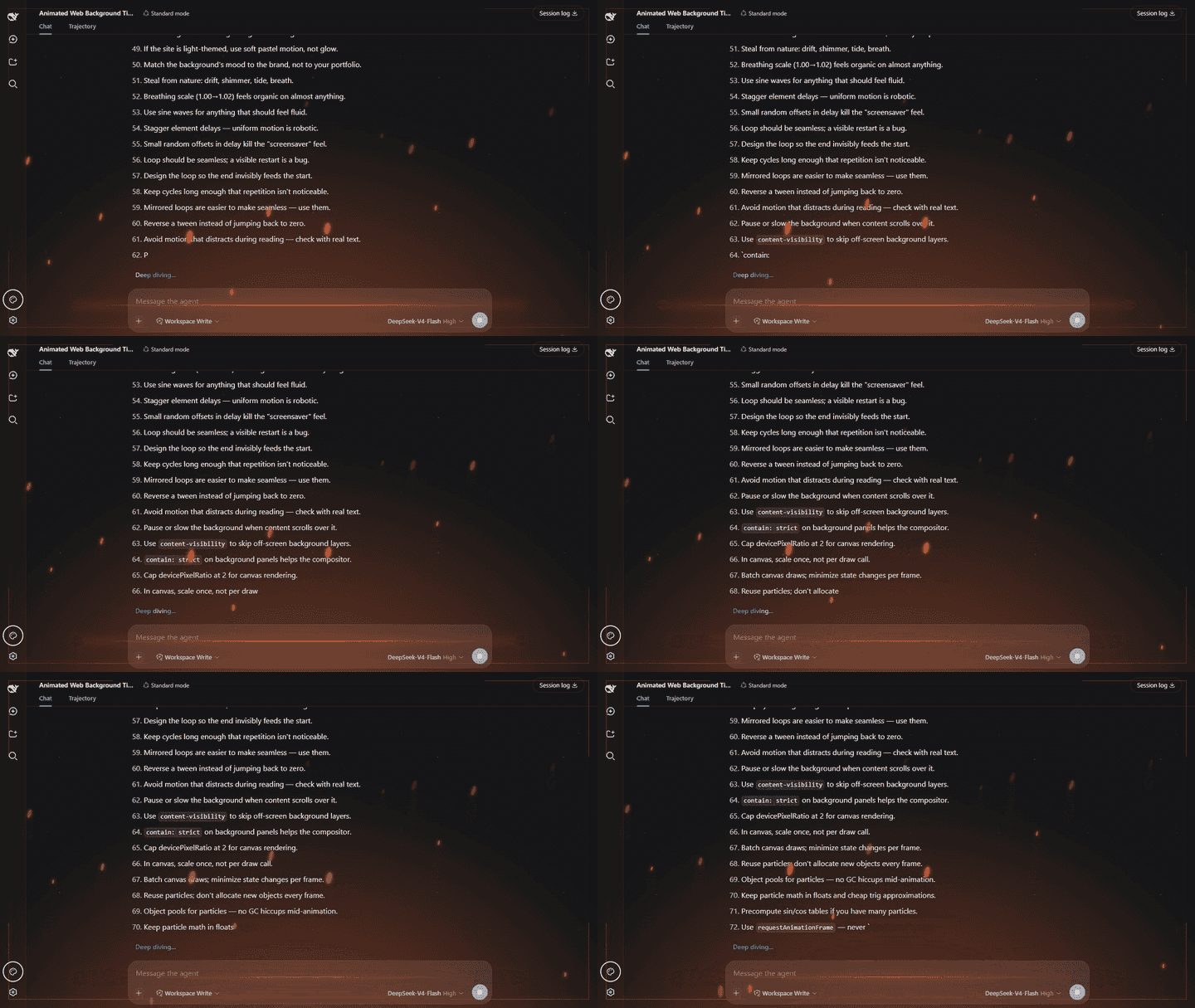
Heat, sparks, and the feeling that the screen might catch fire.
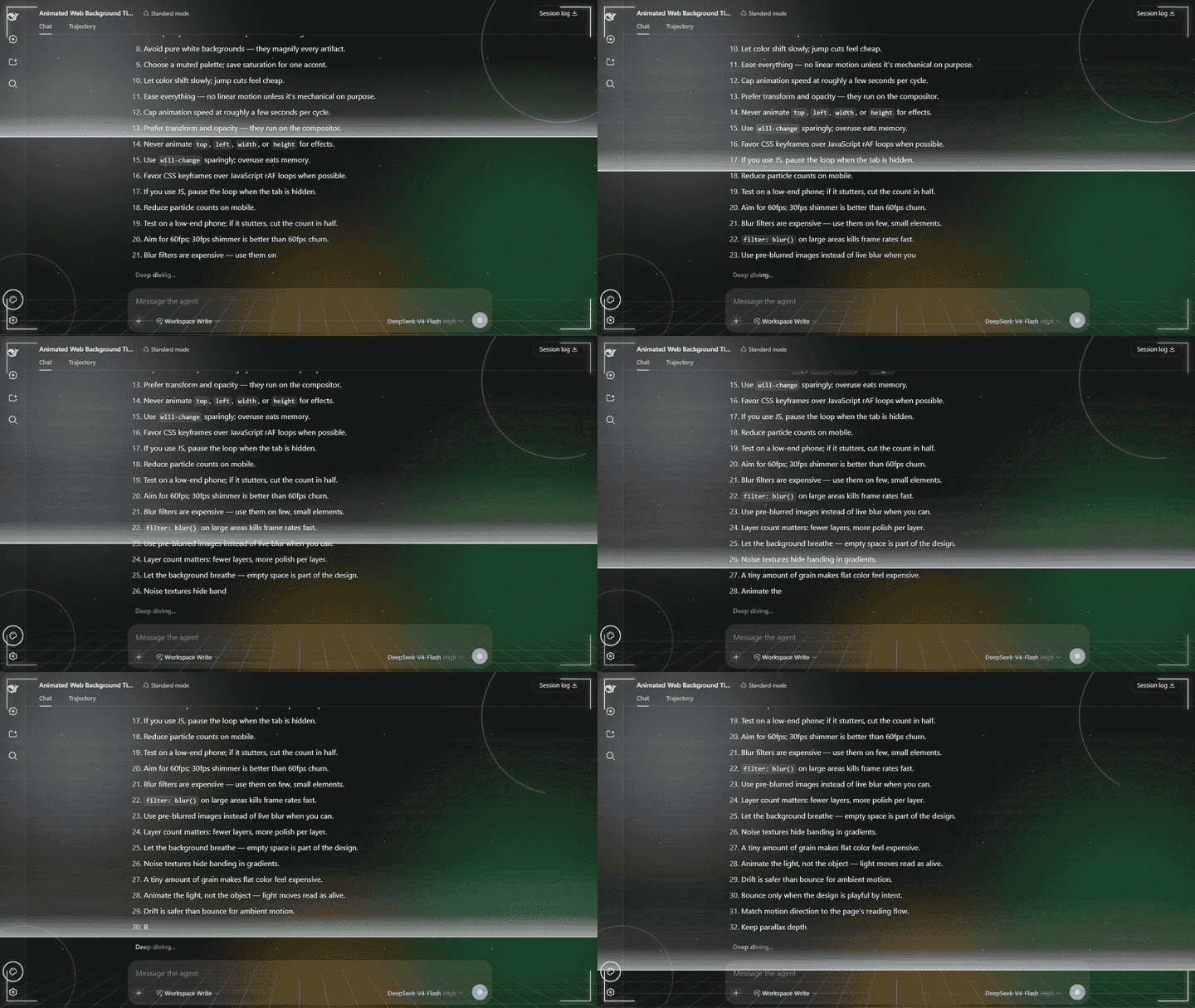
A neon sunset and retro grid, straight out of an '80s arcade.
| Layer | What you get |
|---|---|
| Background (always) | a distinct animated atmosphere for Aurora, Ocean, Ember, Synthwave, or Manbo |
| Thinking HUD (while running, default on) | a theme-specific motion and HUD system |
| Vibe settings | theme dropdown · color controls · thinking-effects switch · theme sound and volume · quick button · reset |
pointer-events: none on every layer, hardened
against the shell's overlay CSS. It can never block a click.useSessions running
flag used by the sidebar, with no polling. You can hide them without hiding
the ambient background.web profile running.pnpm available on your PATH (the dsh plugin command uses it to manage
profile packages).If pnpm --version is not available, install it first with
npm install --global pnpm.
| Harness version | Validation |
|---|---|
0.1.0-rc.8 | Live isolated UI: quick panel, Plugin configuration, persistence, themes, light/dark, rail, and mobile layouts |
0.1.1-rc.2 | Packed bundle add/dump/remove cycle; client module loader, shell.overlay, and running state checked |
Harness is still evolving. If a newer release changes the client contract, please open an issue with the Harness version and browser console output.
dsh plugin --profile web add dsh-vibe@latest --config.minimum-release-age-exclude=dsh-vibe
This downloads dsh-vibe from npm into the Web profile and activates its
bundle automatically. Restart dsh web, then hard-refresh the page (Ctrl+F5).
No manual YAML editing is needed.
dsh plugin --profile web update dsh-vibe
Restart dsh web after updating, then hard-refresh the page.
If you installed an older version by adding a dsh-vibe row to
$DSH_HOME/profiles/web/cordis.patch.yml, remove that row before running
the install command above. The bundle now supplies the row; leaving both copies
would insert the same plugin twice.
After removing the old row, run the install command and restart dsh web.
dsh plugin --profile web add github:unthropic/dsh-vibe
Restart dsh web after installation. This still requires pnpm; it only
changes where the package is downloaded from.
Select the Vibe button in the bottom-left sidebar footer for quick changes. The same controls—and the quick-button switch—are available under Settings → Plugins → Plugin configuration → dsh-vibe.
The Theme dropdown selects a complete visual system:
Changing Theme selects only the visual system; it does not change the color setting. Color settings are independent controls:
Changes appear immediately and are saved through the Harness host. Your theme, color choices, thinking-effects preference, sound settings, and quick-button preference are restored when you return. Manbo's bundled frames adapt to smaller screens, and continuous movement—including frame cycling—stops when your operating system requests reduced motion.
npm install
npm run check
Run npm run demos:render to capture all five theme GIFs from a real, running
DeepSeek Harness UI. It uses http://127.0.0.1:3081/ by default; set
DSH_DEMO_URL to use another address. The selected model provider needs enough
quota for a real response. Set DSH_DEMO_PROMPT to replace the capture prompt.
dsh plugin --profile web remove dsh-vibe
Restart dsh web after removal.
MIT © 2026 Unthropic
FAQs
Five ambient visual themes for DeepSeek Harness: Aurora, Ocean, Ember, Synthwave, and Manbo backgrounds with matching animated thinking HUDs.
The npm package dsh-vibe receives a total of 16 weekly downloads. As such, dsh-vibe popularity was classified as not popular.
We found that dsh-vibe demonstrated a healthy version release cadence and project activity because the last version was released less than a year ago. It has 1 open source maintainer collaborating on the project.
Security News
Cloudflare is acquiring Deno’s team, which will provide another year of bug fixes and security updates before ending support for the runtime.

Security News
Anthropic’s free OSS Scanner uses Mythos and other Claude models to find open source vulnerabilities and send maintainers reports with proposed fixes.

Security News
On Front Lines’ Early Adopters: CISO podcast, Andrew Becherer shares lessons from Datadog, weighs the long-term costs of AI-built tools, and explains how founders can actually gain a CISO’s trust.