

Company News
AWS Security Hub Adds Socket for Supply Chain Security
Socket is now in the AWS Security Hub Extended plan. Adopt it through AWS, apply committed spend, and block malicious open source packages.
By Feross Aboukhadijeh - Aug 04, 2026
gizmoanalytics-mcp
Advanced tools
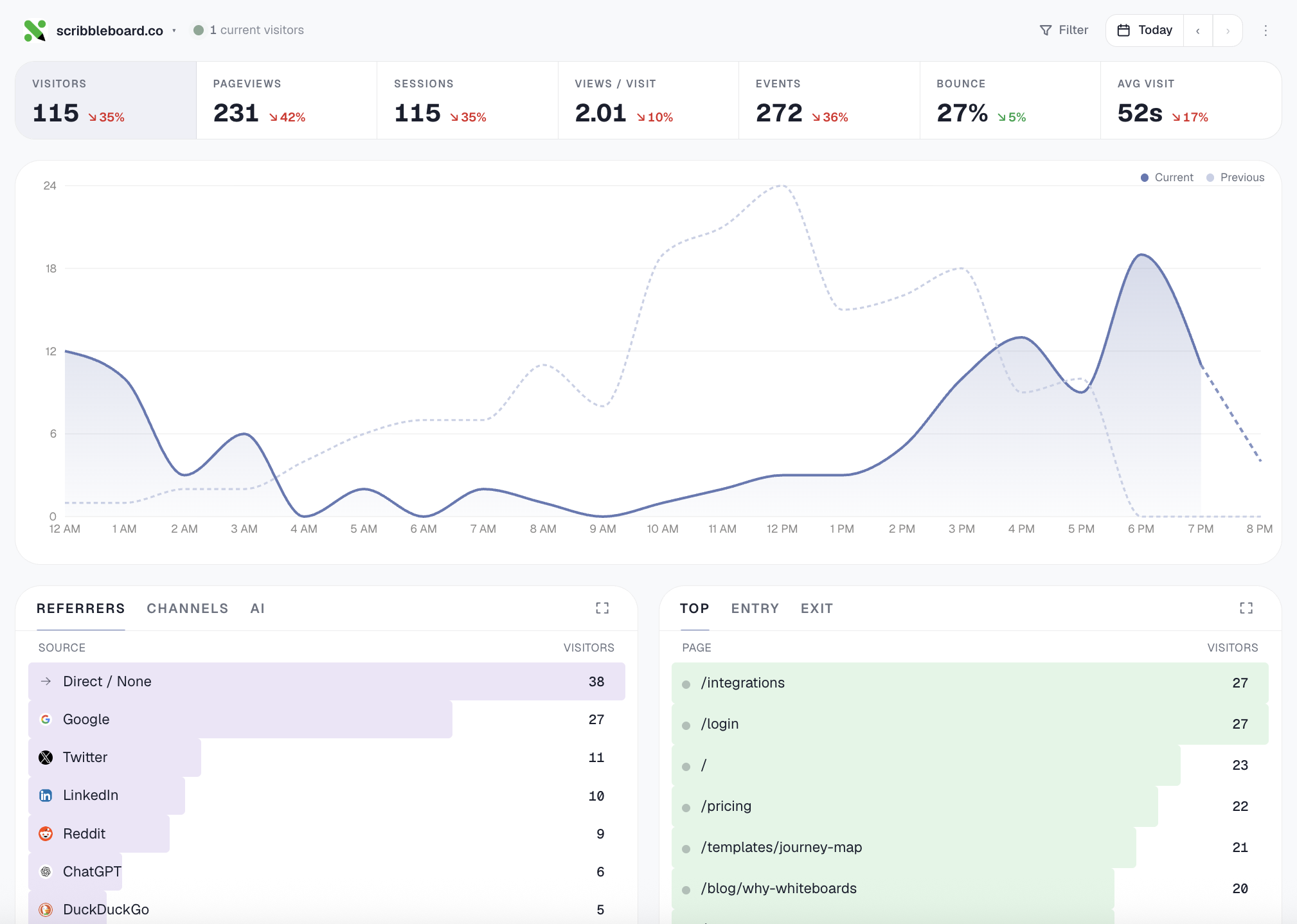
Cookieless web analytics for AI coding agents. Cursor / Claude / any MCP-aware tool installs the tracker in one prompt (framework-aware: Next, Remix, SvelteKit, Nuxt, Astro, Vite, React, HTML), verifies it's tracking, then reads your traffic. OAuth onboar

The MCP server for Gizmo Analytics — cookieless
web analytics with a 28-tool MCP surface (install workflows like
setup_analytics_for_site and verify_install, analyst-grade
compositions like summarize_all_sites and explain_traffic_change,
plus filterable query primitives across every dimension).
The server is hosted at https://gizmoanalytics.io/mcp. This npm
package is the registry ownership marker; there's nothing to run
locally.


In your IDE's MCP settings, add a new server with URL:
https://gizmoanalytics.io/mcp
The IDE will discover the auth server via RFC 9728 metadata, open a browser tab for OAuth consent, and store the resulting token. No API keys to paste, no config files to edit.
If your IDE doesn't yet support OAuth-aware MCP discovery, paste this into your client's MCP config file (Claude Desktop, etc.):
{
  "mcpServers": {
    "gizmoanalytics": {
      "url": "https://gizmoanalytics.io/mcp",
      "headers": {
        "Authorization": "Bearer ak_admin_<your-admin-key>"
      }
    }
  }
}
Get an admin key at https://gizmoanalytics.io/dashboard/keys.
"Why did traffic drop yesterday?"
"Which of my sites is growing fastest?"
"Add foo.com to Gizmo and install the tracker"
"Track signup events on this button"
"Top pages from Germany last quarter"
setup_analytics_for_site bundles site creation + framework-
aware snippet + paste-target file path + next-action plan into one
call. verify_install confirms the script is loading by fetching
the homepage.create_site, get_install_snippet,
get_event_tracking_snippet, get_badge_snippet, add_site_tags,
goals + funnels.summarize_all_sites,
rank_sites_by_growth, identify_dead_sites, detect_anomalies,
explain_traffic_change.get_workspace_overview, get_site_traffic,
get_top_pages, get_top_referrers, get_breakdown (any of
country / browser / device / channel / AI source / city / etc.),
get_time_series, query_events, breakdown_by_property. All
support stacked filters (country=US AND device=mobile) and
custom date ranges.Full docs: https://gizmoanalytics.io/mcp-analytics
MIT
FAQs
Cookieless web analytics for AI coding agents. Cursor / Claude / any MCP-aware tool installs the tracker in one prompt (framework-aware: Next, Remix, SvelteKit, Nuxt, Astro, Vite, React, HTML), verifies it's tracking, then reads your traffic. OAuth onboar
We found that gizmoanalytics-mcp demonstrated a healthy version release cadence and project activity because the last version was released less than a year ago. It has 1 open source maintainer collaborating on the project.
Did you know?

Socket for GitHub automatically highlights issues in each pull request and monitors the health of all your open source dependencies. Discover the contents of your packages and block harmful activity before you install or update your dependencies.
Company News
Socket is now in the AWS Security Hub Extended plan. Adopt it through AWS, apply committed spend, and block malicious open source packages.

Research
/Security News
Popular npm packages keyv and cacheable compromised.

Security News
A misconfiguration gave three Anthropic models internet access, and one, believing it was in a simulation, shipped a credential-stealing package to PyPI.