GPT Turbo - Implementation - CLI
A CLI that interacts with the gpt-turbo library
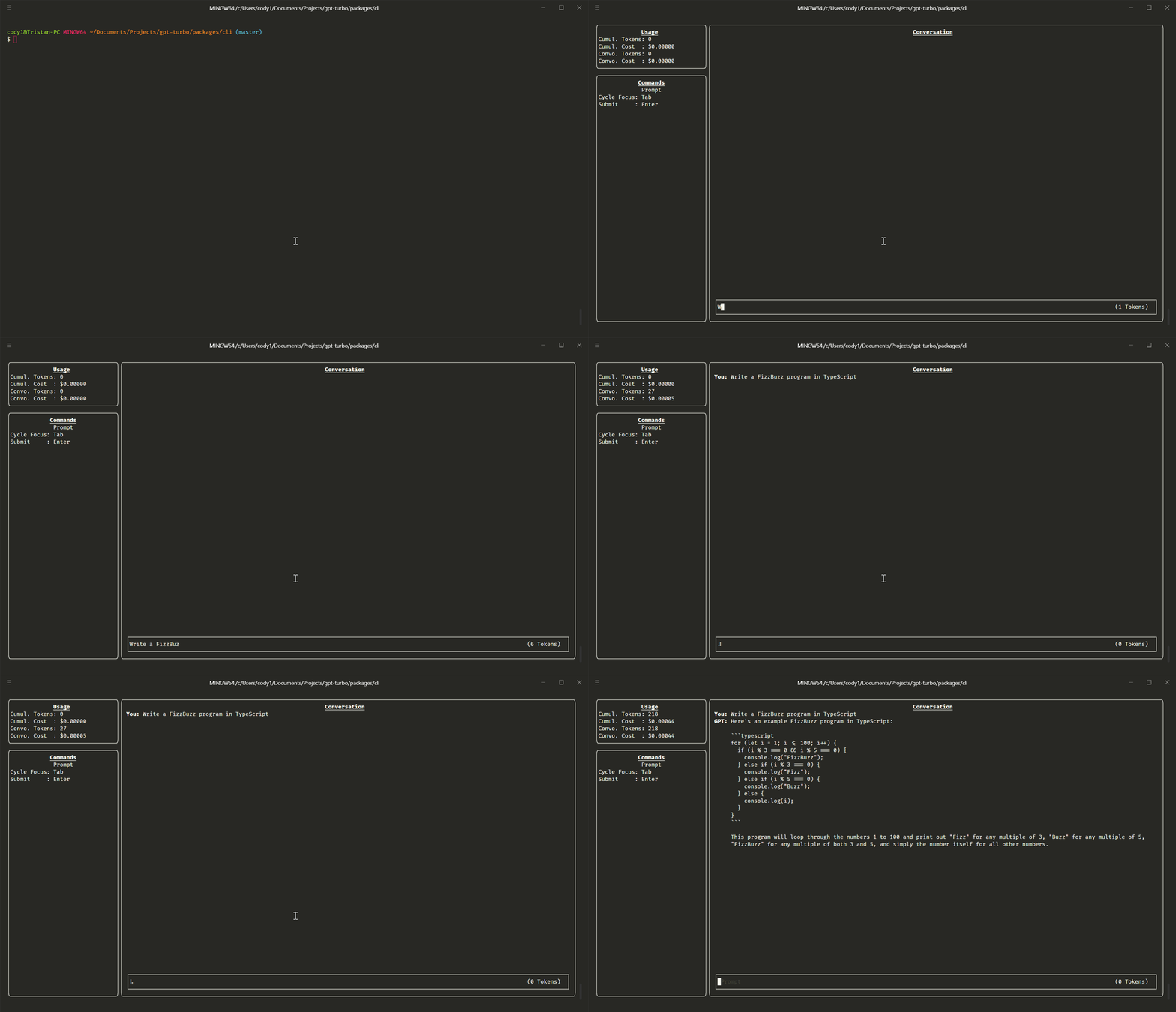
Installation
npm install -g gpt-turbo-cli
Usage
# Display help for the CLI
gpt-turbo --help

# Start a conversation with the GPT model
gpt-turbo -k <your OpenAI API key>

# Stream the conversation just like ChatGPT
gpt-turbo -k <your OpenAI API key> -s
CLI Options
Here's a table of the CLI options. Note that all CLI arguments can also be passed as environment variables. For example, you can pass your OpenAI API key as GPTTURBO_APIKEY instead of -k. Arguments always take precedence over environment variables. Refer to the library's conversation config for more information on the options default values.
While GPTTURBO_* environment variables must have the value "false" to be set to false, arguments need to be prefixed with --no-. e.g. --no-stream to set streaming to false.
| apiKey | k | GPTTURBO_APIKEY | string | Your OpenAI API key | (library default) | |
| dry | d | GPTTURBO_DRY | boolean | Run the CLI without sending requests to OpenAI (mirror input as output) | (library default) | |
| model | m | GPTTURBO_MODEL | string | The model to use. | (library default) | |
| context | c | GPTTURBO_CONTEXT | string | The first system message to set the context for the GPT model | (library default) | |
| disableModeration | M | GPTTURBO_DISABLEMODERATION | boolean | Disable message moderation. When left enabled, if dry is true and apiKey is specified, message will still be moderated, since the Moderation API is free. | (library default) | |
| stream | s | GPTTURBO_STREAM | boolean | Streams the message instead of waiting for the complete result | (library default) | |
| soft | S | GPTTURBO_SOFTMODERATION | boolean | Keep moderating messages, but don't throw an error if the message is not approved. Ignored if disableModeration is true. | false | |
| usage | u | GPTTURBO_SHOWUSAGE | boolean | Show the usage window at app start | false | |
| debug | D | GPTTURBO_SHOWDEBUG | boolean | Show the debug window at app start | false | |
| save | | GPTTURBO_SAVE | boolean | string | Save the conversation to a json file. Set to true to use a default timestamped filename, or set to a string to use that as the filename. | false | |
| load | | GPTTURBO_LOAD | string | Load a previously saved conversation from a json file. | false | |






