Kcals
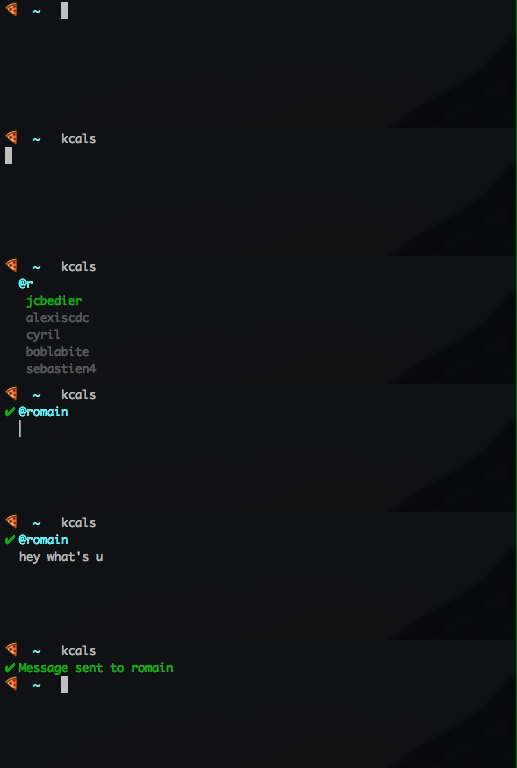
A minimalist Slack cli for when you don't want to quit your terminal to send one message.
Installation
$ npm i -g kcals
On the first use, Kcals will ask you a token, generate one here: https://api.slack.com/custom-integrations/legacy-tokens.
Usage
$ kcals
You can also give the receiver and message directly:
$
$ kcals @romain hello how are you
If there is a single match with the name provided, the message will be sent directly.
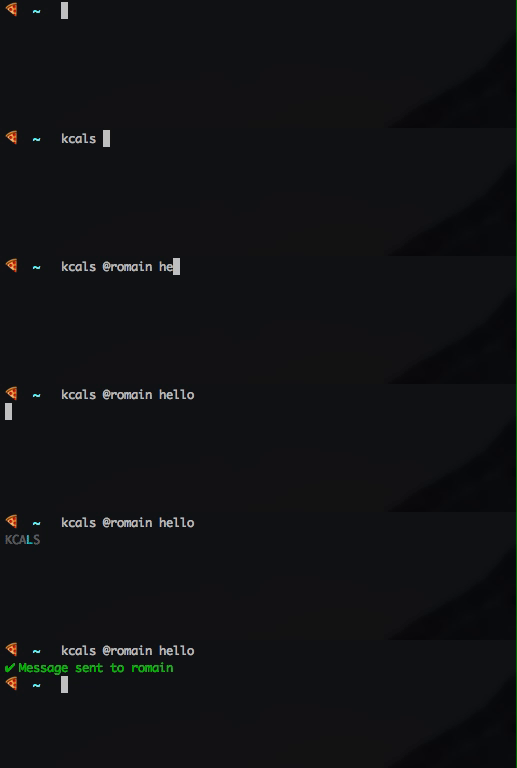
You can also simply give the name of the receiver:
$ kcals @romain
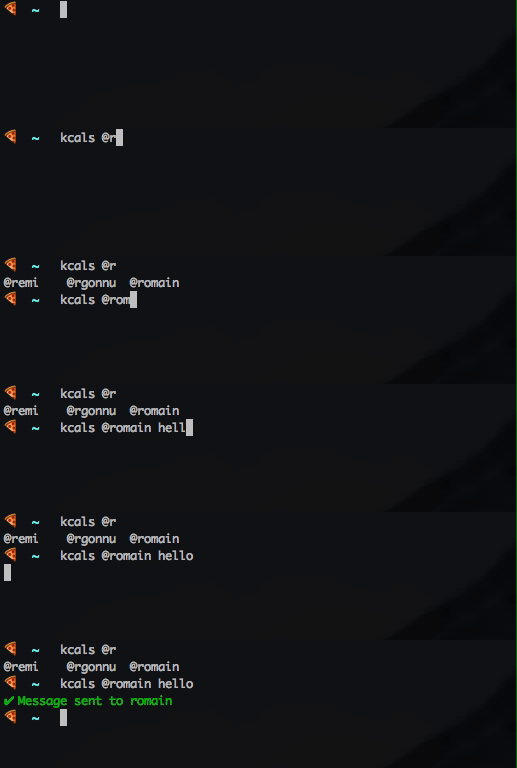
Autocompletion
To activate autocompletion with Kcals, copy the file kcals-completion.bash to your user directory and add source ~/kcals-completion.bash to your .bash_profile. You can now use kcals with autocompletion for users:
Todo
- fix display after config file creation (use ink)
- paste does not work
- support new line with cmd + enter?
License
MIT





